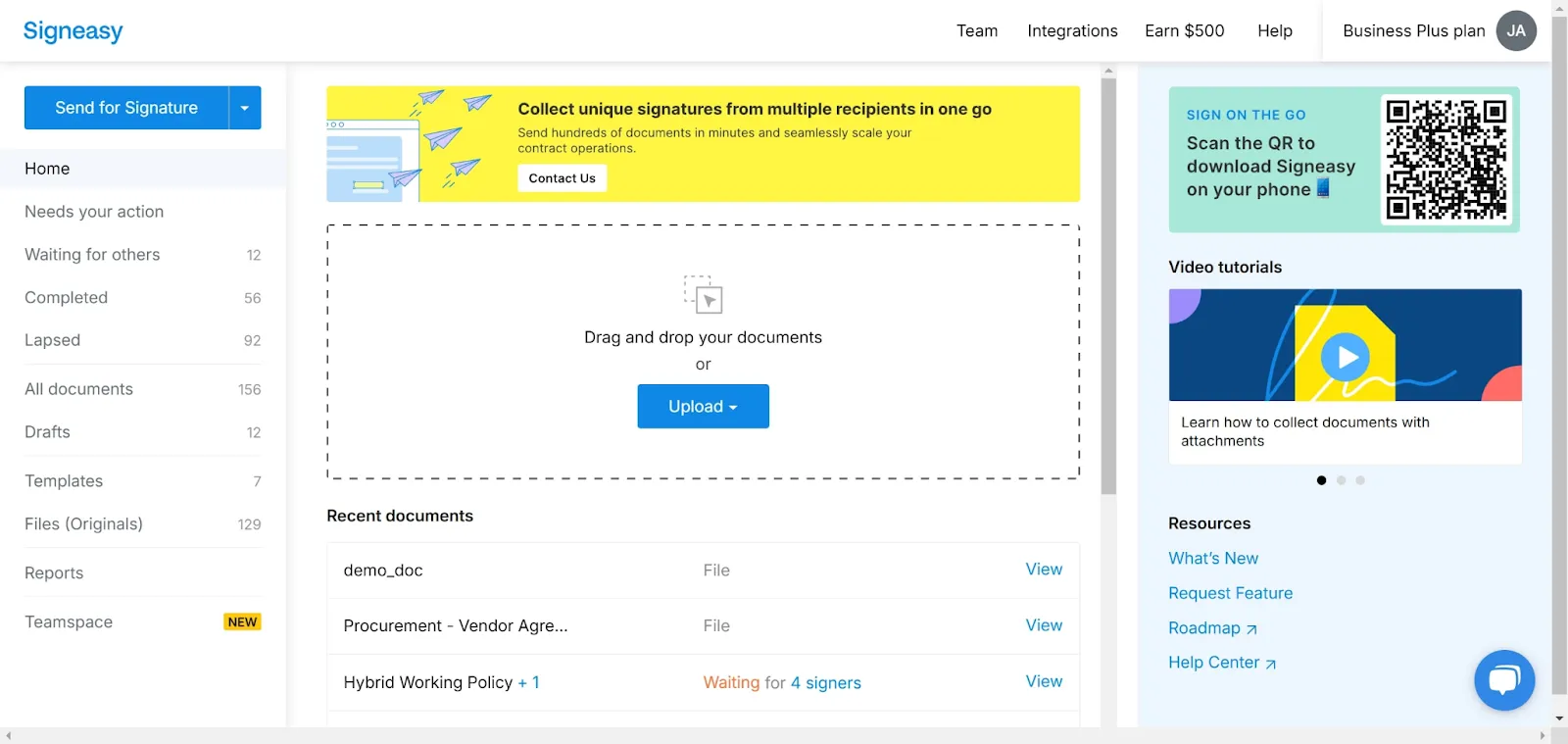
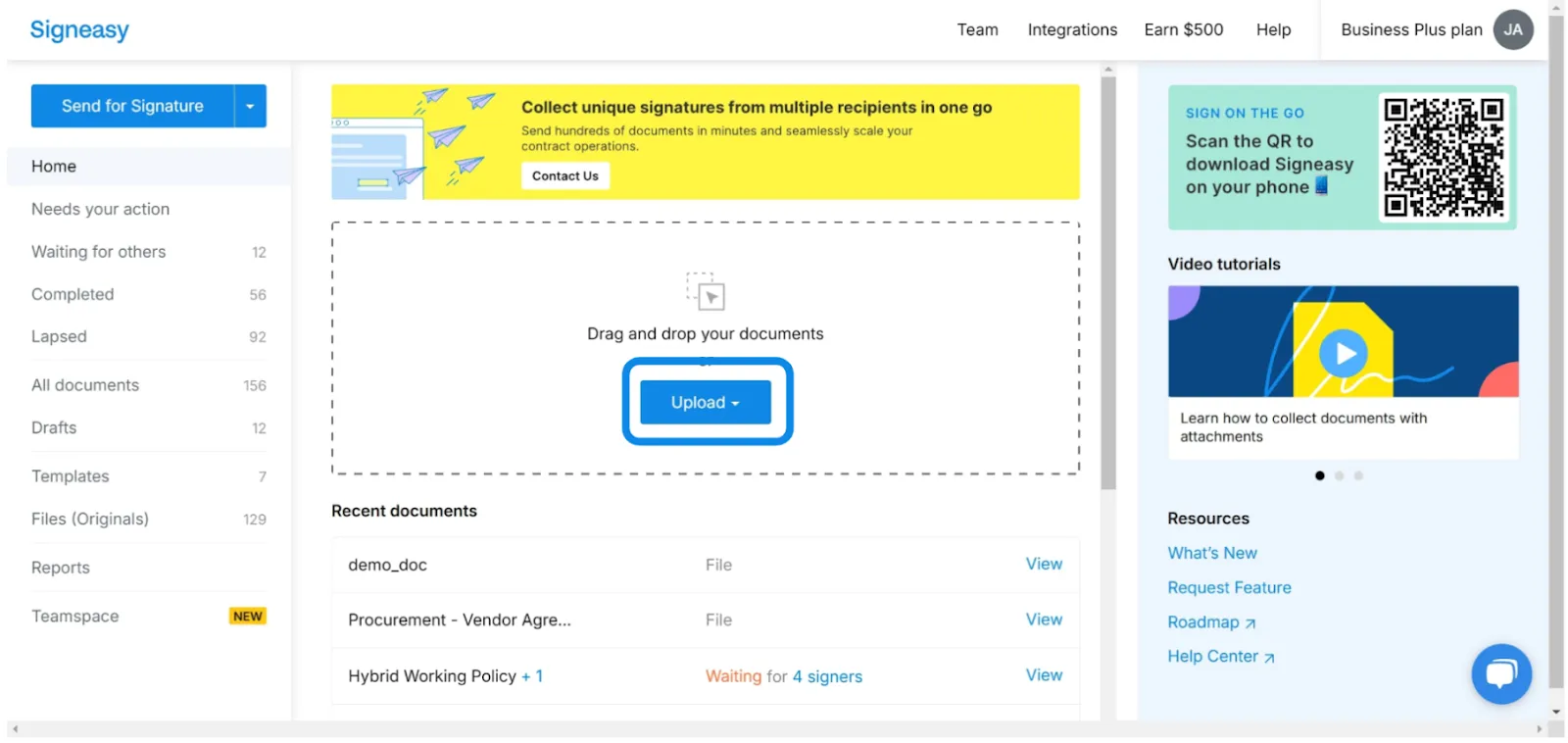
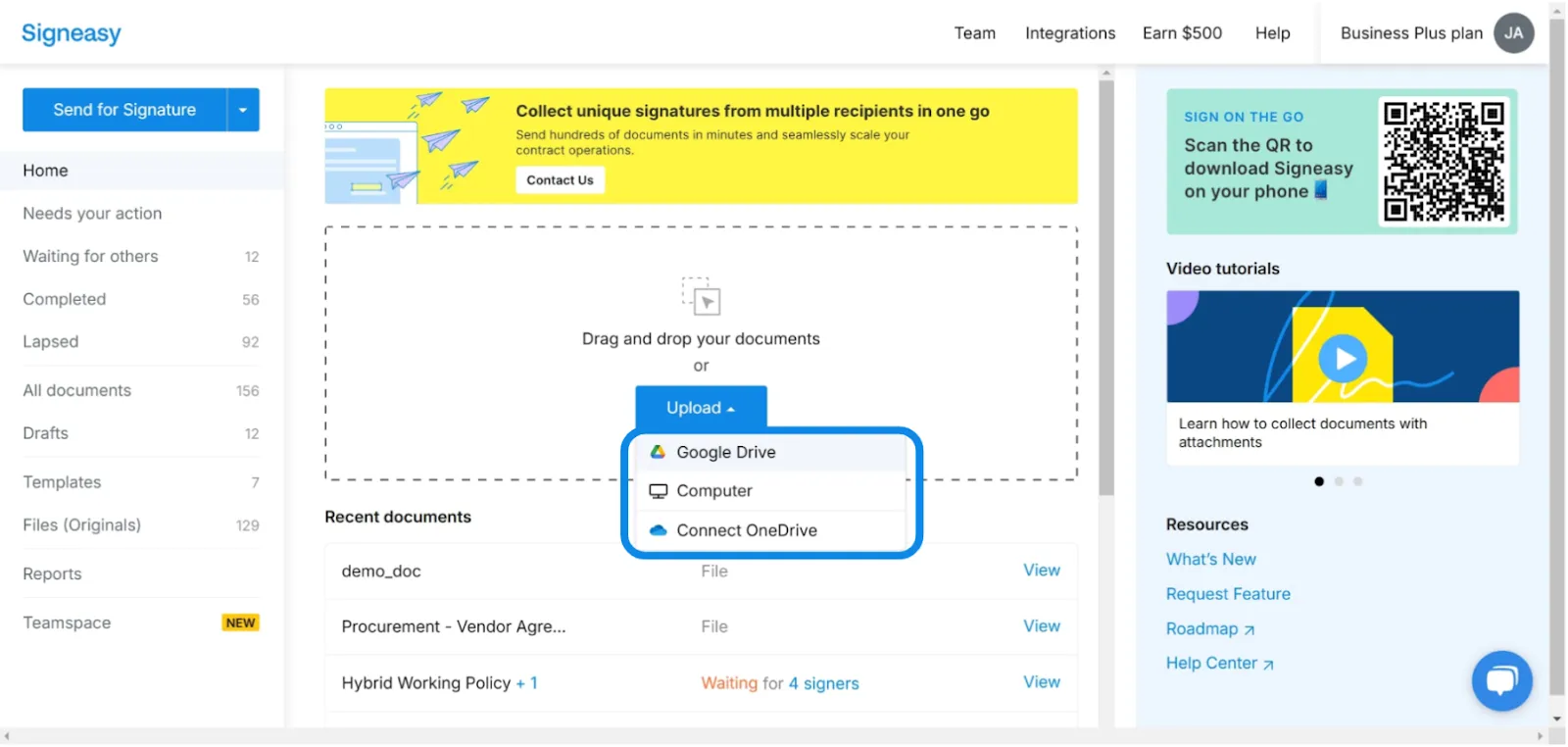
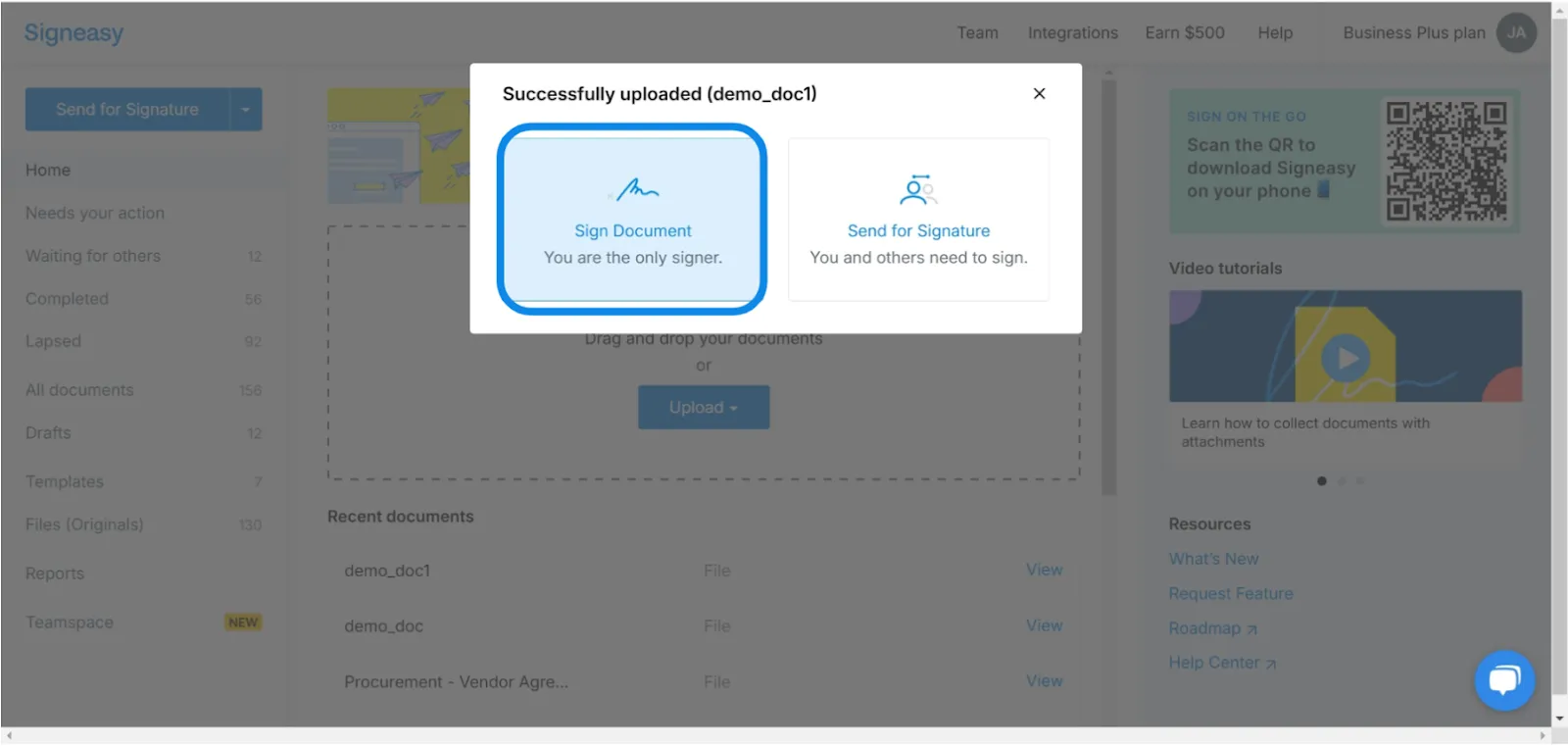
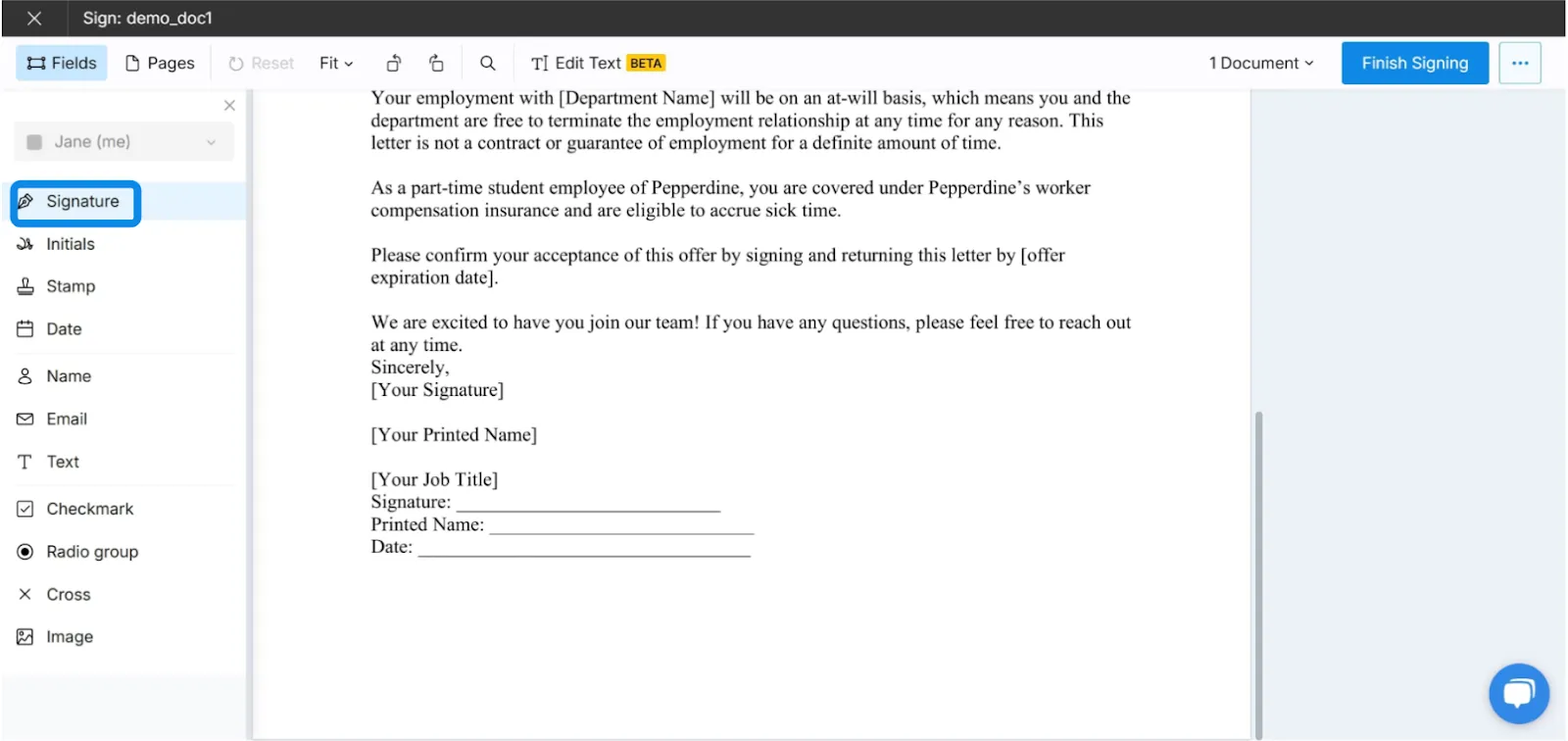
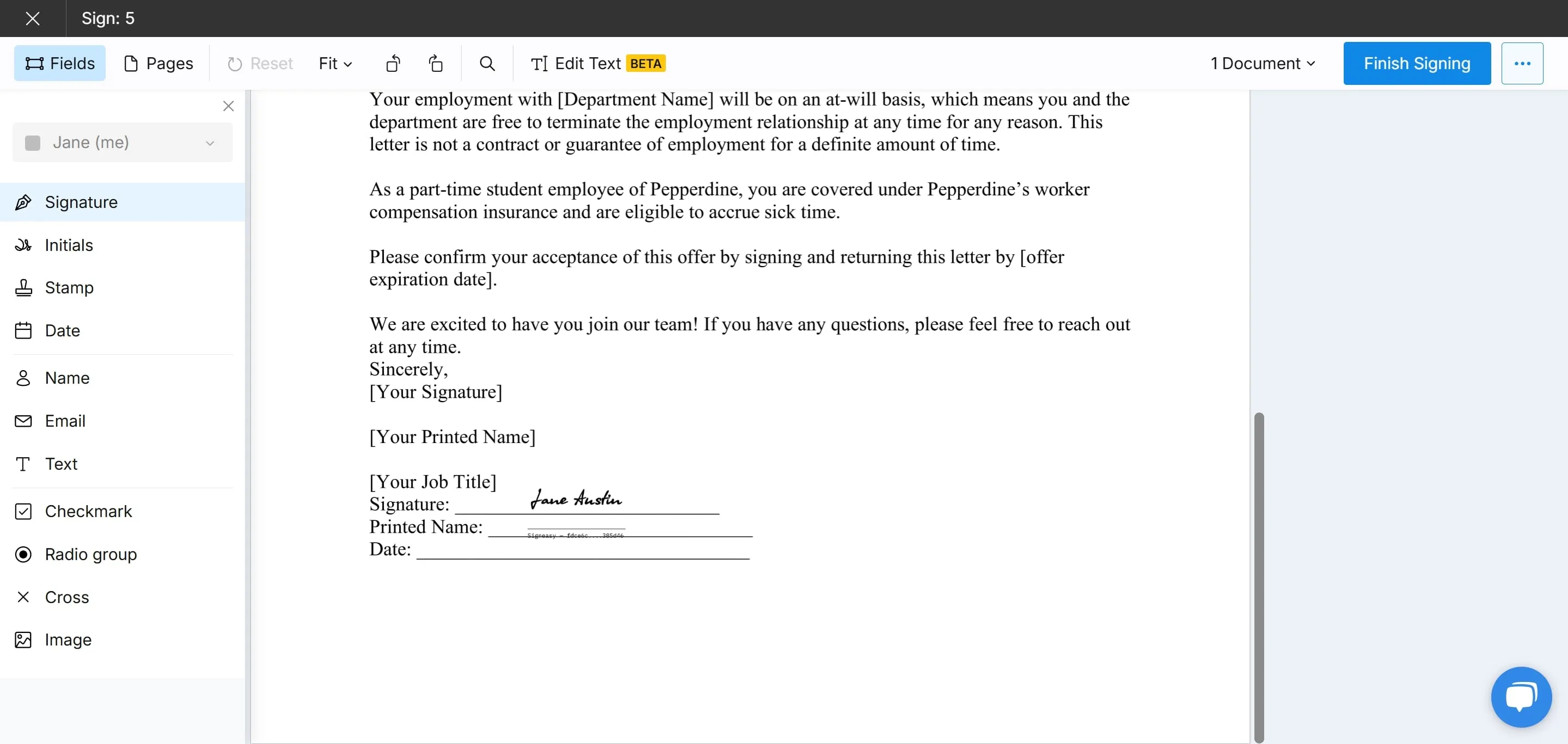

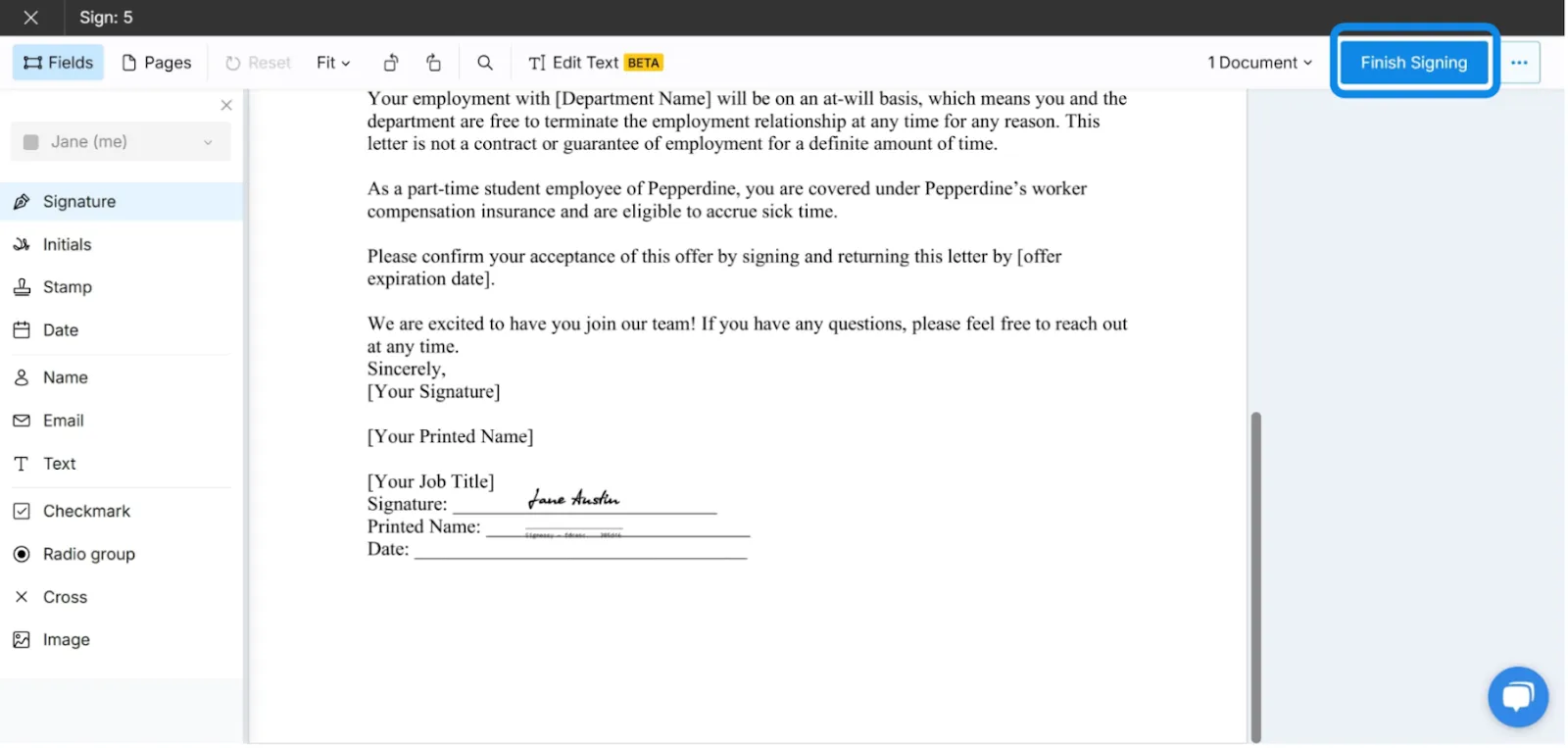
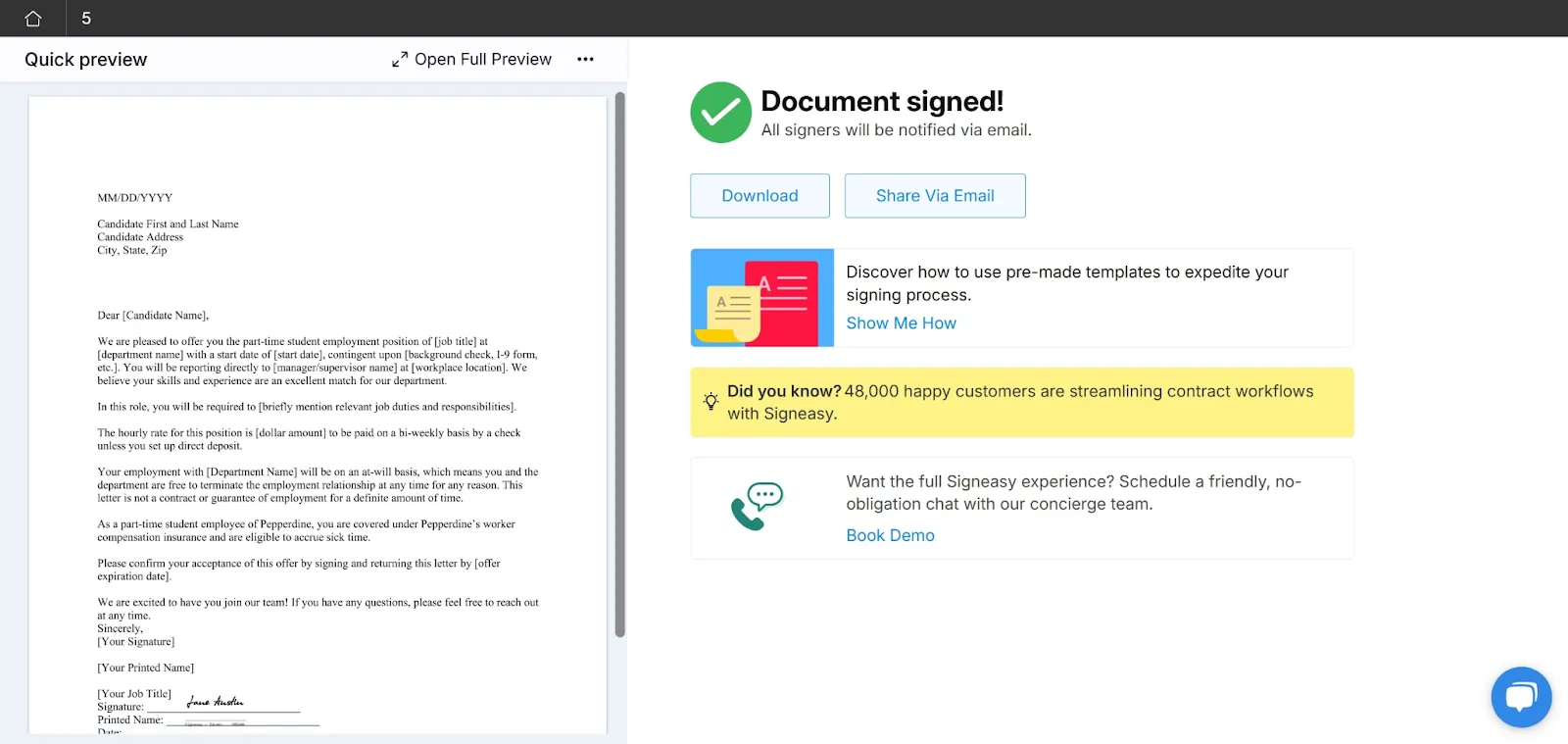

Upload your document, set up signers and signing order, and send it ahead for signatures within minutes.

eSign Act & eIDAS compliant. Much safer than traditional documents with signer verification, and audit trails.

Easily sign documents from anywhere, from any device, across geographies.

Sign off and close business deals in seconds. eSignatures provide flexibility in time-sensitive scenarios.

Physical paperwork can be expensive. Electronic signatures save you valuable money and effort.

No paper wasted. No trees butchered. Ecosystems saved.




.webp)

