




![[24]7.ai](https://cdn.prod.website-files.com/5f7d6d69c230c16738e9c910/66b08120fb2cada498a6850b_Logo_Black_Orange.svg)












Frequently asked questions
How to install the Signeasy add-in on Outlook?
Visit the Microsoft AppSource store, search for “Signeasy for Outlook,” and click “Get it now.” Follow the prompts to install the add-in.
Alternatively, within your Outlook account, navigate to the “Add-ins” section. Use the search bar to find “Signeasy.” Click on the Signeasy add-in, and then follow the on-screen prompts to install it.
Alternatively, within your Outlook account, navigate to the “Add-ins” section. Use the search bar to find “Signeasy.” Click on the Signeasy add-in, and then follow the on-screen prompts to install it.
How do I use the add-in on the Outlook app?
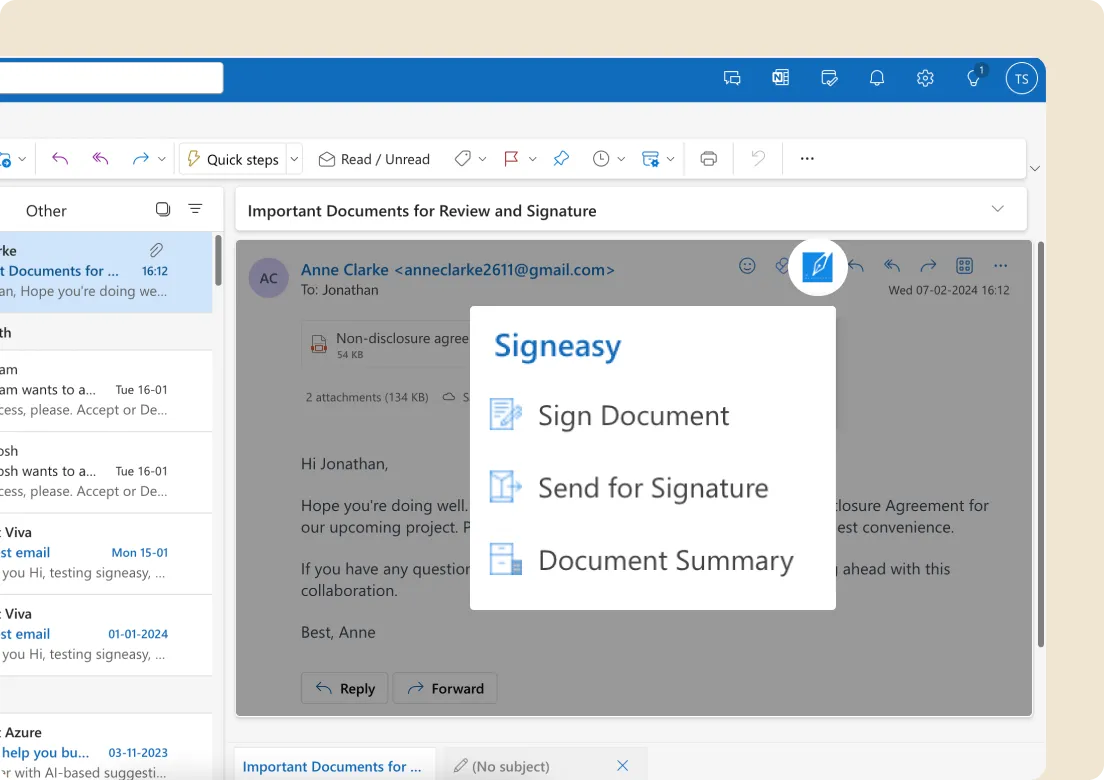
Using the Signeasy add-in in the Outlook app is easy. Open Outlook, access an email with an attachment needing a signature and find the Signeasy icon in the top menu or toolbar. Click it to open the Signeasy add-in. Follow Signeasy’s instructions to sign the document electronically.
How do I add a PDF signature to Outlook?
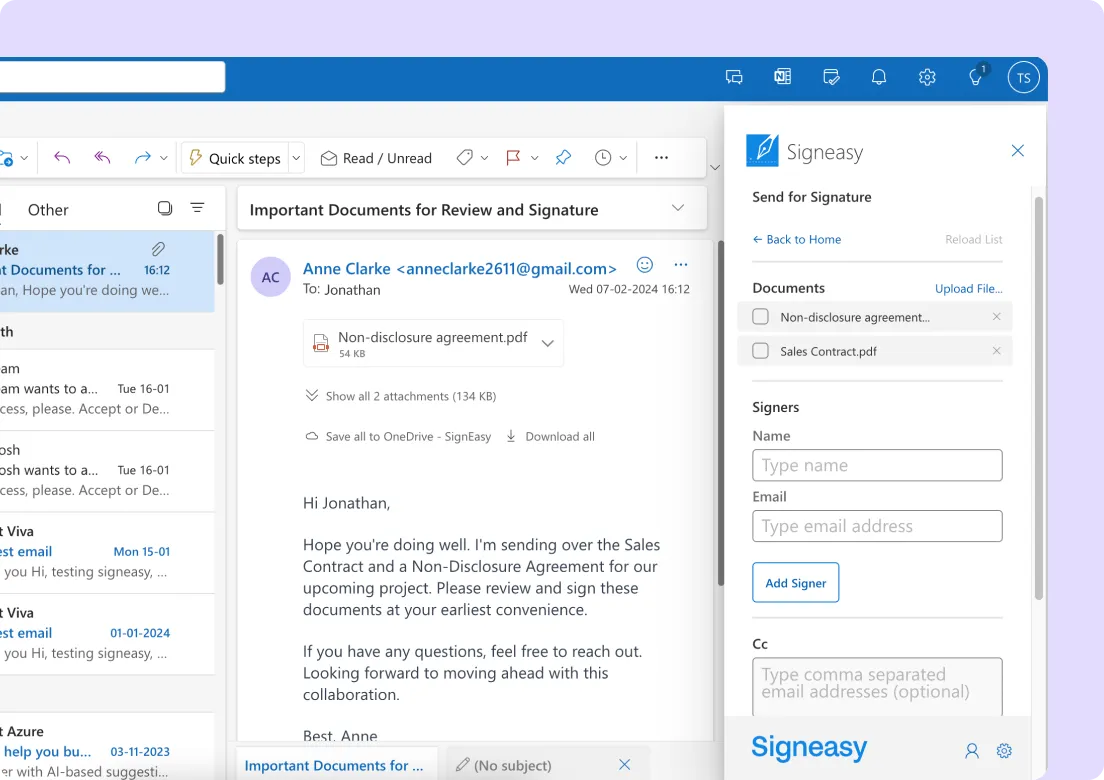
To add a PDF signature to an Outlook email, open a new email or reply to an existing one. In the email window, click the Signeasy icon in the top menu or toolbar. This opens Signeasy. Upload the PDF needing your signature and use Signeasy to eSign it. After signing, insert the document into your email before sending it.
Do my signers need to sign up with Signeasy to sign the email attachment?
No, your signers won’t need to download or sign up for Signeasy. They can sign the email attachment as guest users by simply verifying their email addresses.
Can I sign a document myself?
Of course. Once you open the email with the attachment you need to sign, click Sign. You can then add your signature and other fields like name, date, etc., and sign the attachment.
Which Signeasy plans include the Microsoft Outlook integration?
The integration is accessible to users who have Personal, Business, or Business Pro account with Signeasy.