
How to get a certificate of authenticity for a signature

Start Free Trial
Rachana Chotia
Rachana Chotia
Content Marketing Manager
Published On
April 29, 2025
Updated On

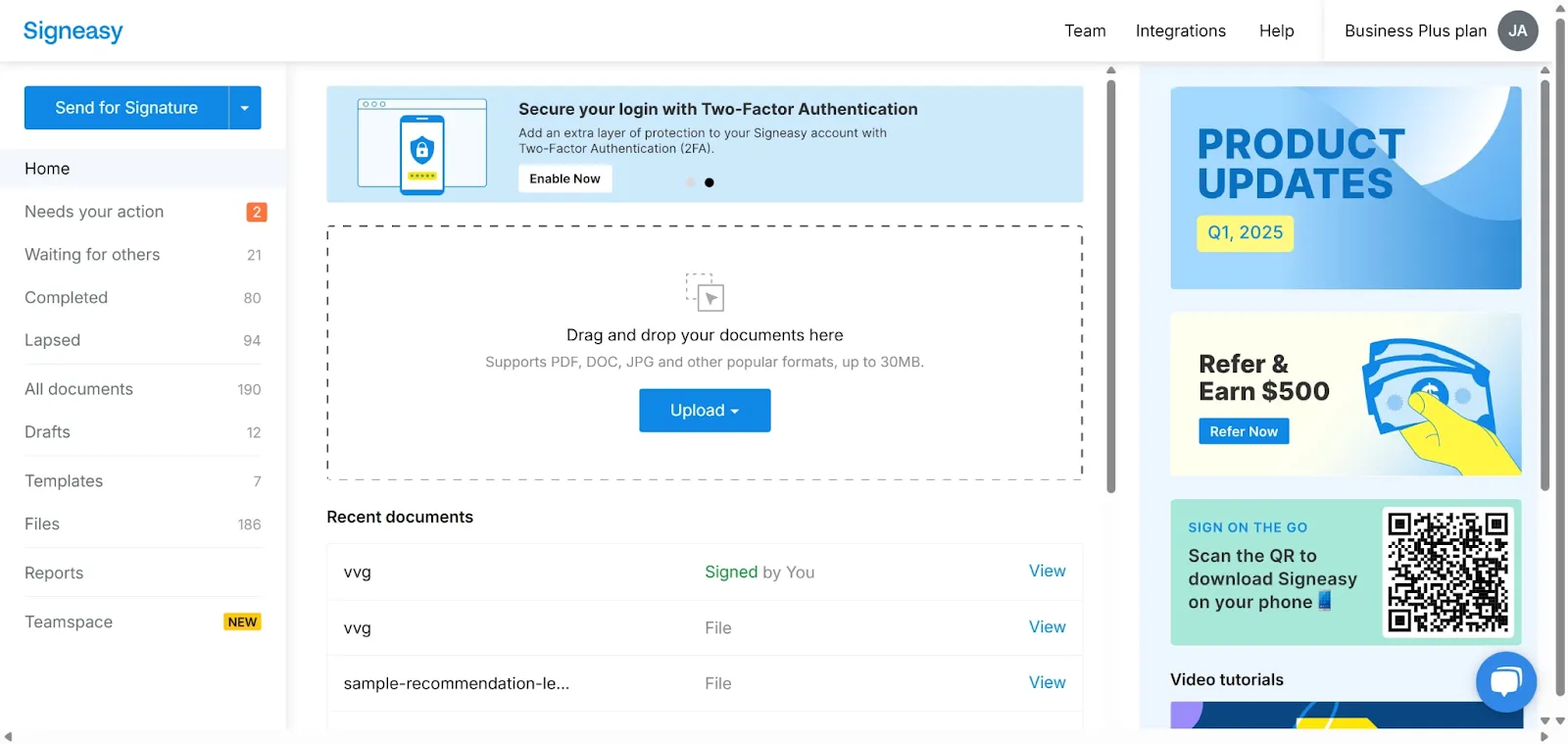
1. This guided demo shows how to get a certificate of authenticity for a signature using Signeasy.

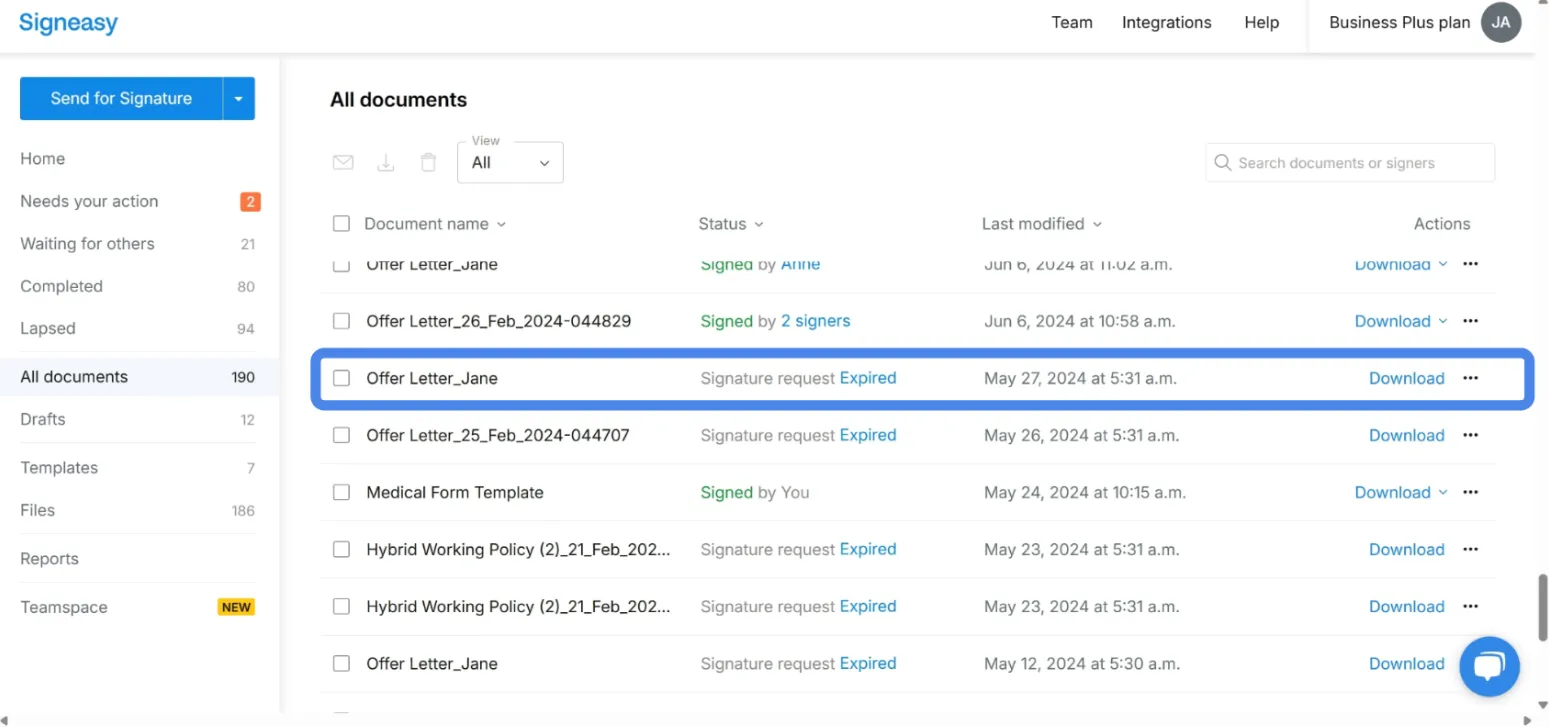
2. Click on **"All Documents"** to view all your signed documents.

3. You can get a Certificate of Authenticity for a signature by downloading the audit trail of a signed document.

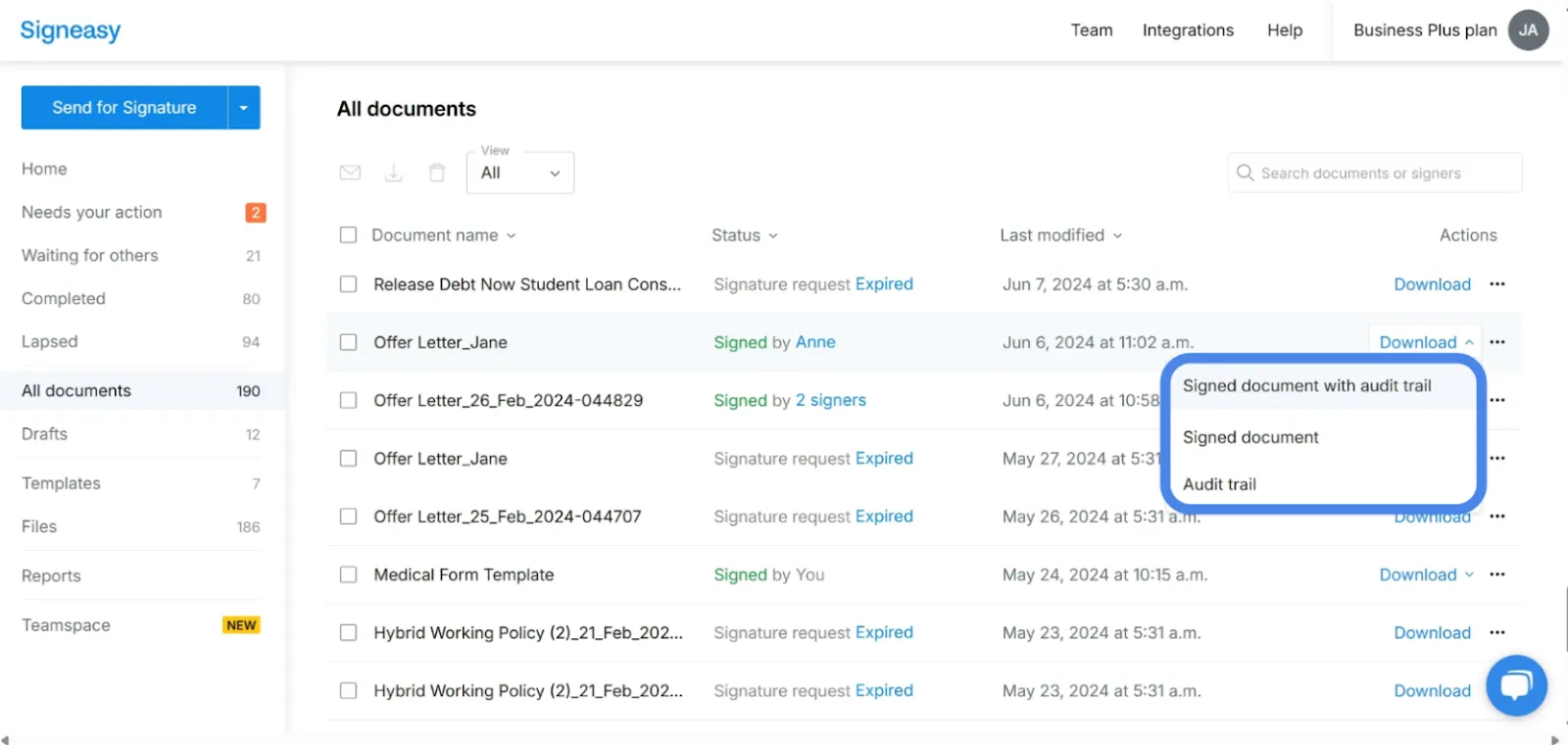
4. Download the audit trail by clicking on "**download**" corresponding to the signed file you need the certificate for.

5. Choose your preference – you can download either just the audit trail or the audit trail along with the signed file.

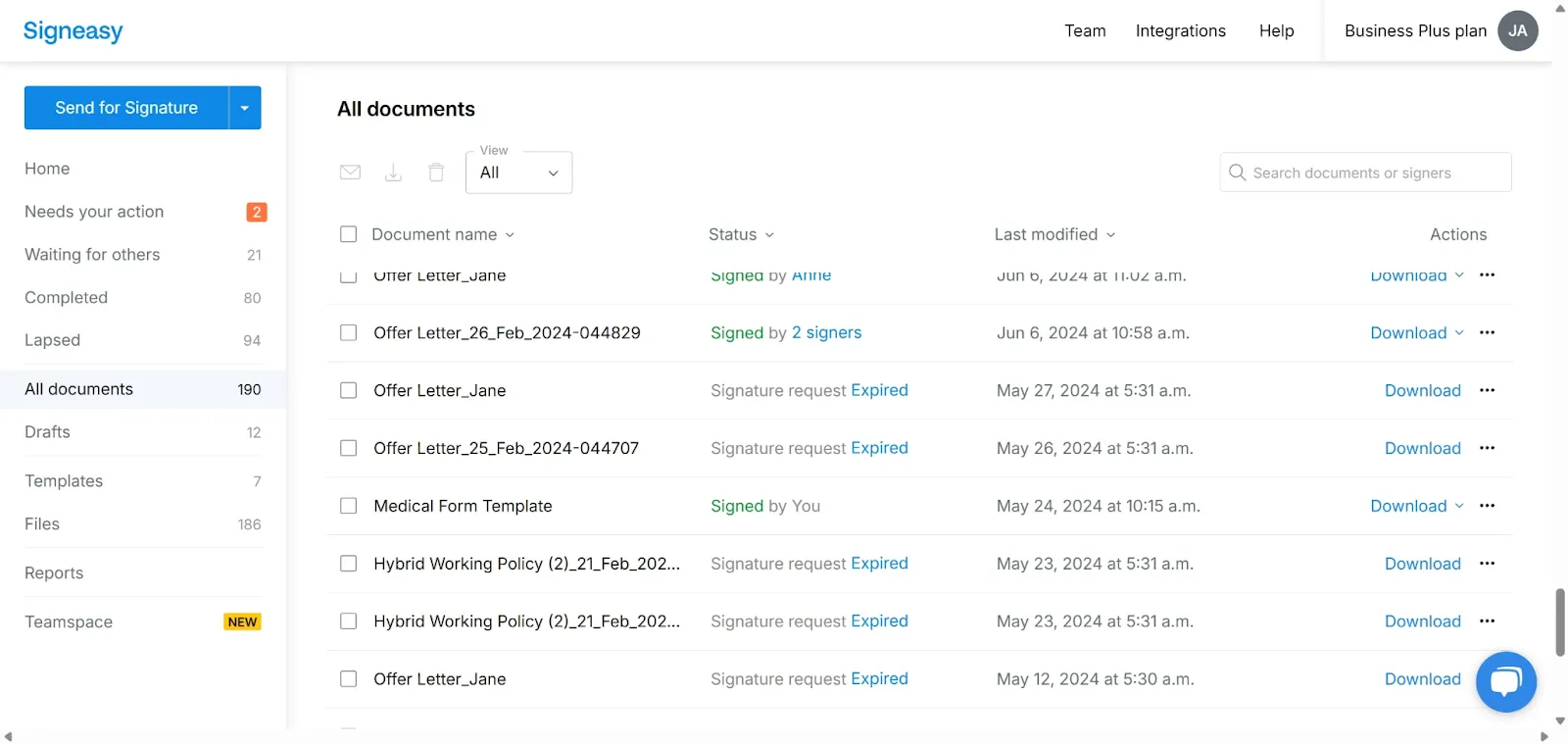
6. The downloaded file includes detailed information such as: - Signer email address - Fingerprints - Reference IDs - This audit trail acts as a legally valid Certificate of Authenticity.

7. You have successfully downloaded the audit trail for the signed document and obtained the certificate of authenticity for the signature.

Frequently asked questions

Start Free Trial

Related articles

How To Scan Multiple Pages Into One PDF

How To Scan Multiple Pages Into One PDF

How to sign an Excel spreadsheet

How to sign an Excel spreadsheet

How to combine signed PDF files

How to combine signed PDF files
