


Integrate seamless signature workflows into HubSpot and accelerate deal closure rates

Trusted by more than 48,000 businesses worldwide






Meet Our Customers

Signeasy add-on brings eSignatures to Google Workspace apps
Meet Signeasy for HubSpot
Easy-to-send
Prepare and send a contract for eSignatures within minutes using Signeasy's add-on. Use reusable templates with customer data mapped from HubSpot, and send it to multiple signers at once.
Install Add-on


Easy-to-track
Know when your customers open your contracts, the time it takes for them to respond with an eSignature, and the journey in between. Track all the movement from ‘sent’ to ‘completed’.
Install Add-on
Easy-to-close
Close deals faster with minimal manual intervention. Send automatic reminders to follow up with customers directly from HubSpot.
Install Add-on


Easy-to-sign
Give your customers a delightful signing experience on any device of their choice. Signeasy helps everyone sign easily and securely from the web or mobile apps.
Install Add-on
Easy-to-trust
With Signeasy, you can trust your documents are handled securely. Our software complies with HIPAA, SOC 2, and adheres to eSign laws such as ESIGN and eIDAS.
Install Add-on


"We use Signeasy nearly every day to sign sales agreements, job offers, and NDAs for Sales teams. The best part is that you know where exactly the document is in the workflow, and how many people have signed it. You instantly get notified when all the signees have completed their actions.”
Mark O' Toole


"With Signeasy, paperwork that took 12-24 hours now takes 2-4 minutes. That means, what earlier took an entire workday is now completed in a tea break. Efficiency is up by 99.7%. Deals are saved because they can be secured in real time."
Robert Couture
Skip the back-and-forth. Sign and send hiring docs from your existing tools

Frequently asked questions
What are the pre-requisites to installing the add-on?
In order for a smooth and hassle free setup we recommend you to complete the following prerequisites before starting the setup process:
• Signeasy Admin Account credentials: The person installing the HubSpot app from the HubSpot Marketplace must be a system administrator in your org or should have access rights to install an app from the Marketplace.
• The login email of the HubSpot user must be the same as the login email of Signeasy
If you do not have a valid Signeasy account, you can create one here.
• Signeasy Admin Account credentials: The person installing the HubSpot app from the HubSpot Marketplace must be a system administrator in your org or should have access rights to install an app from the Marketplace.
• The login email of the HubSpot user must be the same as the login email of Signeasy
If you do not have a valid Signeasy account, you can create one here.
How to install the Signeasy add-on on HubSpot?
The Signeasy HubSpot integration can be installed in 2 ways:
Method 1:
• Installing the Signeasy app in the HubSpot account via the HubSpot Marketplace. Follow the steps shown below:
◦ Open HubSpot App Marketplace.
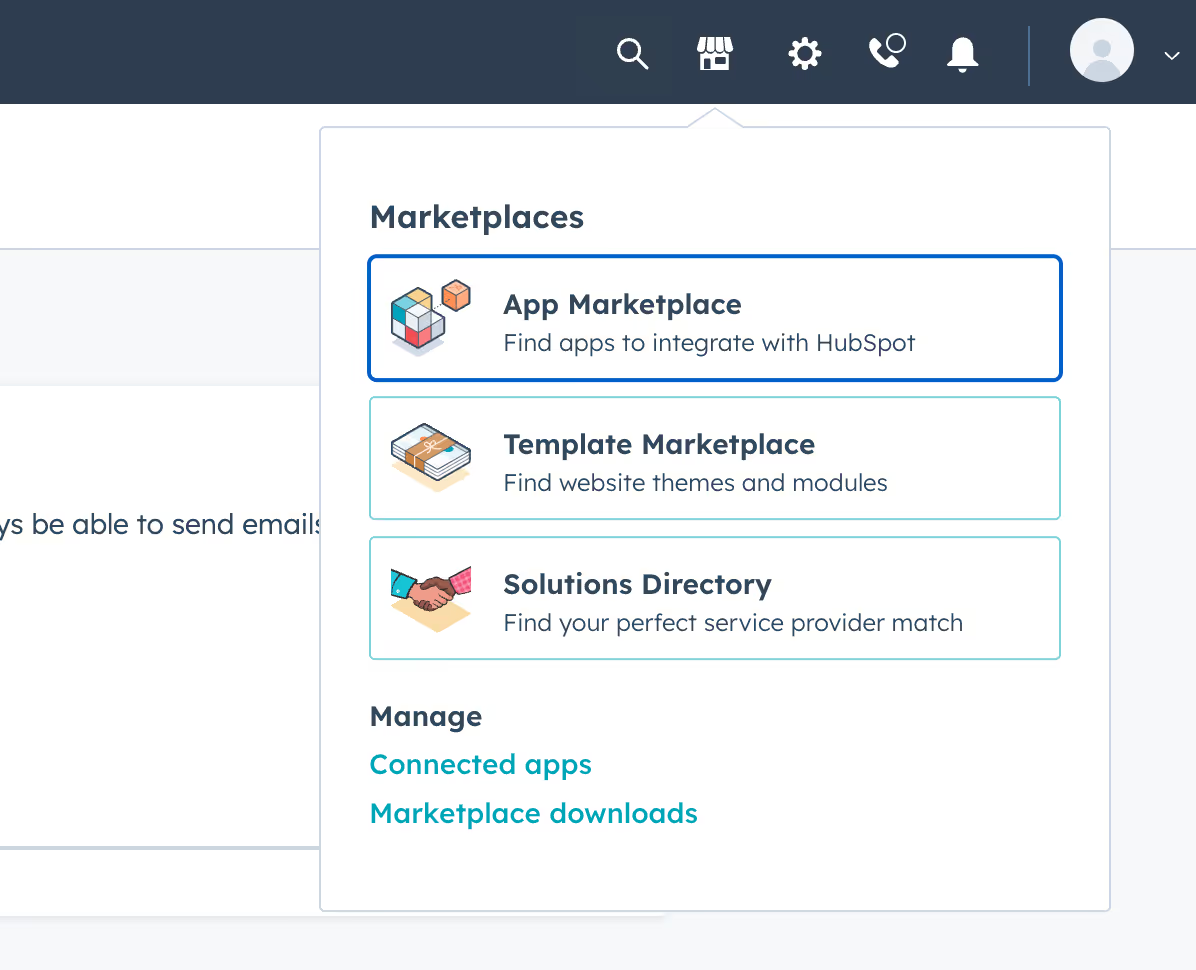
◦ From the category section, browse to the Sales Enablement Category and Search for Signeasy
◦ Install the Signeasy add-on
Method 2:
• Installing the HubSpot integration on the Signeasy workspace:
◦ Login to your account from app.signeasy.com
◦ Go to Integration from the header bar
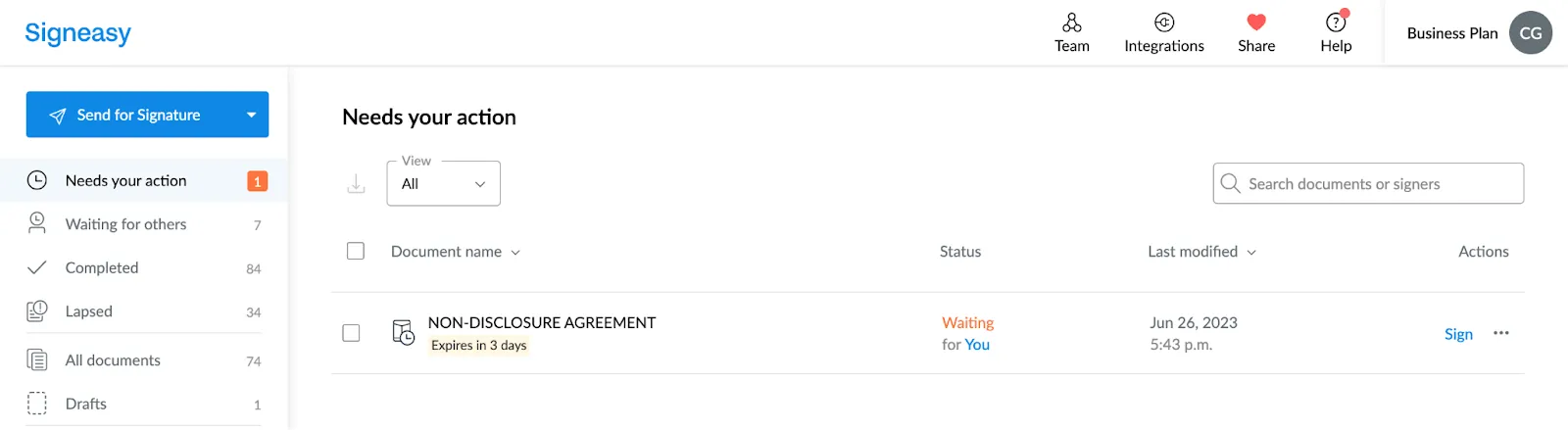
◦ Open the Integration Workspace setting
◦ Head into the ‘HubSpot’ integration card
◦ Click on ‘Try Now’. You will be redirected to the authorisation page of HubSpot
What are the add-on requirements?
• The integration can be installed by Signeasy admin or Admins of HubSpot.
• The Signeasy for HubSpot Integration is available on Business Pro plan of Signeasy with an additional cost of $20/user.
How to use the Signeasy for HubSpot integration?
• Open a HubSpot Deal, Contact or a Company
• You should be able to view the 'Signeasy' CRM card on the right side
• Click on the “Send for Signature” button
• Select a “Template” or upload a document
• Configure the fields required for signingClick on the 'next' button
• Send the contract for a test review or eSigning.
Which templates are available on this integration?
All templates that are created by the users from Signeasy’s Web app are available. This also includes 'shared' templates as well as single and multi-role templates.
How to download a Completed File on the HubSpot add-on?
To access the option of downloading the Certificate along with the signed document or the signed document itself, you can find it under the Actions tab within the Signature Request card view.