

Education contracts rarely stay in one office. Procurement manages agreements with vendors and service providers, research teams manage sponsored agreements, and HR and academic departments have their own approval processes. When agreements are scattered across drives and email chains, institutions struggle to track renewals, reporting obligations, and contract ownership.
The best education contract management software connects these records across the contract management process, from approval and signing to storage and renewals. This guide compares 12 platforms based on their capabilities, pricing, and fit for institutional workflows.
12 best education contract management software tools at a glance
The table summarizes the main buyer fit of each platform and its starting contract management pricing where publicly available.
Pricing note: When evaluating the best education contract management software tools, prices are shown in USD where published. Signeasy's ICM plans are separate from its eSignature-only subscriptions. ContractSafe's Organize plan starts at $450/month when prepaid annually, with unlimited users. Custom quotes should specify seats, contract volumes, modules, integrations, and implementation services.
Comparing contract management costs across departments? We'll demonstrate Signeasy ICM Core and ICM Pro using a sample institutional agreement.
Why education teams look for contract management software
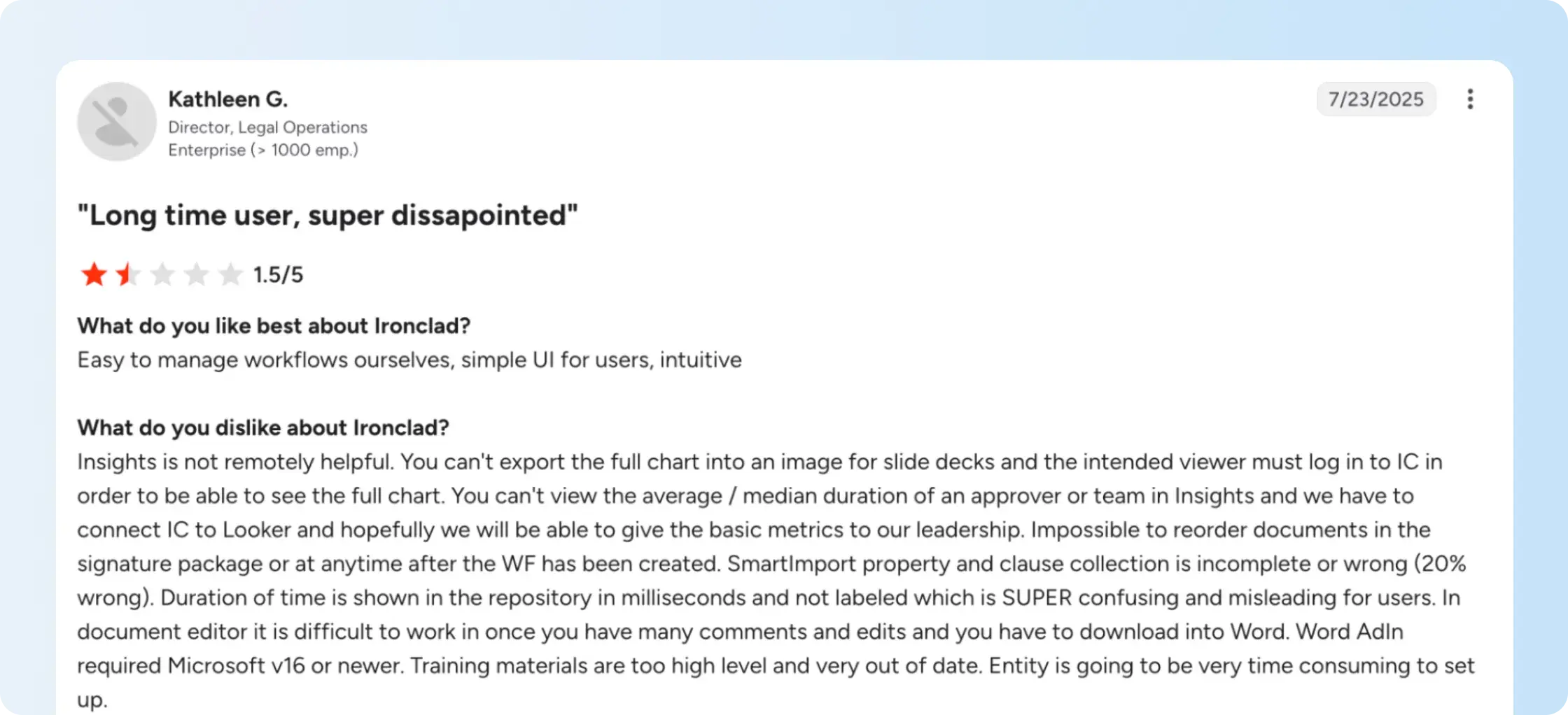
The best education contract management software should support procurement, HR, research, finance, and academic departments without treating every agreement the same way. These offices have different responsibilities, but contracts often require shared approvals and ongoing tracking. When departments store agreements separately, administrators struggle to identify contract owners, find approved documents, and monitor deadlines. Our higher education contract management overview explains how shared records and departmental access work together.
Contracts are spread across departments
A university department may manage vendor contracts in SharePoint, while research and HR have their own document management processes. When central administration needs a contract, employees must identify which department owns it and where the latest document is stored.
A university should test whether authorized departments can retrieve the same agreement without circulating additional copies. For example, procurement might own a supplier contract, while finance needs access to its payment terms and legal staff need the approved version. Our contract management for teams guide explains how ownership and access permissions work across departments.
During a product demonstration, use an existing supplier agreement to test whether authorized employees can find the final version, assigned owner, and renewal date.
Approvals cross multiple offices
An agreement may need approval from a department head, procurement, finance, and legal counsel before reaching the authorized signer. When employees manage these steps through email, tracking outstanding approvals and updating documents becomes harder.
Approval workflows also need to handle revisions before signing. If legal counsel changes a clause after finance approves an agreement, employees need to know whether the revised document requires another approval and who is authorized to make that change. Our contract management workflow guide explains how approval ownership, document changes, and handoffs fit into a defined process.
Institutions need to retrieve contract information quickly
Risk management, audits, budget reviews, and supplier renewals often require staff to retrieve agreements signed months or years earlier. Finding the document is only the first step. Staff also need to identify the contract value, relevant terms, owners, dates, and obligations.
A repository should support more than downloading an old agreement. During a supplier renewal, procurement needs to locate the notice period and contract value, while finance needs information about upcoming commitments. Institutions can use a contract risk management checklist to identify which terms, fields, and reports should be accessible.
When evaluating the best education contract management software, test repository search and reporting with actual supplier, research, and faculty contracts. Ask employees to retrieve a signed version, find a specific clause, and export relevant contract values, owners, and renewal dates. This shows whether the system supports the information departments need for budget reviews and audits.
How we evaluated the best education contract management software
We compared the 12 platforms using published vendor documentation, pricing information, education-specific offerings, and implementation requirements. The assessment covers the entire contract lifecycle, from preparation and approvals to signing, storage, and renewals. Our contract management software comparison provides additional context on the main product categories.
To identify the best education contract management software, the evaluationcovers:
- Institutional workflows: Vendor, procurement, research, employment, licensing, and affiliation agreements.
- Approval management: Routing, permissions, department access, and administrative oversight.
- Lifecycle coverage: Templates, drafting, negotiation, eSignature, storage, search, and post-signature tracking.
- Renewals and obligations: Date alerts, notice periods, reporting commitments, and contract ownership.
- Integrations: Microsoft 365, Google Workspace, procurement, ERP, and APIs where relevant.
- Implementation and pricing: Modules, seats, usage allowances, migration, configuration, and administrative requirements.
We evaluated Signeasy using the same criteria as the other platforms. Product capabilities are based on vendor documentation, while the Signeasy customer example reflects an individual experience.
The 12 best education contract management software tools
The best education contract management software for a university will reflect whether the institution prioritizes searchable records, procurement workflows, or full contract lifecycle management. The following profiles distinguish each platform's documented capabilities, plan restrictions, and implementation requirements.
1. Signeasy
Signeasy brings eSignature and intelligent contract management together for growing education teams. The separate Signeasy ICM plans support agreement preparation, approvals, signing, and post-signature tracking through shared workspaces and a searchable repository. AI-assisted contract search and renewal reminders help departments retrieve signed and imported agreements and follow upcoming deadlines.
Key capabilities: Signeasy supports reusable templates, sequential and parallel approvals, electronic signatures, and automated signing reminders. Shared workspaces organize agreements with role-based access, while the intelligent contract repository stores signed and imported contracts. AI Insights supports contract intelligence by extracting important contract details, while renewal reminders help track expiration dates and obligations.
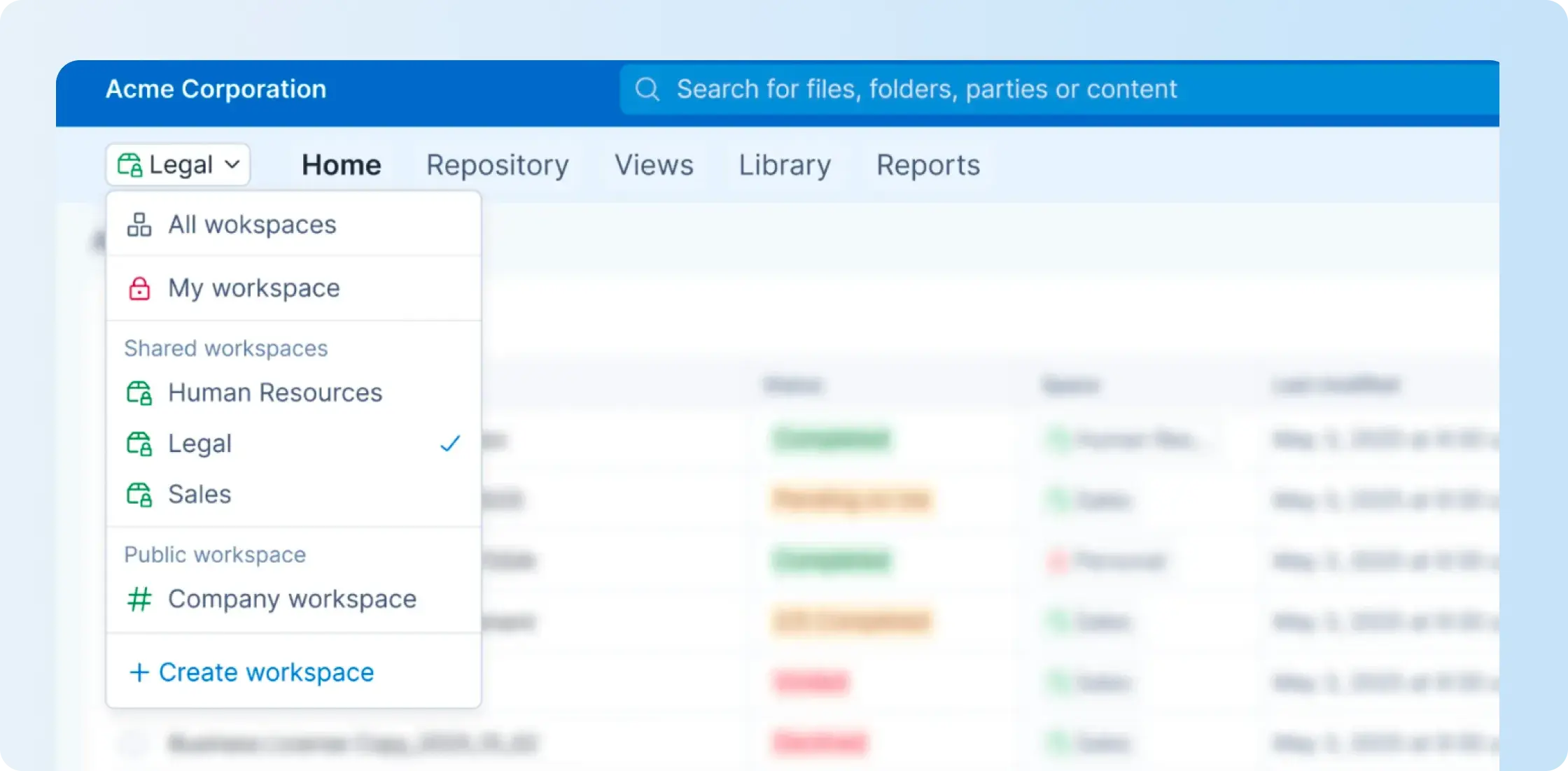
A project manager described how Signeasy helped their team manage agreements that required signatures in a specific order. Previously, documents were sent to everyone at once, sometimes resulting in signatures arriving before an earlier review was complete. With signing order and delegation, the team could route agreements between participants and avoid delays when an authorized signer was unavailable.

Trade-offs: Signeasy's intelligent repository, AI search, and renewal tracking are offered through separate ICM plans. The ICM Core plan costs $45 per seat per month with a three-seat minimum and includes five shared workspaces. ICM Pro costs $60 per seat per month with the same minimum and adds unlimited shared workspaces, custom contract types, single sign-on (SSO), bulk contract migration, and white-glove onboarding. Institutions should compare department access requirements and support needs before choosing a plan.
2. CobbleStone Contract Insight
CobbleStone Contract Insight is a contract lifecycle management platform that manages contract requests, document preparation, approvals, execution, and ongoing administration. It combines a centralized contract repository with configurable workflows, reporting, and contract analysis. The software is available in Enterprise, Express, and WorkGroup editions with different deployment and functionality options.
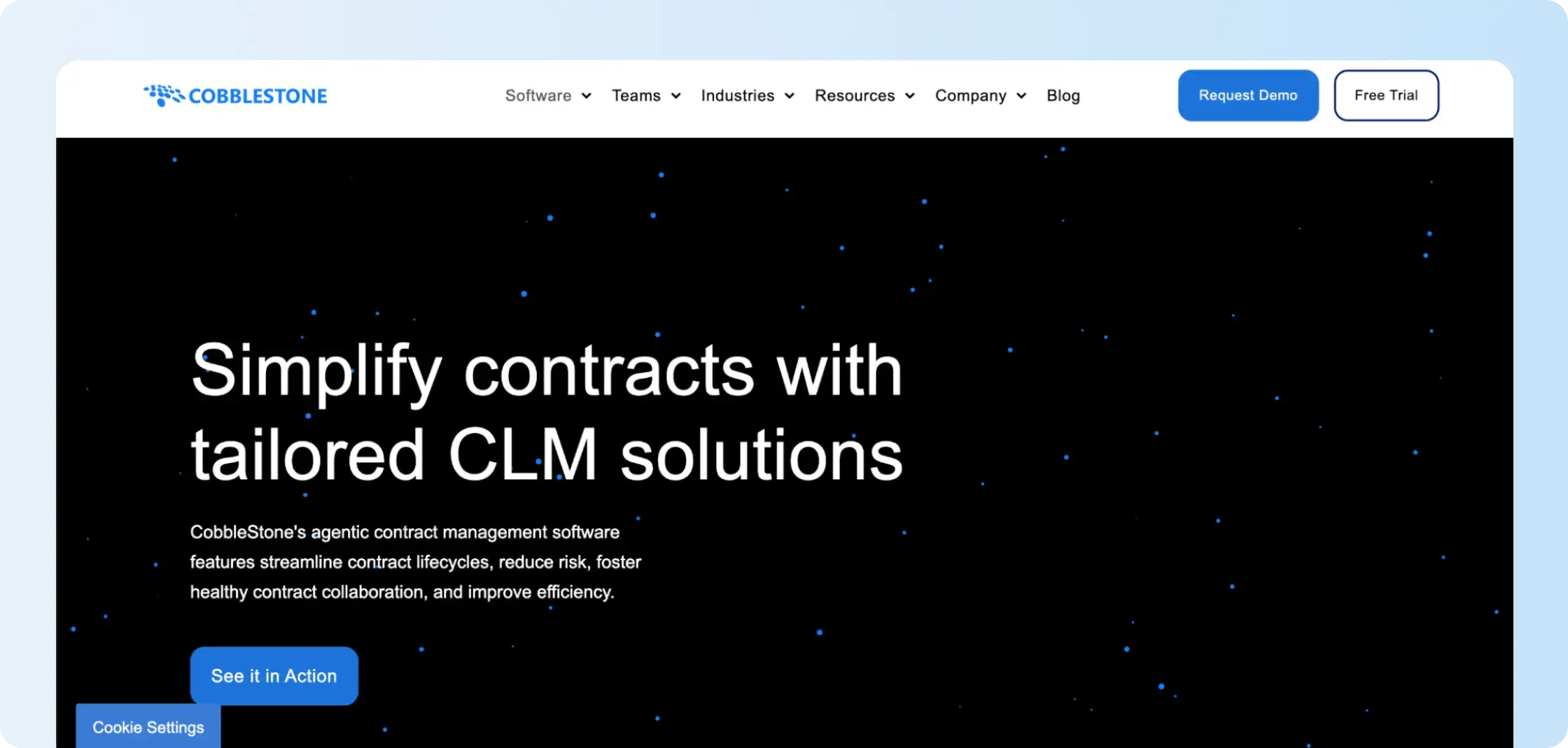
Key capabilities: CobbleStone supports contract templates, approval workflows, document collaboration, search, renewal alerts, and reporting. Its VISDOM AI capabilities support contract data extraction and analysis. Enterprise Edition also offers API and connector options for integrating contract management with other institutional business systems.
Trade-offs: Features differ across CobbleStone's editions. Express provides a central repository, search, and renewal tracking, but workflow automation, dashboards, and eSignatures are optional modules. WorkGroup uses an on-premise deployment model, while Enterprise offers broader integrations and configuration. Institutions should identify the required edition and modules before requesting a quote.
3. Icertis
Icertis provides enterprise contract lifecycle management software that brings contract creation, negotiation, approvals, execution, and post-signature management into a centralized platform. It converts agreement information into searchable contract data and supports governance across business units. Icertis also offers a dedicated higher education solution for managing contracts across colleges and universities.
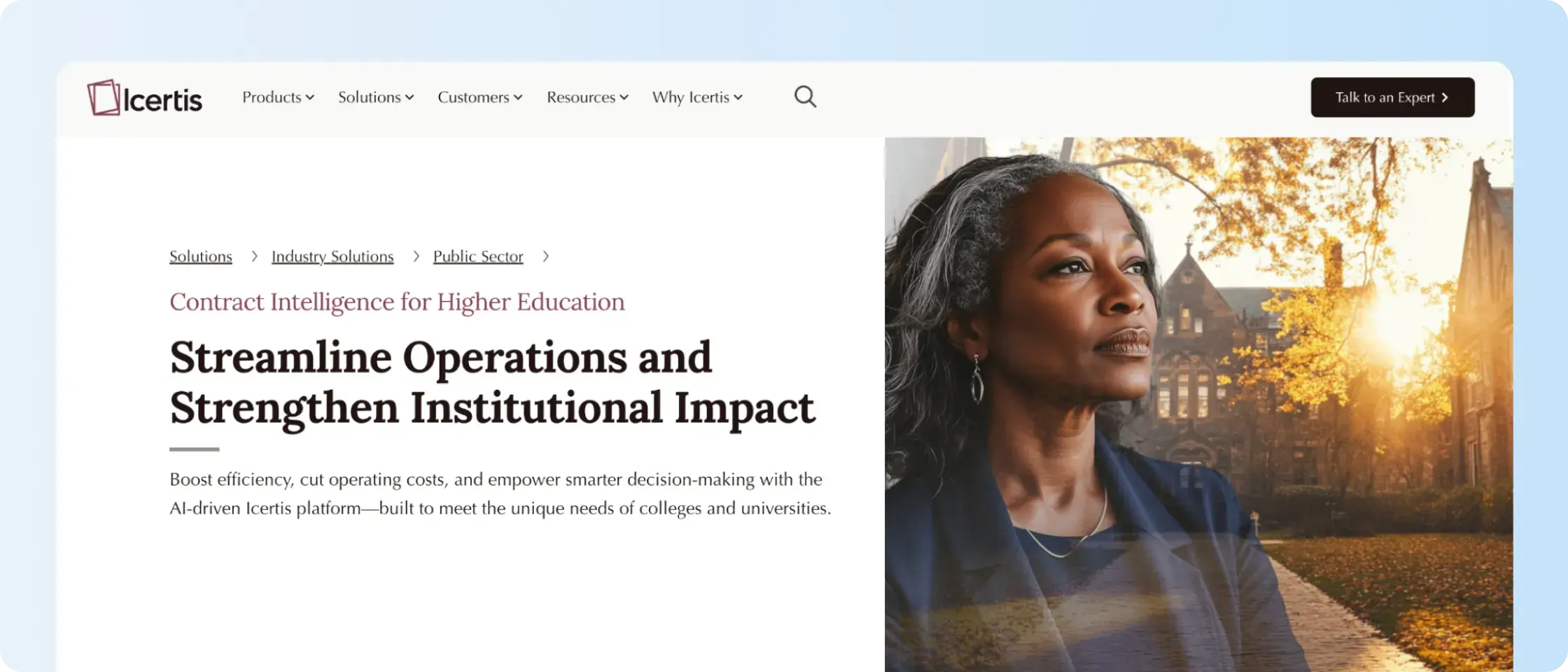
Key capabilities: Icertis supports standardized templates, AI-assisted clause assembly, guided negotiation, approval workflows, obligation management, and contract reporting. Its higher education solution includes centralized contract records, compliance checks, and performance monitoring across institutional departments.
Trade-offs: Icertis covers enterprise contracting processes that extend beyond document signing and storage. Universities should define how much workflow configuration, historical contract migration, and integration with procurement or finance systems their implementation requires. They should also confirm which AI and analytics capabilities are included in the proposed package.
4. Agiloft
Agiloft is a configurable contract lifecycle management platform that supports agreement requests, drafting, review, approvals, execution, and renewal management. Its no-code environment allows administrators to design contract processes, data structures, and routing rules around organizational requirements. Agiloft also has an education-specific offering covering institutional contracts and department-level controls.
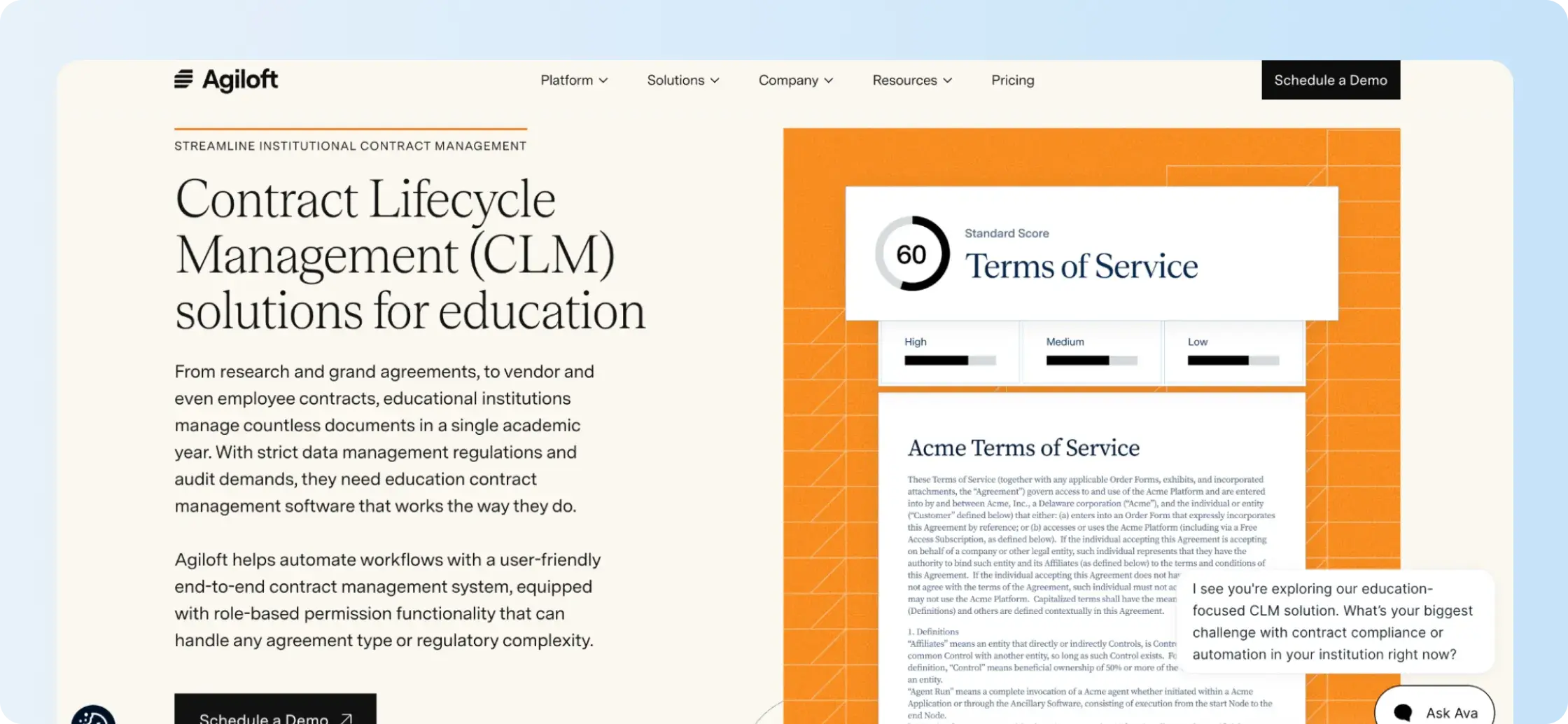
Key capabilities: Agiloft provides configurable contract intake, document templates, clause libraries, approval routing, repository search, task management, and obligation tracking. It supports different contract types and associated approval rules, while role-based permissions restrict access to agreements and records. Reporting tools provide information about contract status and outstanding tasks.
Trade-offs: Agiloft allows institutions to configure workflows and contract data models rather than rely on one predefined process. Buyers should document their approval rules, contract types, administrator responsibilities, and integration requirements before implementation. That assessment helps determine the amount of configuration and internal ownership required.

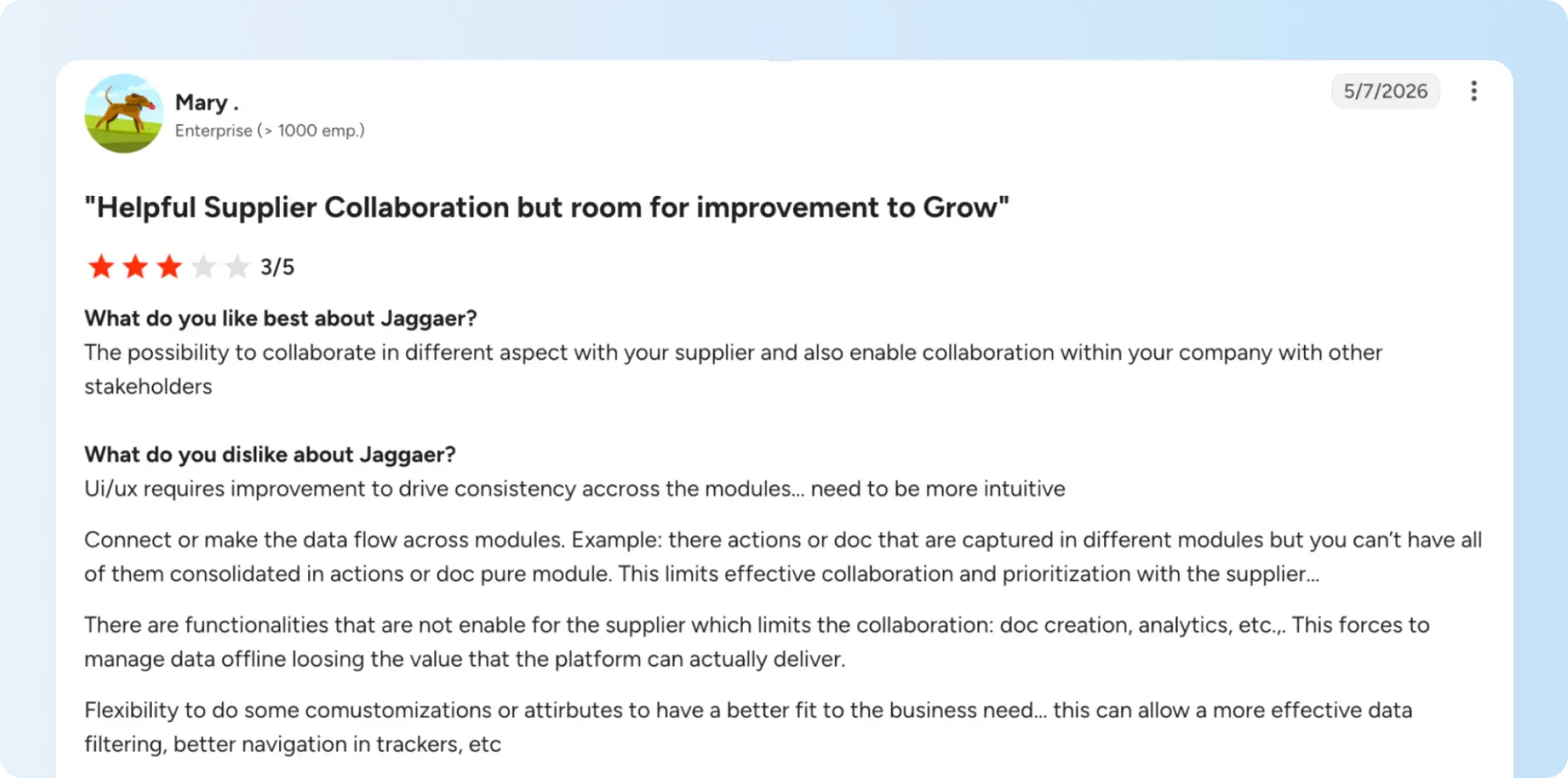
5. JAGGAER
JAGGAER One is a source-to-pay platform that combines sourcing, supplier management, procurement, and contract management. Its contract management component supports agreement authoring, negotiation, approval, execution, and obligation tracking within the procurement process. JAGGAER also offers higher education solutions that connect contract records with institutional purchasing activity.

Key capabilities: JAGGAER provides contract templates, clause libraries, Microsoft Word-based authoring and redlining, eSignature, and a searchable repository. It also supports obligation and renewal tracking. Its connection with supplier and sourcing processes allows procurement teams to manage supplier contracts alongside purchasing and expenditure information.
Trade-offs: JAGGAER's contract management offering sits within a broader procurement platform. Institutions should verify how the proposed configuration supports contracts that originate outside procurement, including research partnerships, employment agreements, and academic affiliations. Buyers should also assess integrations with existing ERP or campus procurement systems and confirm whether vendor performance records connect to contractual obligations.
6. ContractSafe
ContractSafe is a contract management platform that organizes agreements in a centralized repository and provides tools for searching contract information, assigning access, and tracking important dates. Its current offering also includes document review, approval, and eSignature capabilities on higher plans. ContractSafe separates repository management from the additional tools used to finalize and administer agreements.

Key capabilities: ContractSafe includes searchable storage, optical character recognition (OCR), contract metadata extraction, AI-assisted questions, custom fields, reporting, and renewal reminders. Its Finalize plan adds approval workflows, redlining, Word integration, and eSignature. Maximize extends the platform with contract intake forms, templates, APIs, and broader lifecycle tracking.
Trade-offs: ContractSafe's Organize plan does not include the approval workflows and eSignature functions available in Finalize. Templates, intake forms, and broader lifecycle tracking are reserved for Maximize. Pricing also changes with the number of active contracts stored, so institutions should calculate repository volume alongside the features they require.
7. Juro
Juro is a browser-based contract management platform that combines contract creation, negotiation, approvals, signing, and repository management. It uses templates, workflow rules, and AI-assisted tools to manage agreement documents and related contract data. Teams can collaborate during contract negotiations and track agreements after execution.
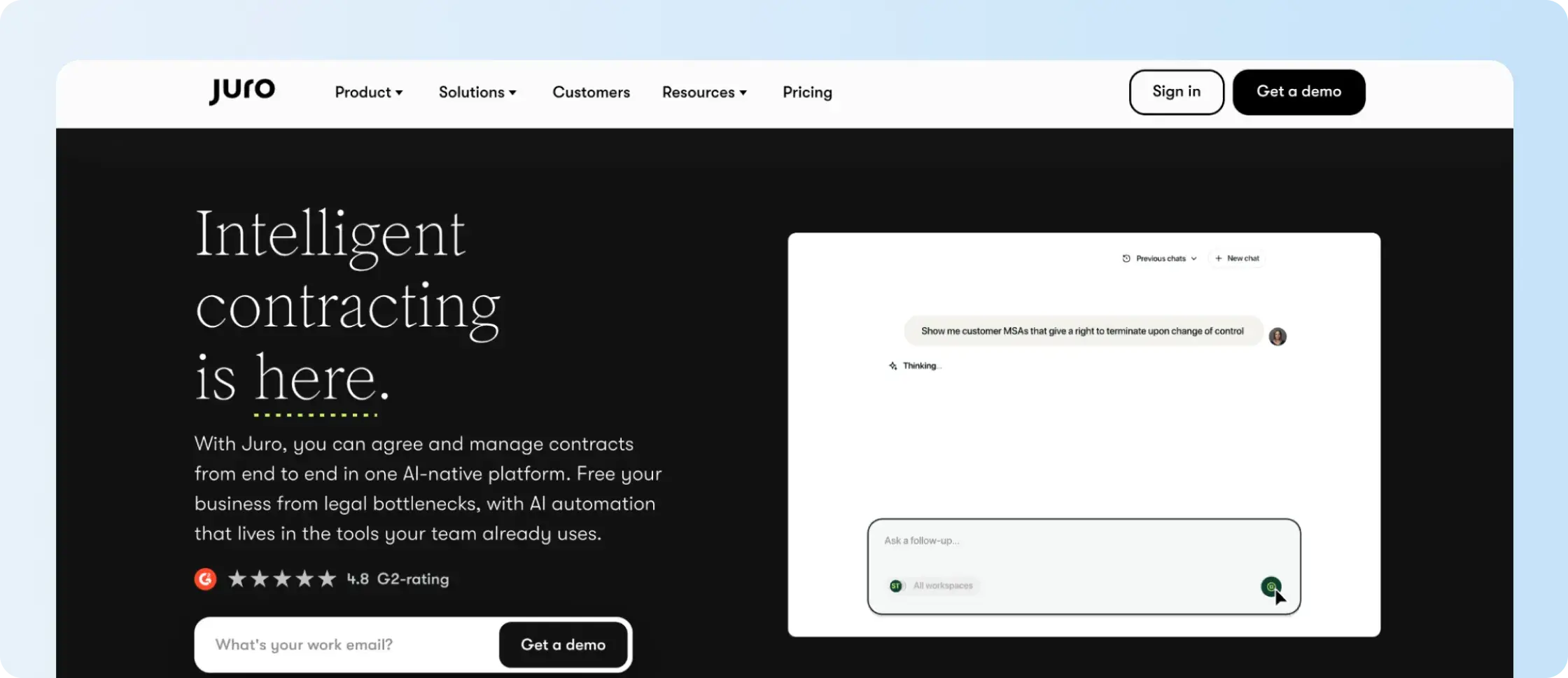
Key capabilities: Juro supports self-service templates, conditional contract fields, document collaboration, approvals, version control, native eSignatures, and contract reporting. Its AI tools support drafting, review, data extraction, and questions about stored agreements. Integrations allow contract workflows to connect with other business applications.
Trade-offs: Juro uses custom pricing based on contract volume and integration requirements, with unlimited users, workflows, and templates. Integrations with Salesforce, HubSpot, and Workday carry additional charges. Under its August 2026 AI fair-usage policy, AI Review allows 10 reviews per user every two hours, while Operator allows 500 completed tasks per customer each month. Universities should include expected AI usage and required integrations in their proposal. If Juro doesn’t fully match your education contract management needs, explore our Juro alternatives for other platforms to consider.
8. Ironclad
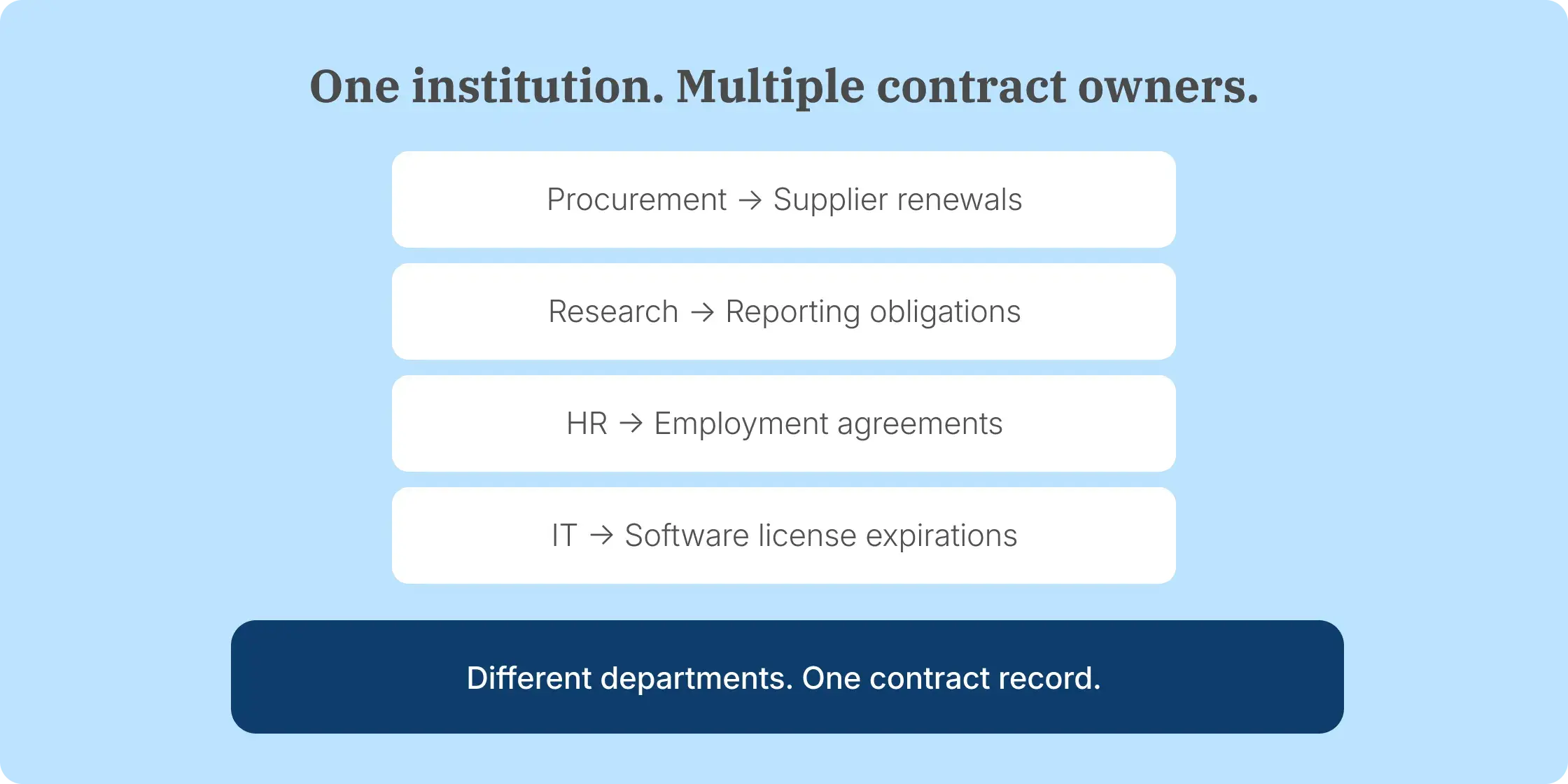
Ironclad is a contract lifecycle management platform that combines contract intake, creation, review, negotiation, approvals, signing, and repository management. Its workflow designer allows administrators to configure contract processes without writing code. The system connects active contract workflows with stored agreement data to help teams report on contracting activity.

Key capabilities: Ironclad supports contract request forms, configurable approval routing, document collaboration, eSignatures, searchable storage, and contract reporting. Its AI capabilities include contract review, extraction, and search across agreement records. The platform also provides integrations with business applications and permission controls for managing access to contracts.
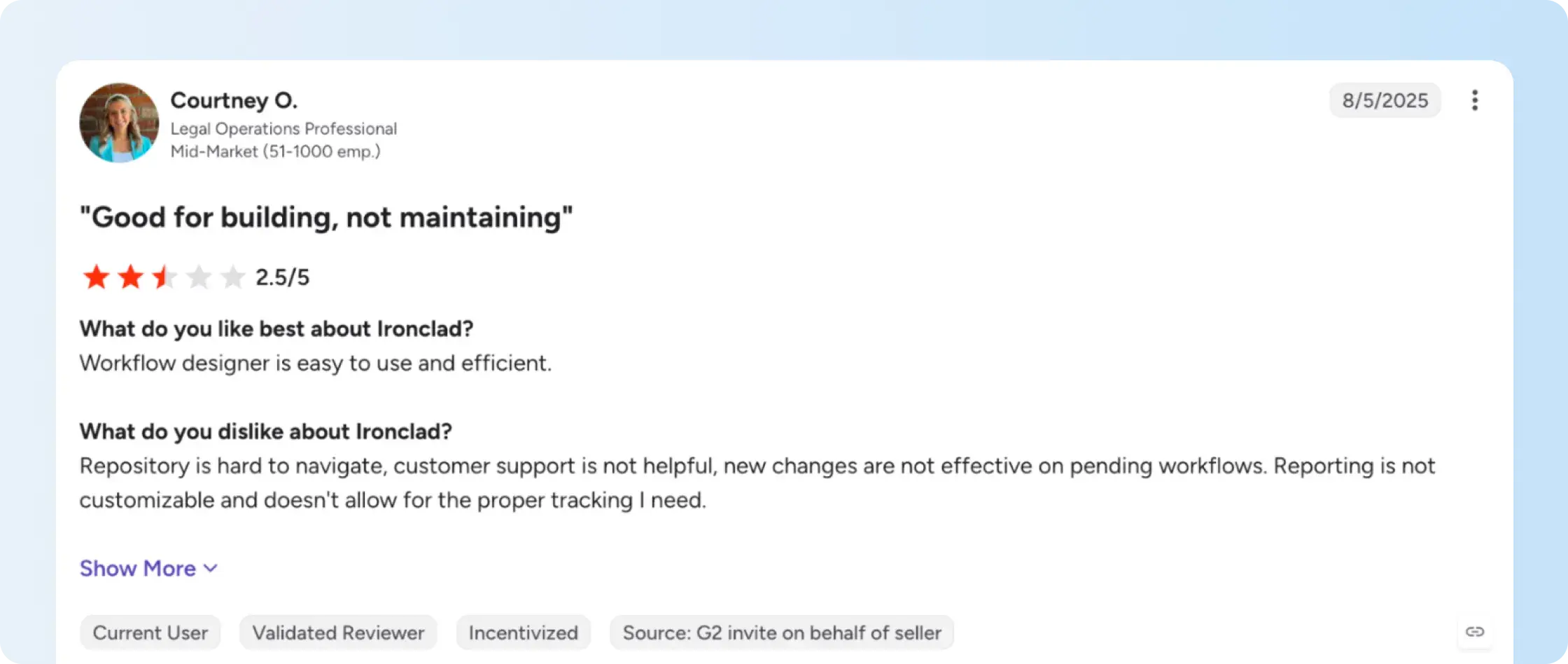
Trade-offs: Ironclad uses custom pricing and supports self-led and partner-assisted implementation. Its April 2026 release introduced controls for adding, removing, and reordering signature-packet documents during review, with configurable approval resets. Universities should test those permissions and establish which integrations, AI capabilities, and implementation services are included in the proposal.

9. Docusign CLM
Docusign CLM is a contract lifecycle management application that extends beyond Docusign's electronic signature product. It combines document generation, contract review, collaboration, workflow routing, and repository management. The application also connects agreement workflows with other business systems and offers AI-assisted contract analysis.
Key capabilities: Docusign CLM supports dynamic document generation, clause libraries, conditional approvals, version tracking, collaboration, and a searchable agreement repository. Its workflow designer includes configurable steps for generating, reviewing, approving, signing, and storing contracts. Integrations with Salesforce, SAP Ariba, and Coupa support connected business workflows.
Trade-offs: Docusign eSignature and Docusign CLM are separate products with different capabilities and commercial arrangements. Institutions should confirm whether they need CLM Essentials, CLM, or a broader agreement management configuration. They should also define their implementation, integration, and contract migration requirements instead of estimating CLM costs from eSignature subscription pricing.
10. OneAdvanced
OneAdvanced offers contract management software as part of its Source to Contract solution for further and higher education. The system combines contract records, renewal monitoring, reporting, and governance functions with sourcing and supplier management. Its education offering supports centralized administration of institutional procurement contracts.
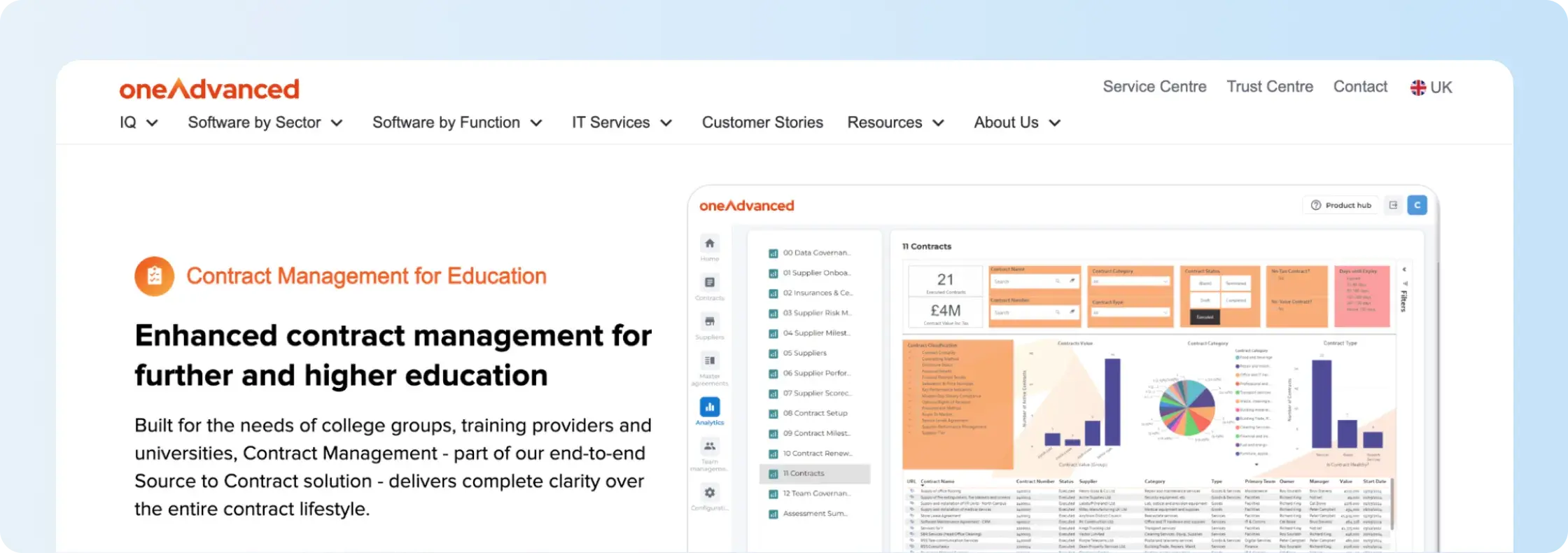
Key capabilities: OneAdvanced supports a centralized contract register, automated renewal alerts, milestone tracking, supplier obligations, reporting, and contract analytics. Structured approval routes and audit trails help institutions manage contract processes. Its connection with sourcing and supplier management provides continuity between procurement activity and ongoing agreement administration.
Trade-offs: OneAdvanced positions its education contract management product within a wider Source to Contract suite. Institutions should verify whether the proposed package includes the sourcing and supplier management functions they need. Those managing research, HR, or affiliation agreements outside procurement should also confirm the relevant workflow and integration support.
11. Contractzy
Contractzy is an AI-assisted contract lifecycle management platform that brings contract drafting, approvals, execution, storage, and ongoing management into one system. Its offering includes contract templates, workflow configuration, collaboration, and agreement analysis. The platform is organized into Essentials, Professional, and Enterprise plans with different document volumes and feature access.
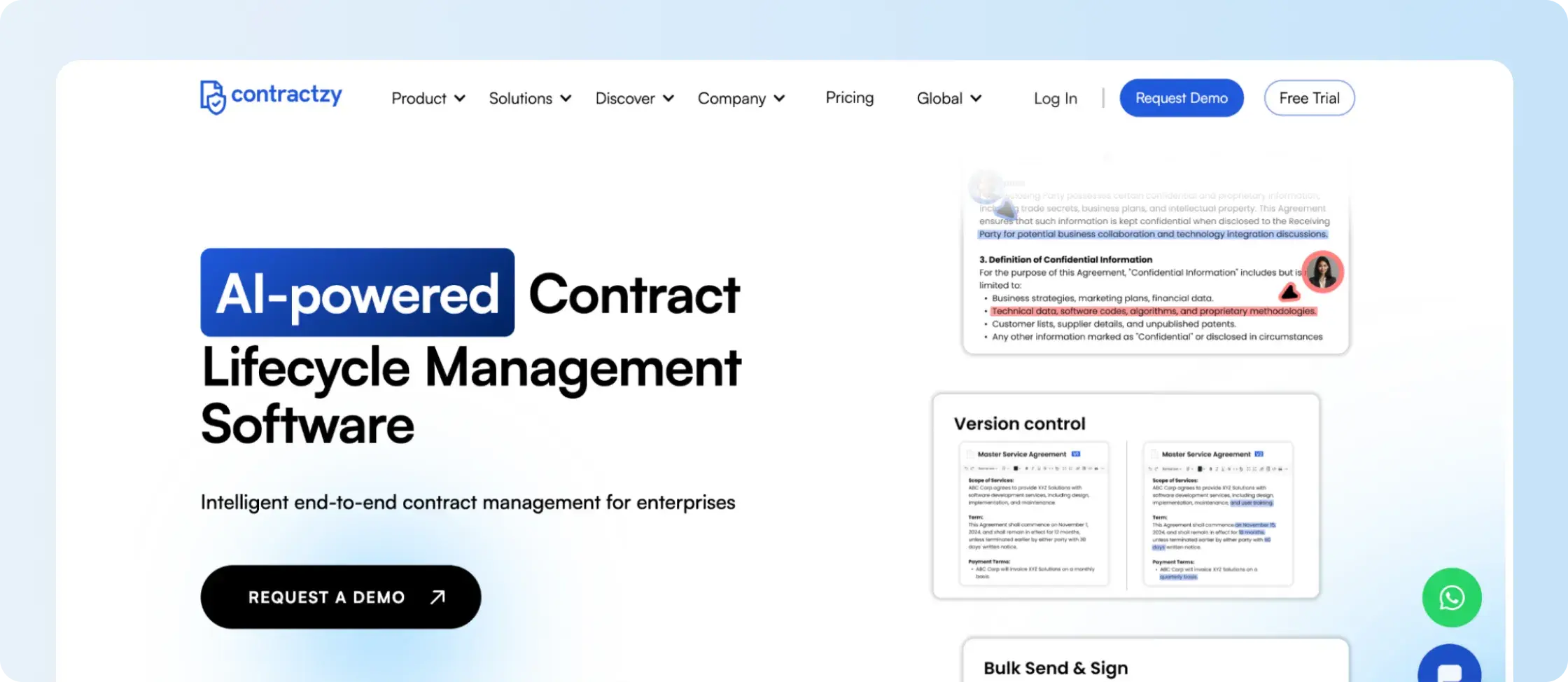
Key capabilities: Contractzy supports document templates, Office-based editing, configurable approval workflows, audit trails, version history, and eSignatures. Higher plans add clause libraries, contract comparison, bulk document operations, and AI-assisted analysis. Enterprise features include AI risk assessment, contract summaries, metadata extraction, and obligation extraction.
Trade-offs: Contractzy's Essentials plan supports up to three users, 50 contracts per month, and 10 monthly eSignature credits. Professional increases those allowances to 10 users, 200 contracts, and 20 eSignature credits. Enterprise lists 10 or more users, 500 contracts per month, and 50 eSignature credits, alongside additional AI features. API access and certain AI functions have separate commercial conditions, so buyers should compare their required allowances and add-ons.
12. ContractWorks
ContractWorks is a contract management platform that combines a searchable agreement repository with document tagging, deadline alerts, reporting, and electronic signatures. Its offering also includes contract generation and workflow features, with broader drafting and review capabilities available on higher plans. The platform organizes agreements through searchable records and configurable access permissions.
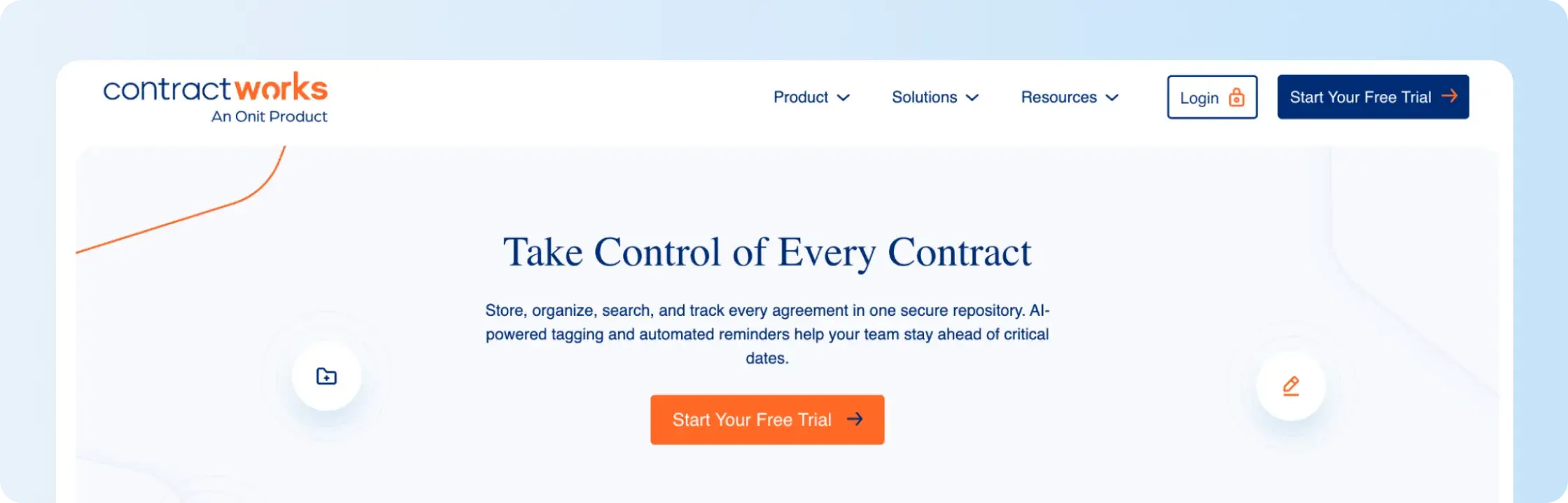
Key capabilities: ContractWorks provides centralized document storage, OCR, custom fields, contract tagging, date alerts, scheduled reports, and permission-based access. Its electronic signature functionality supports document execution, while AI-assisted document tagging extracts agreement details. Premium extends the platform with drafting, redlining, and workflow capabilities.
Trade-offs: ContractWorks includes unlimited users across its three plans. Standard supports 2,500 documents and five electronic-signature sender licenses, while Professional supports 10,000 documents and 10 licenses. Premium adds unlimited document capacity, 20 electronic-signature licenses, and drafting, redlining, and approval workflows. Institutions should compare document volume and the number of employees who need to send agreements for signature.
How to choose the right education contract management software
Contract software for education institutions varies in scope. Some products focus on storing and monitoring signed agreements, while others connect procurement, drafting, negotiation, and institutional approvals.
To choose the right platform, identify the agreements and workflows your institution needs the system to handle.
1. Identify the contracts your institution manages
Start by grouping agreements according to the departments responsible for them.
Common categories include:
- Vendor and procurement agreements
- Research and sponsored agreements
- Faculty contracts and other employment agreements
- Software and technology agreements
- Affiliation and partnership agreements
- Licensing and intellectual property agreements
The next step is to identify whether most contract activity starts in procurement, involves research administration, or requires coordination across several offices.
A university managing large supplier volumes may prioritize sourcing and procurement integrations. Another institution may need shared contract records, signing workflows, and renewal tracking across its departments.
2. Map who prepares and approves each agreement
The best education contract management software for cross-department workflows must reflect who prepares, reviews, approves, and signs each type of agreement.
Take one frequently used agreement and document who prepares it, who checks the terms, who approves the financial commitment, and who signs it.
For example, a software contract may start with IT, require procurement review, move to finance for budget approval, and finish with an authorized signatory. A sponsored research agreement follows a different process involving research administration and institutional review.
Compare how each platform handles these routing differences, delegated permissions, and approval history.
3. Decide how much of the contract lifecycle you need
Not every contract management product covers the entire lifecycle, from initial requests through renewal tracking.
A team that only receives completed agreements needs searchable storage, contract owners, and renewal alerts. Departments that also prepare and send agreements need templates, approval routing, and eSignature. Legal teams handling extensive contract negotiations require drafting, redlining, and clause-management functionality.
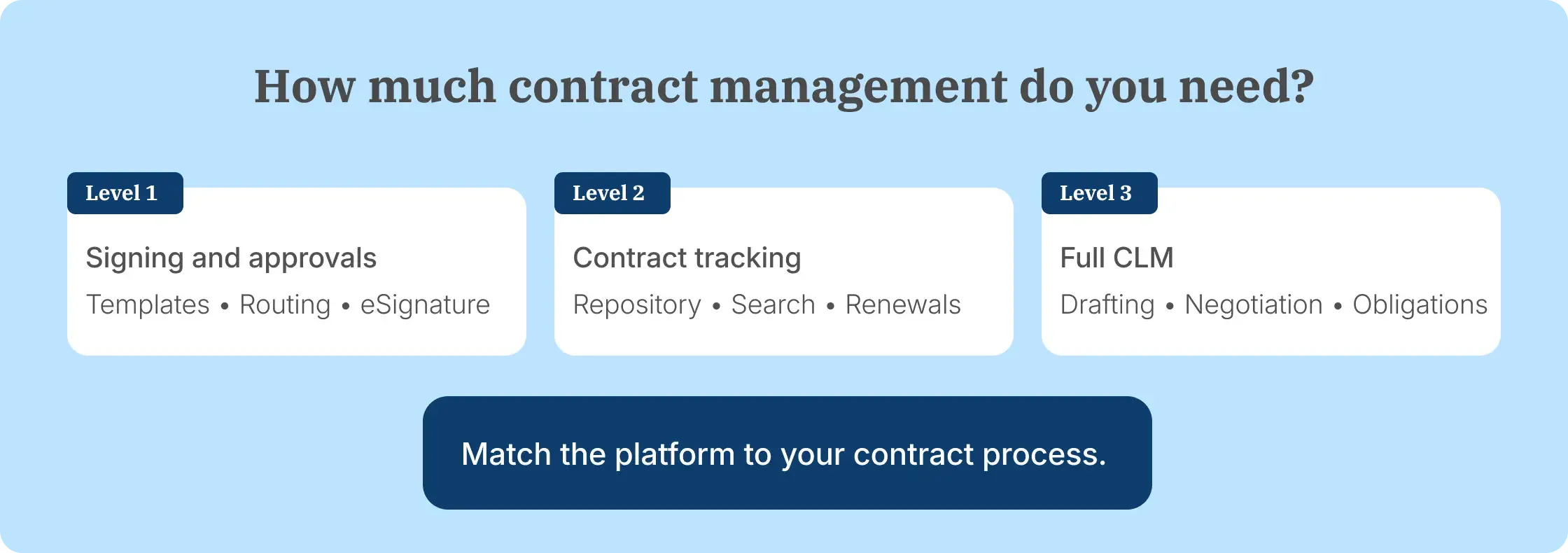
Separate the requirements into three levels:
eSignature and approvals: Prepare agreements, route them, collect signatures, and track completion.
Repository and post-signature tracking: Store contracts, search agreement information, assign owners, and follow important dates.
Full contract lifecycle management: Manage intake, drafting, negotiation, configurable approval rules, execution, obligations, and reporting.
Identifying the required level helps you shortlist the best education contractmanagement software and eliminate products whose main functionality sits outside the institution's processes.
4. Check what happens after signature
The best education contract management software should track obligations after signing, including research reporting deadlines, expiration dates, and renewal notice periods.
Research agreements need attention to reporting periods, deliverables, and other grant conditions. Vendor agreements also require attention to contract renewal notice periods and pricing commitments that affect future purchasing decisions.
Ask vendors to demonstrate how their system stores a completed agreement, extracts important information, assigns an owner, and tracks upcoming dates.
For contracts with recurring reporting requirements, also verify whether the system supports the specific reminders and obligation records needed by the department.
5. Review access permissions and audit history
Education organizations hold contracts containing employment information, research details, financial commitments, and supplier data, so access rules need to account for compliance risks.
Check how the software restricts access by department, role, contract type, or workspace. Also review who can change permissions, update contract records, and retrieve detailed audit trails of those actions.
Security and privacy checks should reflect the institution's data protection obligations and applicable compliance standards. A vendor's certifications do not automatically establish regulatory compliance with FERPA, GDPR, or other requirements for the institution's specific workflows.
6. Verify integrations with existing systems
Institutional workflows already depend on tools such as Microsoft 365, Google Workspace, ERP systems, procurement platforms, and research administration software.
An integration should support the actual movement of agreement information.
For example, a SharePoint-based process might require employees to initiate signing from a document library and save the completed agreement back to the correct location. A procurement workflow may require supplier information to pass between the procurement system and contract repository.
Test the complete process, including signed-document return and whether status updates arrive in real time or through scheduled synchronization, rather than relying on the integration listing alone.
7. Compare implementation and total cost
Subscription fees are only one part of the operational costs associated with managing institutional contracts.
Institutions should account for the number of paid users, active contracts, document allowances, workflow modules, integrations, historical data migration, professional services, and ongoing administration. They should also estimate whether fewer manual handoffs could improve operational efficiency.
Before purchasing, ask vendors to demonstrate the system using an actual institutional agreement, including approver permissions, signing, repository search, and renewal tracking.
Why Signeasy fits growing education teams
For institutions comparing the best education contract management software, Signeasy brings eSignature and intelligent contract management together. Our separate ICM plans cover shared workspaces, approvals, signing, searchable contract records, AI-assisted retrieval, and renewal alerts. This helps education teams manage agreements from preparation through post-signature tracking.
Give departments their own workspaces while maintaining oversight
Education institutions need departments to manage agreements independently without losing control of institution-wide records.
Signeasy's shared workspaces organize agreements by team or project and use role-based permissions to manage access. Authorized users work within their assigned spaces, while administrators manage workspace membership and access settings.
For example, procurement can manage supplier agreements separately from HR's employment documents, while the institution maintains a centralized contract record.
Move agreements from approved templates to completed signatures
Repeatedly preparing offer letters, vendor contracts, and affiliation agreements creates additional work when each department starts with a separate document.
Signeasy provides reusable contract templates, fillable fields, and approval workflows that route documents to the required participants. Once the appropriate approvals are complete, employees can collect eSignatures and track the signing status.
This gives departments a repeatable process for preparing and executing their recurring agreements.
Find contract terms and track renewal deadlines
Completing an agreement does not remove the need to retrieve it later.
The Signeasy Intelligent Repository stores signed and imported contracts in searchable records. AI Insights extracts key terms and important dates and supports questions about agreements, helping departments retrieve contract information without reviewing every PDF manually.
Contract renewal management adds reminders for expiration dates and renewal windows. Education teams can use these functions to follow vendor renewals and identify deadlines recorded in sponsored agreements.
For research obligations, employees should verify extracted information against the original agreement and confirm the correct owner and reporting schedule.
Extend eSignature into contract management without adopting enterprise CLM
Not every education institution needs an enterprise system built around extensive legal negotiations and highly customized contracting processes.
Signeasy's ICM Core brings approval workflows, five shared workspaces, a searchable repository, AI contract search, and renewal alerts into a contract management offering. ICM Pro adds unlimited shared workspaces, custom contract types, bulk sending, and additional onboarding and support services.
Institutions can compare these capabilities with their current agreement volume, department structure, and administrative requirements. Teams requiring specialized drafting or enterprise-wide procurement orchestration should evaluate those workflows separately.
See the Signeasy intelligent contract management plans for the current feature and seat requirements.