Electronically sign documents from within your Google Workspace apps


Signeasy is a Google Cloud Partner
eSign documents from Google Workspace — quickly and easily
Seamlessly eSign documents
Execute contracts faster
Go paperless
Meet Signeasy for Google
Signeasy for

Insert signatures in Google Docs, without having to leave your Gmail inbox, Calendar, and Drive.
.gif)

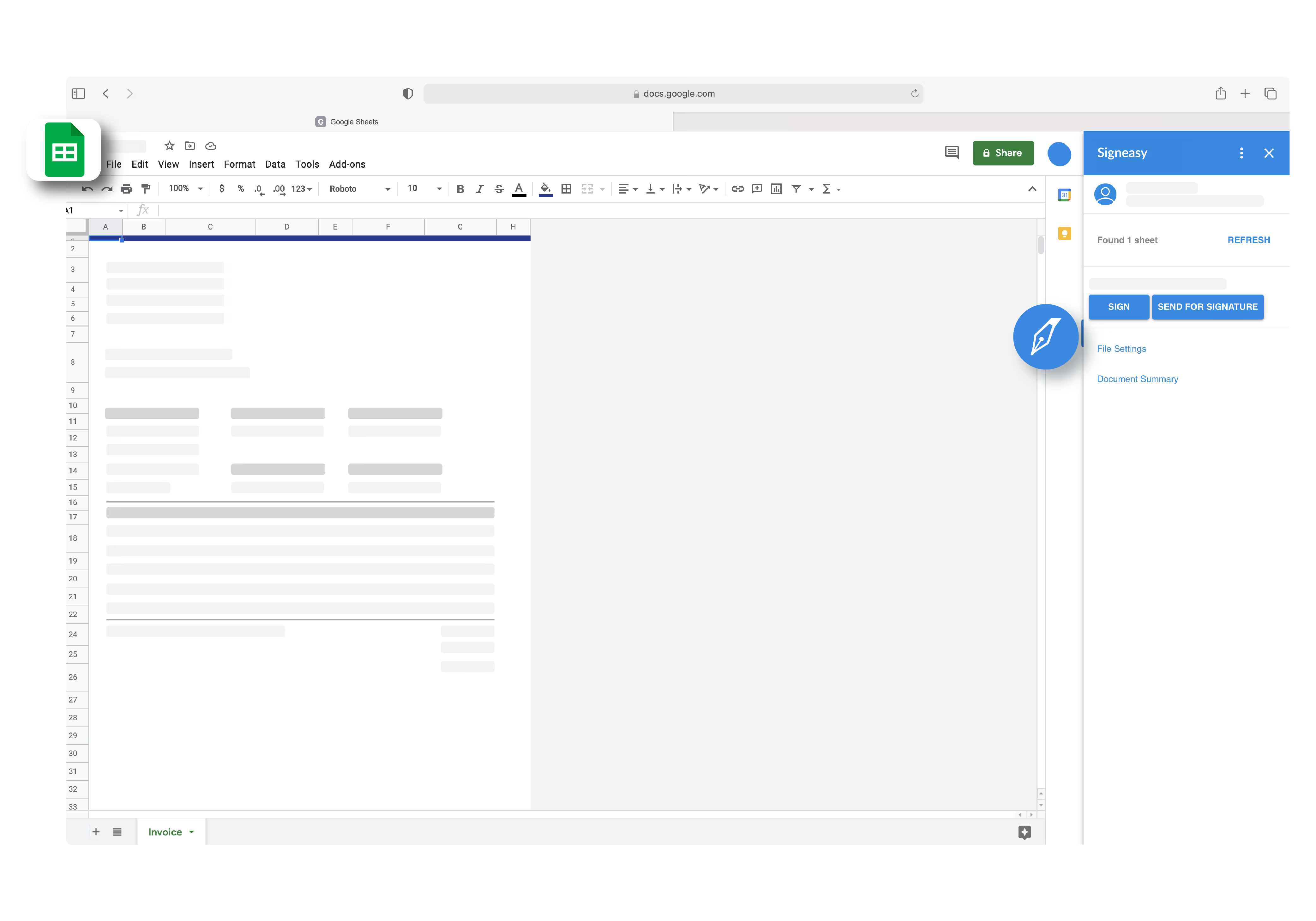
Signeasy for Google Sheets
Sign spreadsheet-based documents, or send them for approval & signature, directly from Google Sheets. Signeasy automatically turns your Google Sheets into signable PDFs and sends them without ever leaving the Google Sheets interface.

Signeasy for Google Docs
Sign documents or send them for signature directly from Google Docs. Signeasy automatically turns your Google Docs into signable PDFs and sends them without ever leaving the Google Docs interface.
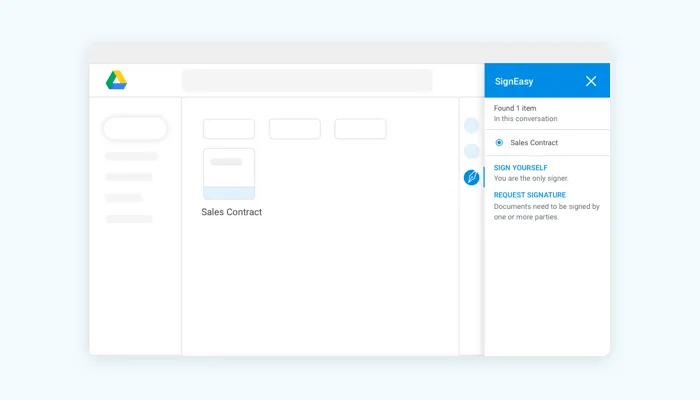
Signeasy for Google Drive
Sign contracts, download recent documents, and send helpful reminders for document signing, directly from Drive.

Signeasy Android App
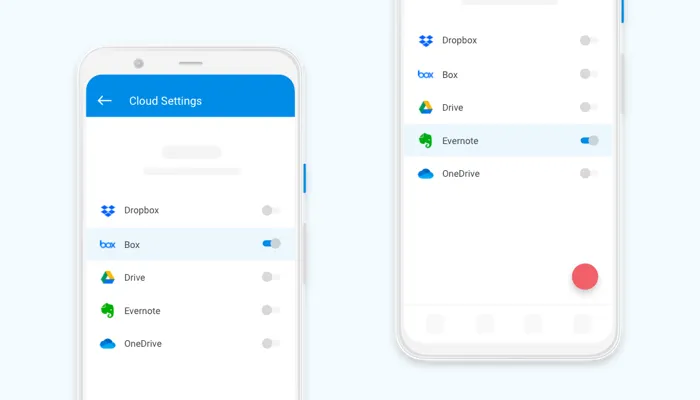
Use your Android phone to sign documents when you’re on the go. Sign all document formats, including Google Workspace documents.
-13.avif)
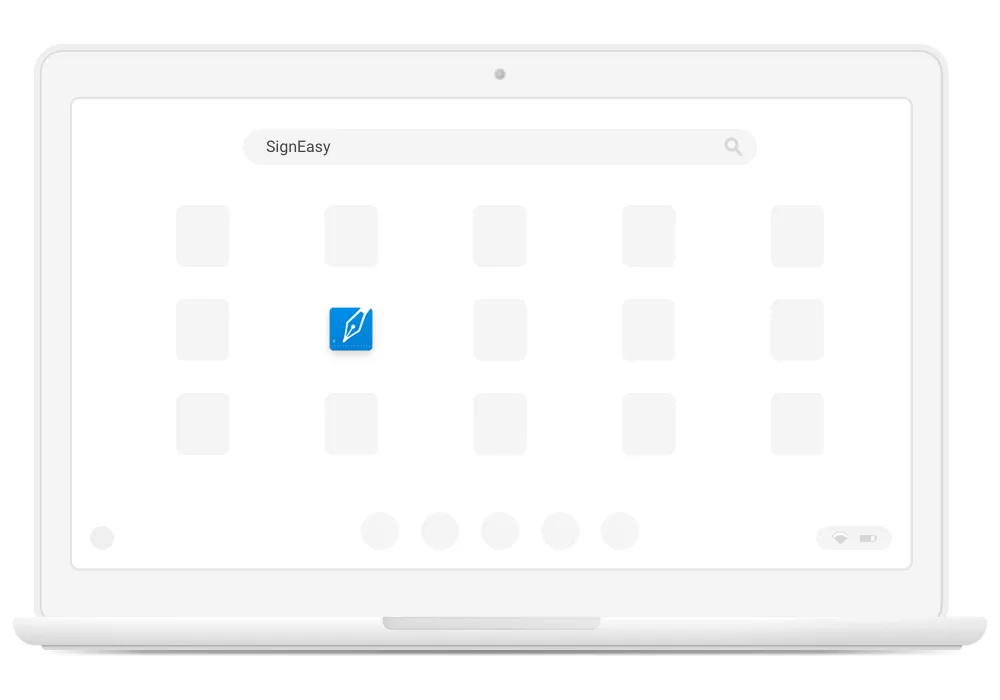
Signeasy for Google Chromebook
Manage documents on your Chromebook and sign and send paperwork seamlessly with the Signeasy Chromebook app.

A few helpful resources for you

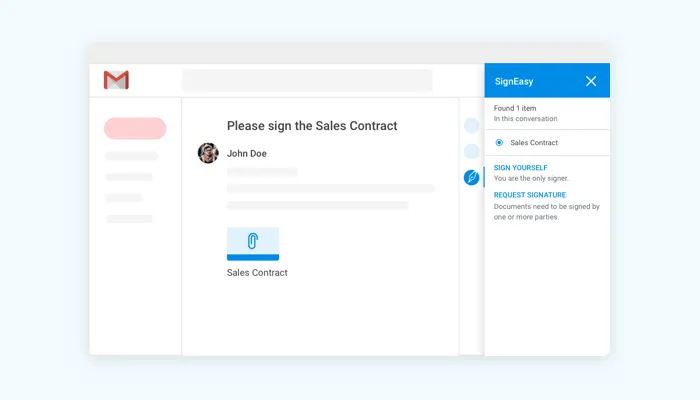
Sign documents in Gmail
Electronically sign documents directly from Gmail using Signeasy.

eSign documents from G Drive
Learn how to use our add-on to sign documents directly from within G Drive.

Trusted by more than 48,000 businesses worldwide