




NEW LAUNCH

Sign and send contracts for signature from Google Docs

Efficiently review, edit, and sign contracts in real-time on Google Docs using Signeasy. Speed up the contract completion process.
Google Docs
Signeasy is a Google Workspace recommended App for 2023
Google Workspace recommended

Manage contracts on Google Docs

Sign contracts in seconds

Sign contracts in seconds

Swiftly insert your signature into Google Docs without the hassle of switching between platforms. Reduce delays and increase efficiency in your workflow.
Collaborate in real-time

Collaborate in real-time

Enable multiple parties to sign a Google Docs without using multiple apps. Eliminate the need for tedious back-and-forth email exchanges.
Store in a central location

Store in a central location

Create and store your contracts securely in Google Docs. Plus, enjoy easy retrieval of signed documents and audit trails for complete peace of mind.

Trusted by more than 48,000 businesses worldwide

Chambersburg Area School District
Icelandair Client
Signeasy Customer - Zimplats
Signeasy Customer - Kempinski
Chambersburg Area School District
Icelandair Client
Signeasy Customer - Zimplats
Signeasy Customer - Kempinski
Meet Our Customers
arrow right

Signeasy add-on brings eSignatures to Google Workspace apps

Meet Signeasy for Google Docs

Simplify contract management

Effortlessly handle your entire contract workflow within Google Docs. Draft, edit, sign, and track everything without ever leaving your familiar workspace.

Simplify contract management
Work together in real-time

Work together in real-time

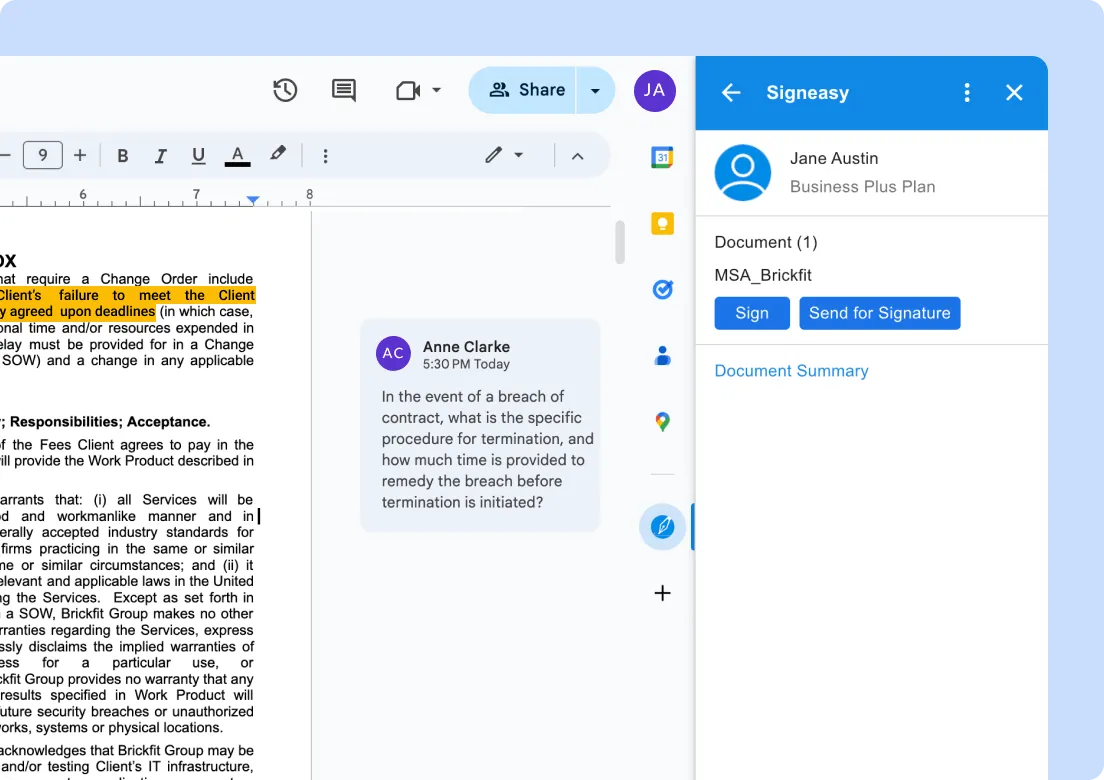
Get everyone on the same page with Signeasy for Google Docs! Stakeholders can review, comment, and edit contracts in real-time, leading to faster collaboration and quicker turnaround.

Track contract status

Gain visibility on contract status, monitor approvals, and send automatic reminders from within Google Docs. This transparency enhances accountability and reduces bottlenecks.

Track contract status
Stay compliant and secure

Stay compliant and secure

Sign with legally binding eSignatures within Google Docs. Keep your contracts secure and compliant with enterprise-grade security features like audit trails, two-factor authentication (2FA), HIPAA, SOC2, and more.

Mark O Toole
Magicbell

"We use Signeasy nearly every day to sign sales agreements, job offers, and NDAs for Sales teams. The best part is that you know where exactly the document is in the workflow, and how many people have signed it. You instantly get notified when all the signees have completed their actions.”

Mark O' Toole | Head of Operations

Robert Couture - S&C Home Buyers
S&C Home Buyers

"With Signeasy, paperwork that took 12-24 hours now takes 2-4 minutes. That means, what earlier took an entire workday is now completed in a tea break. Efficiency is up by 99.7%. Deals are saved because they can be secured in real time."

Robert Couture | Managing Partner

What customers say about Signeasy

Felipe Villamarin L
Rappi

"Rappi onboards thousands of restaurants and merchant partners every month, and with that comes tedious contract management processes. Signeasy has helped us eliminate paperwork backlogs, accelerate onboarding, and scale our internal and external workflows seamlessly."

Felipe Villamarin L | Co-founder

Read Case Study
Mark O Toole
MagicBell

"We use Signeasy nearly every day to sign sales agreements, job offers, and NDAs for potential customers across HR, Finance, and Sales teams. The best part is that you know where exactly the document is in the workflow, and how many people have signed it. You instantly get notified when all the signees have completed their actions."

Mark O' Toole | Head of Operations

Read Case Study
Mahmood Al Balushi
Sohar Port / Free Zone

"The Signeasy integration with SharePoint is perfect! Since we handle contracts for both internal and external parties, our preferred method is to store the signed files exclusively in SharePoint. It efficiently stores our important files automatically, eliminating the need for manual uploads."

Mahmood Al Balushi | IT Application Lead

Jona Christians
Sono Motors

"As Sono Motors grew from 25 to 300 employees, Signeasy helped us scale our processes seamlessly while keeping document transactions fast and convenient. The powerful integrations with Google Workspace and the intuitive mobile apps make it easy to do business from wherever we are, and from any device."

Jona Christians | CEO

Read Case Study
Emelda Thomson
TransCold Distribution

"The team at Signeasy listened to the improvements we wished to see as users and have implemented these promptly. We’re impressed with the commitment of their sales, implementation, and development teams — they work hard to ensure that the application serves our needs well. We are a happy customer!"

Emelda Thompson | Managing Director

Read Case Study

Frequently asked questions

How do I use Signeasy with Google Docs?
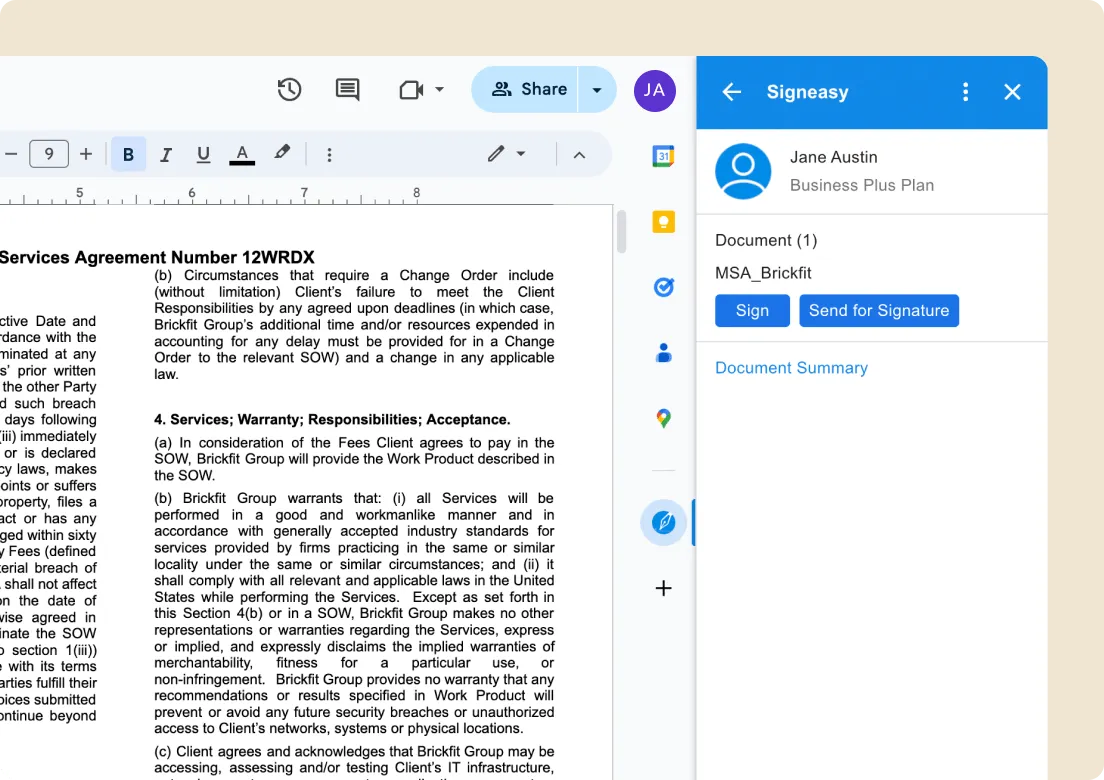
To install Signeasy in Google Docs, visit the Google Workspace Marketplace and search for “Signeasy”. Install the add-on and choose the Google account for installation. The add-on will be accessible from the sidebar in Docs. Open any document and use the add-on to sign, send for signature, or track contract progress.
Is it secure to use Signeasy’s eSignatures to sign documents?
Yes, Signeasy ensures the utmost security for its eSignatures, featuring end-to-end encryption, robust access controls through admin control, and two-factor authentication (2FA). It is compliant with key standards like HIPAA, SOC2, ESIGN, and eIDAS.
What are the prerequisites to installing the Signeasy add-on for Google Workspace?
To install Signeasy’s add-on, you need two key prerequisites:

• Access to Signeasy Admin account.
• The login email for your Google Workspace must be identical to the login email used for Signeasy.
How do I use Signeasy to sign a Google Docs?
To eSign a Docs using Signeasy, click on the Signeasy Add-on in the right-hand sidebar and select “Sign”. This will open a new tab with your Google Docs pre-loaded in Signeasy, where you can sign the document as usual.
How do I send a Google Docs for signature using the Signeasy add-on?
To have someone else sign your Google Docs, choose the “Send for Signature” option from the right sidebar. This will open a new tab with your document pre-loaded in Signeasy. Fill in the details and send the sheet for signature.
Is it necessary for a signer to have a Signeasy account to sign a Google Docs?
No, the signer does not require a Signeasy account. They can sign as a guest, but they will need to verify their email ID to sign the document.
Which Signeasy plans include the Google Workspace integration feature?
The Google Workspace - Signeasy integration is included in all Signeasy plans. This means users on Personal, Business, or Business Pro plans can enjoy this feature.