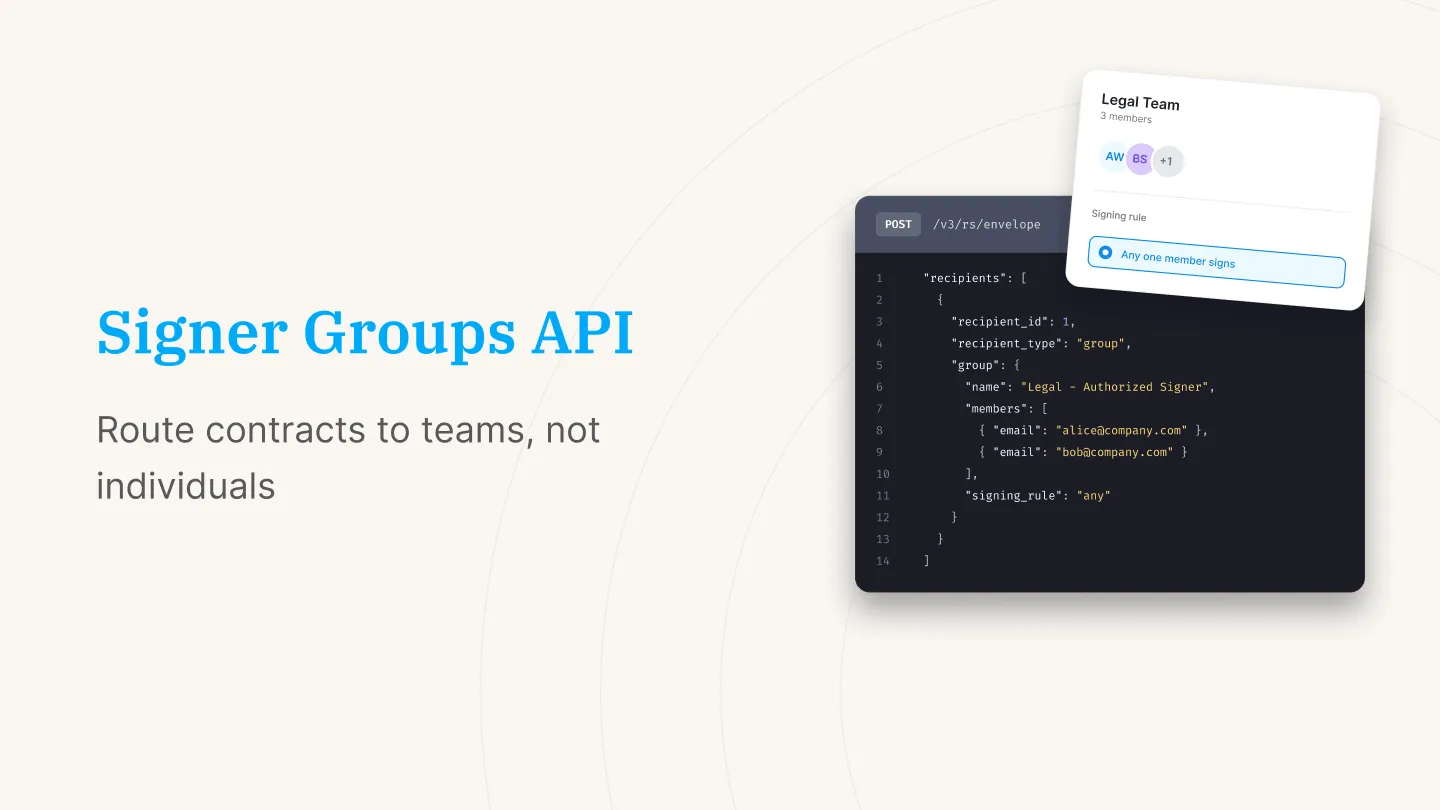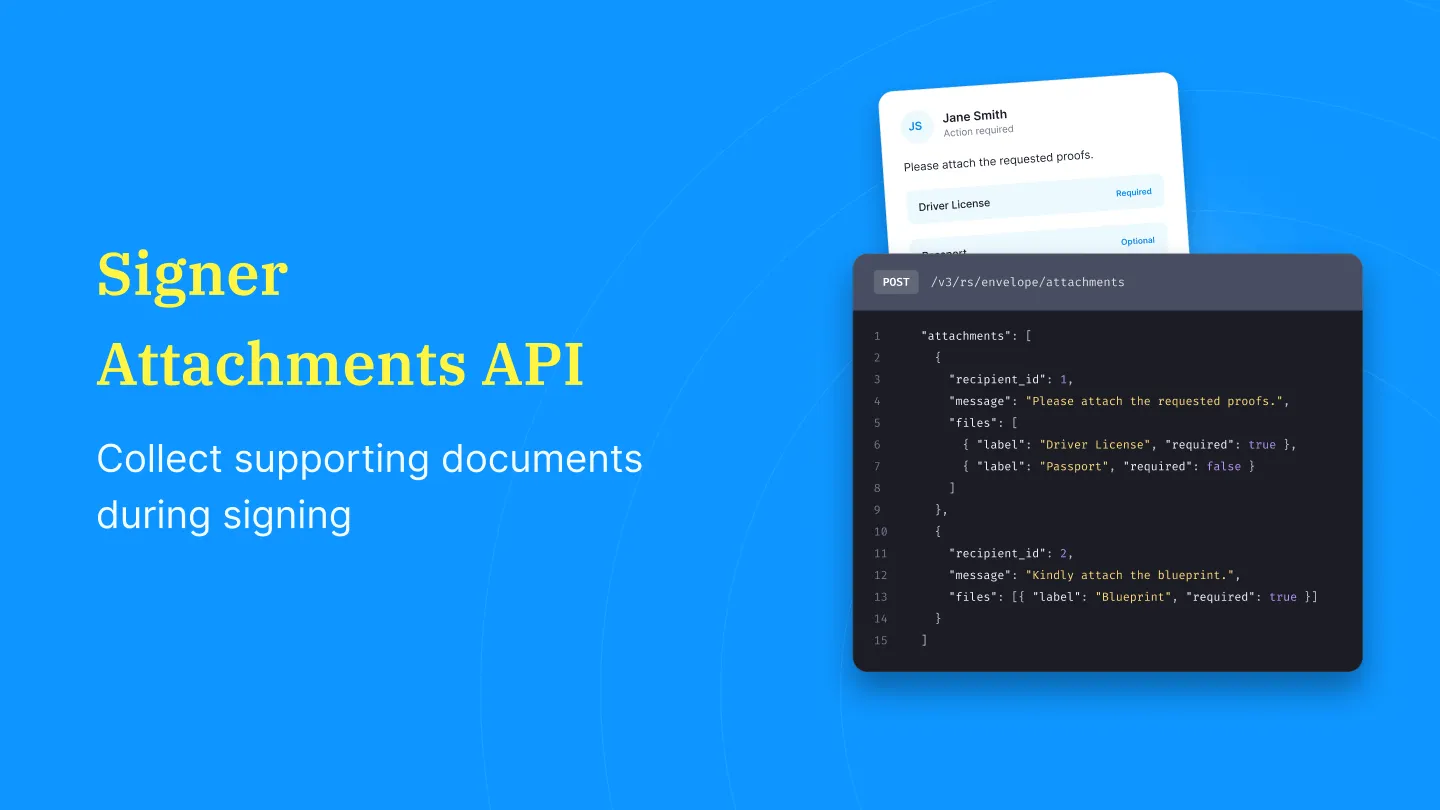



SignNow is widely used for teams that need eSignatures embedded into internal systems at scale. Its eSign API supports high-volume signature requests, enterprise-grade security, and compliance requirements, making it a common choice for organizations with complex workflows.
Reviews across platforms often point to SignNow’s strength in scalability and document security. User reviews of the SignNow API highlight ease of use, reliable performance, and straightforward integration into organizational systems. While feedback is largely positive, some users note that documentation could be clearer in certain areas.
This guide walks through the SignNow eSign API in detail. You’ll learn how to:
- Understand how the SignNow eSign API works, including its core features and capabilities
- Evaluate where it performs well, based on real user feedback and common use cases
- Identify typical friction points teams encounter as they scale usage
- Assess whether it fits your workflow requirements, integration needs, and operational constraints
Explore Signeasy as a simpler, more efficient alternative for building and managing eSign workflows with less overhead
SignNow eSign API overview
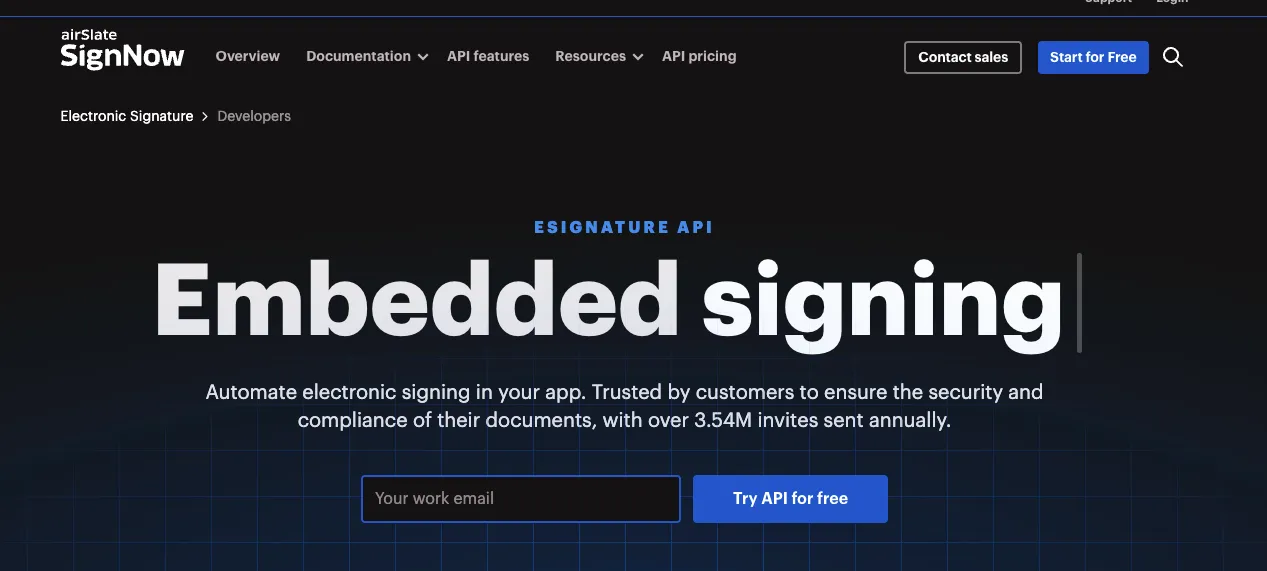
The SignNow eSign API allows organizations to embed electronic signature workflows directly into their own applications. It supports document creation, routing, signing, document management and retrieval, and compliance processes through programmable endpoints.
The API is designed for teams that want signing to happen inside their existing systems rather than through a standalone interface.
1. Core capabilities of the SignNow API
- Document generation and upload: Create documents programmatically, upload files, apply fields, and prepare them for signing.
- Template management: Reuse templates for recurring workflows; configure fields and roles before sending.
- Multi-party signing flows: Get sequential and parallel signing, role assignments, reminders, and routing logic features.
- Audit trails and compliance: Use detailed audit logs and stay compliant with frameworks such as GDPR and HIPAA.
- Event-driven workflows: Use Webhooks to allow systems to react to changes (document viewed, signed, completed) and trigger downstream automation.
- Integration flexibility: Integrate using REST-based API with SDKs for several programming languages, and connectors for CRMs, ERPs, and cloud storage services.
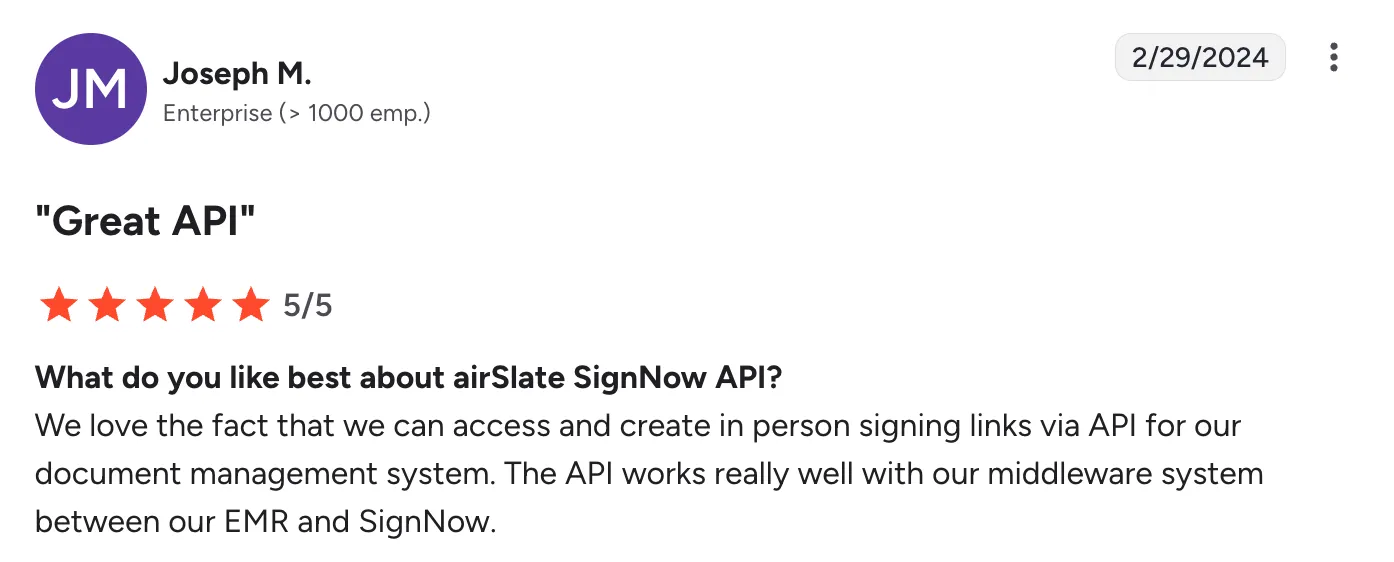
Source
2. Common use cases
Organizations typically adopt the SignNow API for workflows that require consistency, repeatability, and high throughput, including:
- HR processes such as offer letters, onboarding packets, and policy acknowledgments
- Sales and revenue operations, including order forms, renewals, MSAs, and NDAs
- Vendor procurement workflows, such as purchase orders and supplier agreements
- Legal and compliance documents, requiring audit trails, multi-party approval, and centralized recordkeeping
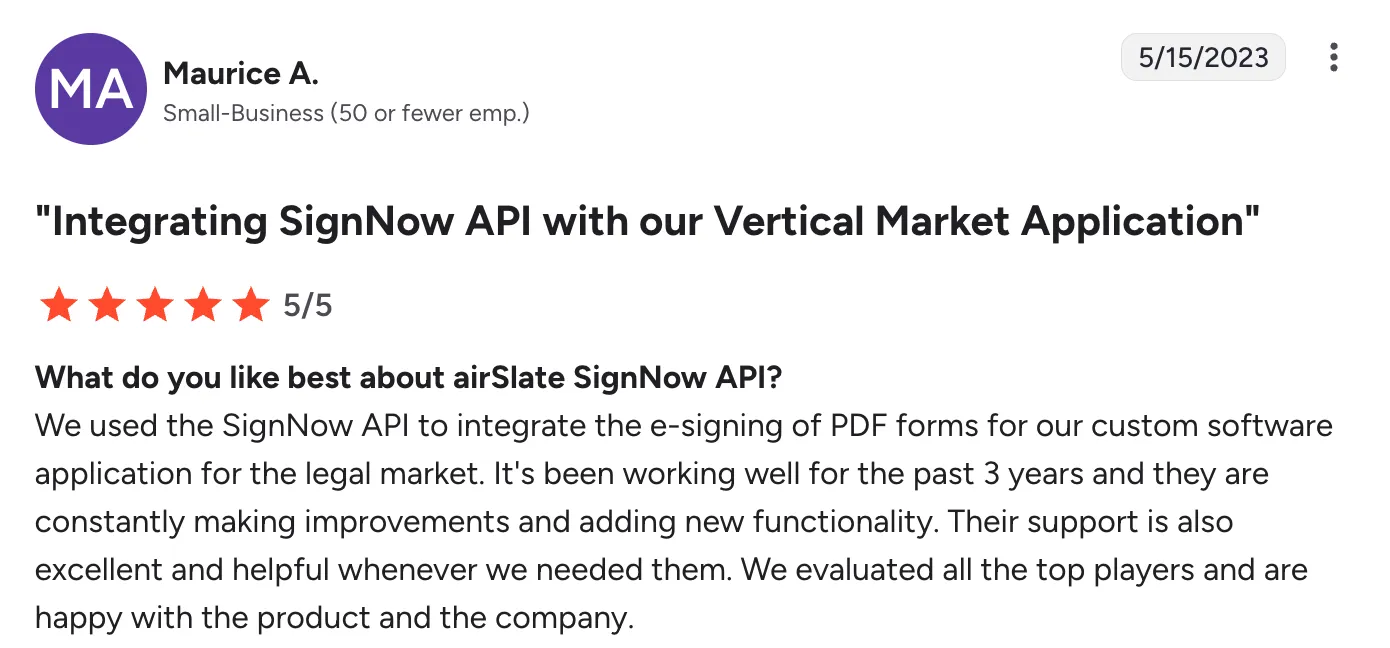
Source
3. Why teams implement API-based eSignature workflows
API-driven signing is used when teams want:
- Automated document creation and delivery, triggered from systems like HRIS, CRM, or internal admin tools
- Centralized storage and retrieval, reducing manual uploads or downloads
- Embedded signing experiences that match the organization’s branding and keep users inside the same application
- Reduced manual tracking, since APIs can update contract status automatically
Before evaluating specific providers, understanding how an api signature works at a technical level helps teams ask the right questions about endpoints, authentication, and signing lifecycle management.
4. Considerations and implementation complexity
While the SignNow eSign API offers broad functionality, teams may encounter practical considerations during setup:
- Technical configuration requirements: Implementing advanced workflows — conditional routing, multi-document packets, or deep integrations — often requires engineering effort.
- Pricing transparency: API usage is billed through custom, quote-based pricing, which can vary depending on volume, features, and support needs.
- Template and document setup workflows: Some users note that managing multiple contract types may require preparing documents separately rather than configuring them centrally.

Source
5. How Signeasy approaches the same use case
Signeasy provides an eSignature API that enables teams to embed document preparation, routing, and signing inside their existing applications.
Its design centers on reducing setup time and simplifying the steps developers follow to generate documents, assign signers, and monitor completion.
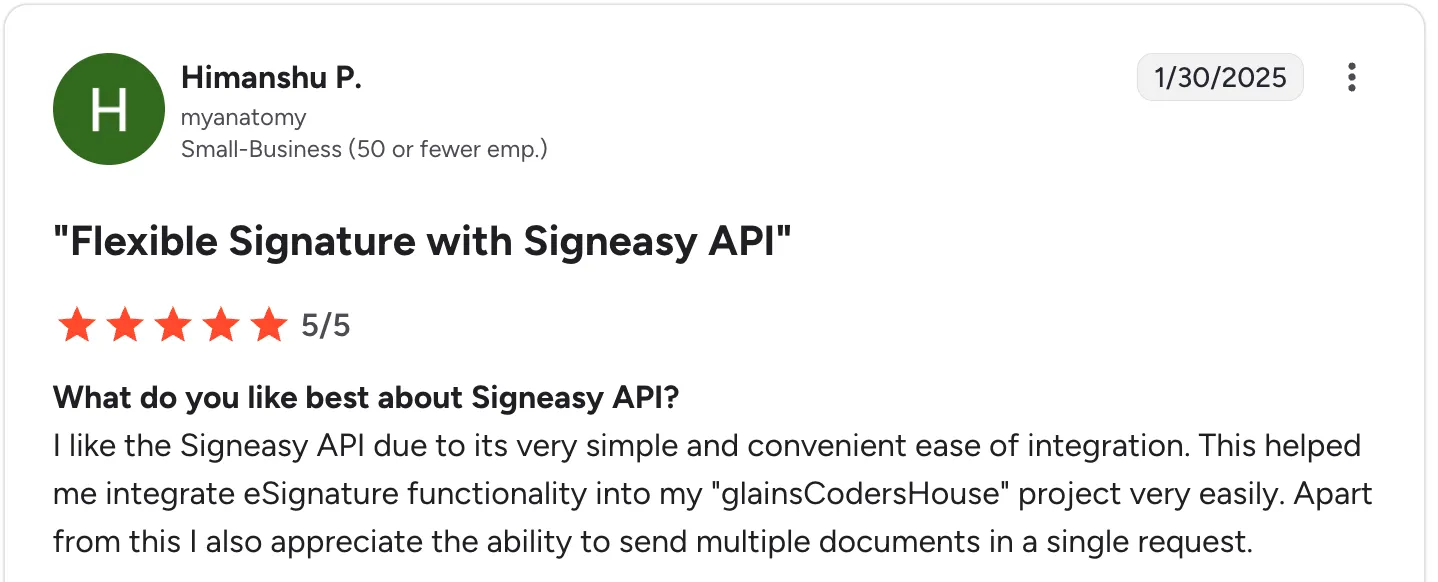
Source
SignNow eSign API features vs. Signeasy API
Here’s how their features compare side by side:
A key difference that doesn’t show up in feature checklists is pricing and execution model.
SignNow charges for documents sent, regardless of completion.
Signeasy charges only for documents that are successfully signed, which can significantly reduce cost in workflows where documents are frequently voided or expire before completion.
SignNow API pricing: A detailed breakdown
Pricing is one of the biggest deciding factors when comparing eSignature APIs. Some tools keep pricing transparent; others keep it behind sales calls. SignNow publishes pricing for its Free Trial and Professional API plan, while higher-volume Enterprise+ pricing is handled through sales.
Custom proposals are required for Enterprise+ and higher-volume use cases.
Below is a breakdown of how SignNow structures its API pricing and how it compares with the Signeasy API. Along with key considerations for a SignNow vs DocuSign comparison.
1. SignNow API pricing (as of Jan 2026)
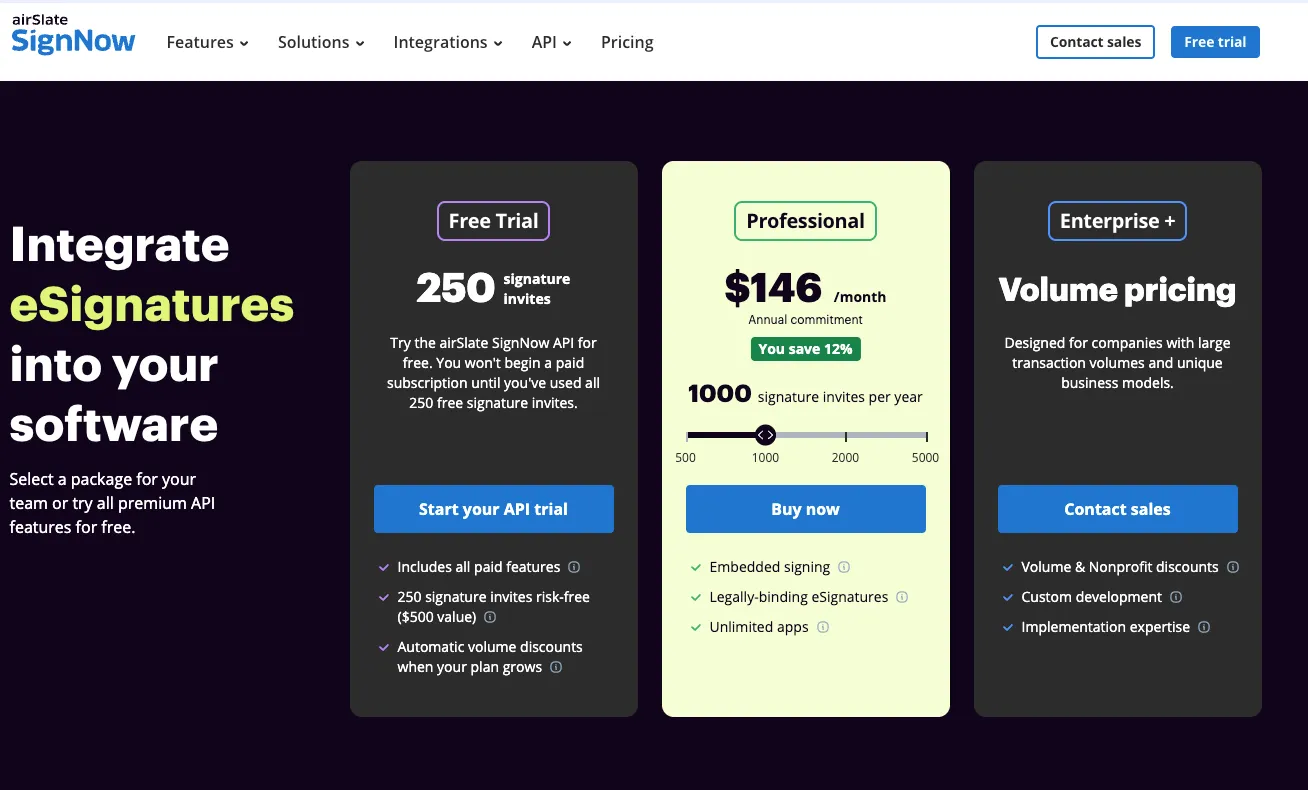
SignNow publishes a limited set of API pricing details publicly. As shown in the pricing table, the platform offers:
- A Free Trial with 250 signature invites
- A Professional API plan starting at $146/month (annual commitment) for 1,000 signature invites per year
- An Enterprise+ tier with custom, volume-based pricing for large or specialized use cases
1a. What is not fully visible or predictable in SignNow’s pricing
SignNow pricing is publicly available for its Free Trial and Professional API plan. However, pricing details for higher-volume usage under the Enterprise+ tier are not published and require contacting the sales team.
Beyond the entry-level and Professional plans, organizations evaluating larger transaction volumes or specialized usage scenarios need to engage SignNow directly to receive a customized pricing proposal.
This means that while basic API pricing is transparent, full cost details for higher-scale usage are provided through sales-led discussions rather than published rate cards.
2. How SignNow API pricing compares to Signeasy API (as of Jan 2026)
Signeasy publishes its API pricing upfront, making it easier for engineering and procurement teams to plan budgets accurately.
Here is a detailed breakdown of Signeasy’s API plans so you can compare them directly with SignNow’s mix of published and sales-led API pricing.
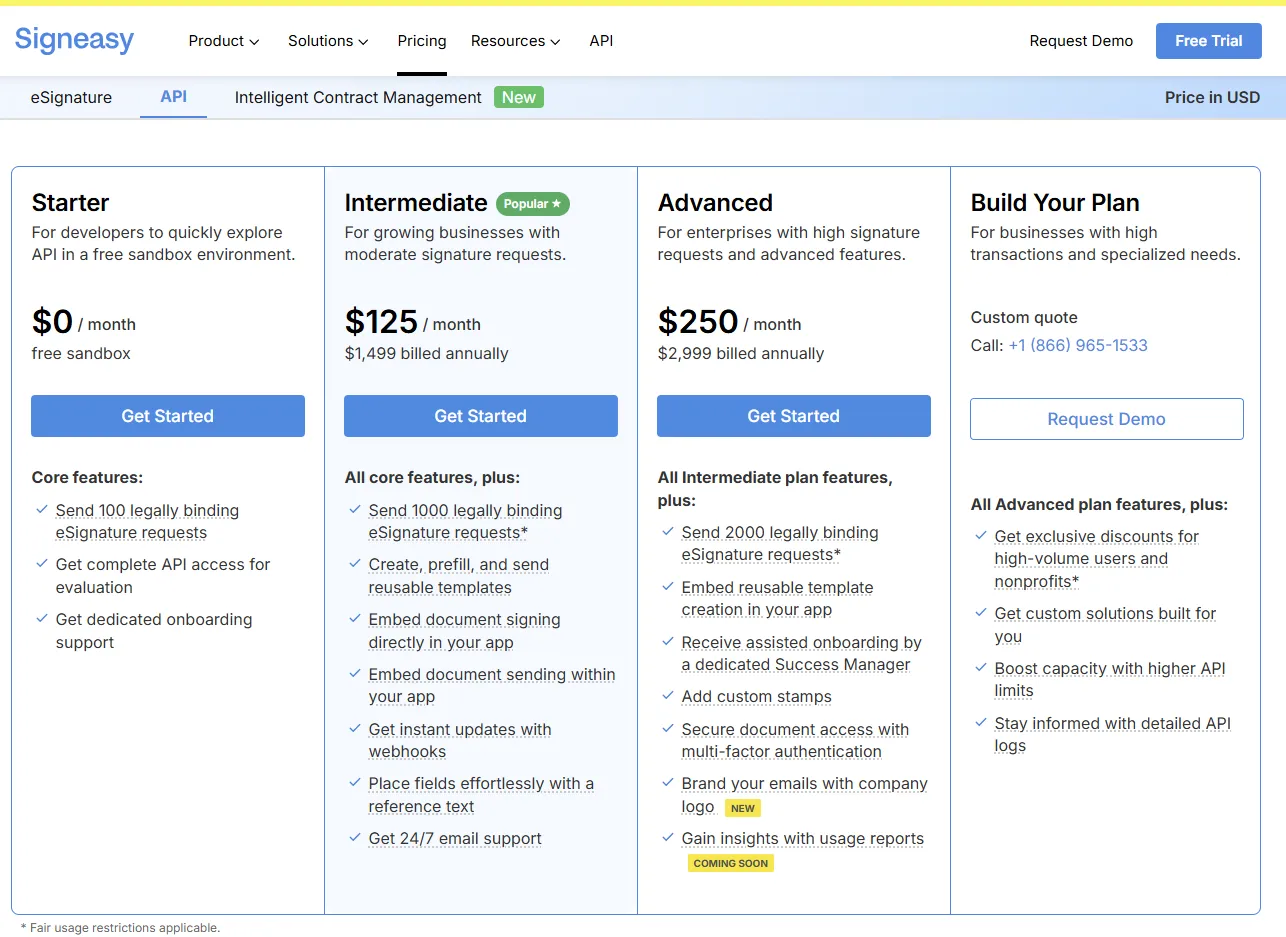
2a. Starter (Free)
Signeasy’s free API tier is designed for developers who want to explore the API in a sandbox environment without committing to a paid plan.
Includes:
- Sandbox with core API features
- Test mode to build and evaluate workflows
- API documentation, SDKs, and examples
Best for engineering teams testing integrations before going live.
2b. Intermediate: $125/month ($1,499 billed annually)
Best for teams with moderate usage.
You get:
- Higher monthly API call limits
- Access to live production signing
- Standard workflow automations
- Webhook support
- Core developer features
For context, at a similar usage level of around 1,000 documents per month, SignNow costs approximately $146/month, while Signeasy costs $125/month.
There’s also a difference in how usage is counted. Signeasy charges only for documents that are successfully signed. Documents that are sent but remain unsigned or are voided are not billed. SignNow charges based on documents sent, regardless of completion.
This tier is well suited for SaaS platforms, HR tools, appointment systems, and procurement teams embedding signatures into mid-volume workflows where both cost predictability and clean execution matter.
2c. Advanced: $250/month ($2,999 billed annually)
Designed for businesses with high-volume workflows and additional compliance needs.
Features include:
- Large API call allowances
- Advanced workflow automation
- Detailed audit trails
- Priority support
- Enterprise-friendly integration options
This tier fits financial services, healthcare-adjacent teams, marketplaces, and companies sending high daily volumes of documents.
2d. Build Your Plan (Custom)
Created for organizations with unique requirements such as:
- Very high monthly signature volume
- Multiple departments or business units
- Customized workflow logic
- Industry-specific compliance
- Large-scale integrations (ERP, EMR, custom CRMs)
Custom pricing lets you match cost to usage so you don’t overpay for capacity you’re not using.
3. SignNow Enterprise API vs. Signeasy Enterprise API pricing
3a. SignNow Enterprise API
SignNow offers a custom-priced Enterprise API package, but pricing is not publicly listed and is handled through direct sales engagement.
API capabilities are documented publicly, but higher-volume Enterprise+ pricing requires contacting sales for a custom proposal based on expected usage
3b. Signeasy Advanced API
Signeasy’s Advanced API plan represents its highest publicly listed tier and clearly outlines both pricing and included capabilities.
The Advanced plan includes:
- 2,000 legally binding eSignature requests
- Embedded reusable template creation within applications
- Assisted onboarding with a dedicated Success Manager
- Multi-factor authentication via SMS
- Role-based access controls
- Audit trails
- Email branding and custom stamps
- Usage reports (coming soon)
Because pricing, request limits, and included features are published upfront, teams can evaluate fit and cost at higher usage levels without requiring a sales conversation.
3c. Free plan comparison
Who should choose Signeasy eSign API over SignNow?
Choose the Signeasy eSign API if you need speed, clarity, and easy scaling without the overhead of a heavyweight enterprise implementation.
Signeasy is designed for teams that want to embed eSignatures quickly, maintain predictable costs, and avoid long engineering cycles.
When Signeasy is the better fit:
- You need to deploy fast. Signeasy’s clean REST API, sandbox mode, and beginner-friendly docs let developers ship an integration in hours — not weeks.
- You want predictable pricing. Transparent, tiered API plans make it easier to budget and scale usage without surprise fees or quote-only pricing.
- You prefer tools that integrate smoothly. Native connections with Microsoft 365, Google Workspace, Slack, HubSpot, and leading CRMs keep workflows unified without custom development.
- You’re focused on essential automation. Signeasy delivers the core features most teams need — embedded signing, templates, webhooks, audit trails — without layers of configuration.
Ideal for: Startups, SMBs, mid-market teams, and modern SaaS platforms that want reliable eSignature functionality, clean APIs, and fast time-to-value without committing to a heavy enterprise stack.
Recommended Read: Signeasy vs SignNow

Source
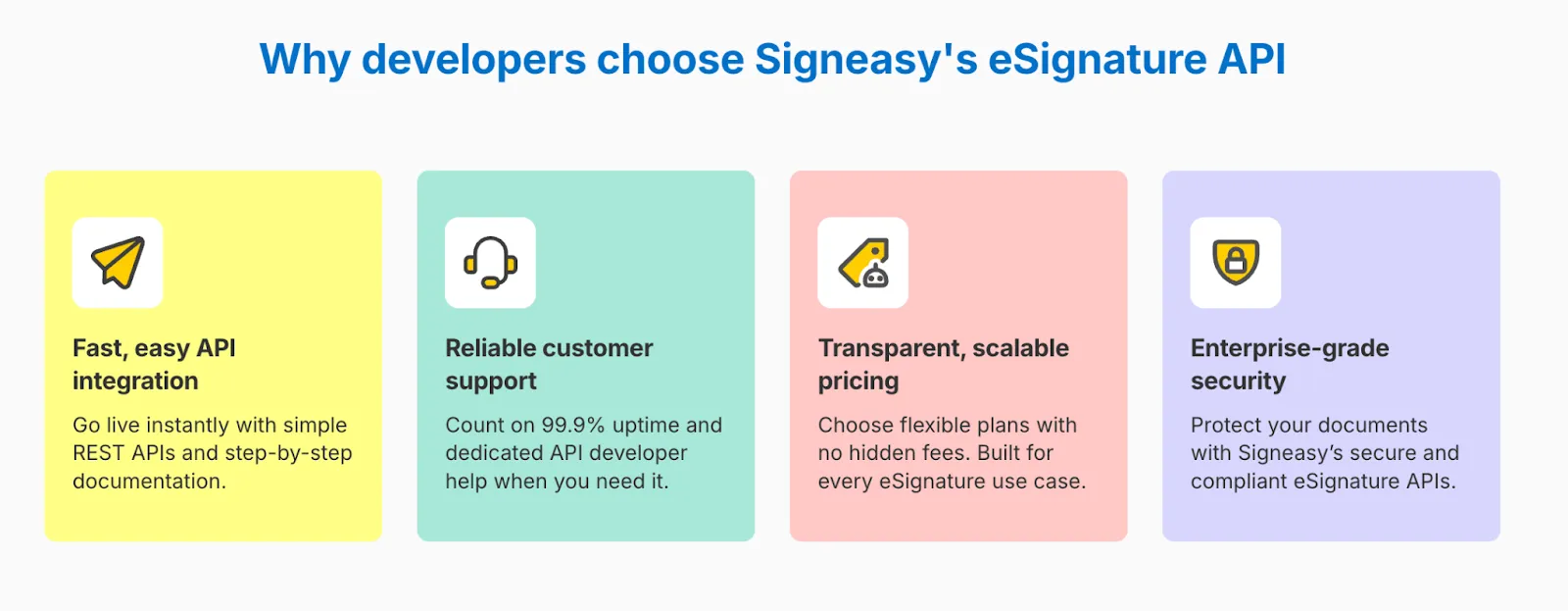
1. Signeasy’s developer experience and integration support
Signeasy makes adoption easier with:
- A full-featured sandbox environment / test mode
- Sample code and SDKs
- REST-based API endpoints with full control
- Clear, beginner-friendly documentation
Source
Explore how Signeasy’s API makes integration faster and simpler.
Start Free Trial
If you want fast, flexible eSignatures, Signeasy API gets you there sooner
Choosing an eSign API ultimately comes down to one thing: how quickly your team can turn it into real, working value.
SignNow is a solid option for enterprises that can invest in longer implementation cycles and complex, highly customized workflows.
But most modern teams don’t want that weight. They want an API that is easy to build with, easy to budget for, and easy for every department to adopt.
That’s exactly where Signeasy’s eSign API stands out:
- It gets developers live in hours, not weeks.
- It offers transparent, scalable pricing with no guesswork.
- It integrates cleanly with the tools businesses already rely on, from Microsoft 365 to Google Workspace.
- And it gives teams the signing experience they expect — fast, embedded, reliable, and secure.
If your priority is speed, clarity, and a smoother path to deployment, Signeasy is the API that removes friction instead of adding more of it.
See how quickly your team can go live — start exploring the Signeasy eSign API today.