





In an enterprise setting, where more than two teams are involved in every process, making sure contracts are ready on time can be challenging.
An HR associate is waiting for the department head to sign off on the final salary details before confirming the offer. Meanwhile, someone from Finance is reviewing the bonus structure and reimbursement terms to keep everything aligned with policy. If your organization is evaluating a dedicated CLM platform like CobbleStone to solve this kind of multi-team coordination, our cobblestone contract management pricing guide covers what to expect before the sales conversation.
At the same time, the legal team is revising the non-compete clause to reflect the latest compliance updates. And in the middle of all this, you’re still trying to figure out which version of the employment contract is actually ready to send.
The real issue is coordination, something you can address with collaborative contract management. Every stakeholder works in a shared review flow where feedback stays organized and approvals move forward with clarity.
In this post, we cover:
- What collaborative contract management is and how it improves siloed workflows
- The core components, from shared workspaces to audit trails
- Practical steps to adopt a collaborative model
- Common challenges and how teams solve them
- What to track when measuring success
- How Signeasy supports collaboration with templates, workflows, eSignatures, and Microsoft integrations
What is collaborative contract management?
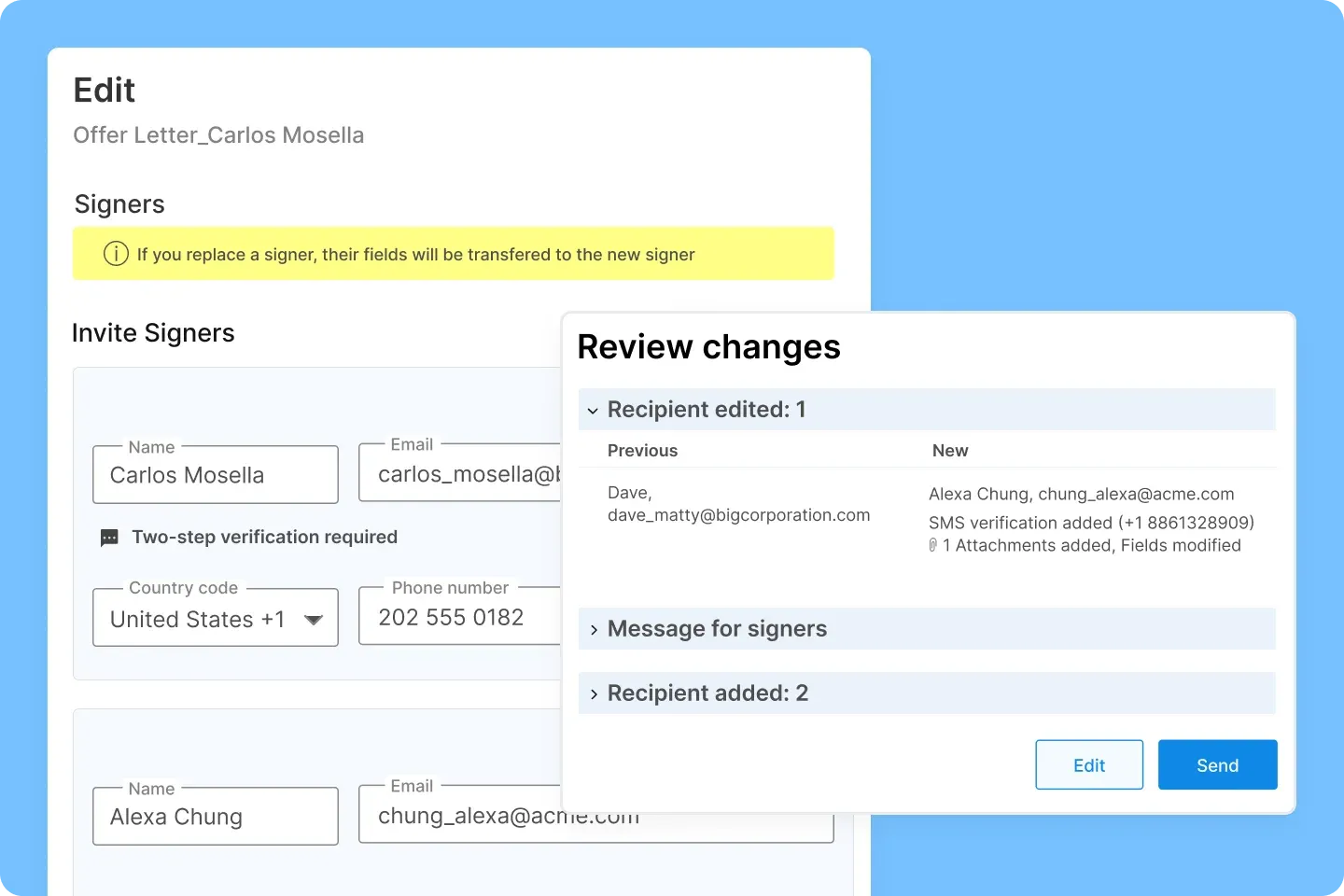
Collaborative contract management is a structured workflow in which internal teams, including legal, sales, finance, procurement, and external stakeholders, review and contribute to a contract within one coordinated system. Teams edit, comment, and approve in context, reducing duplicate files and limiting dependence on long email threads.
This approach keeps progress visible and maintains a clear, traceable lifecycle from draft to signature.
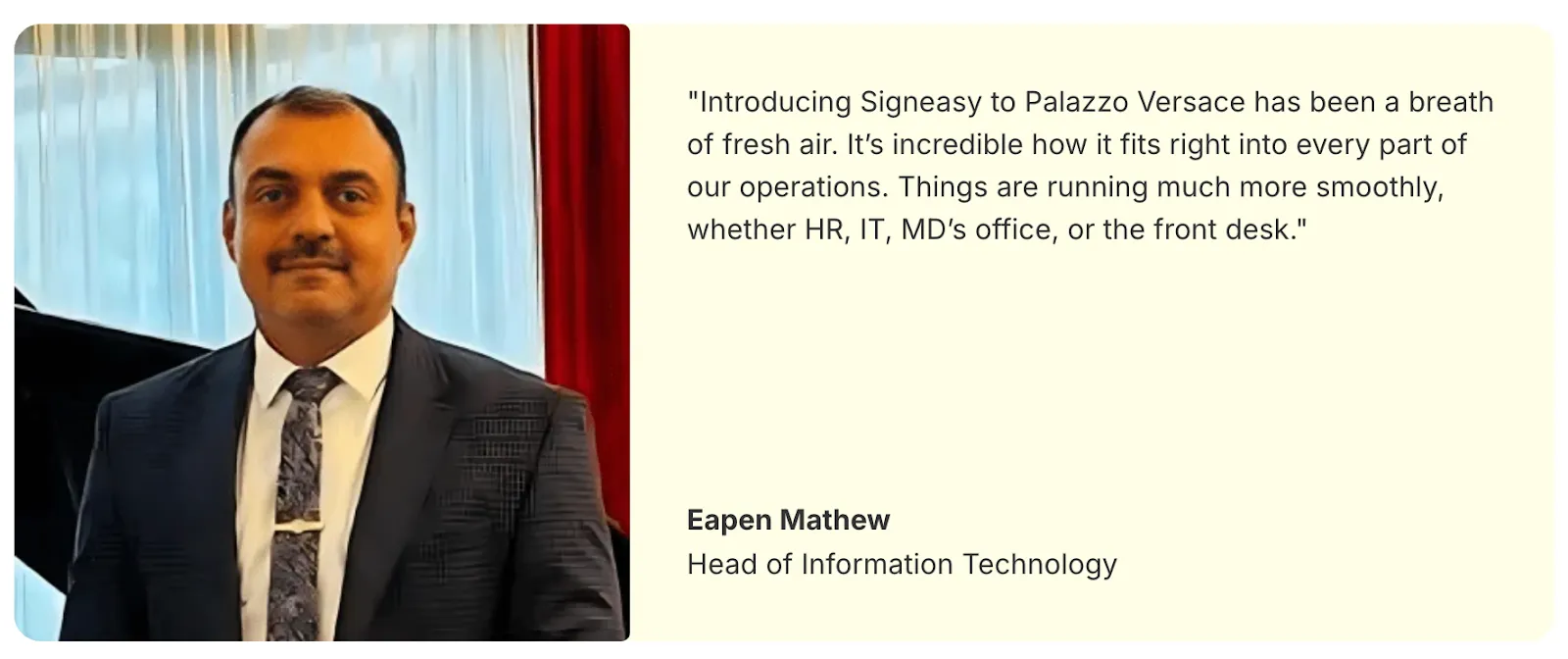
A useful example of this in practice comes from Palazzo Versace in Dubai. The hotel handles a high volume of agreements across HR, IT, finance, and guest-facing departments — everything from employment contracts to annual maintenance contracts to upgrade approvals at the front desk.
Before streamlining their workflow, documents moved slowly, required repeated follow-ups, and often lived in different systems depending on who initiated them.
After adopting Signeasy to centralize document workflows, departments reviewed and approved agreements within one coordinated process.
HR accelerated onboarding, IT and finance shortened contract cycles, and the front desk processed guest requests without long delays. Coordination improved because teams worked from a consistent, trackable workflow.
1. What's the difference between collaborative and traditional contract management?
- Traditional contract management follows a linear sequence. One team works, then passes the document to the next. This creates delays, scattered version histories, and long back-and-forth cycles.
- Collaborative contract management brings work into a coordinated flow where teams contribute in parallel with clear accountability and reliable data.
1a. Traditional vs. collaborative contract management
Key components of collaborative contract management
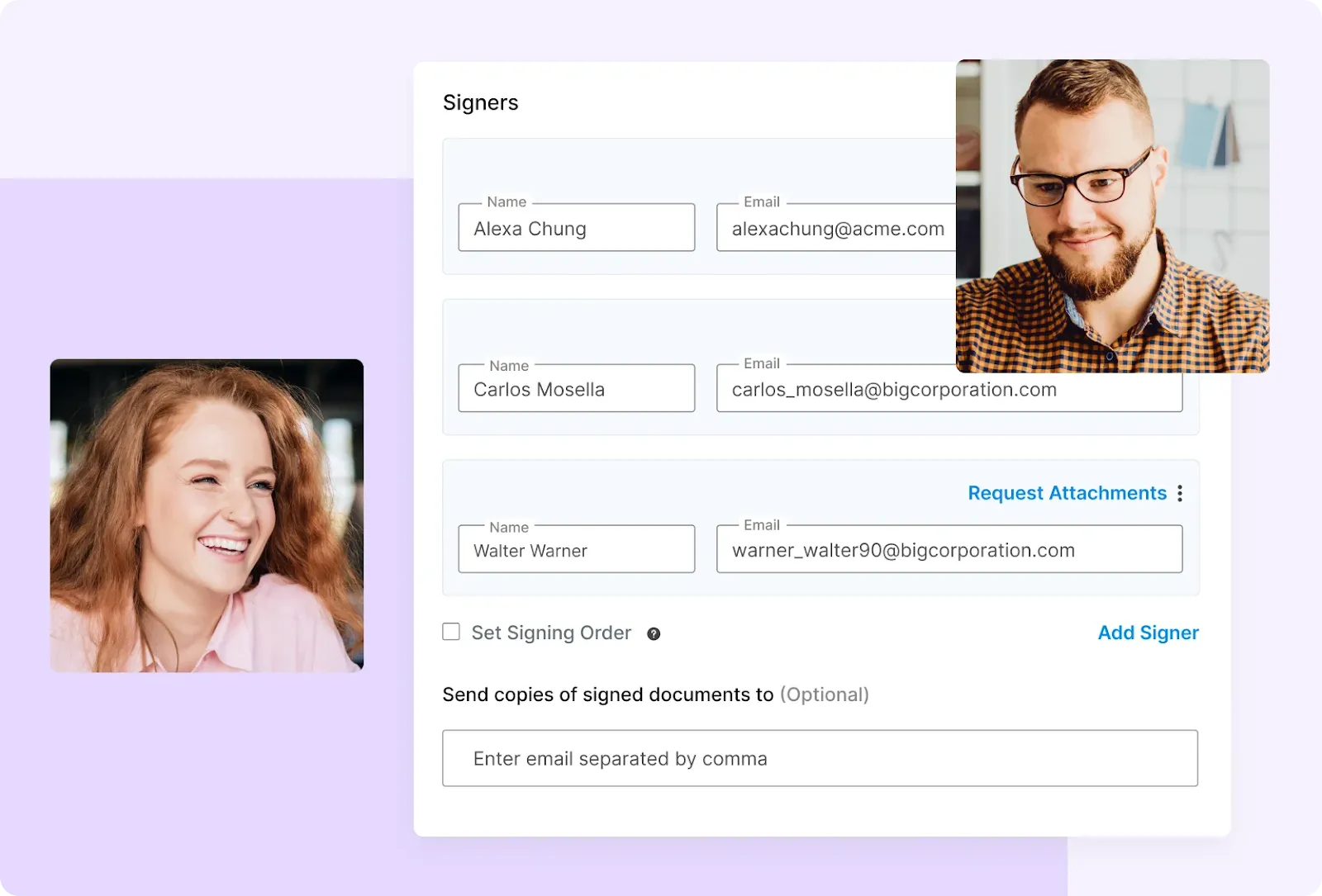
When teams can work in the same space, at the same time, with the right permissions, contracts stop bouncing between inboxes and start moving.
These components make that possible:
1. Centralized workspace
All drafts, comments, and redlines remain connected within the workflow, reducing confusion.
2. Real-time collaboration
Teams resolve questions directly in context rather than waiting for sequential handoffs.
3. Role-based access and permissions
Stakeholders receive access aligned to their responsibility — view, comment, edit, or approve.
4. Version control and audit trails
Each update is logged with timestamps and contributor details.
5. Integrated workflows and approvals
Automated routing supports timely progress without manual follow-ups.
Teams in education or institutions with specialised workflows may also benefit from this guide to education contract management software.
How collaborative contract management enhances team workflows
For seamless collaboration, what most teams need is clear visibility into the role each team plays in moving the task forward.
Here are the central features that support coordination and the outcomes they enable.
1. Key features + benefits of collaborative contract management
From these features emerge business-level advantages:
- Faster contract turnaround and efficiency gains: With reviews, edits, and approvals happening in parallel instead of waiting on handoffs, contracts progress steadily from draft to signature.
- Greater accuracy and consistency: Working from a single active version alongside standardized templates and clause libraries reduces drafting errors, uneven language, and missed details.
- Better compliance, risk control and governance: Audit trails, defined permissions, and structured approval flows help teams meet internal standards while maintaining regulatory alignment.
- Improved productivity for legal and business teams: Less time goes into managing edits, tracking versions, or chasing updates. Legal teams focus on strategic review, while business stakeholders keep agreements moving with clearer ownership.
If you’re comparing tools to support collaborative workflows, a helpful starting point is our roundup of the best contract management software in 2026, especially for teams looking to shorten review cycles and increase visibility across departments.
Implementation strategies for collaborative contract management
A successful shift to a collaborative model requires clear planning. These steps help teams establish a strong foundation from day one, while also preparing for common adoption challenges along the way.
Step 1. Select a platform that supports real-time work
Select a tool that offers a unified space, contract editing, inline comments, notifications, secure storage, and role-based access.
Common challenge: Teams may resist adopting a new tool and prefer familiar habits.
What helps: Choose a platform with an intuitive interface, provide onboarding support, and introduce it gradually so teams build confidence over time.
Step 2. Standardize templates and clause libraries
Use approved templates and clause blocks to maintain consistency and reduce repetitive legal review.
Common challenge: Stakeholders may continue sending drafts as attachments or giving feedback outside the workflow.
What helps: Reinforce a “one document, one workspace” approach during early rollout.
Step 3. Define roles and review stages early
Clarify who drafts, who reviews, who negotiates, and who signs so collaboration stays structured.
Common challenge: Without clear ownership, shared workflows can feel chaotic.
What helps: Set expectations for response times, review responsibilities, and how comments or edits should be used.
Step 4. Train teams on new workflows
Show users how to comment, tag teammates, track changes, and work effectively in a shared workspace.
Common challenge: Teams may struggle to build new collaboration habits at first.
What helps: Provide short, practical training that mirrors real contract scenarios.
Step 5. Integrate with existing tools
Connect CRM, HRIS, procurement, and eSignature systems to streamline data flow and reduce manual steps.
Common challenge: Concerns about visibility or oversight may slow adoption.
What helps: Use permission controls and audit trails to balance transparency with structured access.
To understand how AI strengthens review accuracy and speeds up routine work, read: A guide to AI in contract management
Measuring collaborative contract management effectiveness
Tracking performance helps teams understand whether collaboration is improving the contract process or simply adding another tool to the stack. The following key performance indicators (KPIs) offer a clear view of impact and efficiency:
- Draft-to-signature cycle time: Measures how long it takes for a contract to move from preparation to completion
- Review and approval turnaround time: Tracks how quickly each stage moves, helping teams identify bottlenecks.
- Contract completion rate: Shows how many contracts are completed, pending, or declined
- Audit readiness: Transparent activity logs and version history help teams assess whether documentation is complete and compliant.
How Signeasy supports collaborative contract management
A collaborative contract process works best when the platform behind it feels easy to use, secure, and built for real teamwork. As a modern contract management platform, Signeasy gives teams a shared space to review, comment, and approve contracts together, without relying on multiple tools or losing visibility into progress.
1. Work together in one shared space
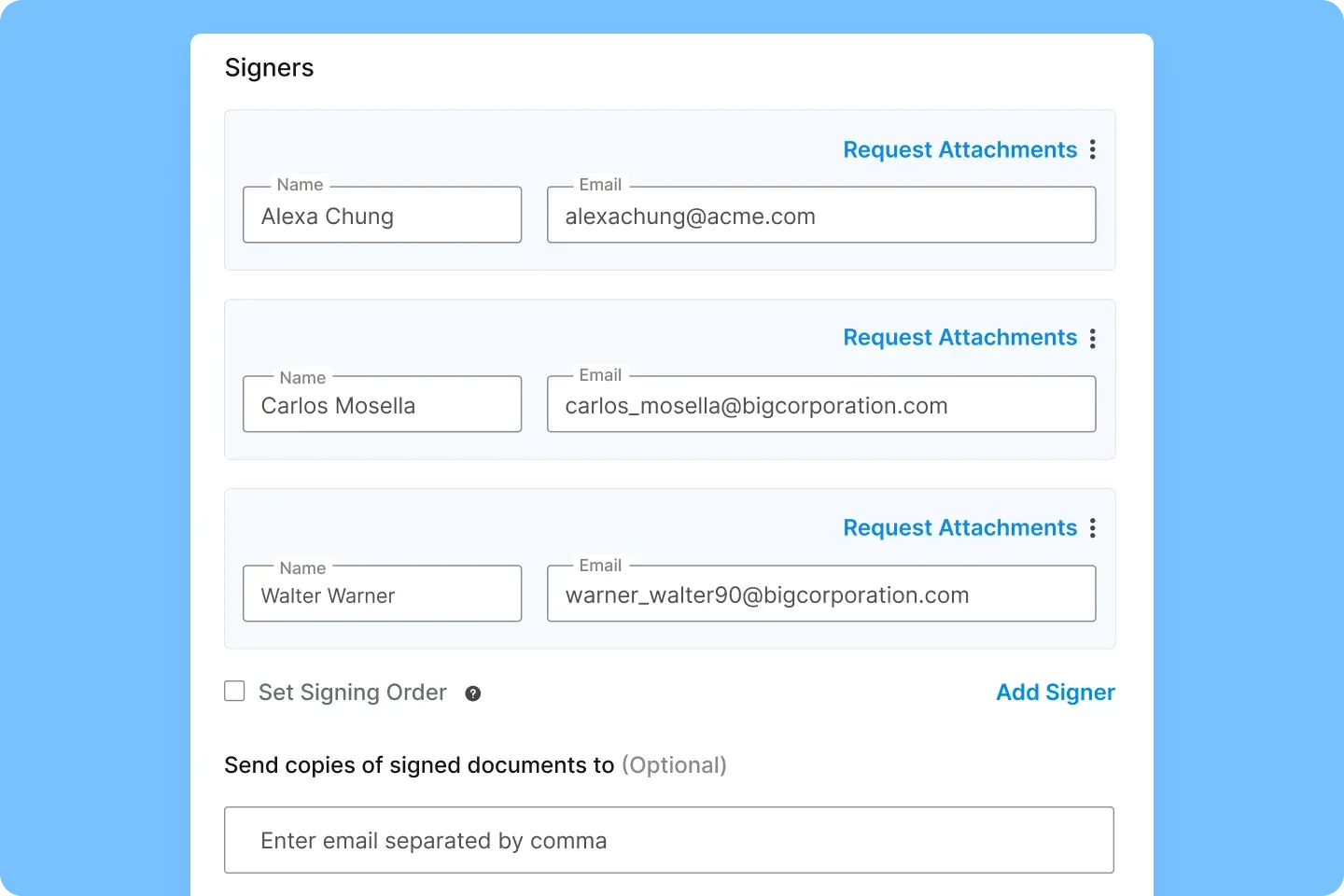
With Signeasy, you can invite multiple internal reviewers to the same document. They can leave comments, ask questions, and finalize details without sending attachments back and forth. Everyone stays aligned, and conversations happen right where they’re needed, inside the document.
2. Create consistent contracts with ready-to-use templates
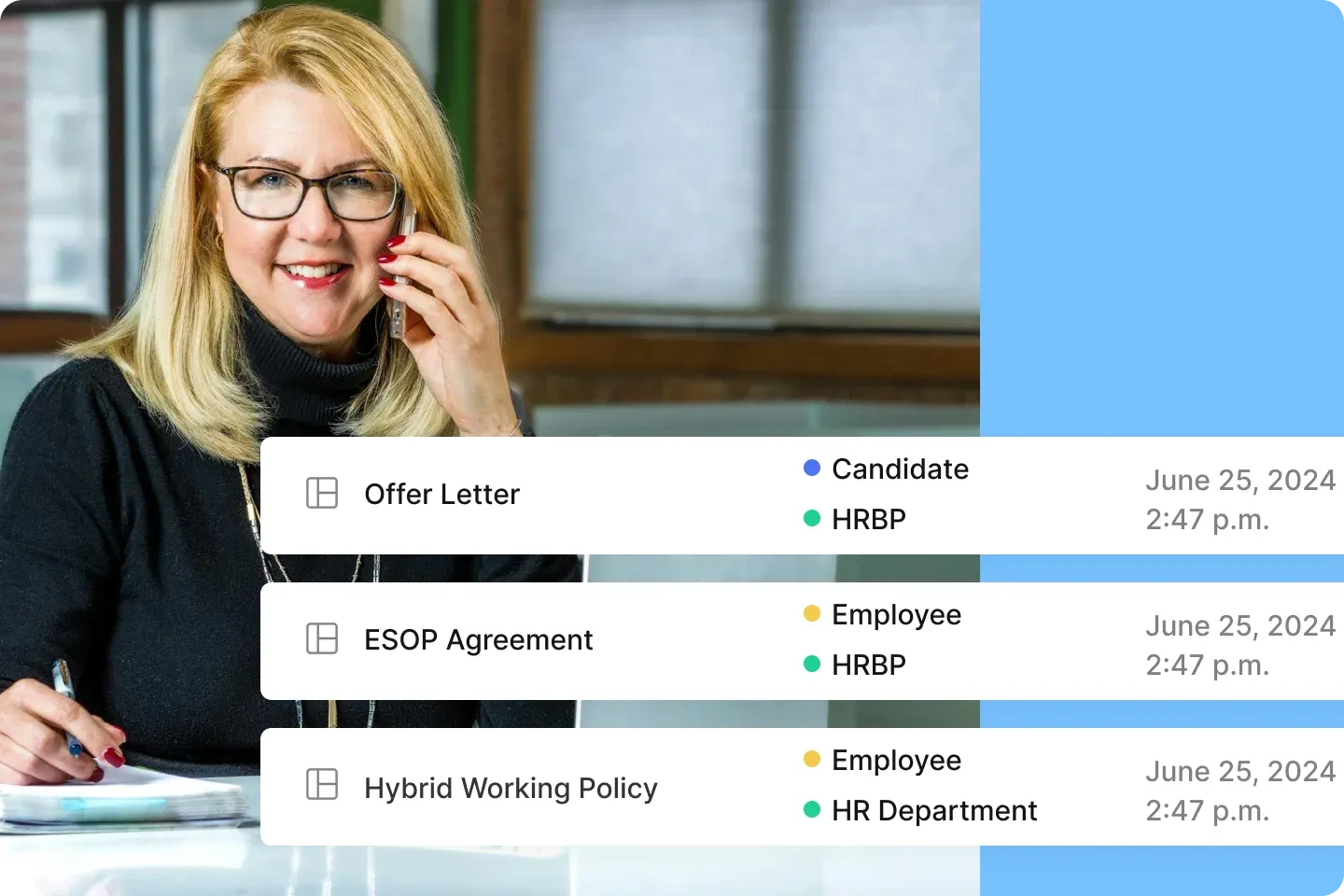
With Signeasy, teams create contracts from approved templates where roles, fields, and signing order are already set up. This keeps language consistent while letting business users prepare documents with confidence, and gives legal more space to focus on high-value review instead of repetitive edits.
3. Keep reviews moving with automated workflows

Whether your process requires everyone to review at the same time or in a specific order, Signeasy routes each step automatically.
Stakeholders receive the right request at the right moment, and the document moves forward without manual follow-ups or file juggling.
For instance, Eversendai used Signeasy’s automated workflow features and integration with MicroSoft SharePoint to complete 69% of all their contracts in the first two days.
4. Sign securely with trusted eSignatures
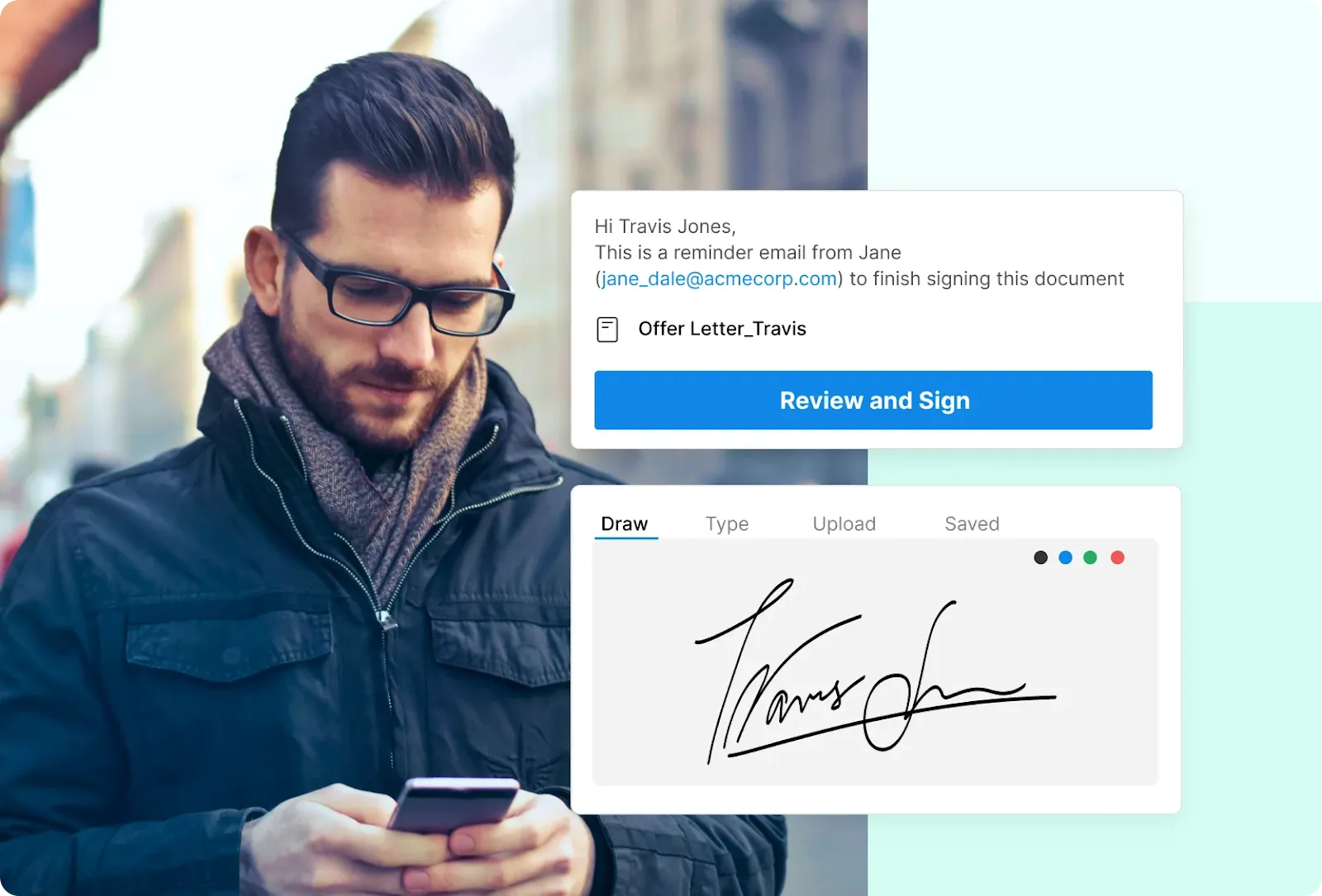
Every signature comes with encrypted links, authentication options, and tamper-evident records. Compliance frameworks like ESIGN and UETA are baked in, so teams can sign with peace of mind and keep sensitive agreements protected.
Watch: How to track contract status and send reminders
5. Designed with simplicity, security, and speed in mind
Signeasy keeps collaboration intuitive, compliant, and efficient with three core principles:
- Simplicity: Easy for non-legal users to learn and use daily
- Security: Safe storage, permissions, and access controls for sensitive information
- Speed: Faster movement from draft to signature with fewer delays
- Integrations: Fits smoothly into the tools like Microsoft Teams, Outlook, and SharePoint
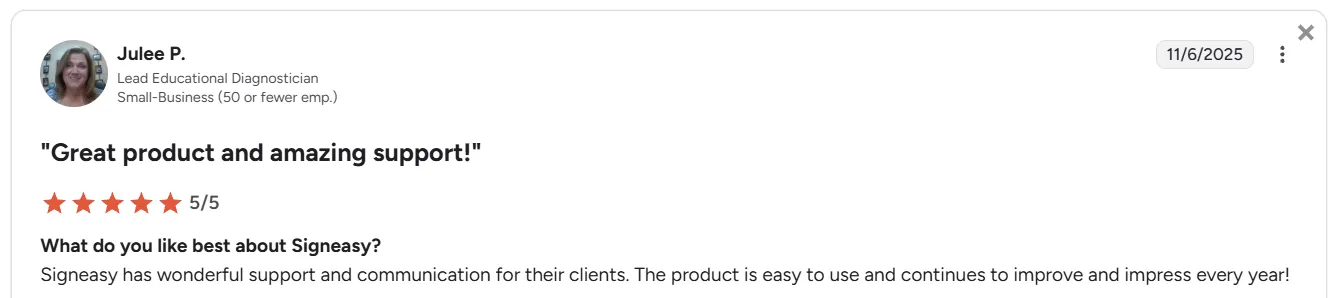
Source
Start simplifying collaboration with Signeasy
When teams work in one shared workspace, contracts move faster, stay cleaner, and require far less back-and-forth. That’s the advantage collaborative contract management brings — and it’s exactly what Signeasy is built to support.
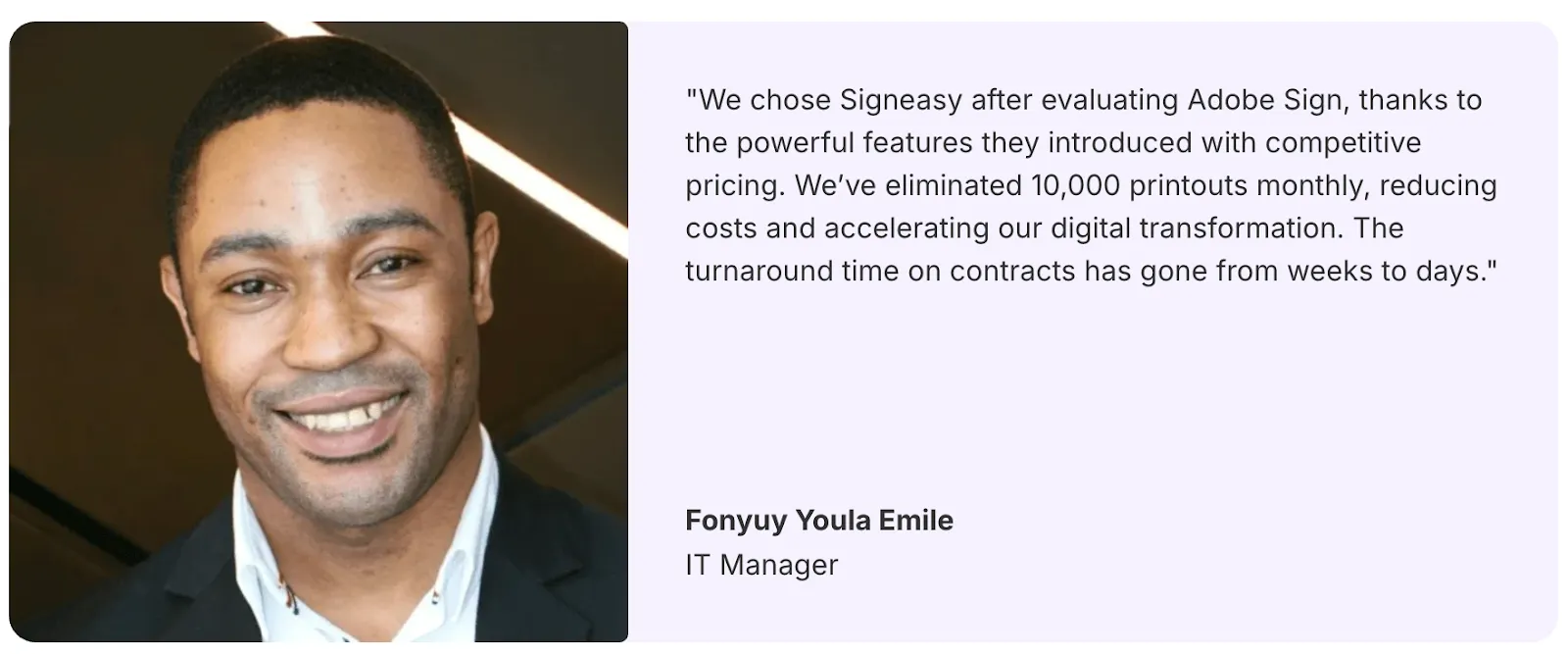
Organizations like Palazzo Versace have already seen the impact, cutting contract turnaround from weeks to days and removing more than 10,000 monthly printouts. The result is a workflow that feels lighter, clearer, and actually manageable.
If you want the same clarity and speed, now’s the time to try it. See how Signeasy streamlines collaboration — book a free demo today.




