


ContractSafe gets a lot right for teams that simply want a clean, easy-to-use place to store contracts. Users often appreciate how intuitive it feels and how quickly teams can get started without much setup or training.
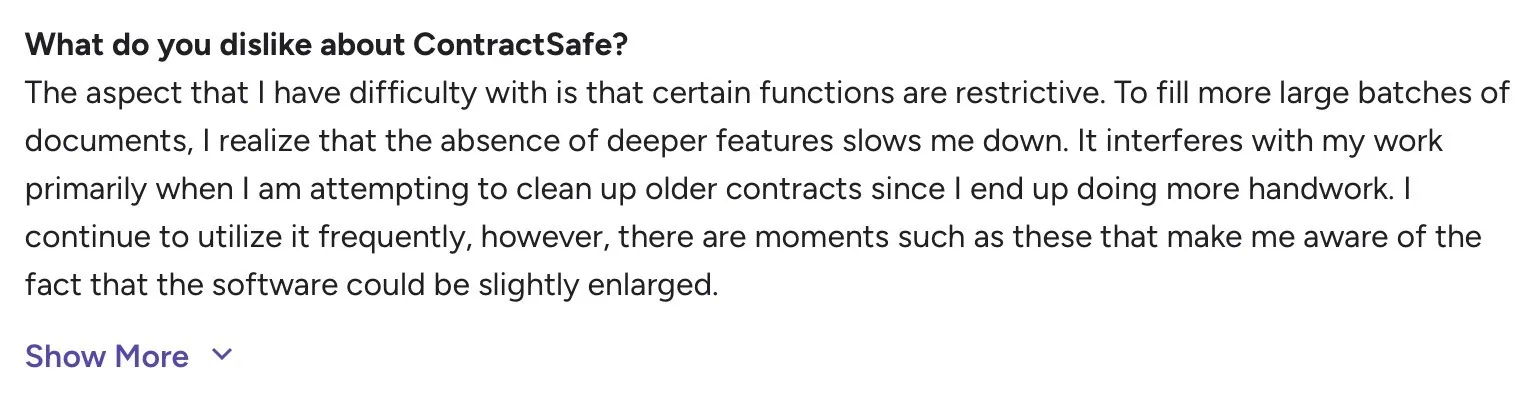
That simplicity, though, starts to feel limiting once contracts become part of daily operations. Users mention that certain functions feel restrictive, especially when handling large batches or cleaning up older contracts.
Source
That’s the point where many teams start asking a simple question: Is there a better way to handle this?
In this guide, we’ll break down:
- The strongest ContractSafe alternatives for 2026
- Their key features, pros and cons, and pricing
- Why Signeasy stands out as the more complete and scalable contract management solution for growing and enterprise teams
10 ContractSafe alternatives to consider in 2026
We selected these 10 ContractSafe alternatives based on how well they support modern contract workflows. Each tool on this list stands out for a specific strength, whether that’s deeper automation, built-in eSignature, or cross-functional collaboration.
To ensure consistency, we evaluated every platform using the same criteria:
- Core contract management capabilities
- Ease of use
- Automation and compliance
- Integrations
- Pricing transparency
- Best-fit company size
The table below gives you a quick side-by-side view to help you narrow down which tools are worth a deeper look for you.
In the sections below, we’ll walk through each alternative one by one, starting with Signeasy. We’ll focus on what each platform does well, where it fits best, and why teams consider it when moving on from ContractSafe.
1. Signeasy
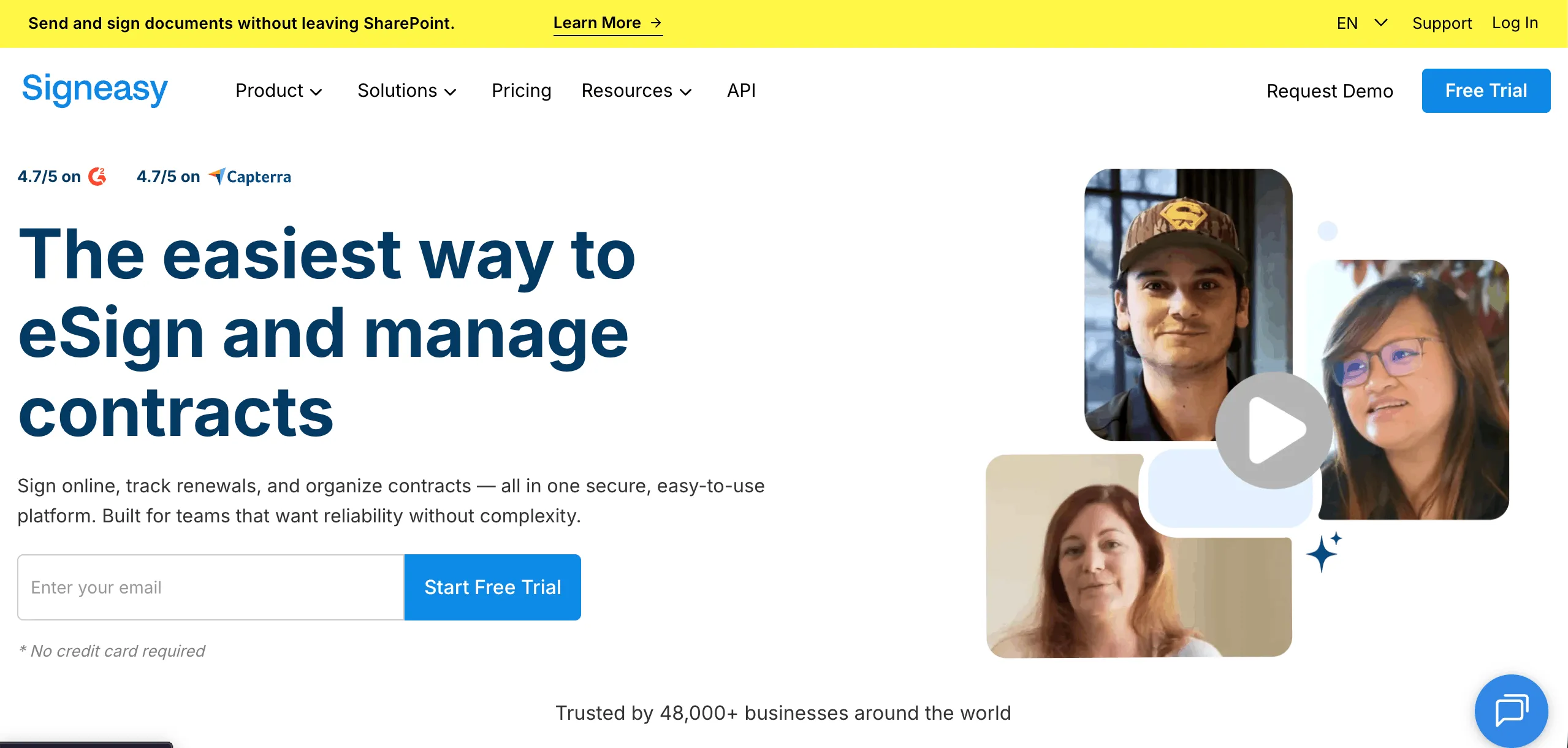
Signeasy appeals to organizations that have moved past basic storage and need clearer ownership and better visibility in how contract work gets done.
Compared to ContractSafe, which works well as a centralized repository, Signeasy places more emphasis on managing contracts as active business assets. It supports cross-functional teams like sales, operations, and finance, helping contracts move through internal processes without constant manual coordination.
For companies where contracts are part of ongoing operations, Signeasy offers a more operational approach to contract management.
Signeasy’s key features
- Built-in contract workflows to route agreements across teams and stages
- Automated reminders and notifications for pending actions and follow-ups
- Role-based access controls to assign ownership and permissions
- Native contract tracking to monitor status from creation through completion
- Integrations with Google Workspace, Microsoft Outlook, Microsoft Team, and HubSpot
Signeasy’s pros
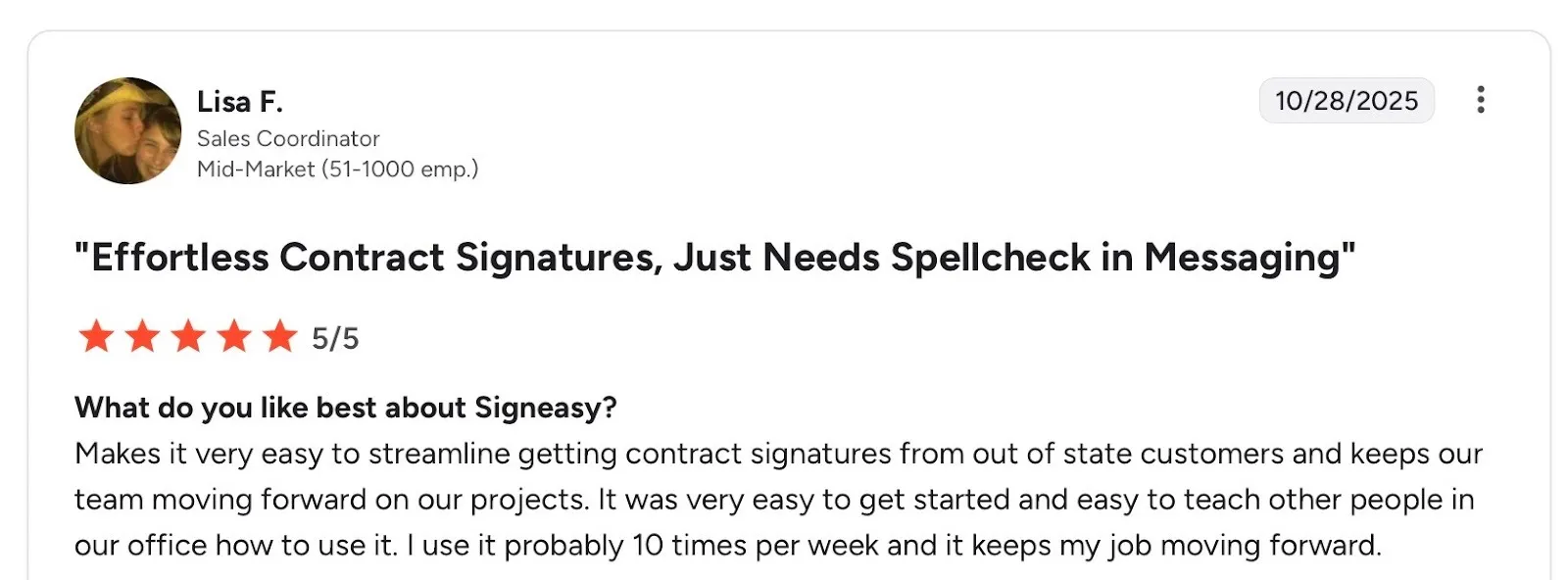
- Easy to use for both document signing and contract-related tasks
- Simple, user-friendly interface with minimal learning curve
- Reliable customer support during onboarding and day-to-day use
- Smooth implementation for teams adopting the tool quickly
Source
Signeasy’s cons
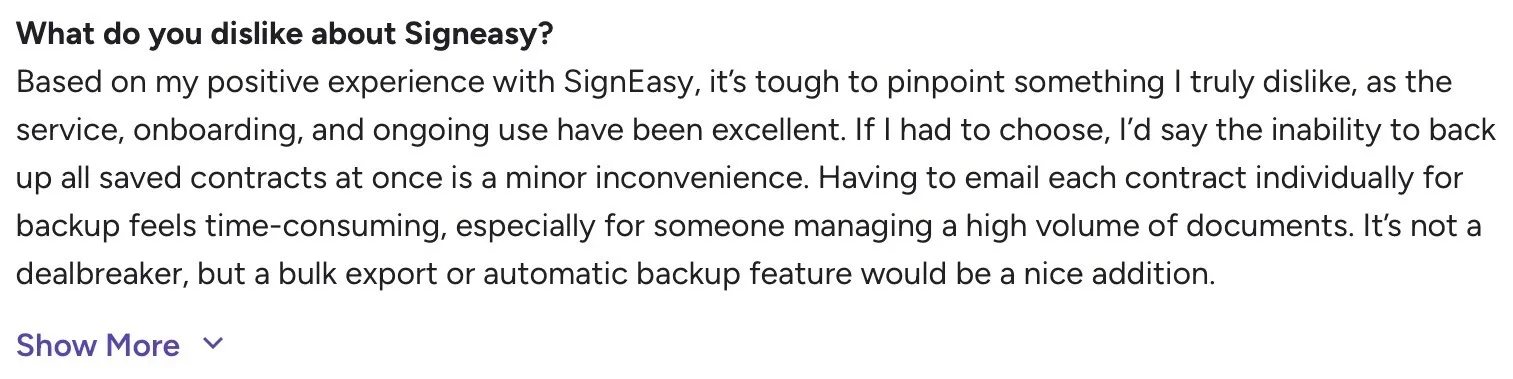
- Best suited for streamlined contract workflows rather than highly complex, legal-heavy CLM environments
- Priced for teams and growing organizations, which may be less ideal for individual users or very small businesses
Source
Signeasy’s pricing
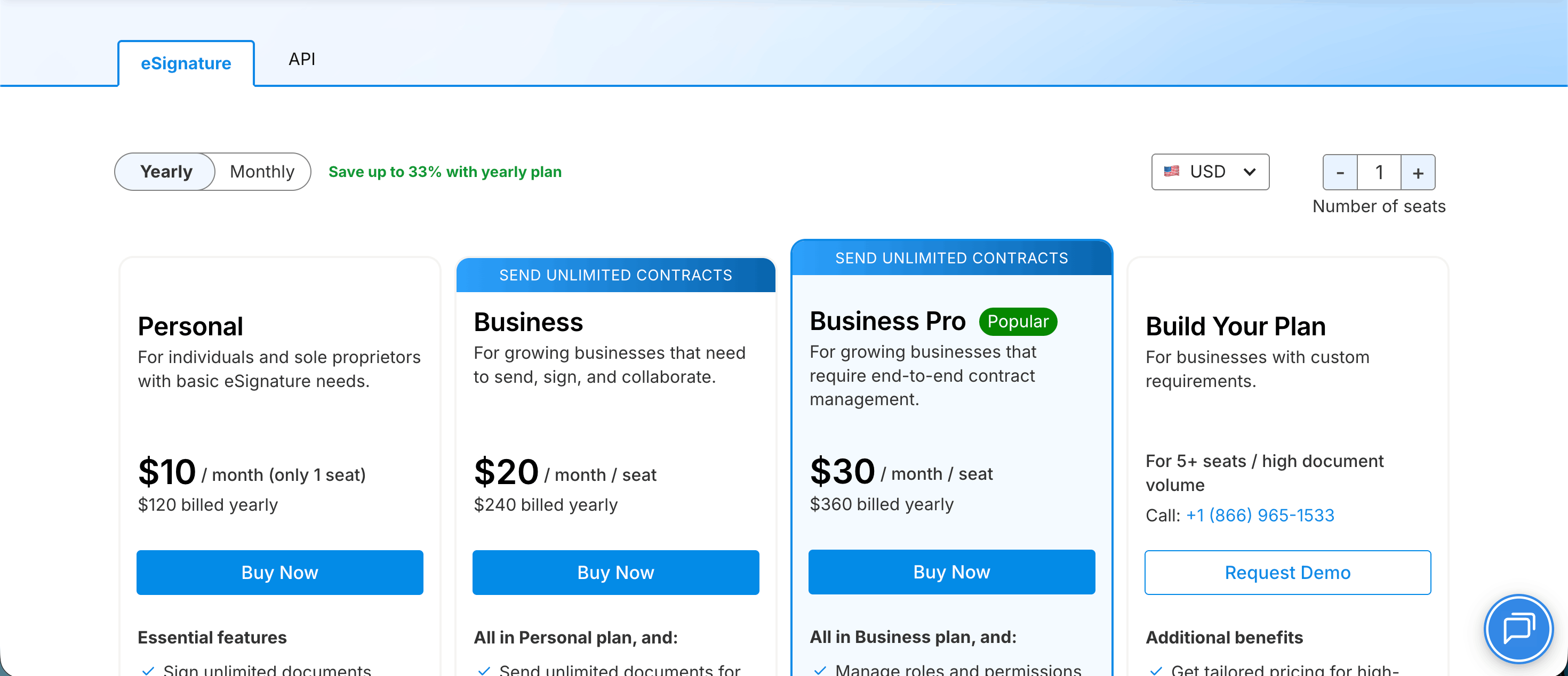
Signeasy’s pricing starts at $10 per user per month (billed annually), with three clear, transparent tiers. Unlike many competitors, it publicly lists its plans and inclusions in tiers, reducing procurement friction.
For larger deployments, it also offers a custom Enterprise plan tailored to advanced security, compliance, and administrative needs.
Because pricing scales by user rather than contract volume, costs remain predictable as agreement volume grows. The 100-day money-back guarantee further reduces financial risk during adoption.
ContractSafe vs Signeasy
While both tools help manage contracts, they take very different approaches to execution, automation, and scale.
The table below highlights where Signeasy goes beyond ContractSafe and why teams often consider it a stronger operational fit.
2. Docusign
Docusign is designed for organizations that need structured, end-to-end contract lifecycle management with strong compliance and governance. It’s commonly used by large enterprises managing complex approvals and high contract volumes.
Docusign’s key features
- Policy-driven workflows that enforce approvals and controls
- Advanced clause library with reuse and governance
- Native integration with Docusign eSignature
- Enterprise compliance, audit trails, and reporting
- Broad integrations with CRM, ERP, and identity systems
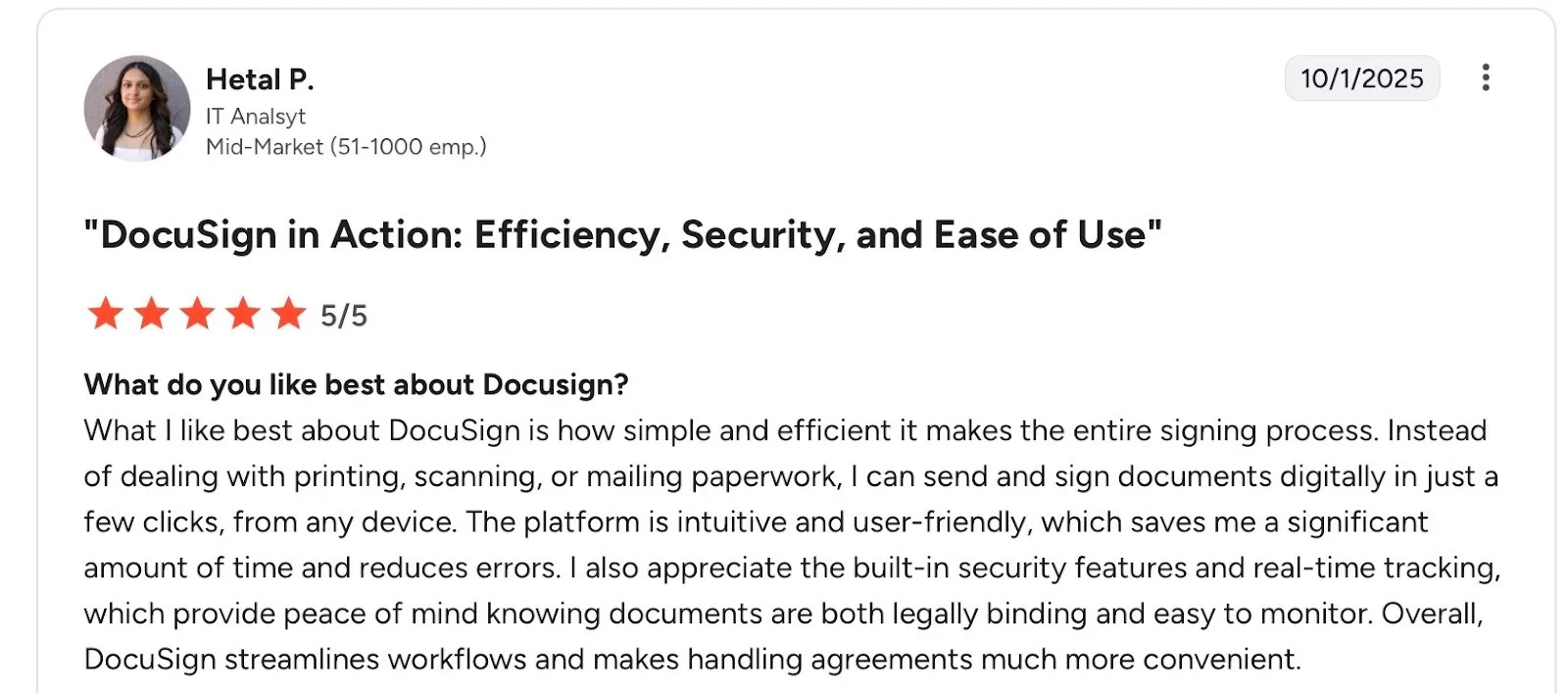
Docusign’s pros
- Mature governance and compliance capabilities
- Extensive enterprise integrations
Source
Docusign’s cons
- Poor customer service
- More complexity than most mid-market teams need

Source
Docusign’s pricing
The personal plan starts at $10 per month for basic eSignature needs. Business plans increase based on users, envelopes, integrations, and advanced administrative features.Looking for more options? Check out our Docusign alternatives page.
3. Ironclad
Ironclad is typically shortlisted by teams that want legal-led contract creation and negotiation. It’s known for helping legal teams stay in control while still supporting smoother collaboration between legal and business teams.
Ironclad’s key features
- Browser-based contract editor for drafting and negotiating contracts
- Centralized clause library to standardize legal language
- Configurable approval workflows tailored to legal review processes
- Version control and redlining built into the contract workflow
- Real-time collaboration between legal and business teams
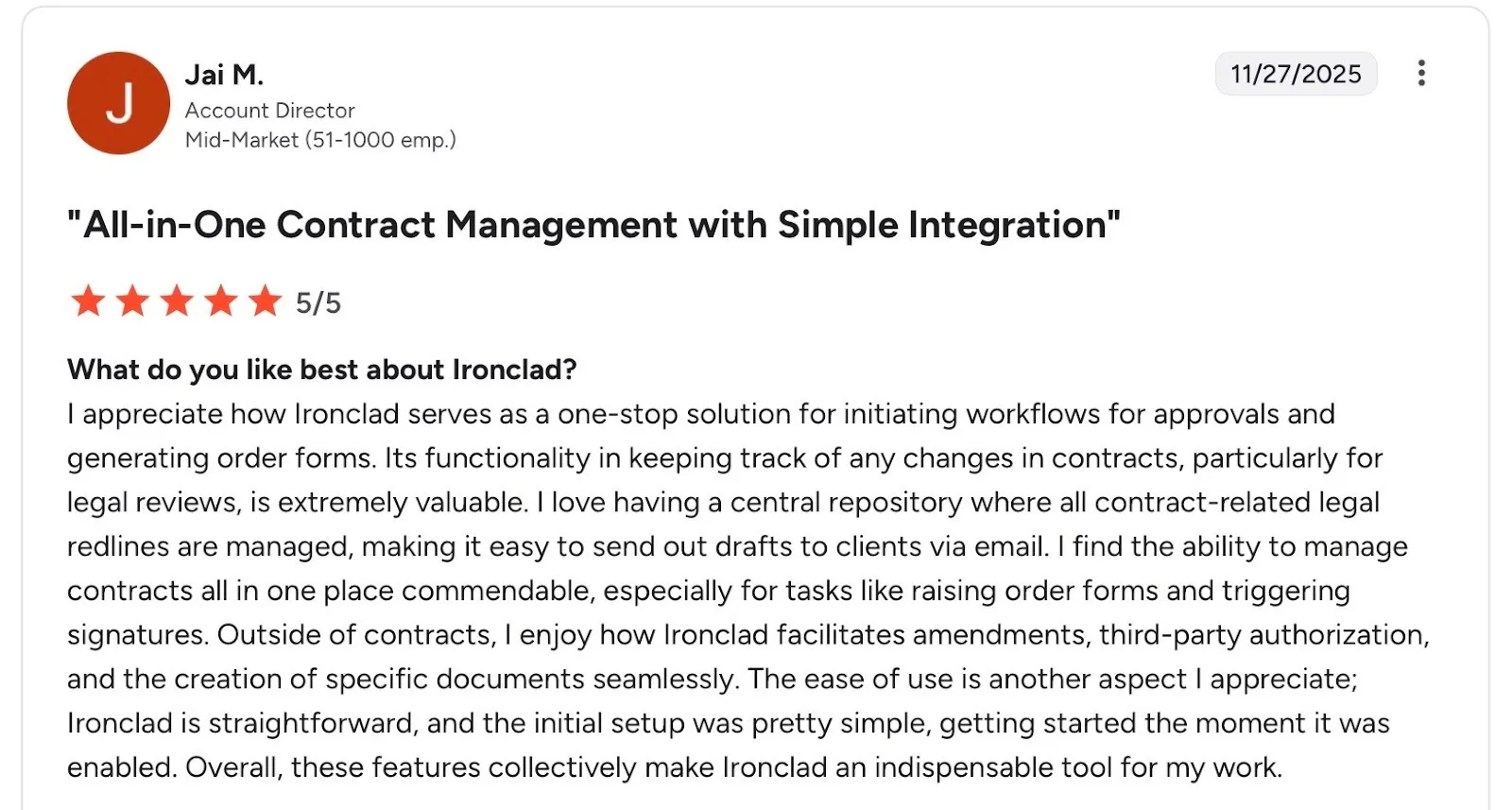
Ironclad’s pros
- Strong fit for in-house legal teams managing frequent negotiations
- Keeps legal language consistent across agreements
Source
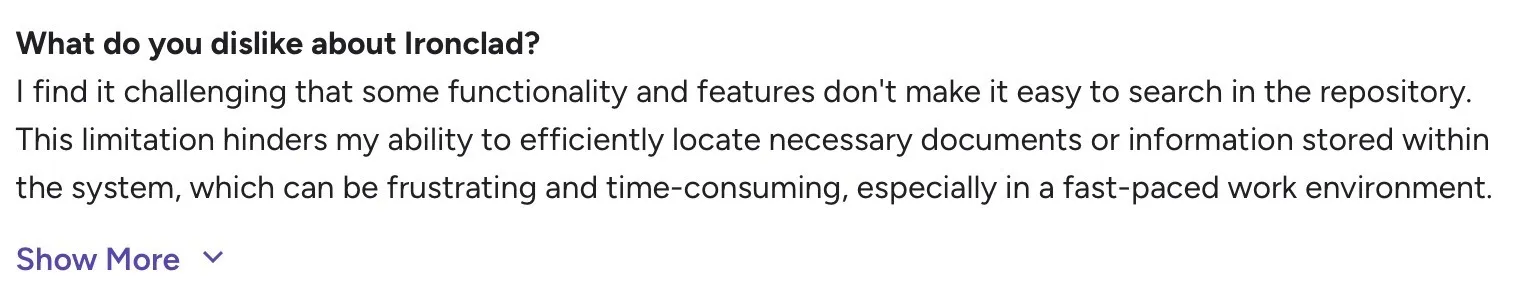
Ironclad’s cons
Source
- Heavily legal-focused, which may limit flexibility for non-legal teams
- Challenging and time-consuming to search for documents
Ironclad’s pricing
Follows a quote-based pricing model tailored to contract volume and workflow complexity. It is typically positioned for mid-market and enterprise legal teams.
Read a full pricing review: Ironclad pricing, plans, and features
4. Icertis
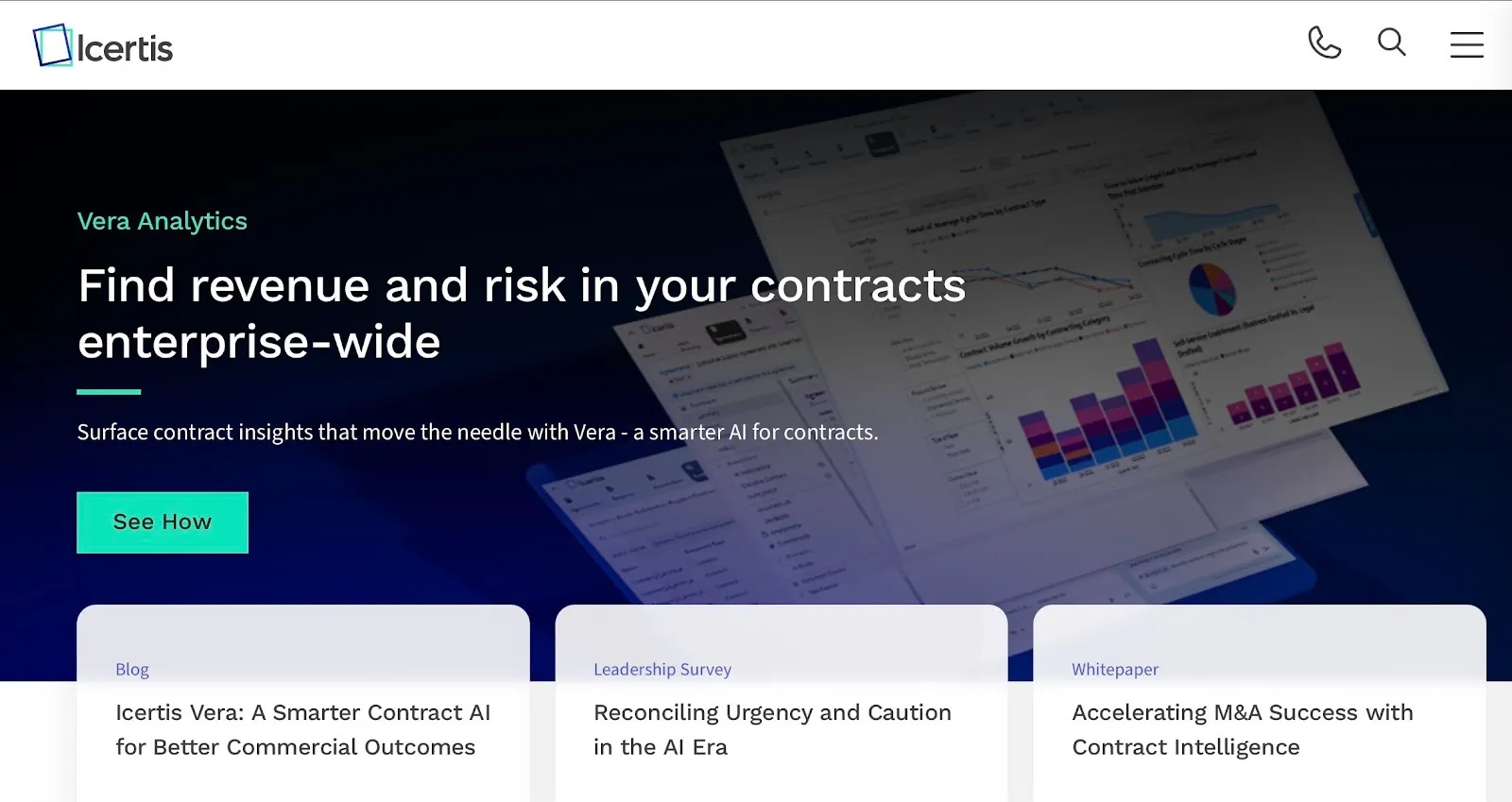
Icertis is chosen by organizations that need deep, policy-driven contract governance at enterprise scale. Teams typically shortlist it when contracts are tightly linked to risk management, compliance, and revenue impact across global operations.
Icertis’ key features
- AI-powered clause and obligation extraction for risk and compliance tracking
- Policy-based contract workflows aligned with corporate governance rules
- Advanced contract analytics tied to business and financial outcomes
- Centralized contract repository with structured metadata and reporting
- Enterprise-grade integrations with ERP, CRM, and procurement systems
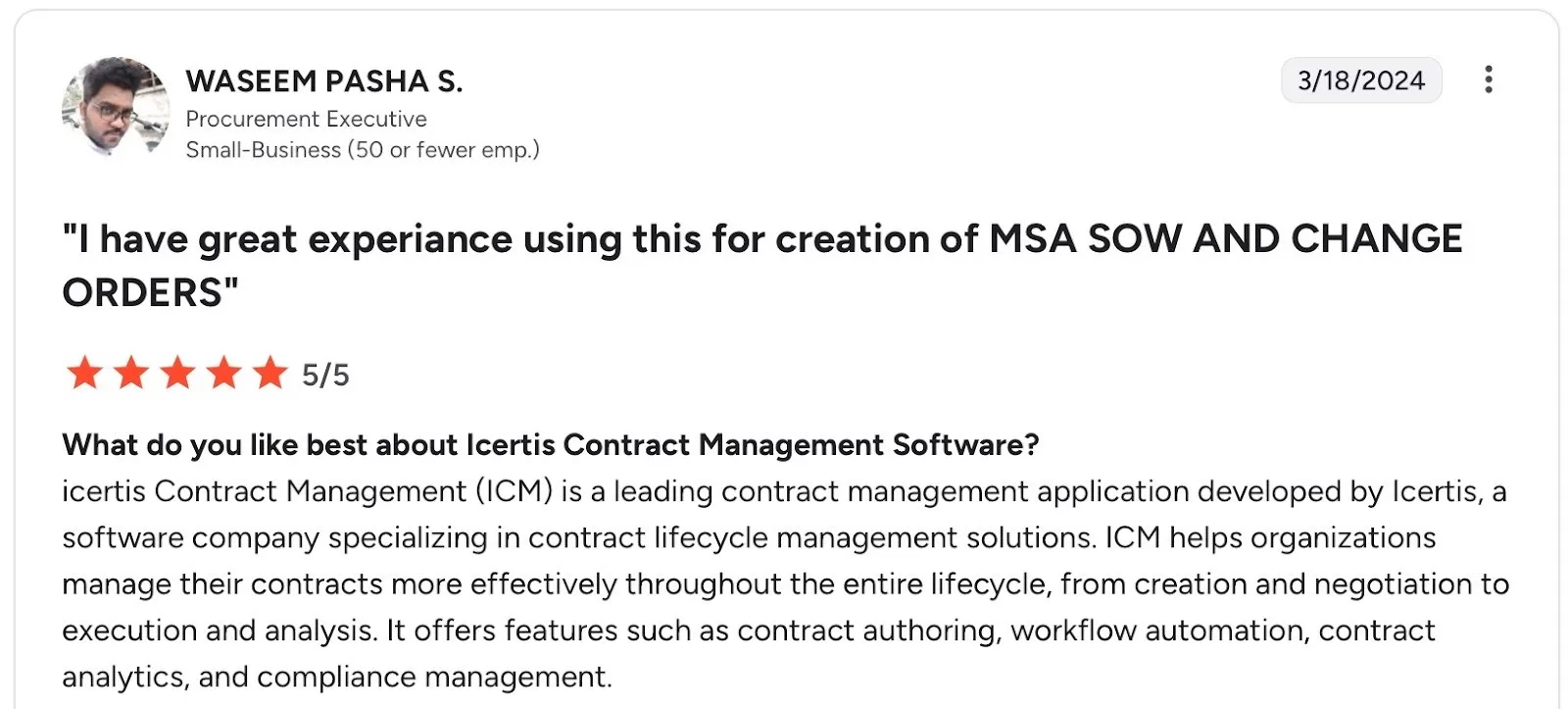
Icertis’ pros
- Strong fit for large, global enterprises with complex compliance needs
- Highly configurable for industry-specific requirements
Source
Icertis’ cons
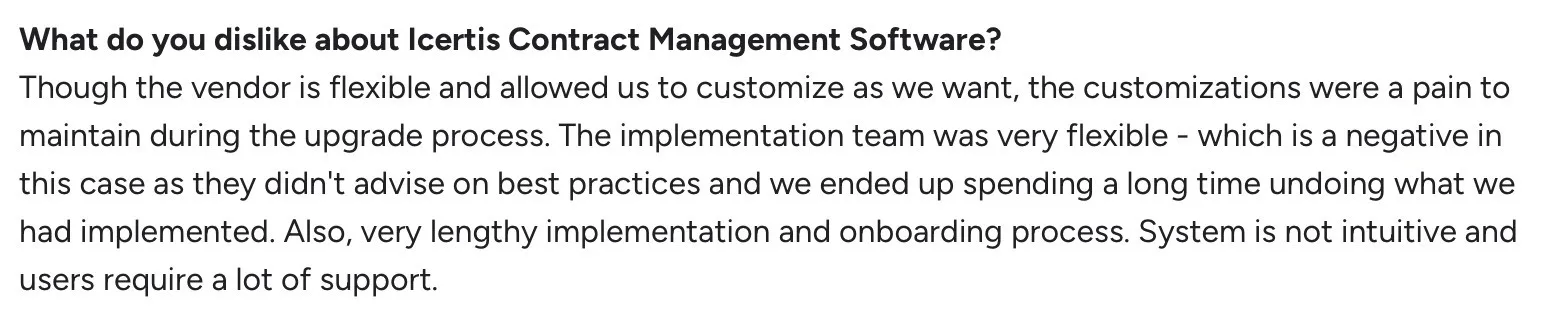
- Heavy implementation effort with longer time-to-value
- Requires dedicated admin and legal operations support
- Overkill for mid-market teams with simpler contract workflows
Source
Icertis’ pricing
Offers customized enterprise pricing aligned to global deployments and advanced compliance needs.
5. PandaDoc
PandaDoc focuses on turning contracts into sales-ready documents. It’s best suited for teams that create proposals, pricing, and agreements together and want everything to move through one shared workflow.
Unlike traditional contract tools, PandaDoc emphasizes document creation and buyer engagement, making it a strong fit for revenue teams that need speed and visibility.
PandaDoc’s key features
- Drag-and-drop document builder for proposals and contracts
- Built-in content library for reusable sections and templates
- Quote and pricing tables connected to sales workflows
- Real-time document analytics to track views and engagement
- Native eSignature built into the document flow
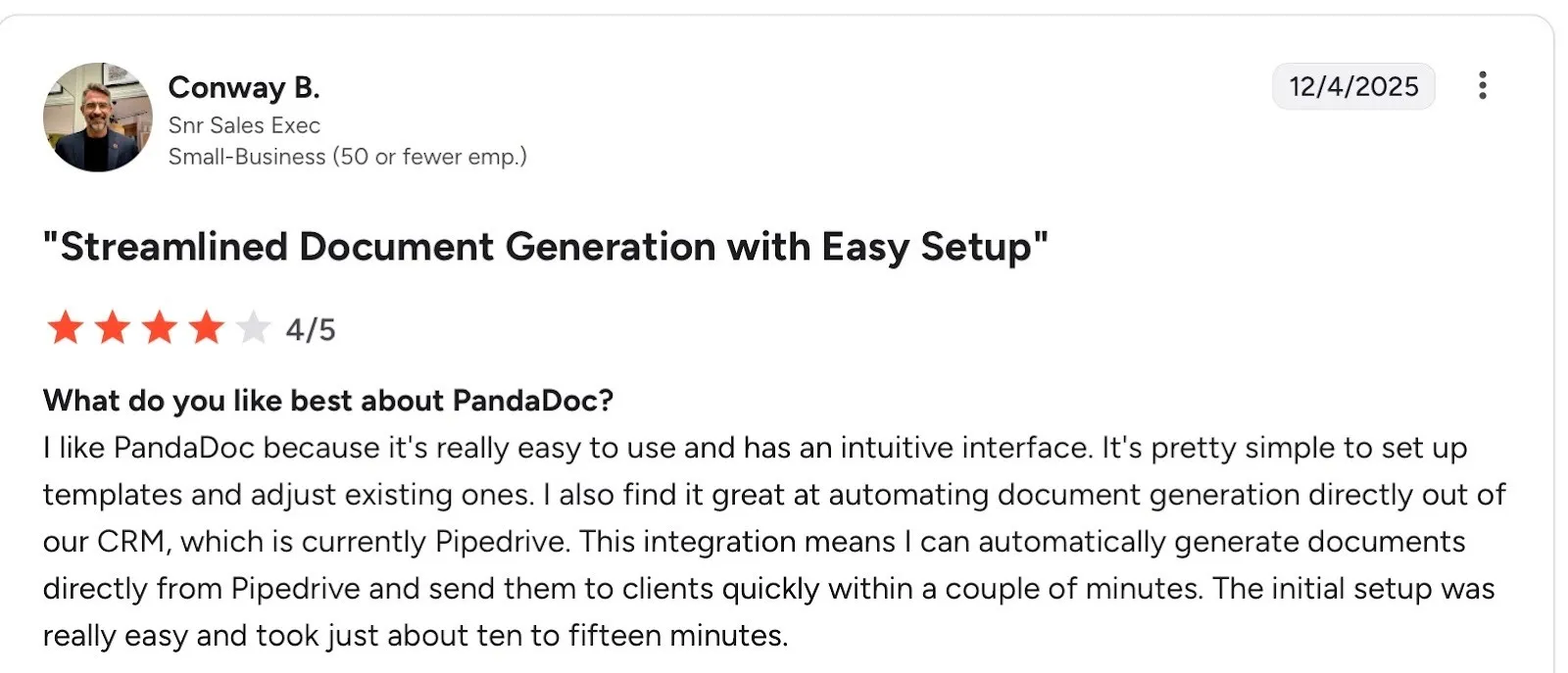
PandaDoc’s pros
- Strong fit for sales and revenue teams
- Easy to customize documents without legal involvement
- Good visibility into buyer engagement
Source
Want to see what users think of the platform? Explore our PandaDoc reviews for a closer look at its features, usability, and overall experience.
PandaDoc’s cons
- Document editing can feel restrictive for complex post-draft changes
- Contract management depth is lighter than full CLM platforms
- Can feel feature-heavy for teams that only need contracts

Source
PandaDoc’s pricing
The starter plan begins at $19 per user/month, with higher tiers unlocking document automation and workflow features. Costs increase as advanced functionality and integrations are added.
If you're comparing other options, see our Signeasy vs PandaDoc guide for a closer look at their features, pricing, and workflows.
6. Agiloft

Agiloft is chosen by organizations that need deep customization and rule-based control over how contracts are managed. Teams look at Agiloft when off-the-shelf workflows don’t fit their processes and flexibility matters more than simplicity.
Agiloft’s key features
- No-code contract workflow builder for highly customized processes
- Rule-based automation for approvals, escalations, and notifications
- Configurable data fields and layouts for different contract types
- Built-in reporting and dashboards tailored to custom workflows
- Support for complex contract relationships and dependencies
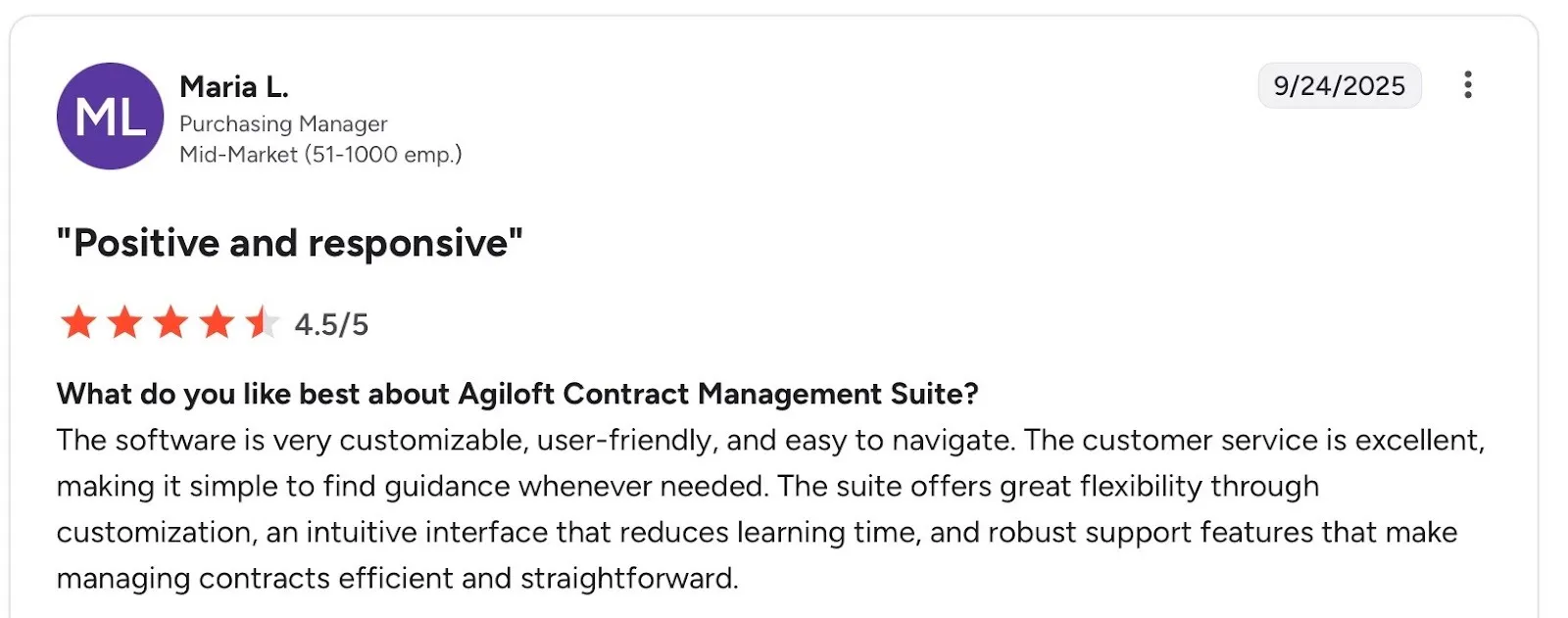
Agiloft’s pros
- Extremely flexible for unique or non-standard contract processes
- Strong automation capabilities without heavy coding
Source
Agiloft’s cons
- Interface can feel dated compared to newer platforms
- Setup and configuration require time and planning
- Less intuitive for non-technical or non-legal users

Source
Agiloft’s pricing
Agiloft uses custom pricing depending on configuration depth and automation requirements. Implementation and customization needs may influence total investment.
7. Juro
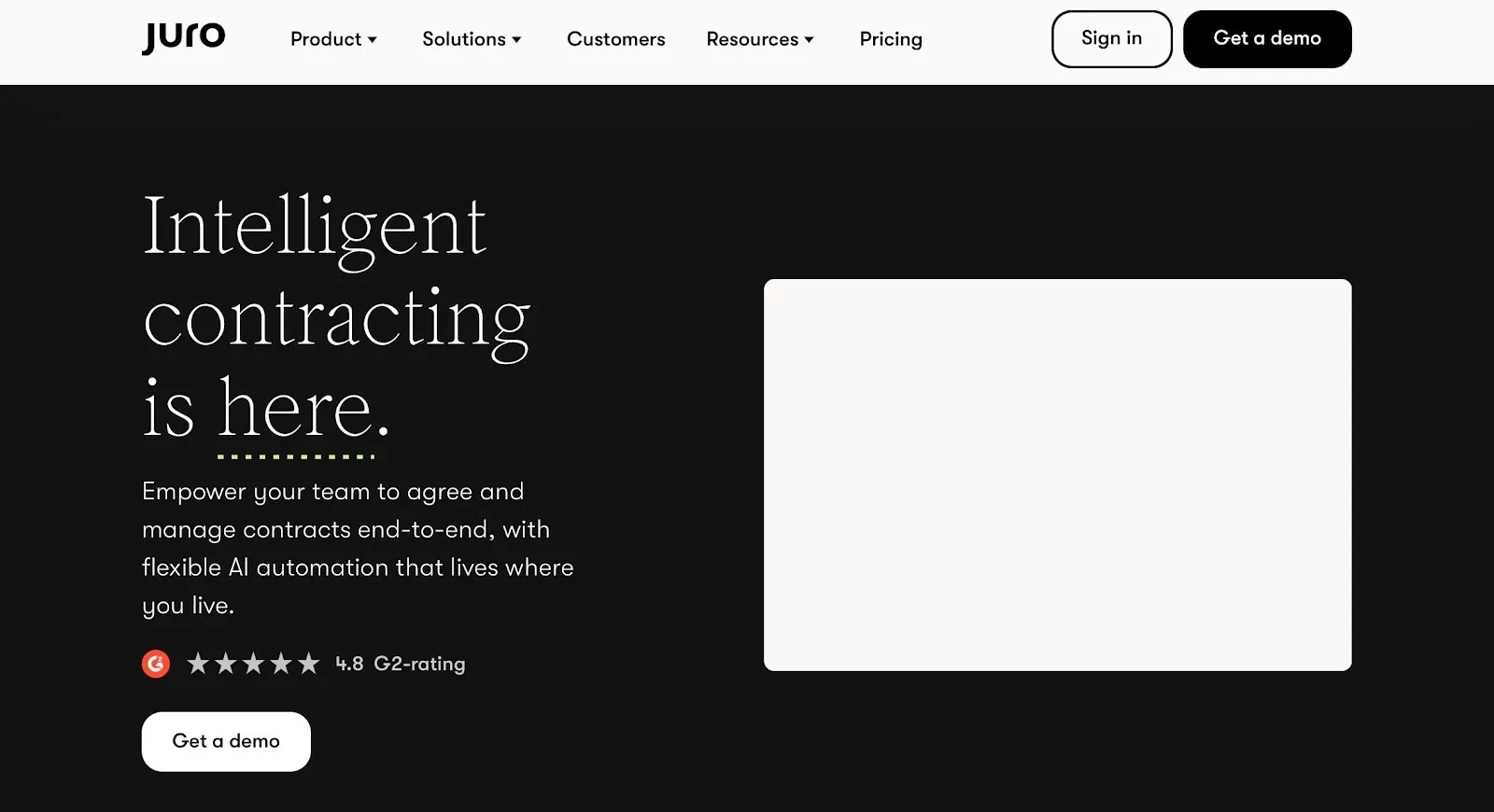
Juro takes a browser-first approach to contract management. It removes Word files, PDFs, and email back-and-forth from the process. Everything happens in one place, from drafting to approval.
Juro’s key features
- Browser-based contract editor with real-time collaboration
- Built-in approval workflows and version control
- Contract automation using templates and variables
- Built-in contract insights and obligation tracking
- Built-in contract insights and obligation tracking
- API-focused architecture for integration-driven teams
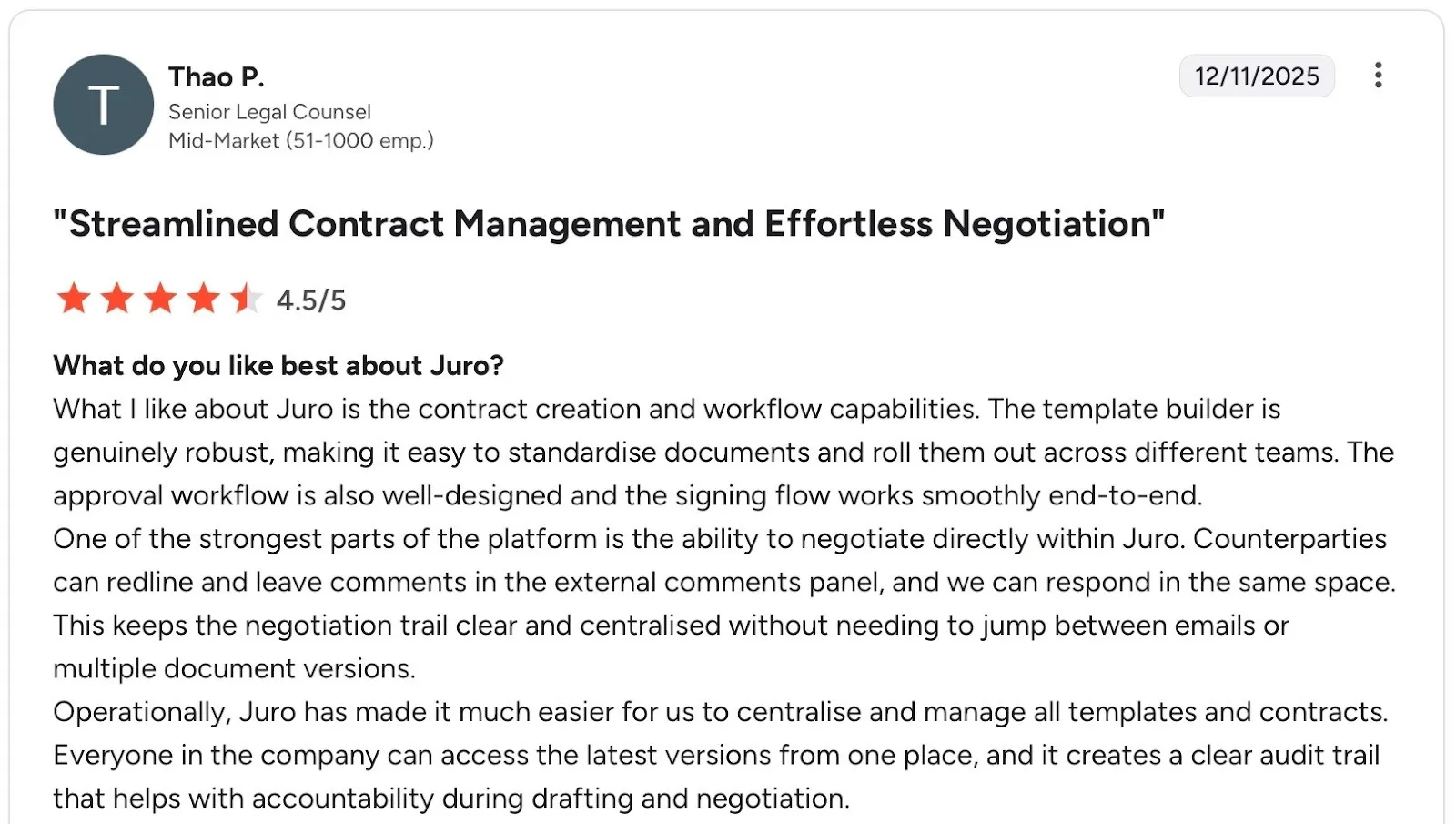
Juro’s pros
- Clean, modern interface that reduces legal dependency
- Good fit for SaaS and tech-driven companies
Source
Juro’s cons
- Limited depth for highly complex, legal-heavy enterprise contracts
- Smaller template and clause library compared to legacy CLM tools
- Less suitable for organizations that rely heavily on Word-based workflows

Source
Juro’s pricing
Fully custom pricing based on contract volume, users, and workflow complexity. Teams must request a quote, making upfront cost comparisons more difficult than tools with transparent, tiered pricing.
Also Read: 15 best Juro alternatives for 2026
8. Concord
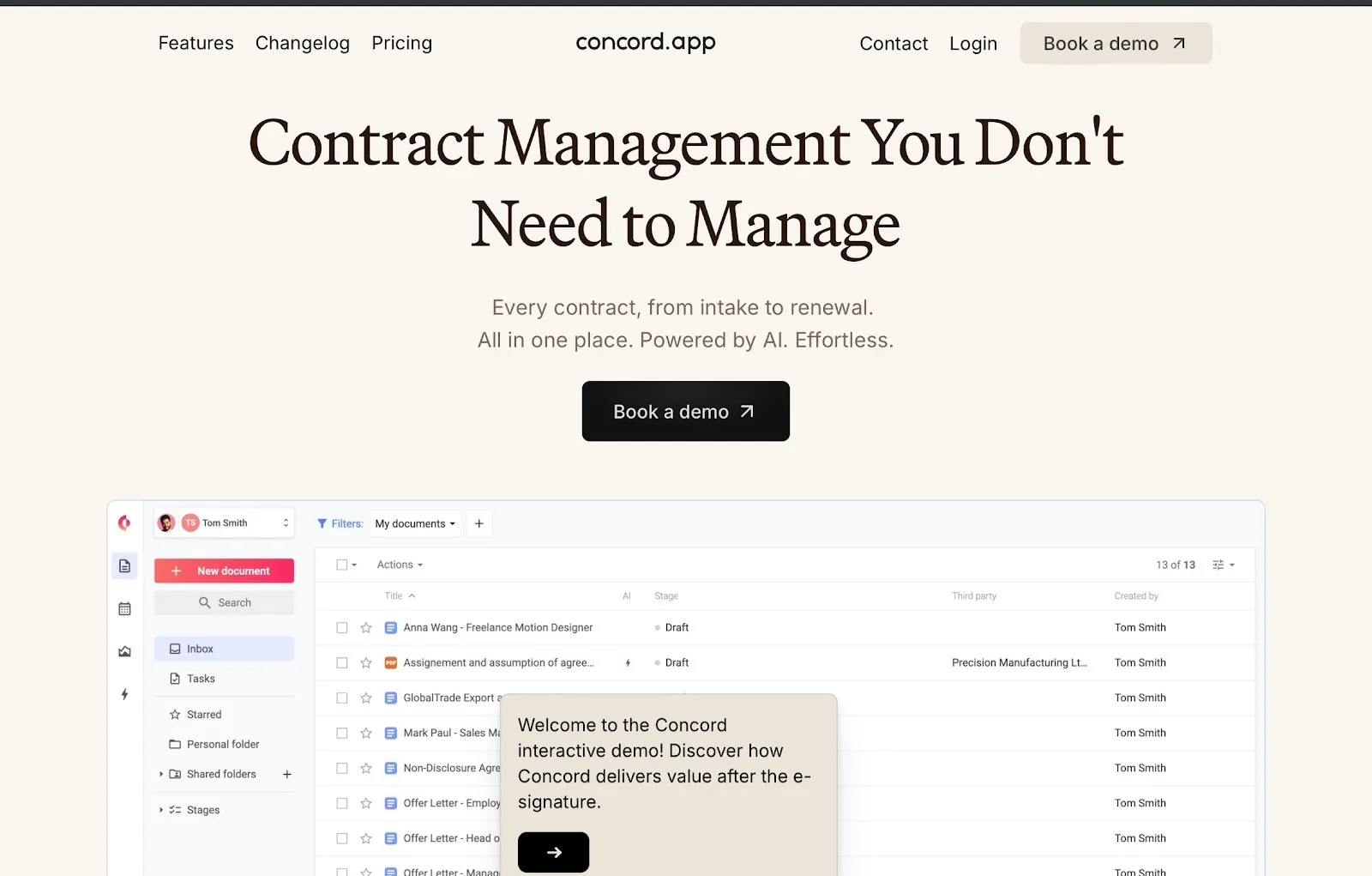
Concord focuses on end-to-end contract lifecycle management with strong collaboration and compliance controls. It suits teams that want contracts created, signed, stored, and tracked without juggling multiple systems.
Concord’s key features
- Centralized contract repository with full audit trails
- Built-in contract drafting, redlining, and version control
- Automated approval workflows and renewal reminders
- Native eSignature with signer order and tracking
- Clause extraction and obligation tracking
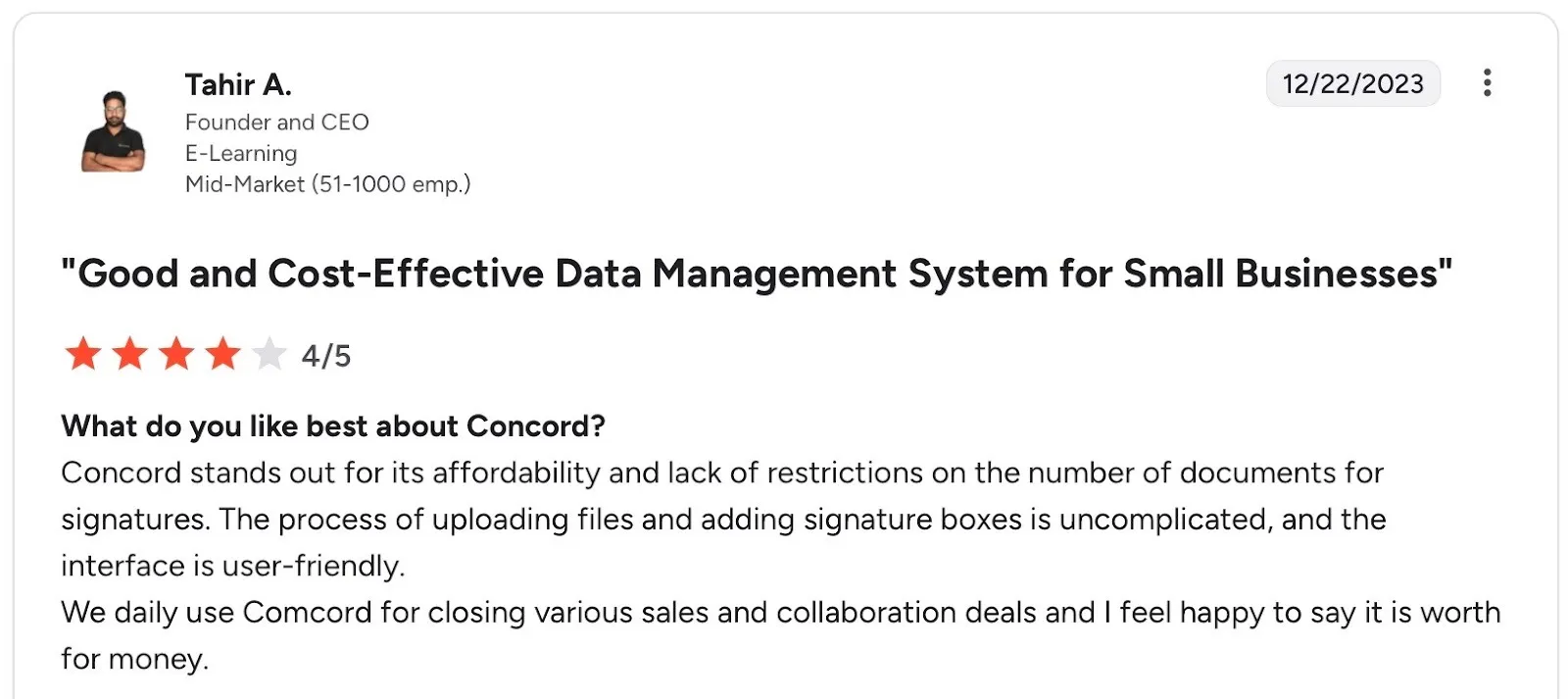
Concord’s pros
- Makes uploading, signing, and managing contracts simple
- Works well for sales and collaboration agreements with minimal setup
Source
Concord’s cons
- Support response times can lag during peak periods
- Lacks in-depth video tutorials for quicker self-onboarding
- Not ideal if you need advanced workflows or heavy customization

Source
Concord’s pricing
Concord’s entry plan starts at $499 per user/month with a 5-user minimum, setting a base commitment from day one. Any additional users cost $49 per user/month, which can significantly increase total cost as your team scales.
Continue reading: Concord pricing, plans and features
9. SignNow
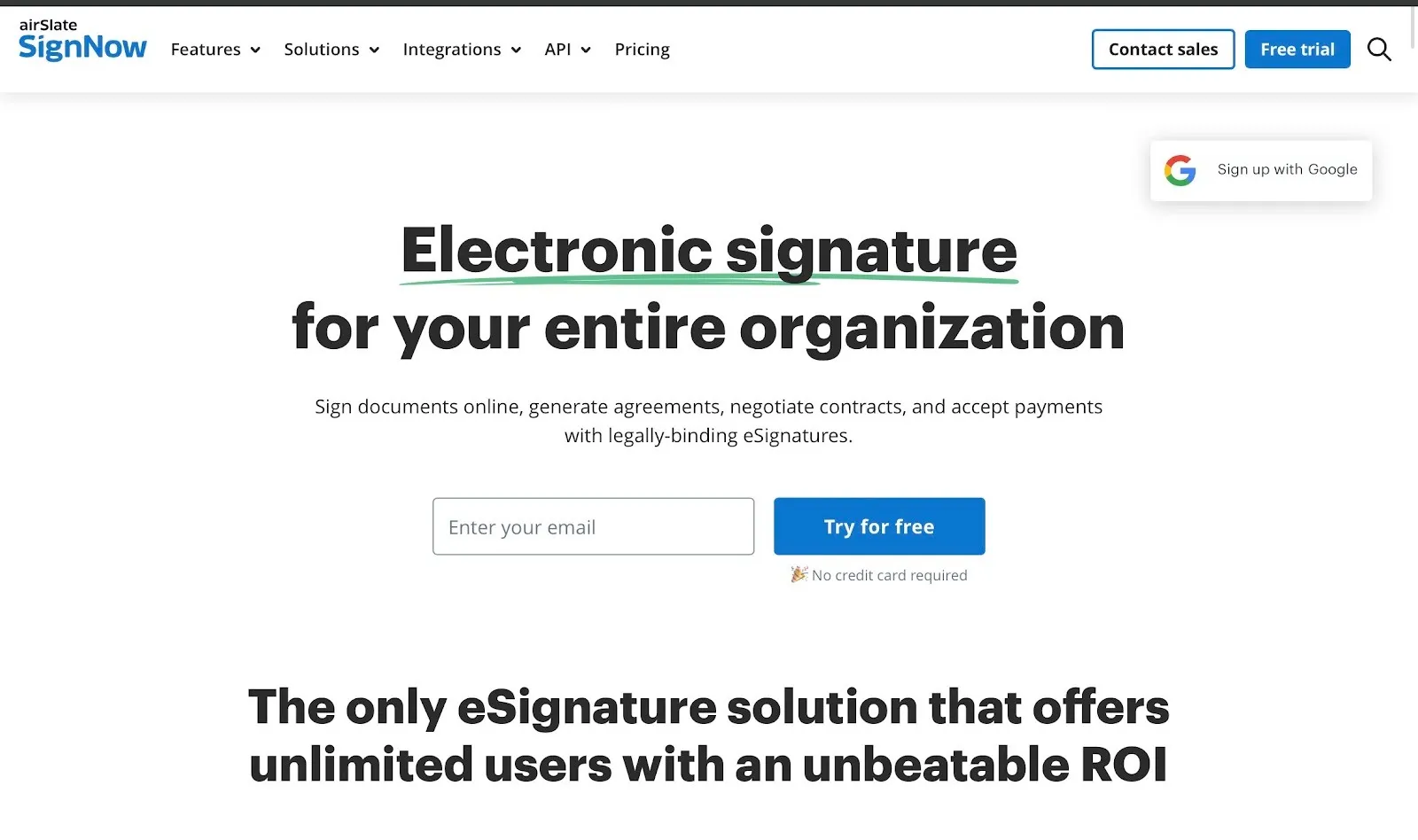
SignNow focuses on high-volume signing with automation and API depth. It suits teams that prioritize execution speed over full CLM breadth.
SignNow’s key features
- Built-in eSignature with bulk send and signer order
- Workflow automation and conditional routing
- Public forms and templates for repeat agreements
- API and webhooks for custom integrations
- Role-based access, audit trails, and compliance controls
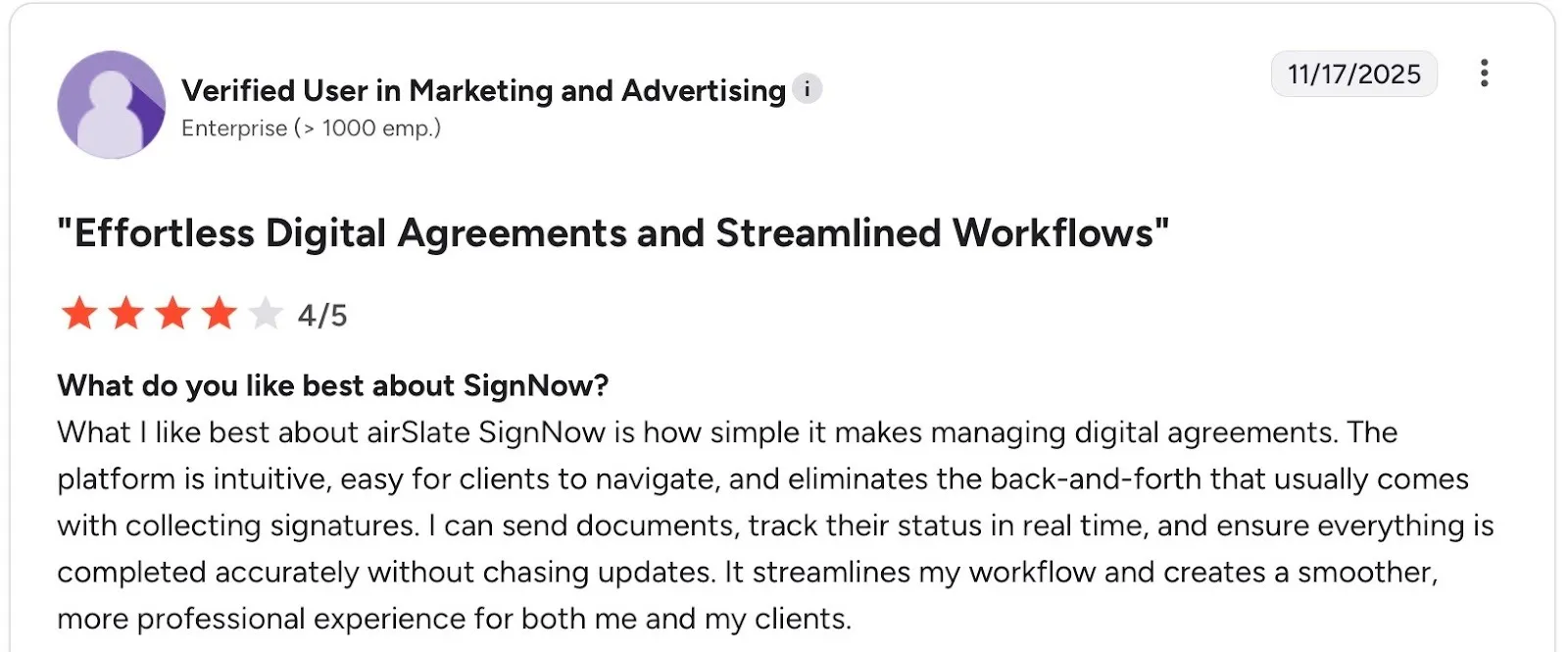
SignNow’s pros
- Strong automation for high-volume documents
- Flexible signing options for internal and external users
Source
SignNow’s cons
- Limited contract lifecycle features beyond signing
- Interface can feel utilitarian for non-technical users
- Contract analytics and obligation tracking are basic

Source
SignNow’s pricing
The SignNow Business plan starts at $8 per user/month (billed annually) for basic eSignature workflows. Advanced automation, integrations, and compliance features sit in higher tiers.
Read more: Signeasy vs SignNow
10. Evisort
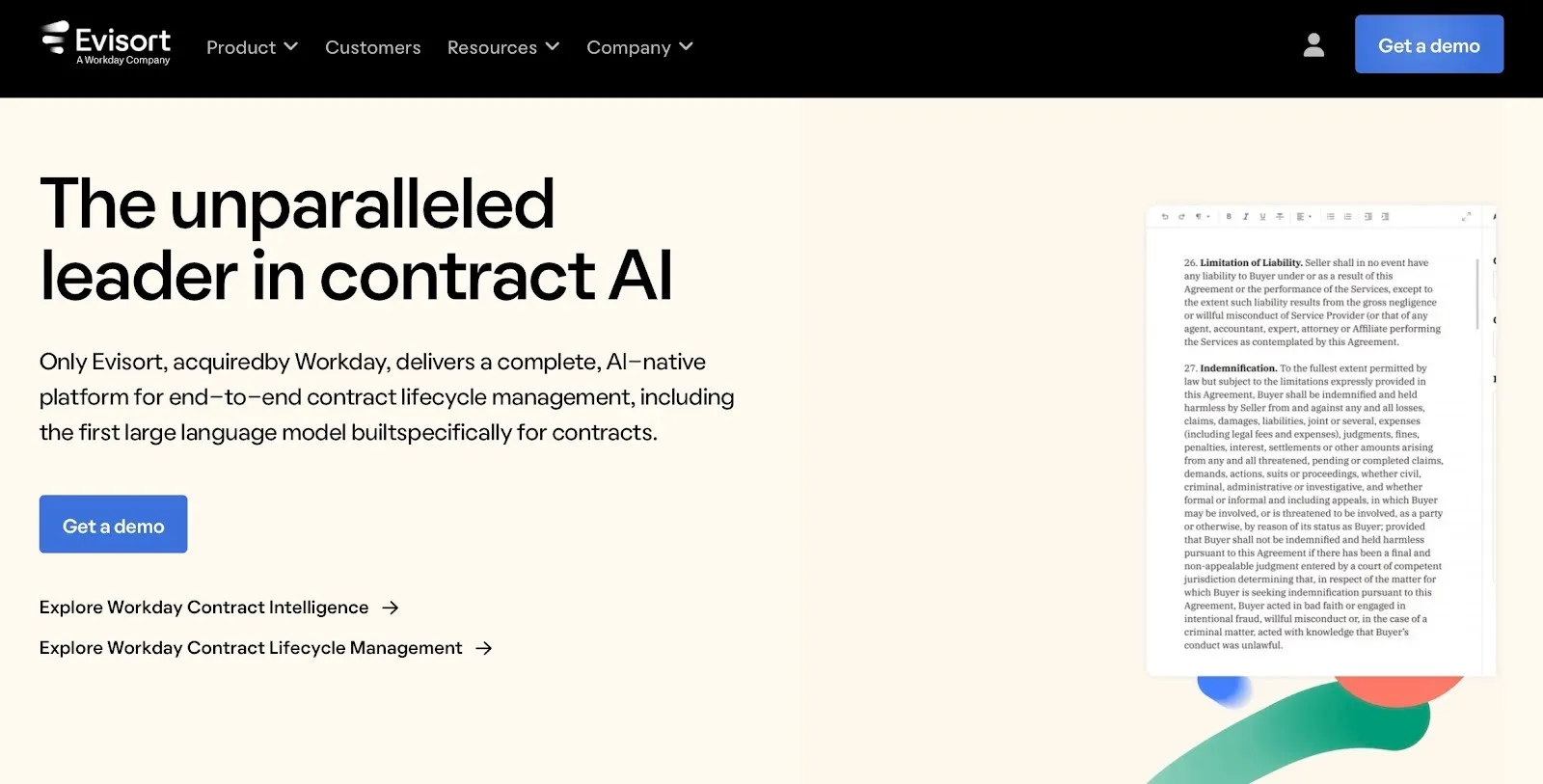
Evisort specializes in post-signature contract intelligence. It is designed for teams that already have thousands of contracts spread across systems and need clarity into obligations, risk, and revenue buried inside those documents.
Evisort’s key features
- AI-powered contract data extraction from legacy and third-party contracts
- Automated clause, obligation, and risk detection
- Continuous monitoring for renewals, expirations, and compliance gaps
- Natural-language search across all contracts
- API-driven integrations with CRM, ERP, and document repositories
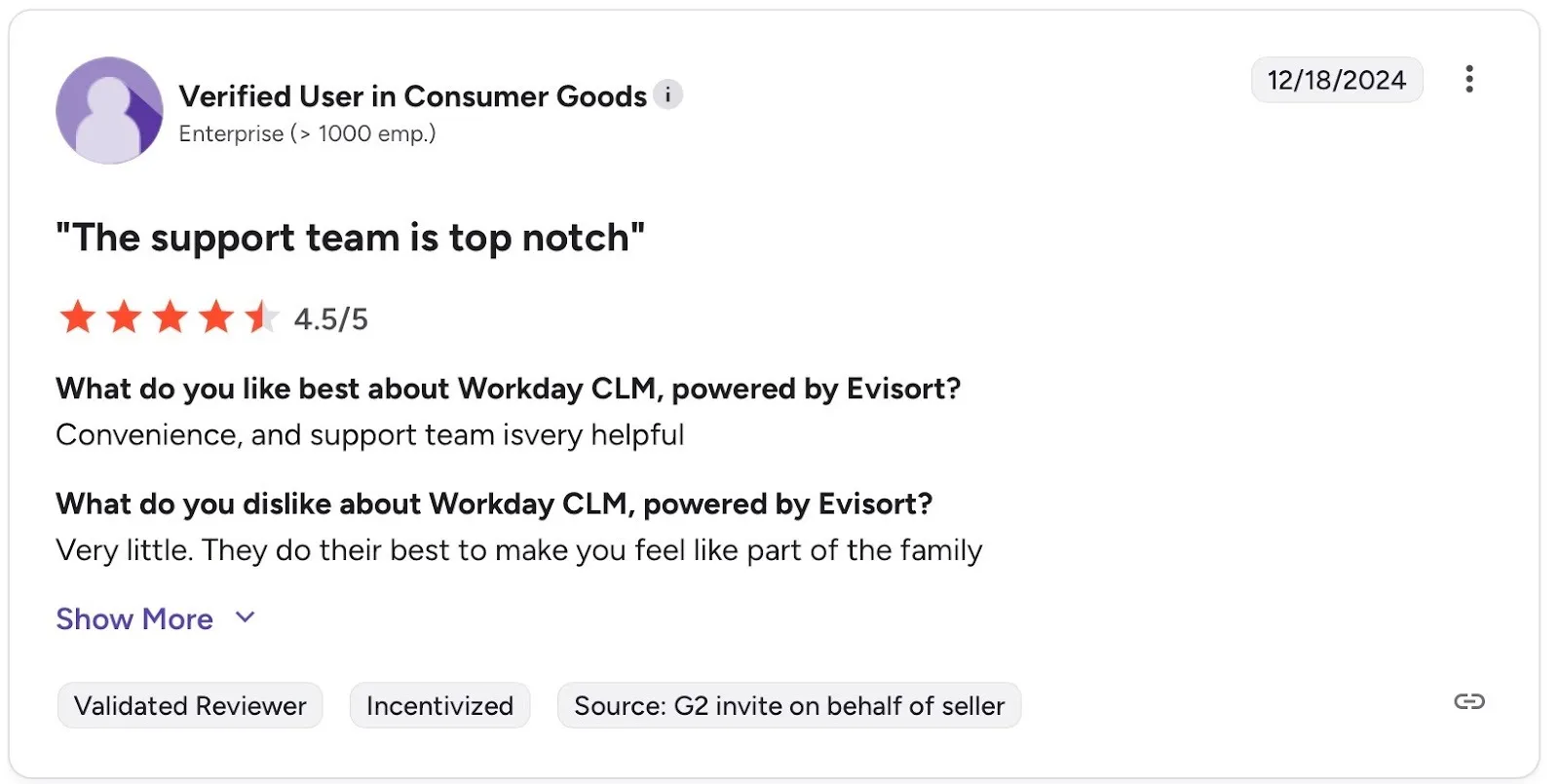
Evisort’s pros
- Prompt and responsive customer service
- Works even when contracts were not created in Evisort
Source
Evisort’s cons
- Not built for contract drafting or negotiation
- Requires external tools for eSignatures and document creation
- Can feel complex for teams outside legal or operations
Evisort’s pricing
Evisort follows a customized pricing model based on contract volume and AI capabilities required. Pricing is typically aligned with enterprise contract intelligence use cases.
Why is Signeasy a better ContractSafe alternative for execution-focused teams?
Unlike ContractSafe, which focuses mainly on storing and organizing contracts after execution, Signeasy is built around contract execution and ongoing management. It connects signing, storage, and follow-up actions, so contracts remain visible and actionable once they are completed.
Here’s how Signeasy stands out
- Intelligent contract management: Signeasy stores completed contracts in a centralized workspace that is directly connected to the signing process.
- Offline signing capability: Contracts can be signed even without an internet connection, which is particularly useful for field teams, on-site meetings, or travel-heavy roles.
- In-person signing on a single device: Multiple parties can sign the same document on one device, supporting face-to-face approvals without additional setup or devices.
- Transparent, predictable pricing: Clear per-user pricing with no complex tier bundling, making budgeting straightforward for growing teams.
- Mobile-first contract signing and management: The platform is also designed for use on mobile devices from the start, allowing teams to send, sign, and manage contracts from anywhere.
- Quick deployment with minimal setup: Teams can start sending contracts immediately without lengthy implementation cycles or heavy configuration.
Ready to move beyond basic storage?
Start free trial to see the difference.