


You need to send a signed contract by the end of the day. You search "Docusign free," create an account, and upload your document. It works. Then you send a second contract, a third, and suddenly the platform asks you to upgrade. What happened?
Docusign offers two different types of free access, and they work very differently.
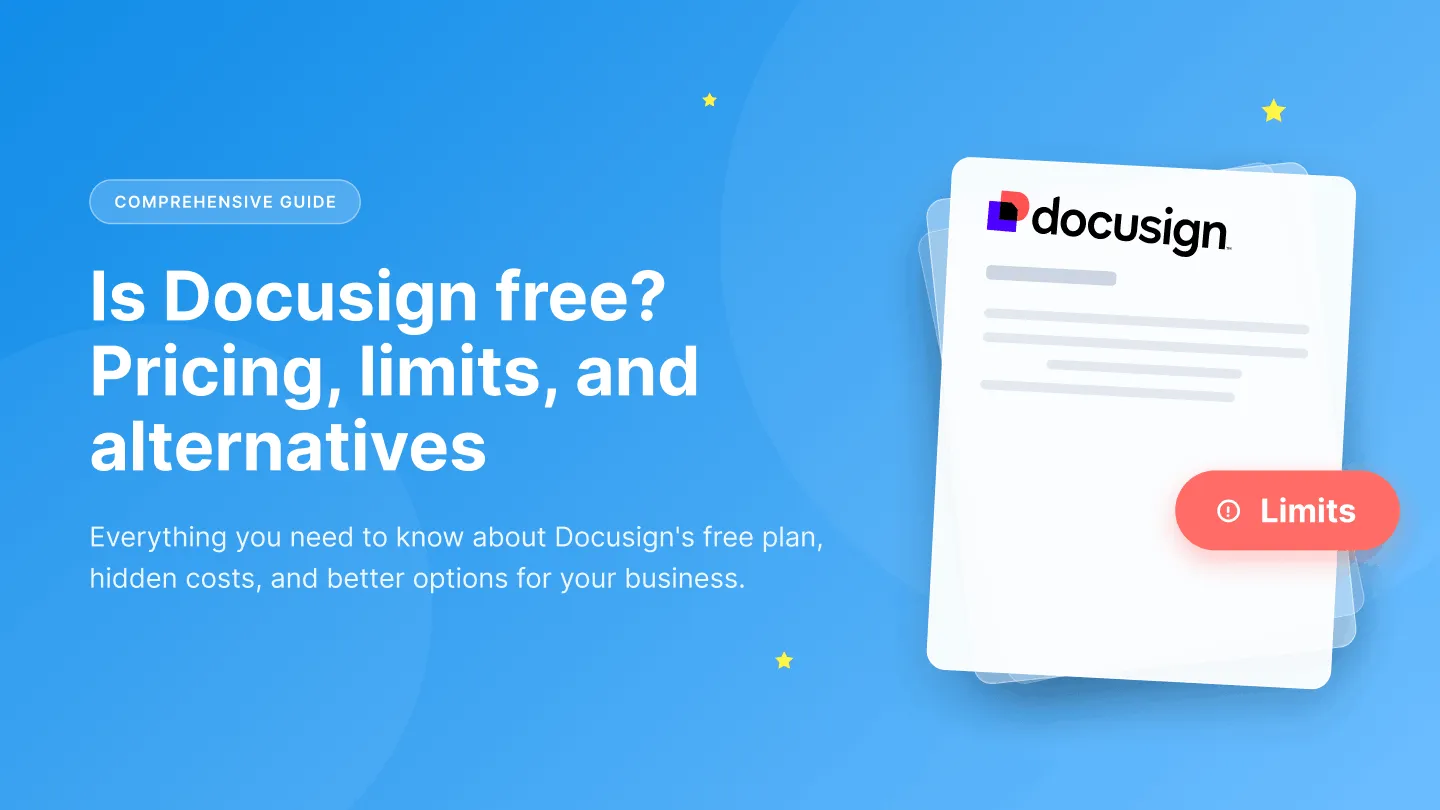
The free plan is permanent but extremely limited. You get three envelopes to send, and that's a lifetime cap. It's designed primarily for signers who wish to keep their agreements stored within the Docusign system.
On the other hand, Docusign’s 30-day free trial allows you to try more eSignature features, including reusable templates and collaborative comments. However, once the trial ends, you'll need to pay or get bumped down to that limited free plan.
This guide breaks down what Docusign's free access includes, where the hidden costs appear, and how it compares to alternatives that may offer better value for your workflow.
In this guide, you will learn:
- What Docusign's free plan and 30-day trial include
- The limitations that affect senders vs. signers
- How Docusign pricing compares after the trial ends
- Which alternatives offer more documents and fewer restrictions
What is Docusign's free offering?
Docusign provides two ways to access the platform without paying: a permanent free plan and a 30-day free trial. These options serve different purposes and come with different restrictions.
Docusign pricing after the trial
Once the trial expires, you have two options: stay on the limited free plan or upgrade to a paid tier. Docusign pricing includes four main eSignature plans, each designed for different use cases and team sizes.
Docusign free plan limitations
The free plan and free trial both come with restrictions that affect how you can use the platform. Understanding these limits helps you plan before you hit a wall mid-workflow.
1. Three-document cap is permanent
The free plan allows you to send three documents total. Once you reach three, the only way to send more is to upgrade to a paid plan.
For context, three documents might cover a single client onboarding or one vendor agreement. Teams that send contracts weekly will exhaust this limit within days of signing up.
2. Five-recipient limit per envelope
Both the free plan and the 30-day trial cap each envelope at five recipients. If you need more signers on a single document, you must split the workflow or upgrade.
The restriction affects contracts that require multiple approvals, such as board resolutions, partnership agreements, or documents with several stakeholders.
3. Paid support only
The free plan does not include access to live customer support. If you encounter issues, DocuSign troubleshooting can help you find solutions through self-service resources like help articles and community forums you rely on self-service resources like help articles and community forums.
Paid plans unlock email support, and higher tiers add phone support and dedicated account managers. For teams that need quick resolution during critical signing workflows, this limitation can cause delays.
Suggested read: Docusign reviews: Features, pricing, pros, and cons
Also Read: Sign PDF Online
5. Limited integrations
The free plan excludes integrations with third-party tools. Limiting Docusign integration with your CRM, cloud storage, and productivity apps. You cannot connect Docusign to these tools without upgrading.
For businesses planning to build custom integrations, Docusign API pricing is another cost to consider, as API plans and usage can be separate from standard eSignature plans.
The 30-day trial provides access to integrations, but these stop working once the trial ends. If you build workflows around connected apps during the trial, expect disruption when access reverts to the free plan.
Docusign free alternatives
If Docusign's free plan or pricing does not fit your needs, several alternatives offer different free tiers, trial periods, and pricing structures. The table below compares eight options based on their strengths, limitations, and costs.
You can explore a detailed breakdown in our guide to Docusign alternatives.
Foxit eSign vs Docusign is another comparison you can explore.
When to use Docusign’s free plans
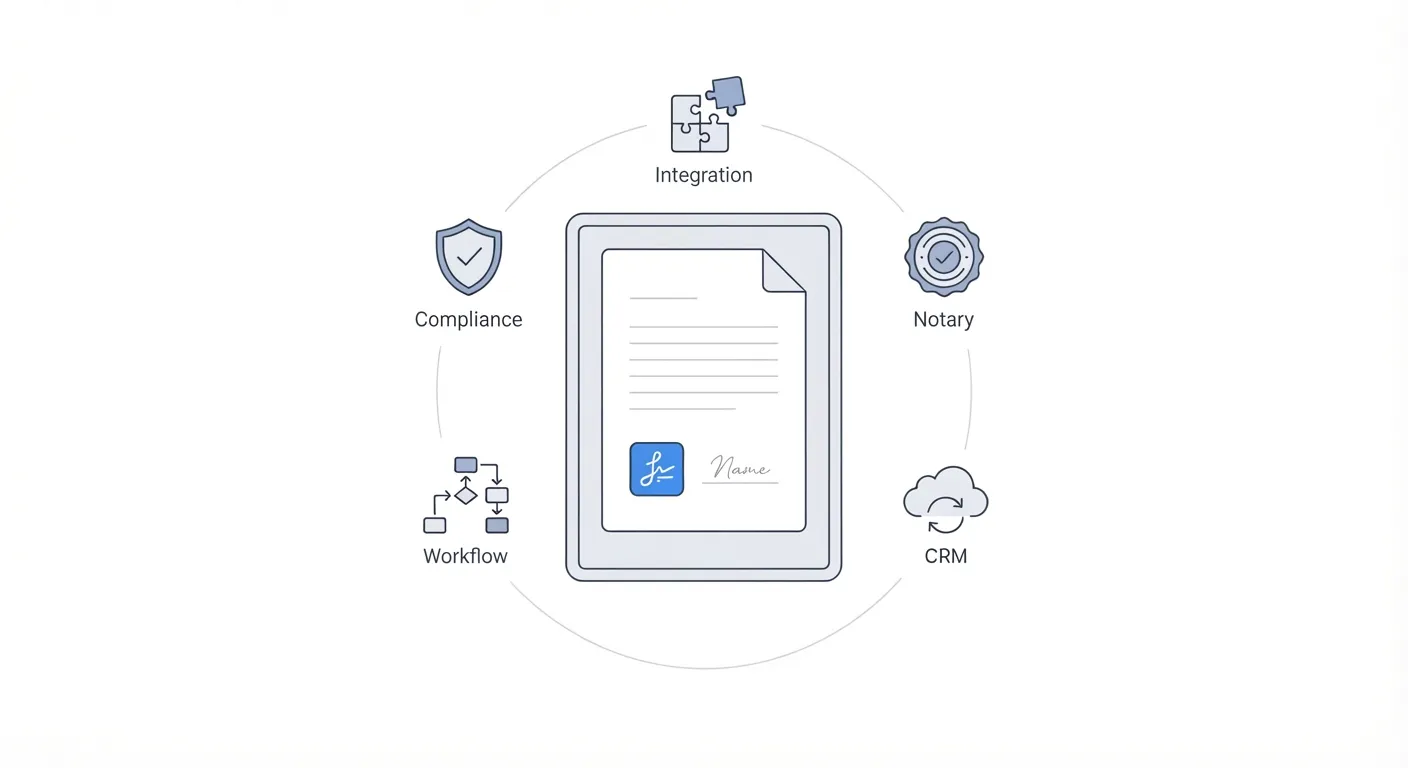
Docusign’s free plans work well in specific scenarios where its features align with your requirements. Here are situations where it makes sense to consider the platform:
- You only need to sign documents sent by others, not send your own (the free plan supports unlimited signing)
- Your organization already uses Docusign and switching would disrupt established workflows
- You require advanced compliance certifications that Docusign holds, such as FedRAMP authorization for government contracts
- Your legal or procurement team has already approved Docusign as a vendor
- You send fewer than three documents total and can work within the free plan cap
- You need access to notary services or advanced identity verification options
- Your industry requires specific audit capabilities that Docusign provides out of the box
HR teams can also explore Docusign for HR use cases.
Docusign may not be the right fit if you send documents regularly and want to avoid per-envelope limits, need responsive customer support on lower-tier plans, or prefer transparent pricing without add-on fees for SMS and ID verification. If you're evaluating other options alongside Docusign, our Xodo Sign vs Docusign comparison can help you understand how their pricing, features, and usage limits differ.
Docusign vs. Signeasy cost comparison
Pricing pages show per-user costs, but total spend depends on more than the base rate. When comparing Docusign vs. Signeasy, factors like document limits, add-on fees, and support access change the math quickly.
1. Additional costs
Both platforms have different approaches to features that fall outside the core plan.
Docusign charges separately for several common features:
- SMS notifications cost $0.40 per delivery
- ID verification adds $2.50 per attempt
- Premium support requires an upgrade or additional purchase
These fees accumulate quickly for teams that send high volumes or require identity checks on sensitive documents.
Signeasy’s contract management and eSignature platform includes 24/7 email support in all paid plans. The Business Pro plan adds priority support without additional fees.
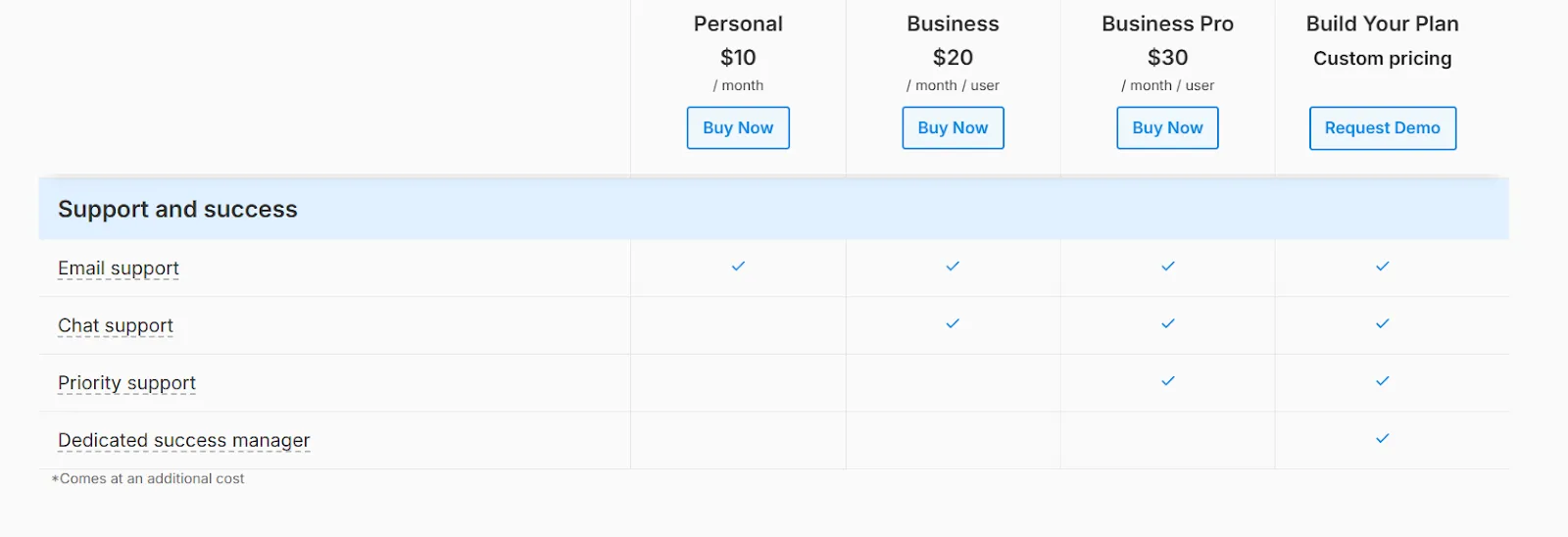
Features like automated reminders, team collaboration, and cloud storage integrations come bundled in the subscription rather than as add-ons.
For teams sending 50 or more documents monthly, Docusign's metered fees can add hundreds of dollars to the annual cost. Signeasy's flat-rate pricing keeps costs predictable regardless of volume.
Suggested read: Why customers choose Signeasy over Docusign
2. Break-even analysis
Your monthly document volume determines which platform makes financial sense:
- Below 3 documents per month: Docusign's free plan technically works, but the lifetime cap means you will exhaust it quickly. Signeasy’s free plan includes 3 credits that renew every month, but with an online document signer for additional flexibility.. Each credit can be used to send one signature request, whether it’s a single document or an envelope containing multiple documents.
- 5 to 20 documents per month: Paid plans become necessary on both platforms. Docusign's Personal plan ($10/month) caps you at 5 envelopes monthly. Signeasy's Personal plan ($10/month) also lets you send 5 contracts every month.
- 50 or more documents per month: At this volume, Docusign's envelope limits on Standard and Business Pro plans may require careful management. Docusign's Standard plan costs $25/user/month, while Signeasy's Business plan is $20/user/month for similar team features.
At the higher tier, Docusign's Business Pro is $40/user/month compared to Signeasy's Business Pro at $30/user/month. Both Signeasy plans include unlimited documents, while Docusign caps you at 100 envelopes per user per year.
If you are considering a switch, our guide on Docusign migration covers the transition process step by step.

Tips for using free eSignature plans
Free plans come with limits. A few practical adjustments help you get more value from your electronic signature software before committing to a paid subscription.
1. Batch documents into single envelopes
Most platforms count envelopes, not individual documents. If you need multiple signatures from the same person, combine related files into one envelope.
A client onboarding package with an NDA, service agreement, and payment authorization can count as one send instead of three.
2. Test integrations during trials
Trial periods often unlock integrations that disappear on the free plan. Use this window to test connections with your CRM, cloud storage, or productivity tools.
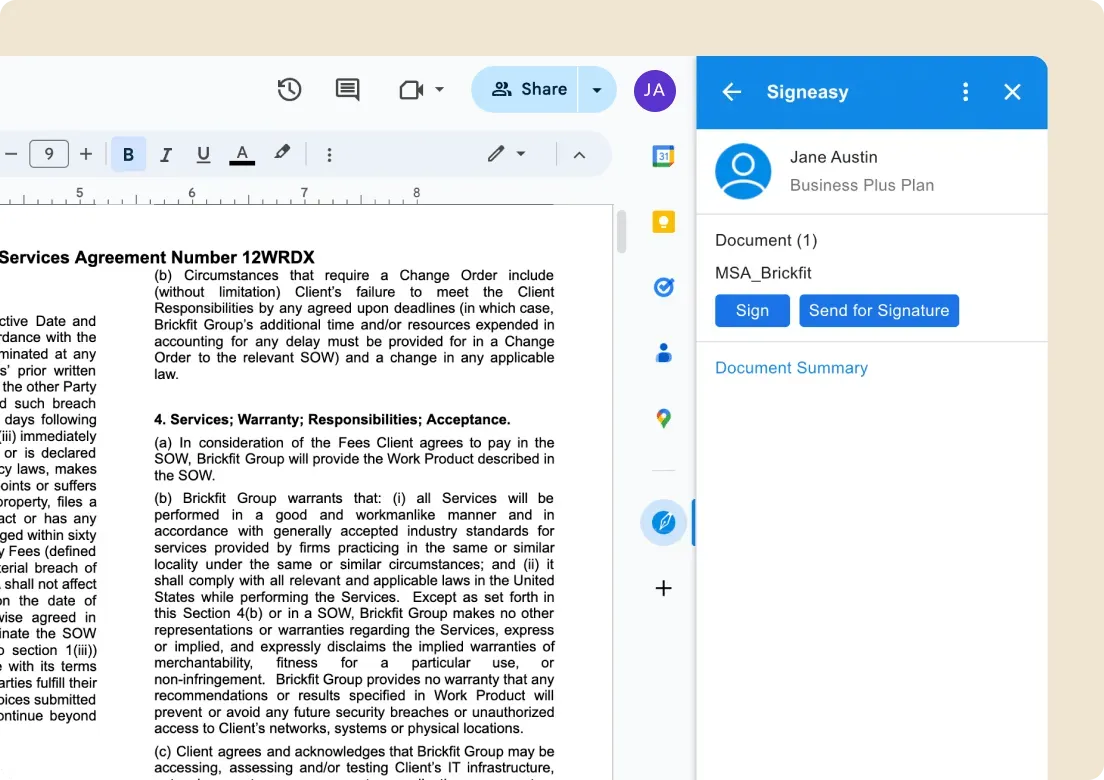
Understanding how integrations work helps you decide whether the paid plan justifies the cost.
3. Check compliance requirements
Free plans may lack compliance features your industry requires. Healthcare organizations need Health Insurance Portability and Accountability Act (HIPAA)-compliant platforms. Companies handling EU data need eIDAS (electronic IDentification, Authentication and Trust Services) or General Data Protection Regulation (GDPR) support.
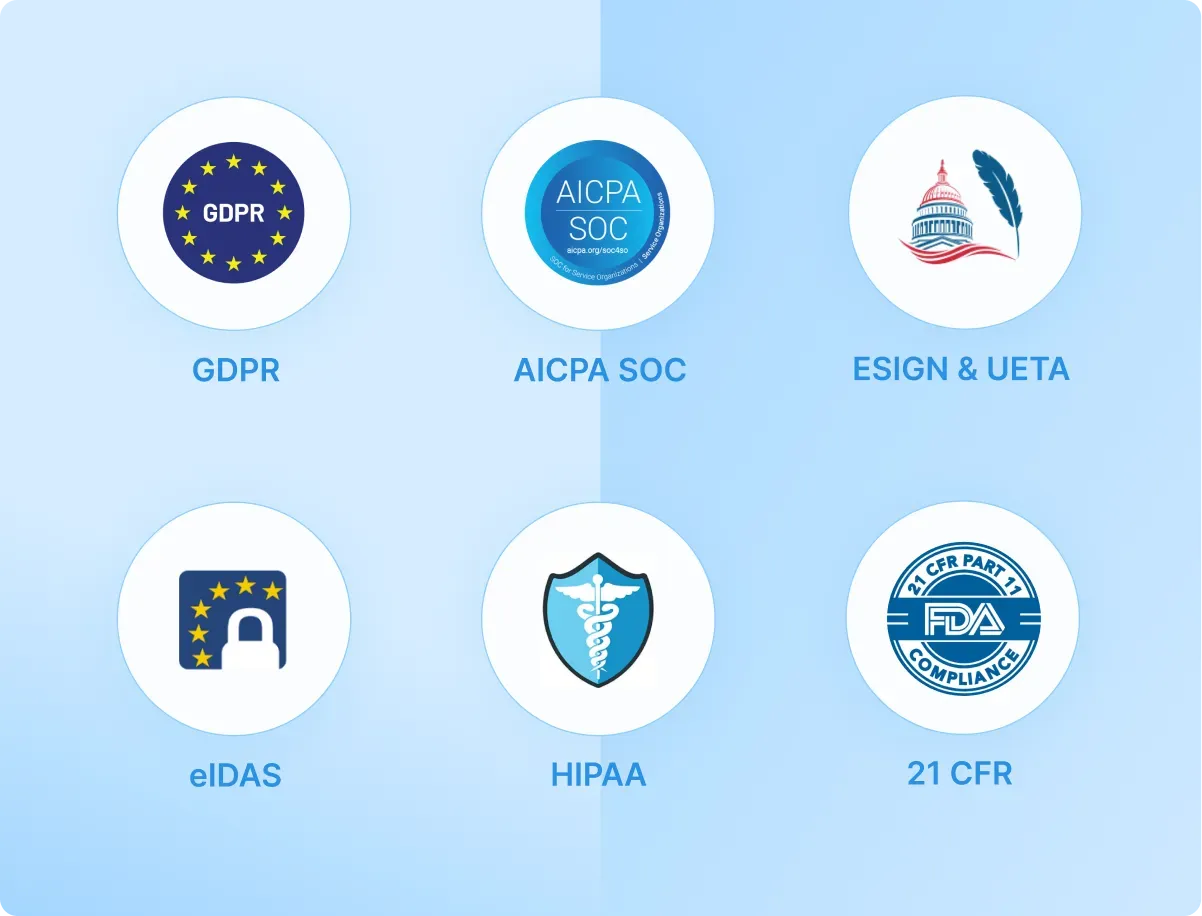
Verify that the free tier meets your legal obligations before sending sensitive documents, especially if you need an docusign for legal.
Also read: Top 10 HIPAA-Compliant Electronic Signature Platforms (2026 Guide)
4. Prepare documents first
Avoid wasting sends on documents with errors. Review formatting, and check for missing fields, and confirm signer details before uploading. A rejected or voided envelope still counts against your limit on most platforms.
Choosing the right eSignature tool for your needs
Docusign's free options work for specific situations: signing documents sent by others or testing the platform before committing. But the limits surface quickly. The free plan limits sends to three documents (total), and the 30-day trial adds watermarks and expires without warning.
For teams that send contracts regularly, these restrictions create friction. Envelope limits, metered fees for SMS and ID verification, and paid support add costs that the pricing page does not show upfront. For a full breakdown, see our detailed guide on Docusign pricing.
Alternatives exist across a range of price points and feature sets. Some offer more generous free tiers, while others remove document caps entirely on paid plans. Dropbox Sign alternatives may be worth a look for different signing needs.
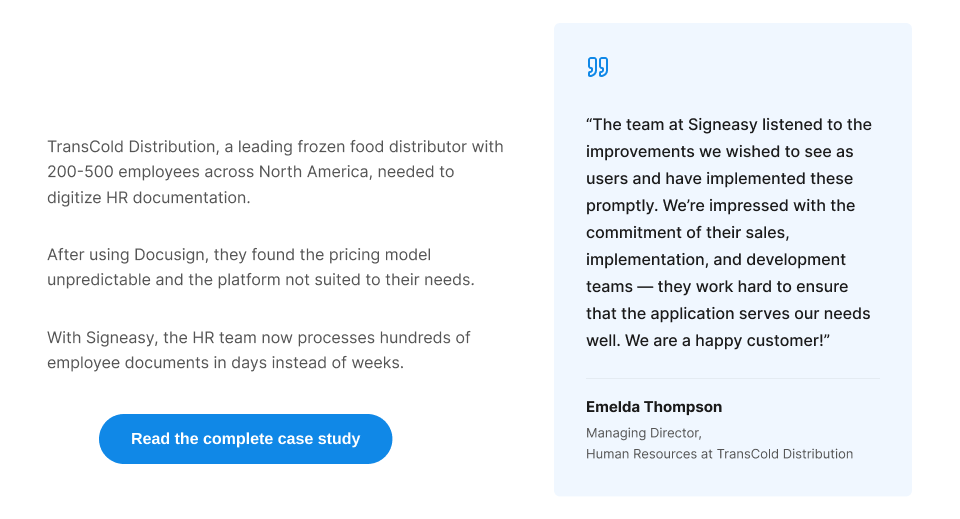
Signeasy is a contract management platform that handles the full document lifecycle: preparing contracts, collecting signatures, storing signed files, and tracking renewals. Paid plans include unlimited documents, so you never hit a cap mid-project. AI-powered features like contract summaries and key terms extraction help you review agreements quicker. If you are looking for more options ,read our Docusign alternatives page.
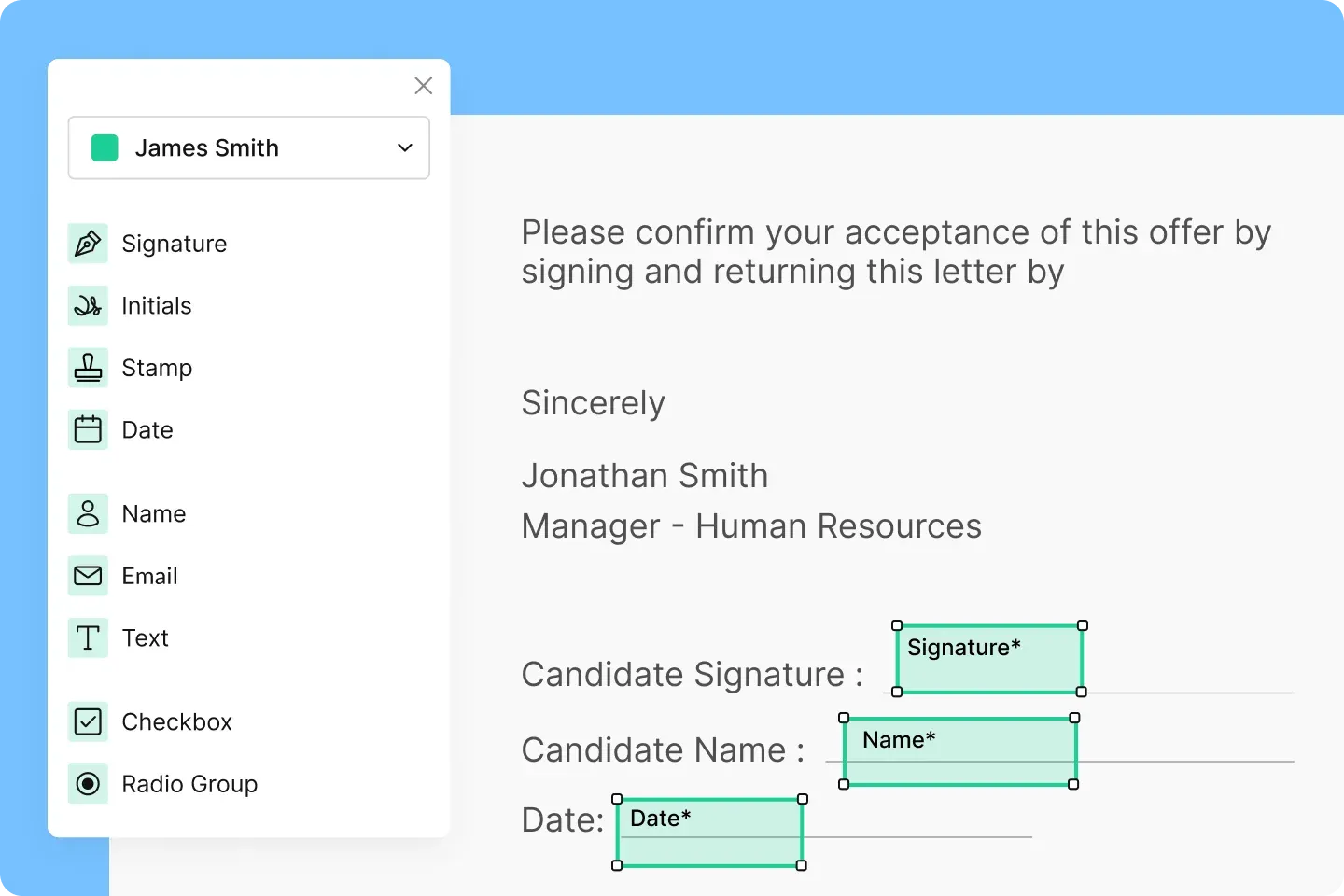
The platform integrates with Google Workspace, Microsoft 365, Salesforce, and HubSpot without extra fees. Its mobile apps for iOS and Android support offline signing, which suits teams that work in the field.
Start your free trial today.