


The best free invoicing software for small businesses and freelancers in 2026 are Freshbooks (best for comprehensive invoicing and accounting), Wave (best for freelancers and service-based businesses), PayPal (best for quick online payments), Zoho Invoice (strong billing customization and automation), QuickBooks (best for invoicing), Square Invoices (best for accepting POS and online payments), Paddle (best for small businesses and freelancers), Invoice Ninja (best for complete suite of invoicing and payment tools), and Invoiced (powerful automation and workflow features)
Each of the following tools has its own set of free-plan limits, capabilities and features. In this guide, we break them down by analyzing their free-plan limits, processing fees, automation features and integrations to help you find the right invoicing software for your business.
What is invoicing software?
Invoicing software or a small business invoicing program automates business invoicing operations. It generates a list of services, products, and their respective costs and sends it to clients or customers as an invoice.
Manual invoicing is prone to errors. A simple error in an invoice can result in a heavy loss. With the best invoicing software for small businesses, you can create and customize your invoices, manage and process payments electronically, and generate reports that assist you in tracking your finances and monitoring invoices without a hassle. A billing software for small businesses can even help you send a payment reminder to a client to jog their memory.
Any software with so many features would cost a lot of money, but a small or fast-growing business typically cannot afford it. It eats into their profit margin, which is often not so big. But worry not—there are a lot of free invoicing software available for small businesses.
10 best free invoicing software solutions for small businesses
Free small business invoice and accounting systems are beneficial when budgets are limited but the business is growing fast. It helps them automate manual processes, reduce errors, ensure compliance with legal requirements, and allow for scalability.
Free billing software for small businesses also reduces mistakes, saving them money and time, improving customer satisfaction, and maintaining a good reputation.
So, what is the best invoicing software for a small business? We look at the 10 best and free invoicing software solutions for small businesses.
1. FreshBooks
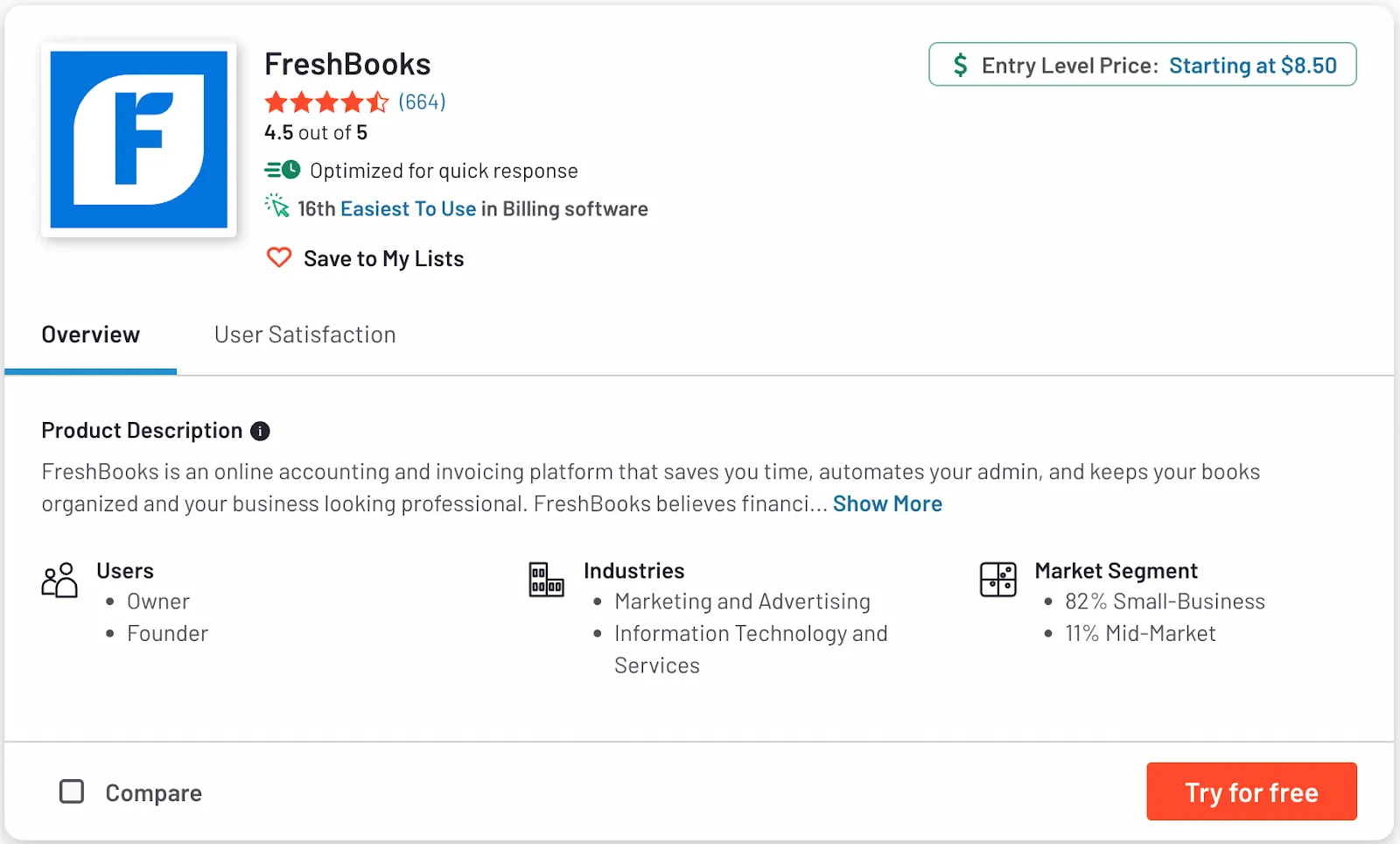
FreshBooks is free invoicing software that helps you build and send invoices online and get paid faster. FreshBooks lets you know when clients view your invoices, track overdue invoices, auto-schedule payments, charge late payment fees on invoices, and more. You can even customize invoices to impress your clients-choose an invoice template, add your company logo, and modify colors and fonts. What’s interesting about this free billing software is that it lets you send invoices in your client’s preferred language!
John V., owner of a small business, shared his experience with FreshBooks. He says, "FRESHBOOKS is the Key to a Successful Small Business. It’s easy to negotiate, I love the Invoice format, the AI shows graphic reports, it's easy for clients to make payments, and most of all, it’s not too expensive to use.”
2. Wave
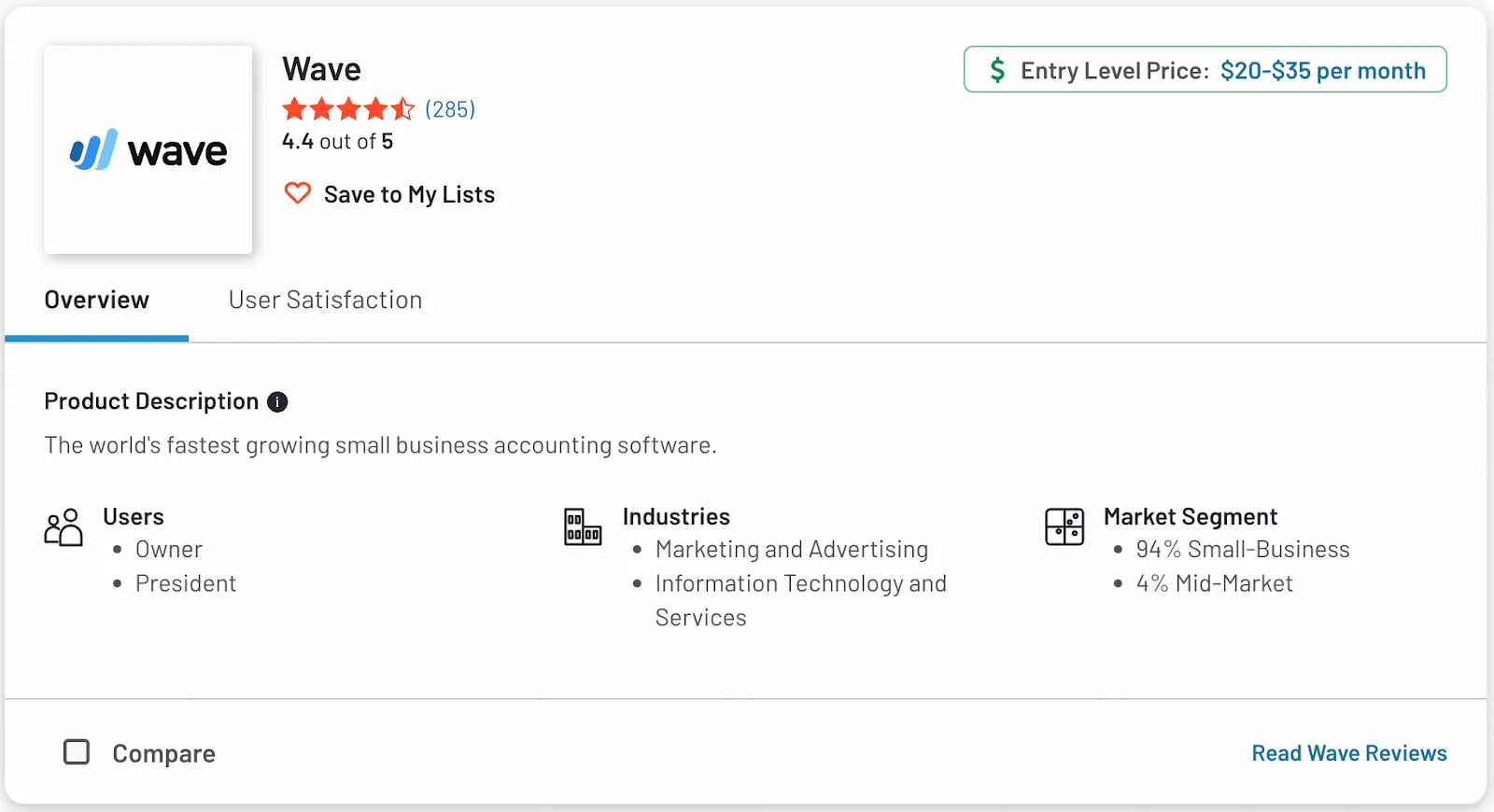
For small businesses looking to keep track of payments, bills, and expenses, Wave is the best free invoice software. It’s an all-in-one invoicing tool that allows you to design a professional invoice template to give your small business an edge. With Wave, you can create and send invoices to customers in seconds, set up recurring billing for repeat customers, accept payments online, view customer transaction history, get cash flow insights, and more!
Marc W. shared his experience with Wave. Here’s what he had to say, “Robust but uncomplicated. Wave has features that were lacking in other comparable programs. I use the invoice function quite often as I bill clients for hourly work. It automatically numbers invoices sequentially, keeps track of paid and unpaid invoices, and has an easy setup to accept credit cards and bank payments, a feature lacking in many other basic business programs. I particularly like that it will create receipts to send when payments are received. Invoices and receipts are very polished and professional-looking.”
3. PayPal
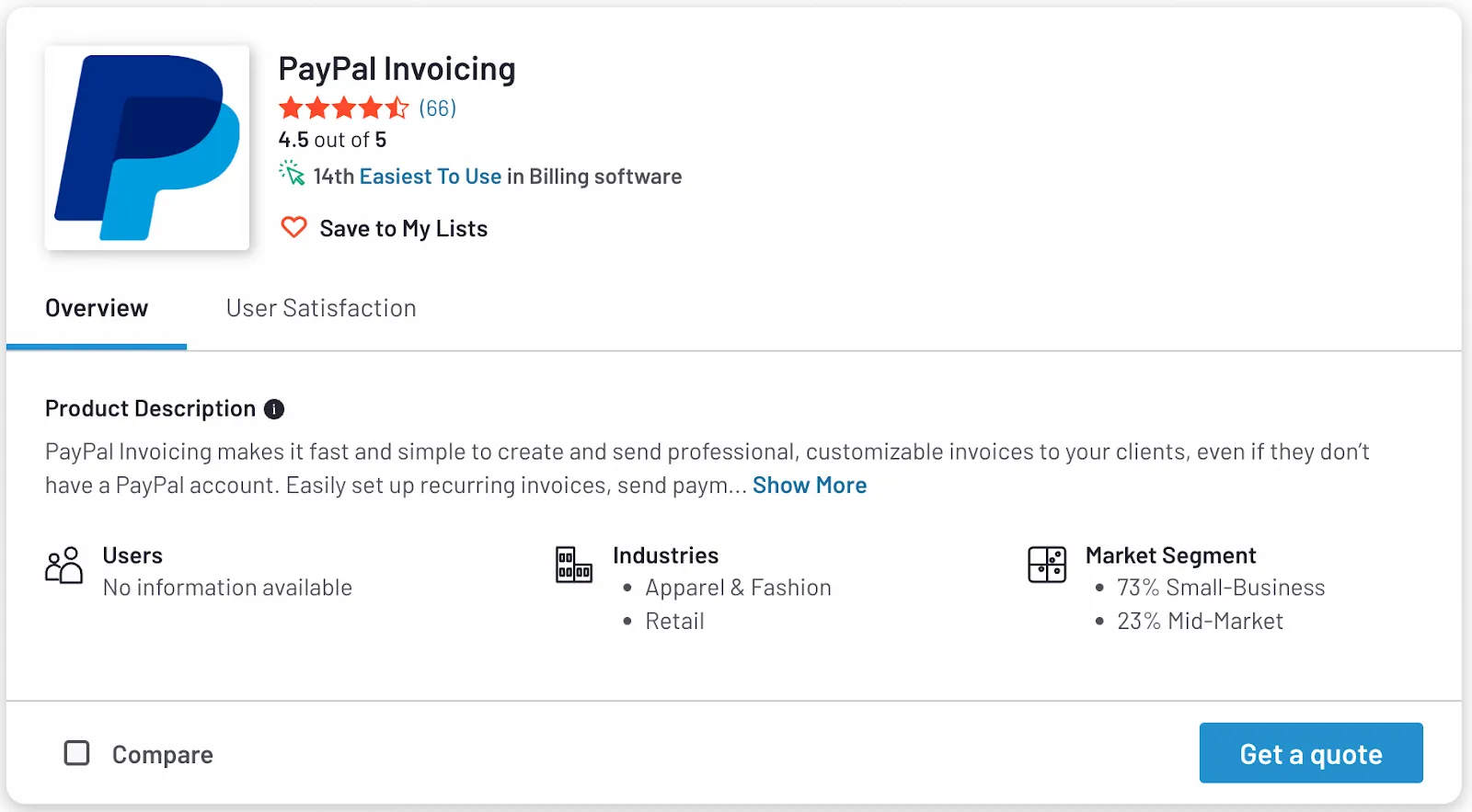
If you are looking for a mobile-friendly free invoice software, PayPal is your best option. You can create and send invoices in just minutes on any digital device, save online invoice templates for quick entry, and automate payment reminders. PaypPal is also known as a payment gateway that processes card and bank payments and accepts payments from clients around the world. With a lot of uncomplicated tools to use, sending a professional invoice is easy with PayPal. It also has credibility as this free invoice app has been around for 25 years!
Clarissia S, a Corporate Payroll Specialist in a Health, Wellness, and Fitness small business, said, "It’s Great for smaller companies. PayPal Invoicing is straightforward to use, but more so for small companies where there is not a vast quantity of invoicing. It’s quick and efficient and a very cost-effective program.”
4. Zoho Invoice
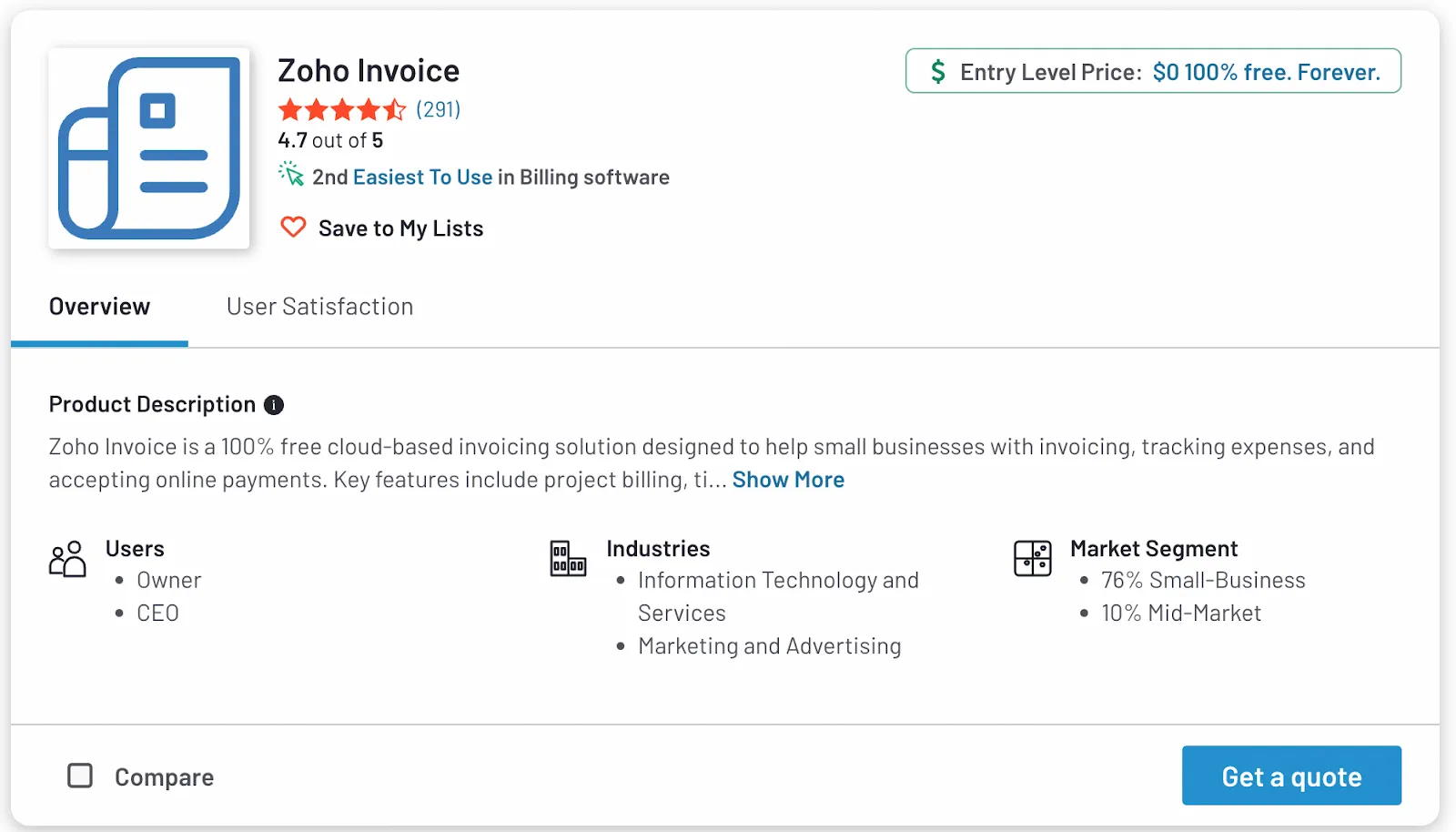
Zoho Invoice is a free billing and invoicing software for small businesses that have fewer than five clients to invoice. Zoho Invoice effectively manages and monitors your invoices while you relax. This tool is perfect for time tracking, expense tracking, invoice tracking, sending reminders, and most importantly, allows customers to pay through credit card or debit cards and bank transfers. Along with a free invoice generator, Zoho Invoice comes with other free generators such as an estimate generator, income tax calculator, expense report generator, revenue forecaster, and SKU generator. Zoho Invoice seamlessly integrates with their own suite of products and also with Stripe, PayPal, Google Drive, and Dropbox.
Anthony F., who works in small business, says “Amazing invoicing services - makes my small business seem BIG. I love the fact that this is a free service they are providing to small businesses. The website is intuitive, and the invoices it produces are super professional. I use it almost every day, and the reporting is great. It’s easy to use the App on my iPhone, so when I am at a client location, I can generate and send an invoice as easily as I was in the office.”
5. QuickBooks

QuickBooks is free invoicing software that lets you get paid faster. This all-in-one business and banking solution auto-fills invoices with customer information and schedules invoices in advance. You can create, send, and track invoices from any digital device without a hassle. You can even connect QuickBooks to your bank to check daily transactions. If you are in the retail business, this free billing software is perfect.
When asked to review QuickBooks as an invoice software for small businesses,
Jennifer W., CEO of a small business, said, “Great small business accounting software. Having everything in one place to view top customers, who owe me money, is just great.”
6. Square Invoices
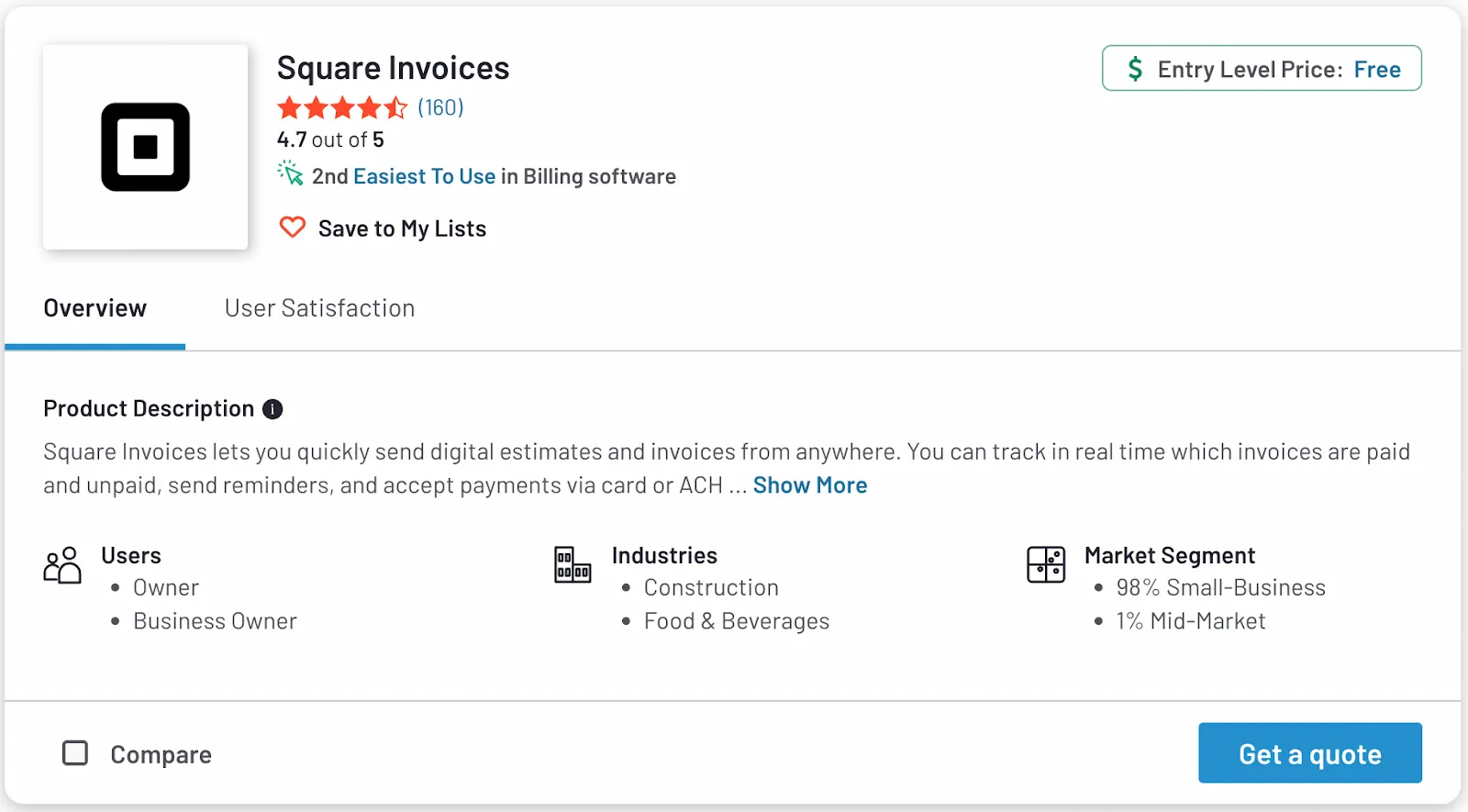
Square might be best known for accepting POS and online payments. This invoice software works with almost any eCommerce platform. You can send a free Square invoice and estimates that you can easily convert into invoices. You will also be able to share contract templates along with your invoices. No matter where you are, with Square Invoices’ free mobile app, you track unpaid and paid invoices from any digital device.
Abby L, a small business owner, says, "Square is easy and convenient. I like that I can input all my customer information for future orders. It helps me organize all my invoices in one place and keep better track of them. I used to use Excel spreadsheets. I like how I can add and save my items as well. I like the visual of how they are organized in Square. It lets you see what's paid and what’s pending. It’s very convenient and easy.”
7. Paddle

Paddle is great for small businesses and freelancers who are looking to simplify the invoicing process and manage finances efficiently. You can customize invoices, use multiple payment methods, and streamline billing. With Paddle, you get a global payment infrastructure that allows you to accept payments worldwide. Its analytics and reporting tools help you track your invoices in real time. Overall, Paddle is a reliable solution to streamline invoicing and boost revenue.
ANMOL JAIN is the co-founder of a small business. After using Paddle, he had this to say: “I love this for payments and invoicing for our subscription products!! As a SaaS startup, we didn’t have to build the payments module from scratch. I loved it. It’s pretty customizable. It's easy to integrate and implement.”
8. Invoice Ninja
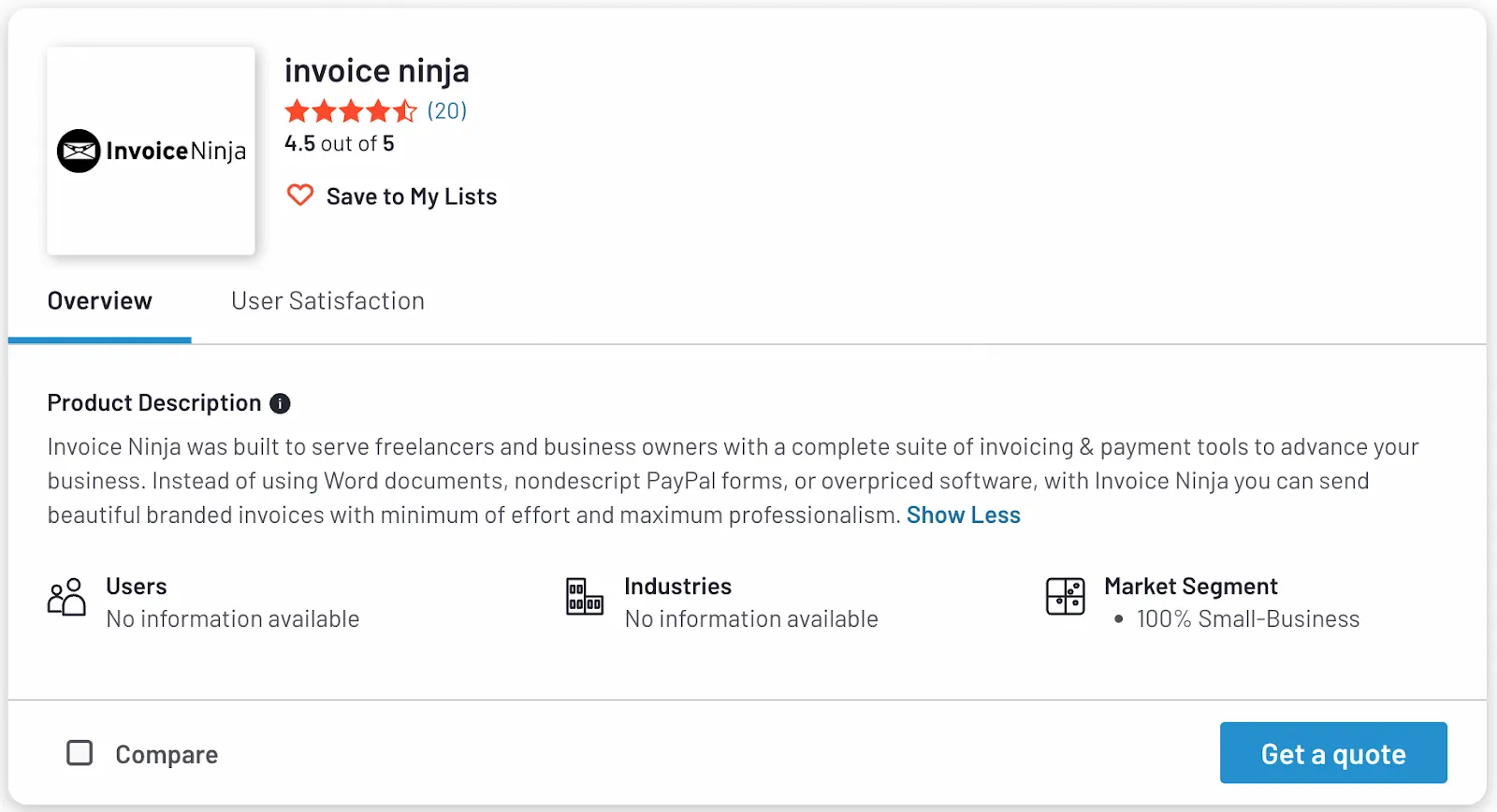
Invoice Ninja was built for freelancers and business owners who need a complete suite of invoicing and payment tools to advance their business. As an invoicing and billing platform, it helps small businesses generate invoices, track payments, and manage finances. It also has the option to build customizable templates, send automated reminders, and integrate with online payment solutions.
Ana T., who works in Marketing and Advertising team at a small business, finds it “A simple and easy-to-use program for invoicing and receiving payments that is super customizable.” She adds, “The most helpful upsides of using Invoice Ninja are its time-saving capabilities and greater accuracy in billing. With such an app, business owners can quickly generate invoices for clients and customers in a fraction of the time it would take to do so with paper invoices. Furthermore, the app’s automated features reduce the risk of human error when calculating billing amounts. It also makes it easier to keep track of payments and ensure that customers are billed correctly and promptly.”
9. Invoiced
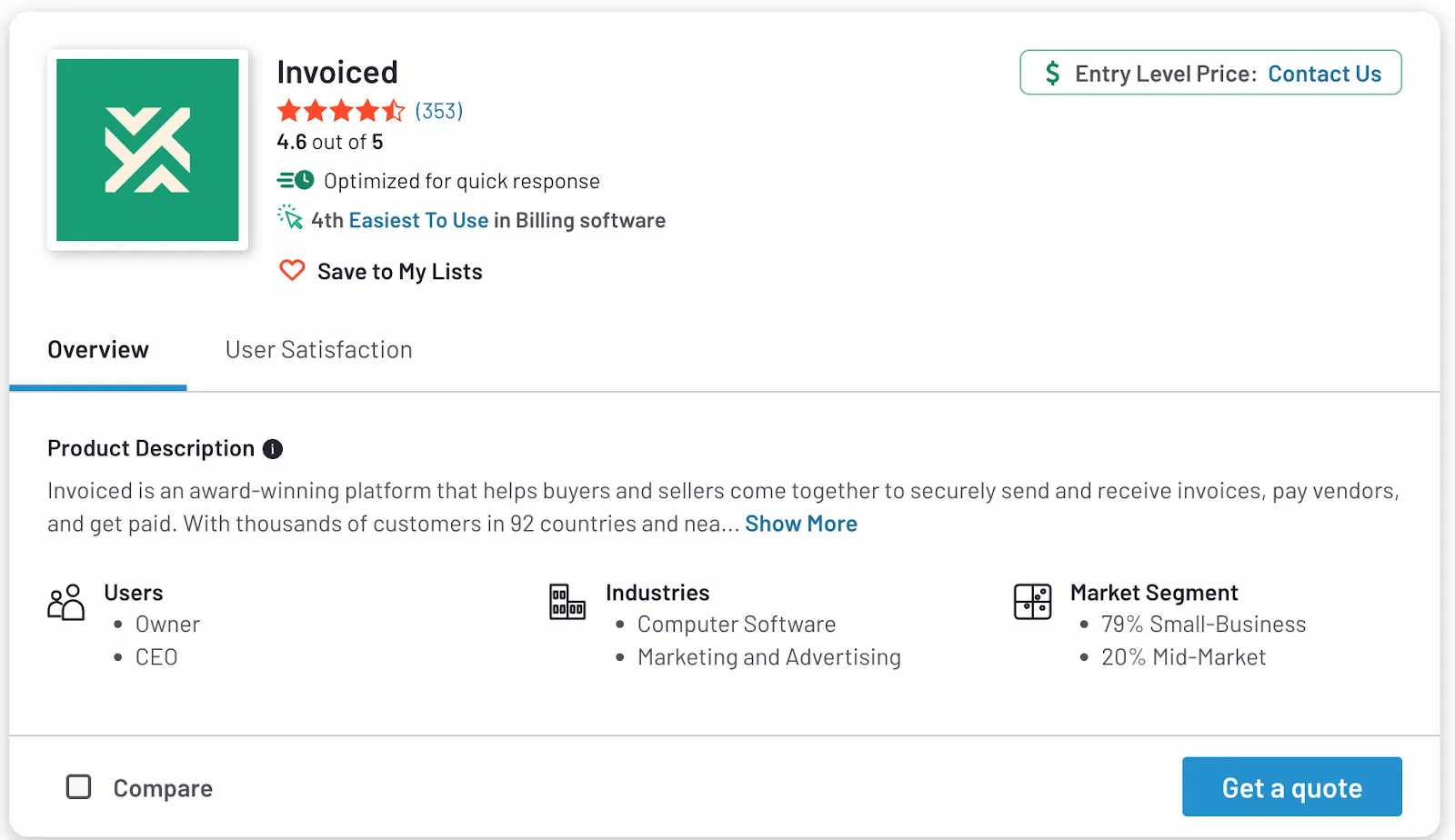
If there was one software that a business of any size could use, Invoiced is it. It has all the features to streamline invoices, such as customizable templates, automated billing, online payment integration, and reporting. Most importantly, it has a user-friendly interface. Invoiced is a reliable solution for improving invoicing and cash flow management.
Andrea G, who works in a small business, says, “Invoiced is a fairly easy platform, even for a novice like me. I love the fact that their customer service is so responsive when I encounter a problem or have a question. I also like having updates on unpaid invoices and that client information can be kept on hand for recurring business.”
10. Paymo
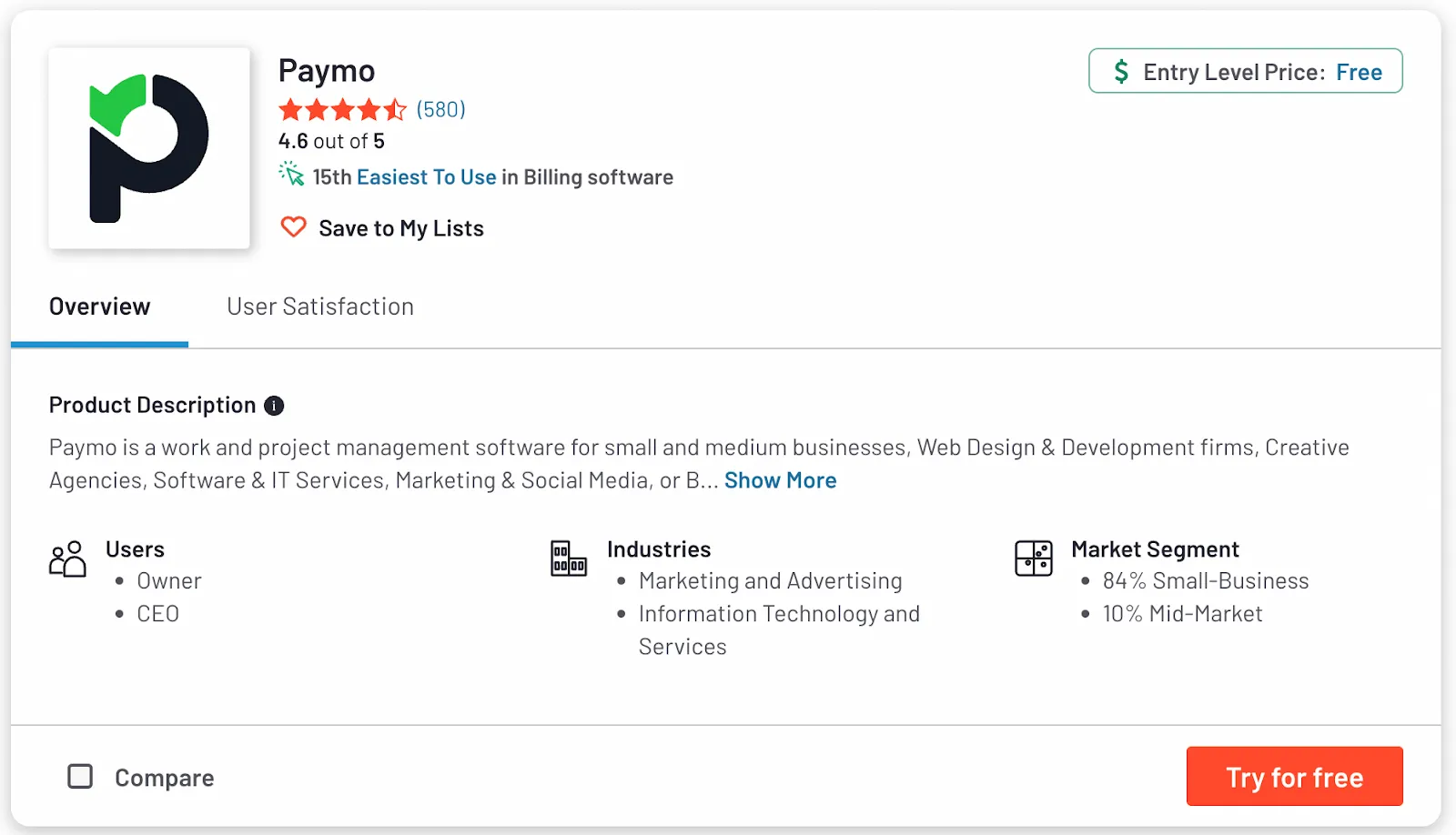
Paymo is the preferred invoicing software for freelancers, small businesses, and remote teams. If you are looking to streamline projects, track time, and create professional invoices, then Paymo is the invoicing software for you. With integrated time tracking and customizable templates, Paymo simplifies invoicing. The interface is super user-friendly, though the reporting capabilities might be a bit light. Paymo is a solid choice for getting your project management and invoicing on point.
The best thing about Paymo is the client invoicing. We won’t depend on any other platform for it—Paymo does it for us with just a few clicks, says Shams A, Marketing Consultant at a small business.
Key features of best free invoicing software
When small businesses look for the best free invoicing software, they want tools that balance essential features with usability and cost efficiency. A good free billing software should do more than just send invoices — it should simplify the entire payment cycle from creation to cash flow tracking.
When comparing free invoicing tools, prioritize these five capabilities:
- Unlimited invoices: No caps on how many invoices you can send per month
- Payment gateway integration: Accept credit cards, PayPal, and ACH payments directly on the invoice
- Automated reminders: Scheduled follow-ups for overdue or unpaid invoices
- Mobile app: Full iOS/Android access for invoicing on the go
- Expense and time tracking: Log billable hours and costs to attach directly to invoices
1. How we evaluated the best free invoicing software
Our team tested each invoice software solution using a structured evaluation process. We created identical sample invoices, added recurring billing schedules, and processed mock payments to compare accuracy and ease of use.
Each platform was scored on six key parameters that small businesses rely on daily:
2. What small businesses should prioritize
For freelancers or consultants, flexibility and ease of setup matter most. They should look for intuitive dashboards and instant payment notifications. Retail businesses, on the other hand, need accurate tax calculations and barcode or inventory sync.
Service-based teams often benefit from recurring billing and detailed reporting to monitor cash flow trends.
Before choosing any free billing software, verify:
- Whether payment processing carries per-transaction fees (even if the plan is “free”)
- If invoices can be customized to match your brand identity
- How many clients, invoices, or team members does the free plan allow
- Whether the tool scales easily as your business grows
Choosing the right invoice software can turn invoicing from a manual task into a streamlined financial workflow. The best options deliver real value even at zero cost, helping you track revenue, reduce errors, and get paid faster without overwhelming your budget.
eSign in Google Sheets
The truth behind free invoicing software
“Free” invoicing software can sound like a perfect fit for freelancers and small businesses, but the details matter.
There’s a major difference between a free invoicing tool and a free plan offered by a paid platform, and understanding that difference helps business owners budget realistically.
1. Free tools vs. free plans
- Free invoicing tools (like Wave) offer a permanently free version with no monthly subscription, but they earn revenue from payment processing or add-on services such as payroll and bookkeeping.
- Free plans (offered by platforms like Zoho Invoice or Square Invoices) are part of a larger paid suite. They remove upfront costs but limit volume, automation, or integrations to encourage upgrades.
In short, one is free forever with feature trade-offs, while the other is free until your business grows past its entry-level limits.
2. Why payment processing fees exist
Even “free” billing software has unavoidable transaction costs. Each time a customer pays by credit card, debit card, or digital wallet, the payment processor routes that payment through card networks like Visa or Mastercard.
These networks charge interchange fees, usually between 1.5% and 3.5%, to cover fraud protection, network infrastructure, and compliance costs.
To remain sustainable, invoicing platforms pass these charges along as payment processing fees, typically around 2.9% + $0.30 per transaction for credit card transactions and 1% for ACH transfers.
So, while there’s no subscription fee, you’re still paying per transaction.
3. Comparing the leading “free” invoicing options
These numbers show that while the software may be “free,” the true cost depends on how many invoices you send and which payment methods your clients use.
4. Why transparency matters
For small businesses, clear pricing isn’t just about affordability; it’s about trust. Platforms like Wave, Square, and Zoho Invoice list their fees and limitations upfront, helping users anticipate costs.
What are the benefits of invoicing software?
- Time-saving: Invoice software or free billing software automates the process of invoicing, saving time and reducing errors. You can create and send invoices in minutes, and the software will also automatically remind you when invoices are due.
- Organization: An invoice software or a free billing software helps to keep all your invoices in one place, making it easier to track your finances and ensure that you don’t miss any payments.
- Professionalism: A well-designed invoice looks professional and can help to build trust with your clients. An invoice software or a free billing software can help you to create a customized, professional-looking invoice that reflects your brand.
- Accuracy: A small business invoicing software helps reduce human error by automatically calculating totals, taxes, and discounts, minimizing the chances of errors.
- Reporting: A small business invoicing software can generate reports that show your income, expenses, and profits, which can help you to make better financial decisions.
- Payment tracking: You can track when your invoices are paid or overdue, and when you need to follow up with clients who haven’t paid yet.
- Scalability: Invoice software or free billing software can handle a large number of invoices and customers as your business grows.
Invoice generators vs. full invoicing software
Many small businesses begin with free invoice programs or online invoice generators to handle quick, one-off payments. These tools are convenient for freelancers or consultants who need to send simple invoices in minutes.
However, they lack the complete feature set of a full invoicing software like payment tracking, automated reminders, and client record management, which become essential as a business grows.
Comprehensive invoicing software integrates payment gateways, recurring billing, and expense tracking for complete financial oversight. When paired with an eSignature solution like Signeasy — also widely used for contract management — it further streamlines approvals, shortens document turnaround, and keeps agreements moving without bottlenecks.
Businesses can sign, send, and approve invoices quickly, reducing administrative delays and ensuring every payment moves smoothly from approval to completion.
eSignatures and invoicing software
eSignatures and free invoicing software benefit small businesses by providing convenience, cost-effectiveness, accuracy, security, and faster payment processing. By using invoicing software to create, send, and track invoices online, small businesses can save time and money. You can also sign documents online, making approvals and client agreements faster and hassle-free.
Invoicing software also cuts down on errors, boosts accuracy, and locks down the security of your financial data. With eSignatures and online payment options, small businesses can get paid faster, improve cash flow, and reduce the risk of late payments.
Plus, invoicing software paired with eSignature tools can totally streamline the invoicing process, cutting down on administrative workloads, increasing efficiency, and improving payment security.
Industry-specific invoicing needs
The best free invoicing software for small businesses should fit your specific workflow, whether you manage projects, sell products, or run recurring services.
The right free billing software can simplify how you track income, expenses, and client communication across different industries.
1. Freelancers and consultants
For independent professionals, simplicity and time tracking matter most. The ideal tool should include hourly tracking, expense categorization, and automated reminders for overdue payments.
Integration with document signing platforms like Signeasy also helps consultants send contracts, get approvals, and issue invoices faster without switching apps.
2. Retail and brick-and-mortar businesses
Retailers and physical stores need invoicing tools that handle inventory management, sales tax calculation, and in-person payment processing. Real-time tracking ensures that every sale, return, or exchange automatically updates records.
For compliance, digital receipts and signed invoices simplify reconciliation and reduce paperwork.
3. Service and subscription-based companies
For subscription and service businesses, consistent cash flow depends on automation. Features such as recurring billing, scheduled payments, and integrated client records help maintain predictable revenue and reduce manual follow-ups.
Linking these workflows with Signeasy’s digital signing capabilities ensures invoices are approved and processed on time, keeping customer relationships smooth and reliable.
Choosing the right invoicing software depends on your business model, client volume, and payment frequency. Pairing it with Signeasy’s secure eSignature workflows helps small businesses eliminate bottlenecks, accelerate payments, and stay fully compliant.
Signeasy Pitch
We hope you found our round-up of the top free invoice apps useful in your search for the best billing software for your small business.
Signeasy offers an easy-to-use and modern eSignature platform for businesses to sign, send, and manage contracts. You can also sign a PDF online sign invoices in Google Sheets directly from your spreadsheet. Avoid administrative errors, reduce friction, and get paid sooner! Try Signeasy today!
Get invoices signed faster with Signeasy
We hope you found our round-up of the top free invoice apps useful in your search for the best billing software for your small business.
Signeasy offers an easy-to-use and modern eSignature platform for businesses to sign, send, and manage contracts. You can also sign a PDF online or send your invoices for signatures within Google Sheets. Avoid administrative errors, reduce friction, and get paid sooner! Try Signeasy today!