













ELECTRONIC SIGNATURE SOFTWARE

Sign documents faster, from anywhere, on any device

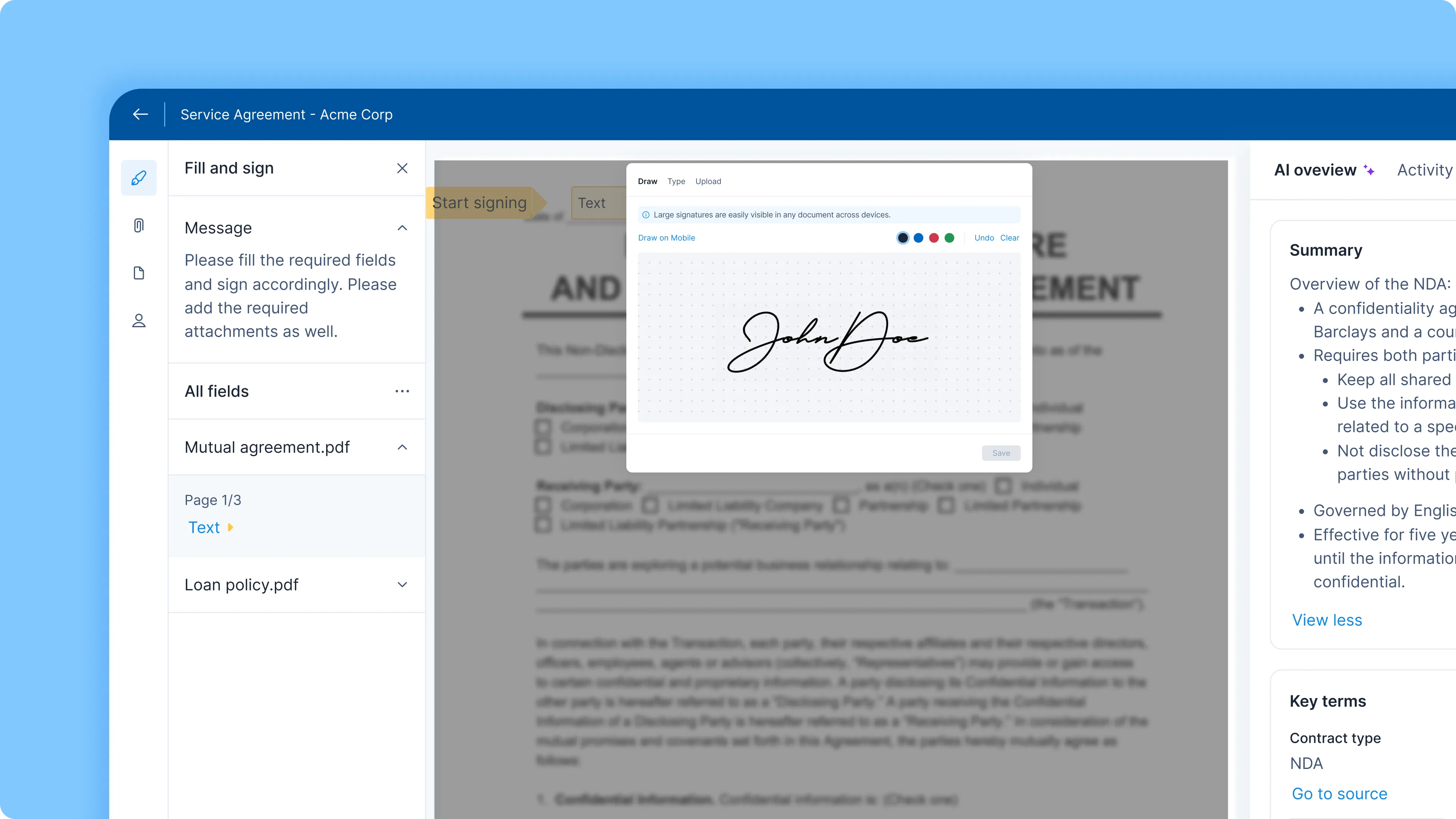
Signeasy eSignature software helps your team send documents for signature, set signing order, and track each request.

Start Free Trial
4.7/5 on
G2 Home badge
4.7/5 on
Capterra Home badge
Electronic Signature Hero Image
Trusted by 48,000+ businesses around the world
Chambersburg Area School District
Icelandair Client
Signeasy Customer - Zimplats
Signeasy Customer - Kempinski
Chambersburg Area School District
Icelandair Client
Signeasy Customer - Zimplats
Signeasy Customer - Kempinski
Meet Our Customers
arrow right
Warba Bank
Würth
Eversendai
MBRHE-Logo
Warba Bank
Würth
Eversendai
MBRHE-Logo
Meet Our Customers
arrow right
Dartmoor Multi Academy Trust
Stambridge Group
Senior Aerospace BWT
Jan Forster
Signeasy Customer - Kempinski
Icelandair Client
Dartmoor Multi Academy Trust
Stambridge Group
Senior Aerospace BWT
Jan Forster
Signeasy Customer - Kempinski
Icelandair Client
Meet our customers
arrow right
Signeasy Customer - Brigade group
Meet our customers
arrow right

eSignature software for faster signing and secure records

Send agreements for signature in minutes

Prepare an eSignature request, add recipients, and send the document. Track its status without searching through email threads.

Keep a record of electronic signatures

Completed signing requests include an audit trail and tamper-evident records to support your electronic signature requirements.

Let recipients eSign without an account

Recipients can review and sign documents on their phone, tablet, or desktop without registering or downloading an app.
ELECTRONIC SIGNATURE WORKFLOWS

Manage signing workflows with eSign software

SIGNATURE REQUESTS

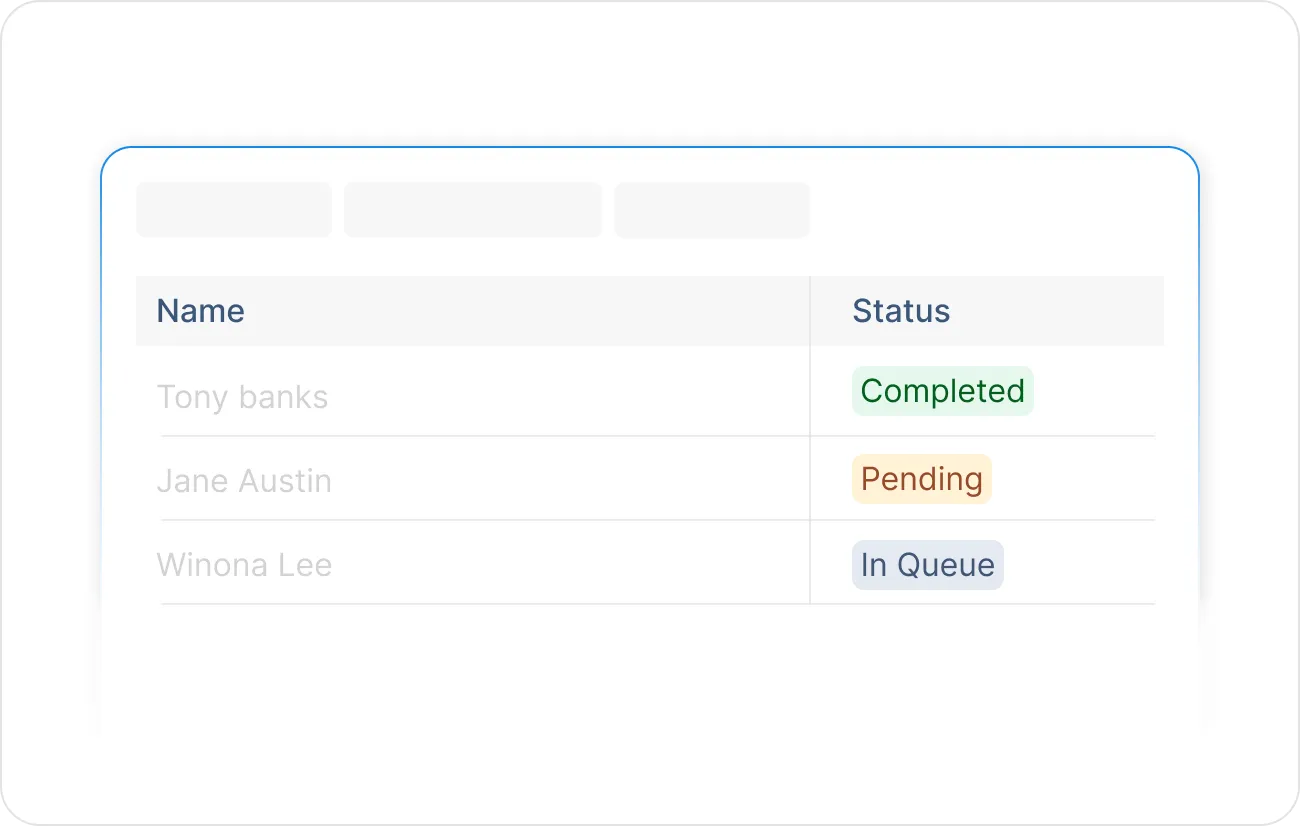
Get a document signed without the back and forth

Collect legally binding eSignatures from anyone, anywhere. Send a signature request in minutes and your signer gets a link — no need to create an account or any other hassle. Track every request in real time so you always know where things stand.

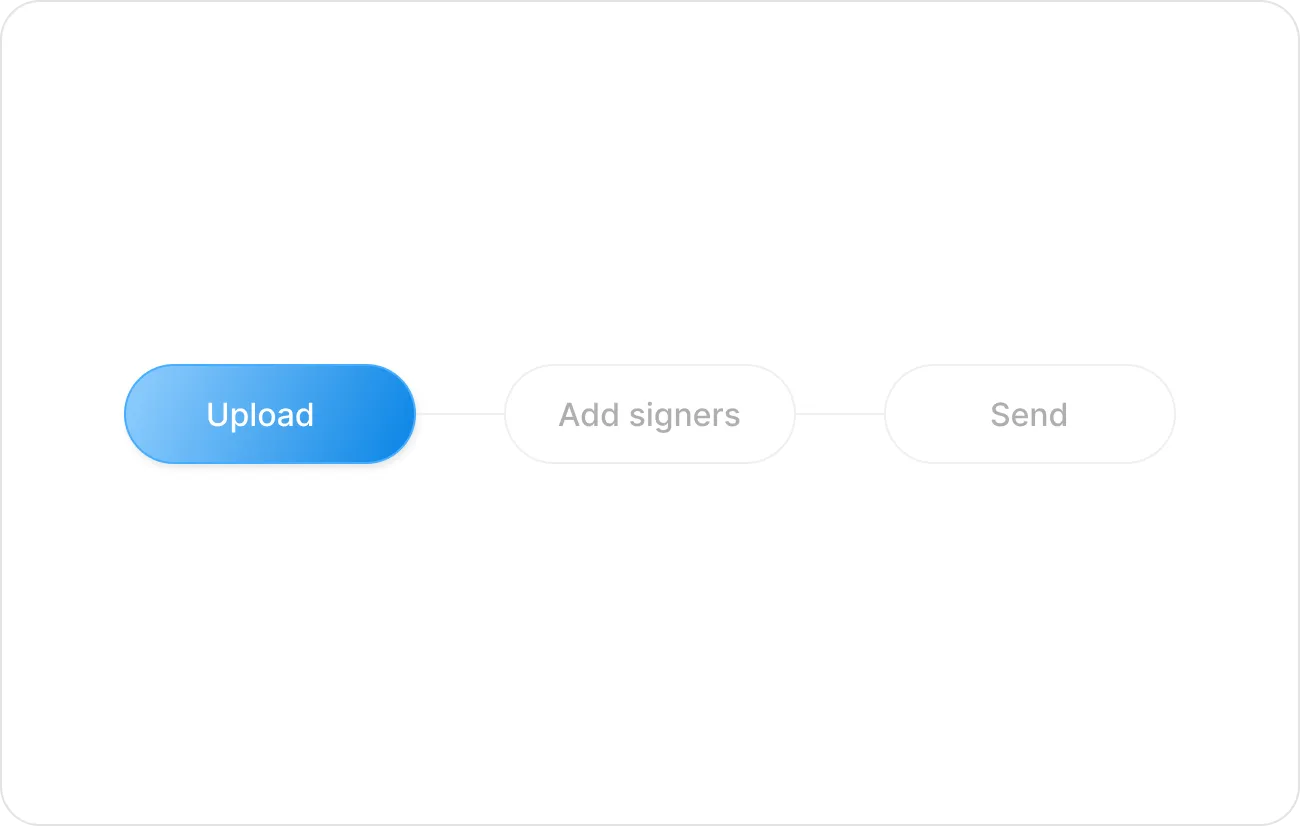
A three-step process indicator with the first step, Upload, highlighted in blue, followed by Add signers and Send in gray.
Table listing names Tony Banks, Jane Austin, and Winona Lee with corresponding status labels: Completed in green, Pending in orange, and In Queue in blue.
APPROVAL WORKFLOWS

Route approvals automatically, without the manual handoffs

Getting a contract approved shouldn't mean tracking down five people manually. Signeasy automatically routes documents to the right approver at the right time, in the right order. Your team stays unblocked and your contracts keep moving.

SIGNING ORDER

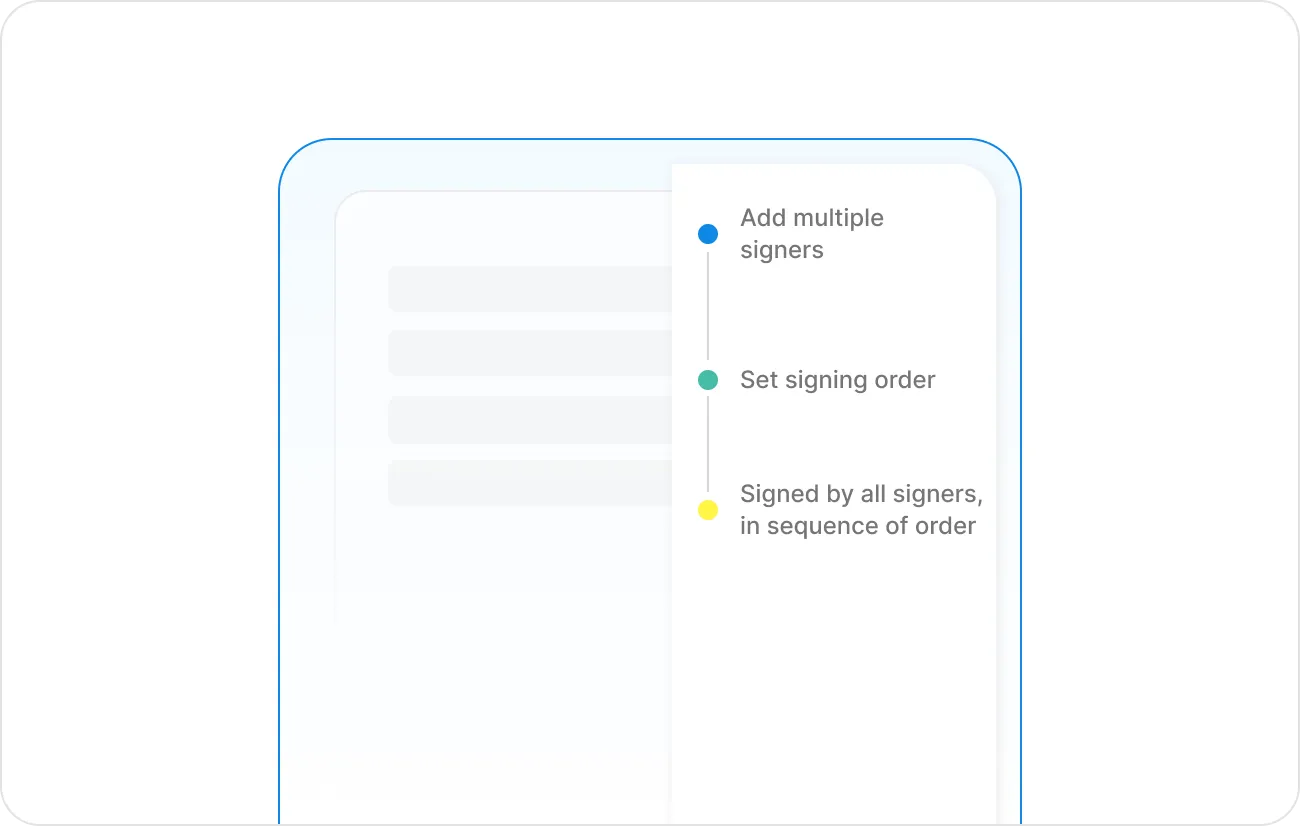
Multi-party contracts that move themselves forward

When multiple people need to sign, keeping track of who's next is where things fall apart. Signing order automatically moves the document from one signer to the next the moment their turn arrives. No manual forwarding, no confusion about who has it.

Diagram showing three steps in a signing process with colored dots: blue for Add multiple signers, green for Set signing order, and yellow for Signed by all signers in sequence of order.
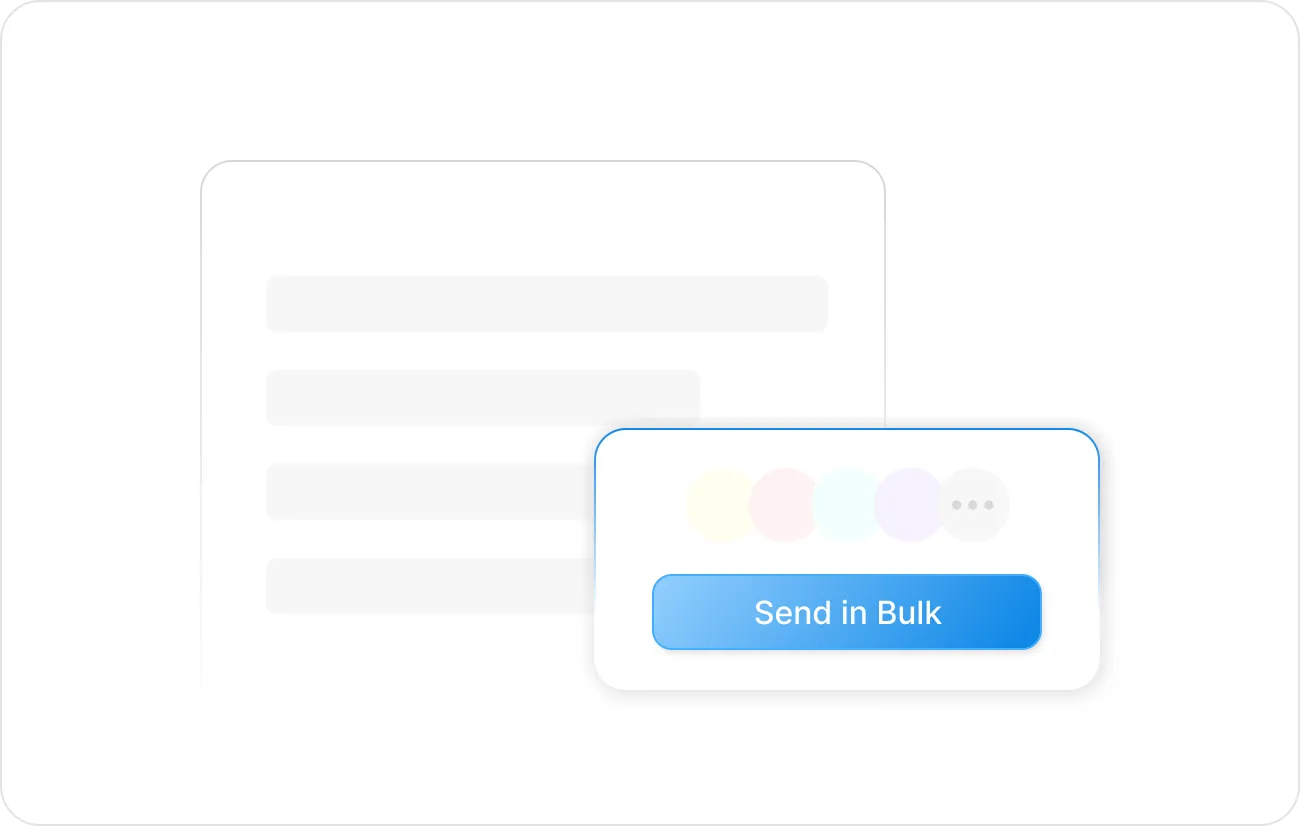
User interface with a blue button labeled 'Send in Bulk' inside a white pop-up box with circular color indicators and an ellipsis.
BULK SEND

Reach hundreds of signers without sending a hundred emails

When you need signatures at scale, manual sending doesn't cut it. Signeasy lets you send a personalized contract to hundreds of recipients in one go, each with their own signing link and individual tracking.

AUTO-REMINDERS

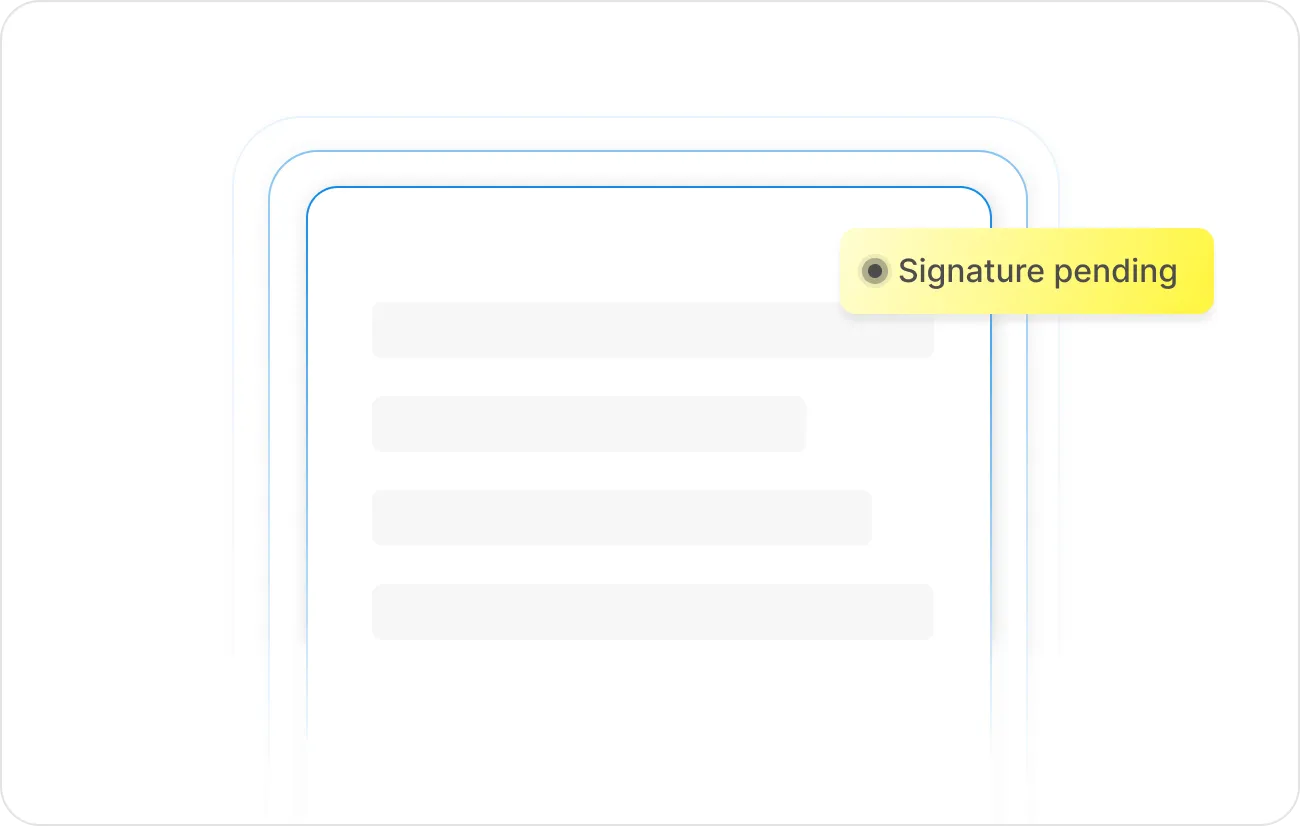
Send reminders automatically, so you don't have to ask twice

Unsigned contracts are how deals go quiet. Signeasy automatically reminds signers who haven't acted yet, keeping things moving without you lifting a finger. Send a manual nudge anytime if you need to.

Illustration of overlapping document outlines with a highlighted yellow label on the upper right reading 'Signature pending' with a selection indicator next to it.
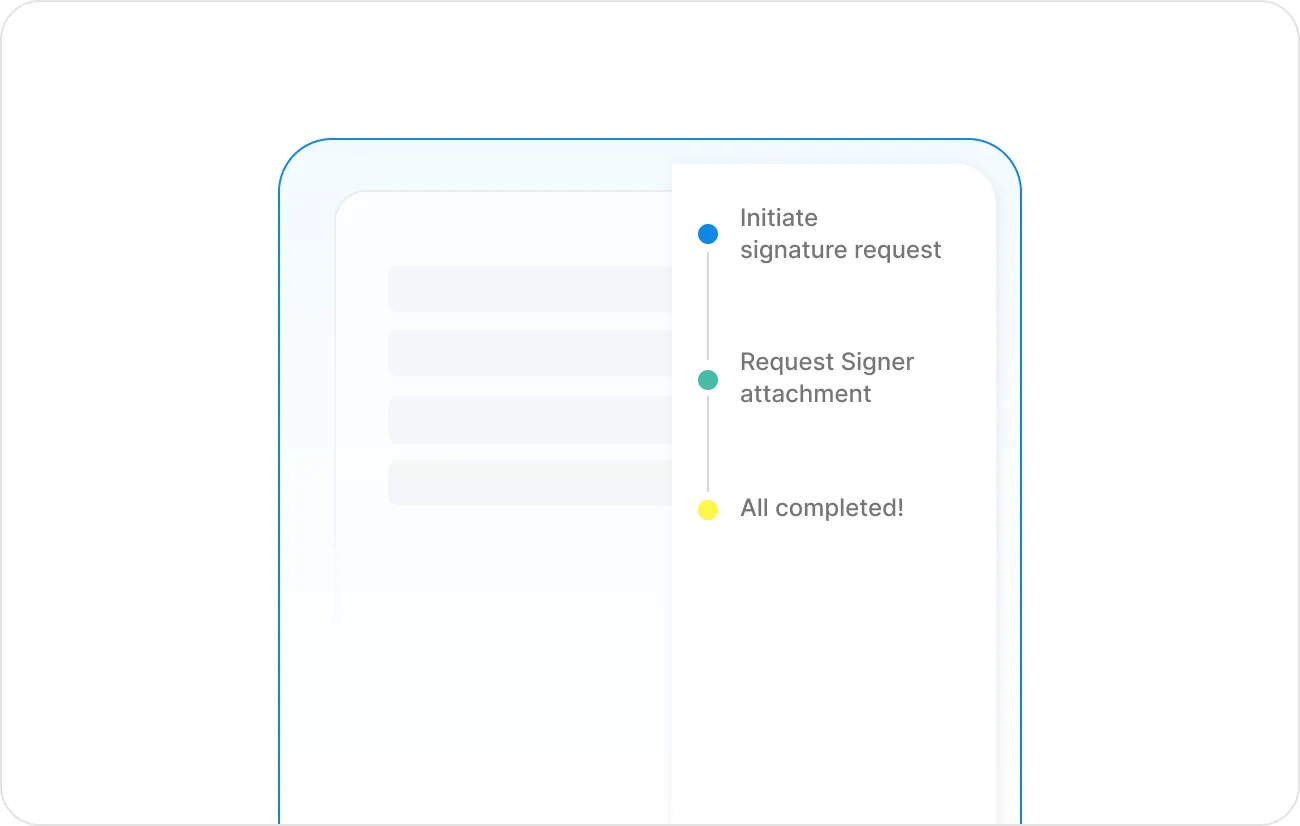
Three-step vertical process flow with colored dots indicating stages: blue for Initiate signature request, green for Request Signer attachment, yellow for All completed.
SIGNER ATTACHMENTS

Collect supporting documents as part of the signing flow

Chasing supporting documents over email after a contract is signed creates delays and messy paper trails. Now you can ask signers to upload IDs, certificates, or any required files as part of the signing flow itself. Everything arrives together the moment they sign.

AUDIT TRAIL

Get a complete record of every signature, automatically

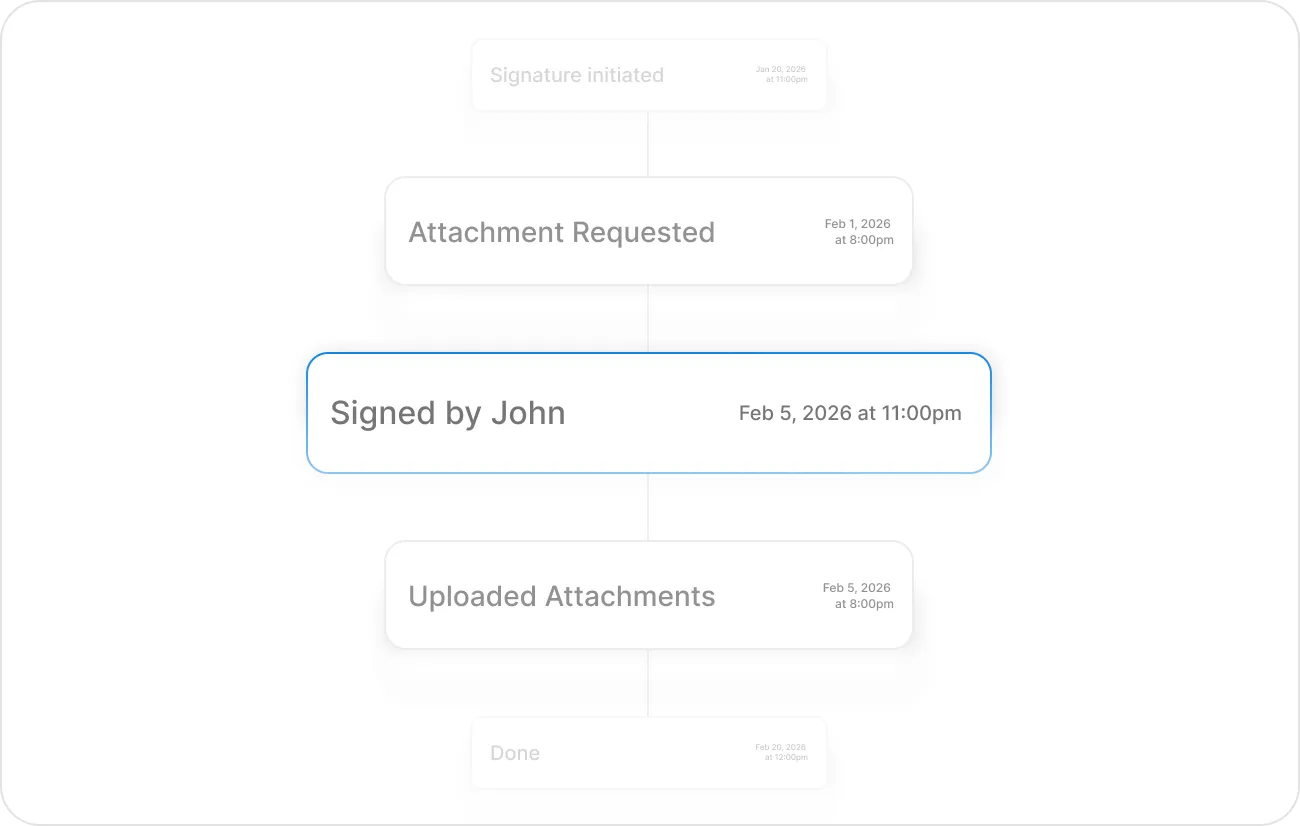
Every signature request on Signeasy comes with a full audit trail — who signed, when they signed, and from where. This timestamped record is attached to every completed document, giving you everything you need if a contract is ever questioned.

A vertical process flow chart with four visible stages: 'Attachment Requested' on Feb 1, 2026 at 8:00pm, highlighted 'Signed by John' on Feb 5, 2026 at 11:00pm, 'Uploaded Attachments' on Feb 5, 2026 at 8:00pm, and a faint 'Done' on Feb 20, 2026 at 12:00pm, with 'Signature initiated' faintly visible above.
Request Demo

Electronic signature software built for every team that sends contracts

From sales agreements and offer letters to vendor contracts, Signeasy's electronic signature solution helps teams collect signatures and track what's still pending.

SALES

Close deals without leaving your CRM

Send quotes and contracts directly from HubSpot, Google Workspace, or Outlook. See when a prospect opens the document, get notified the moment they sign, and keep deals moving without manual follow-up.

HUMAN RESOURCES

Offer letters and onboarding documents — signed before day one

Send employment contracts to new hires individually or in bulk. Set signing order so managers countersign after the employee, and every completed document is automatically stored and ready to retrieve.

LEGAL

Every signature backed by a full audit trail

Every signed document carries a tamper-evident certificate and a detailed log of who signed, when, and from where — everything your team needs to prove validity without digging through email threads.

OPERATIONS

Vendor agreements and renewals without the admin overhead

Set up reusable templates for your most common contracts, use bulk send for multi-vendor distributions, and track every open document from one dashboard.


See what our customers have to say

Secure and compliant electronic signature software for your business

Get enterprise-grade security to protect your contracts from threats and ensure compliance with international and industry-specific eSignature laws.

ESIGN and UETA badge

ESIGN & UETA

eIDAS badge

eIDAS

AICPA SOC badge

AICPA SOC

GDPR badge

GDPR

HIPAA badge

HIPAA

PAdES-BLT Digital Seal badge

PAdES-BLT Digital Seal

Electronic signature software vs. email attachments

Signeasy's electronic signature solution replaces manual email follow-ups with trackable electronic signing requests and reminders.

Task
With email attachments
With Signeasy
Getting signatures
Share files and collect signed copies manually
Send a trackable eSigning request
Tracking progress
Check email threads to see who has responded
See which recipients have signed and which are pending
Multiple signers
Forward documents and coordinate the sequence manually
Set the signing order for each recipient
Internal approvals
Coordinate reviews and approvals over email
Route documents through approval workflows
Following up
Send reminder emails individually
Send automatic reminders to pending signers
Proof of signing
Collect signed files and maintain separate records
Keep completed documents with timestamped audit trails

Frequently asked questions

What does electronic signature software do?
Electronic signature software lets businesses prepare documents, collect signatures online, and track completed signing requests. Signeasy also supports signing order, reminders, approval workflows, and audit trails, so teams can manage electronic signing without relying on email attachments.
Are Signeasy electronic signatures legally binding?
Yes. Signeasy supports legally binding electronic signatures under applicable laws, including the ESIGN Act, UETA, and eIDAS, when the relevant signing requirements are met. Completed signing requests include audit records and tamper-evident document protection.
Do recipients need to create an account to sign?
No. Recipients can eSign documents sent through Signeasy without creating an account or installing an app. They can open the signing request on a phone, tablet, or desktop.
What is bulk send and how does it work?
Bulk Send lets teams send personalized copies of a document to multiple recipients in one workflow. Each recipient receives an individual signing request, and the sender can track responses separately. Signeasy offers Bulk Send as an add-on.
What documents can signers attach, and where do they go?
Signers can upload supporting files such as IDs, certificates, or completed forms when the sender requests them. Signeasy keeps these attachments with the signed agreement. Signer attachments are included in Business Pro.
What's the difference between an electronic signature and a digital signature?
An electronic signature records a person's intent to sign electronically. A digital signature is a specific type of electronic signature that uses cryptographic certificates to help verify identity and document integrity. Signeasy supports everyday eSigning workflows and protects completed documents with a PKI-backed Trust Seal.
What is the signing order and when should I use it?
Signing order lets you define the sequence in which multiple parties sign a document. It's useful any time approvals need to happen in a specific order — for example, when a manager must countersign after an employee, or when legal review must come before a vendor signature.
How do I create an electronic signature for free?
You can create an electronic signature for free with Signeasy’s online signature generator. Create your signature and use it to sign documents online without printing or scanning paperwork.
Is there a free app for electronic signatures?
Yes, several apps and platforms offer free electronic signature features. Signeasy offers a mobile app that lets you sign documents electronically from your phone or tablet. You can also sign PDFs online, making it easy to complete documents wherever you are.
Is there an audit trail for signed documents?
Yes, Signeasy provides an audit trail for signed documents. It maintains completed documents along with timestamped audit trails, allowing you to keep a record of signing activity and verify completed signatures.

Get contracts signed faster with signeasy

See how Signeasy’s electronic signature software fits your signing workflow with a 14-day eSign trial.
Request Demo
100-day money back guarantee