


If you've searched “ICM vs. CRM vs. CLM,” there's a good reason for the confusion. All three get pitched to similar buyers, and all three touch contracts somewhere in their feature list. But they solve different problems, and mixing them up is how businesses end up paying for three tools when they need one.
This guide defines each term, compares them side by side, and helps you figure out which one, or which combination, your business actually needs.
What each term actually means
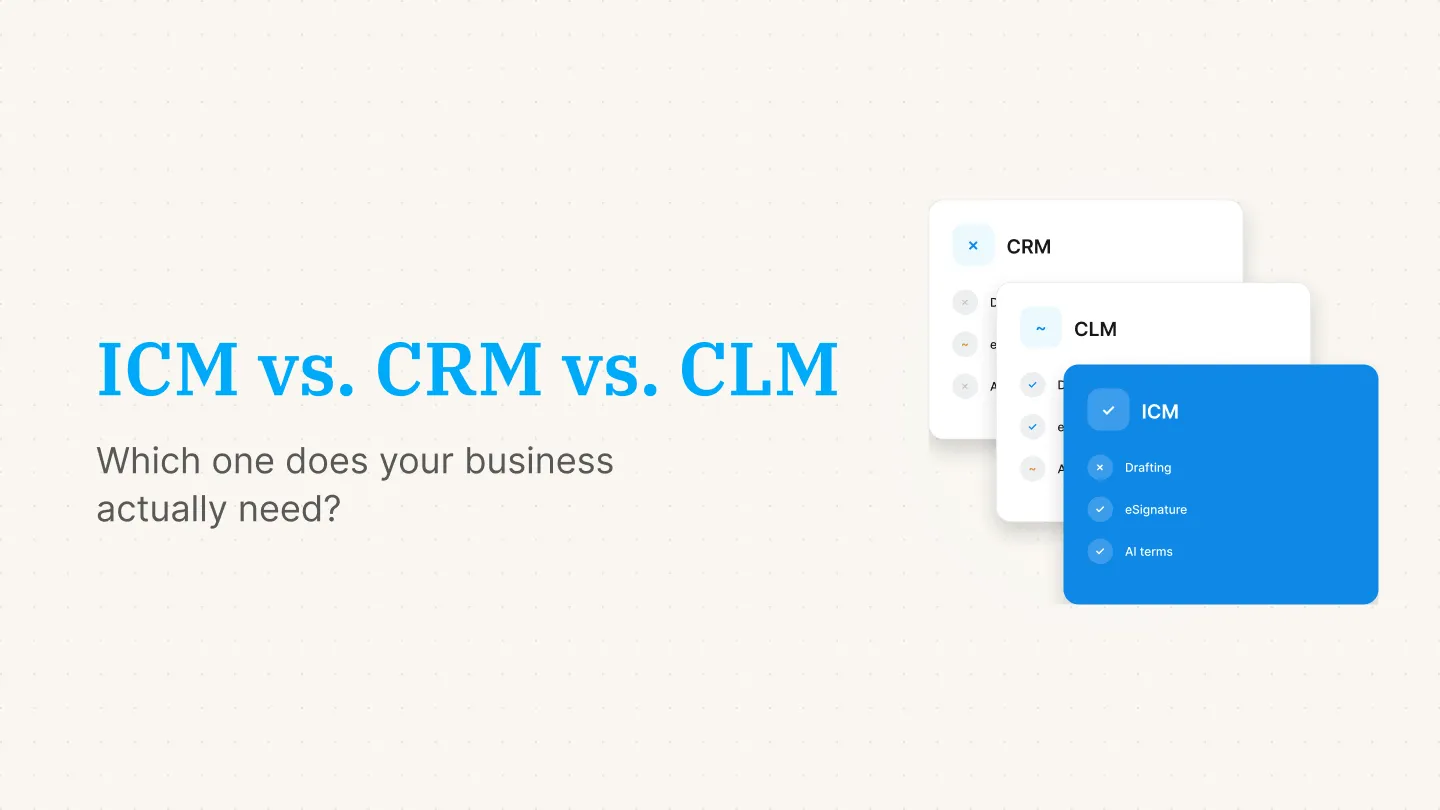
Customer relationship management (CRM) is software that tracks interactions with prospects and customers throughout the sales and support relationship, including leads, deals, emails, calls, and support tickets. A contract usually shows up in a CRM as an attachment tied to a deal stage, not as something the system manages once it's signed.
Contract lifecycle management (CLM) is software that manages a contract from request and drafting through negotiation, redlining, approval, signature, and post-signature tracking. Enterprise CLM platforms are built for legal operations teams running complex, high-volume contract workflows, often with custom clause libraries and multi-stage approval chains.
Intelligent Contract Management (ICM) is software that manages a contract's lifecycle after signature, using AI to store, search, and surface key terms, and to track renewals and obligations across every team that touches a contract.
ICM vs. CRM vs. CLM at a glance
Where the confusion comes from
Part of the overlap is real. Most CRMs, including Salesforce and HubSpot, now offer basic eSignature add-ons, so a Sales team can get a contract signed without leaving their pipeline view. That's useful for closing a deal, but it doesn't give Finance, HR, or Legal a system to track what was signed, when it renews, or what it obligates the business to do.
Enterprise CLM platforms sit at the other end. They cover the same post-signature ground ICM does, plus drafting, redlining, and approval workflows, which is exactly why they take months to implement and come with enterprise pricing. For a business that already has a way to draft and negotiate contracts, and just needs to manage them well after signature, that's a lot of platform to buy and maintain.
Intelligent Contract Management fills the space in between: built specifically for what happens after a contract is signed, without the drafting and negotiation machinery of a full CLM.
Which one does your business actually need?
You need a CRM if...
- Your priority is managing leads, deals, and customer relationships, not contract terms.
- Contracts are a small part of a bigger sales or support workflow.
- You're comfortable handling contract storage and renewals somewhere else.
You need full CLM if...
- You have a dedicated legal operations team managing complex, high-volume contracts.
- Contracts require heavy redlining, multi-party negotiation, and custom clause libraries before signature.
- You have the budget and time for a months-long implementation.
You need ICM if...
- You've outgrown tracking contracts in spreadsheets and shared drives, but don't need full CLM complexity.
- Multiple teams, such as Finance, Sales, HR, Procurement, Operations, and Legal, need to find and understand contracts without opening every PDF.
- You want to go live in hours, not months.
CRM and ICM work together, not against each other
None of this means picking one and abandoning the others. A CRM keeps track of the customer relationship. Intelligent Contract Management keeps track of what was actually agreed to and when it renews. Signeasy's ICM integrates with CRMs like Salesforce and HubSpot, so a Sales team can close a deal in the CRM they already use, while Finance and Legal get a searchable record of every payment term and renewal date without asking Sales to dig through their pipeline.
Where Signeasy ICM fits
For growing businesses, the practical choice usually isn't CRM vs. CLM. It's whether to keep managing signed contracts manually or move to a system built for it. Intelligent Contract Management gives Finance, Sales, HR, Procurement, Operations, IT, and Legal one searchable place for every contract, with AI-extracted terms and renewal reminders, without the implementation timeline of an enterprise CLM.
ICM Core starts at $45 per seat per month, and ICM Pro at $60 per seat per month, both billed with a 3-seat minimum and backed by a 100-day money-back guarantee.
Request Demo to see how Intelligent Contract Management fits alongside the CRM and tools your team already uses.