



The best invoicing software for small business helps teams create invoices, track outstanding payments, and manage customer billing. Some platforms connect invoicing with accounting records, while others focus on time-based billing or online payment collection.
But collecting payment is different from recording a customer's agreement to the charges. Businesses that need signed quotes or service agreements also need a signing workflow. This guide compares 12 invoicing platforms and Signeasy's complementary signing solution, covering features, pricing, and buyer fit.
Best invoicing software for small business at a glance
The best invoicing software for small business covers invoice creation, payment collection, project billing, and accounting. Signeasy is included first as the complementary signing and approval solution; the remaining 12 products provide invoicing functionality.
Prices are in USD and reflect US offerings as of November 2026. Promotional discounts and payment-processing fees are excluded.
How we evaluated the best invoicing software for small business
To compare the top invoicing software for small business, we reviewed official product documentation, published pricing, and plan-specific feature information. The comparison focuses on how each product handles billing, which capabilities are included in entry-level plans, and which restrictions affect common business requirements.
These assessments are based on documented features and pricing, not independent hands-on testing.
13 best invoicing and approval tools for small businesses
1. Signeasy
Best for: Businesses that need electronic signatures and internal approvals before issuing invoices.
Signeasy complements the best invoicing software for small business by managing documents that require signatures before billing. Signeasy prepares service agreements, collects electronic signatures, and tracks completed documents, while the invoicing platform creates bills and processes payments.
Businesses can use Signeasy eSignature to obtain customer acceptance of service agreements, quotes, or invoice documents that require signing. The platform also provides reusable templates and internal approvals, helping teams review commercial terms before sending documents to customers. Invoice creation and payment collection remain with the business's invoicing software.

Key features
- Unlimited signature requests: Signeasy Business and Business Pro support unlimited sending, subject to fair-usage terms.
- Reusable templates: Signeasy reusable templates save signing fields and recipient roles for repeat agreements. The Business plan includes five templates, while Business Pro supports unlimited templates.
- Approval workflows: Business Pro routes documents through designated internal reviewers before customer signing.
- Google Sheets integration: Populate saved templates using spreadsheet data and send signature requests.
- Document tracking: Monitor pending requests, send reminders, and access completed agreements.
Pricing
Signeasy Business costs $20 per user per month with annual billing and includes unlimited signature requests, five reusable templates, and signing reminders. Signeasy Business Pro costs $30 per user/month, billed annually, and adds unlimited templates and internal approval workflows. Both plans offer a free trial.
Pro
- Unlimited sending: Business and Business Pro support frequent signature requests, subject to fair usage.
- Internal approvals: Business Pro lets finance teams review documents before customers sign.
- Google Sheets integration: Teams can populate templates without re-entering spreadsheet data.
Cons
- No invoice generation: Businesses need separate software to create bills and collect payments.
- Plan restrictions: Internal approval workflows and unlimited templates require Business Pro.
Our assessment
Signeasy is most useful when a team needs customer acceptance of payment terms before raising invoices. The Signeasy Business plan supports repeat signature requests and reminders, while Business Pro adds internal approval workflows. Signeasy team collaboration also gives employees a shared way to coordinate agreement signing without replacing their invoicing software.
2. Zoho Invoice
Best for: Freelancers and small businesses that need recurring invoices without a subscription.
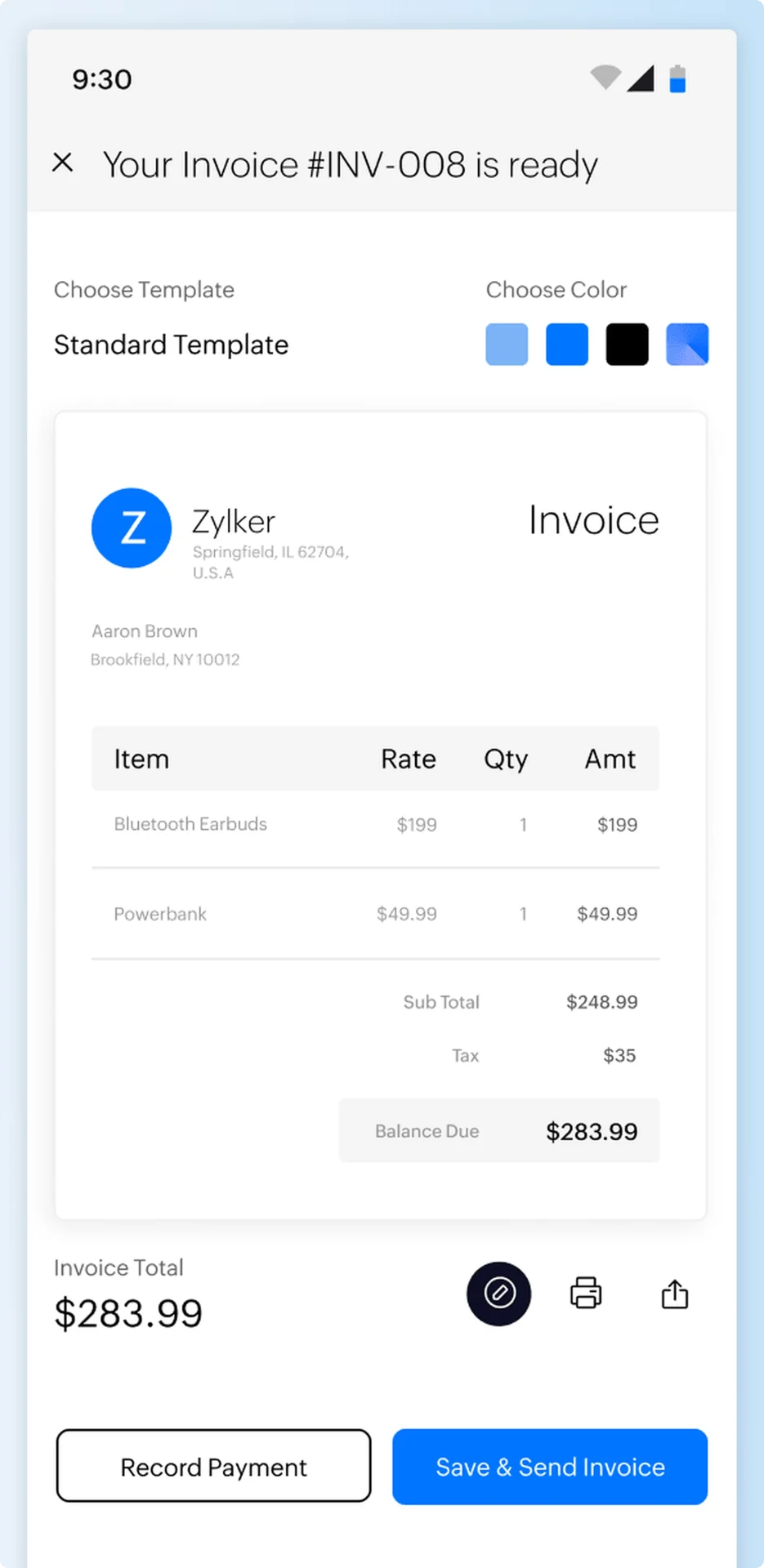
Zoho Invoice is among the best invoicing software for small business teams that need free invoice creation, scheduled payment reminders, and payment tracking. It also supports recurring invoices and quote conversion, allowing businesses to manage repeat billing without recreating documents. The free product includes a customer portal where clients can access their invoice records. Its annual invoice and project limits restrict businesses with higher transaction volumes.
Key features
- Recurring invoices: Generate invoices according to a billing schedule.
- Payment reminders: Schedule follow-ups for overdue invoices.
- Customer portal: Give clients access to their billing records.
- Quote conversion: Convert accepted quotes into invoices.
Pricing
Zoho Invoice is free in the US and supports 500 invoices per year, two users, and three projects. Connected payment gateways charge separate transaction fees.
Pros
- Free automation: Recurring invoices and payment reminders have no subscription fee.
- Connected records: Quotes and billable work can feed into invoices.
Cons
- Invoice cap: The US offering limits annual invoice volume.
- Team restrictions: Only two users and three projects are included.
Our assessment
Zoho Invoice is one of the best invoicing software for small business options when a team needs recurring invoices without a subscription. The free US plan supports up to 500 invoices annually, two users, and three projects. Businesses exceeding those limits need another billing arrangement.
3. FreshBooks
Best for: Consultants and agencies invoicing customers for project work.
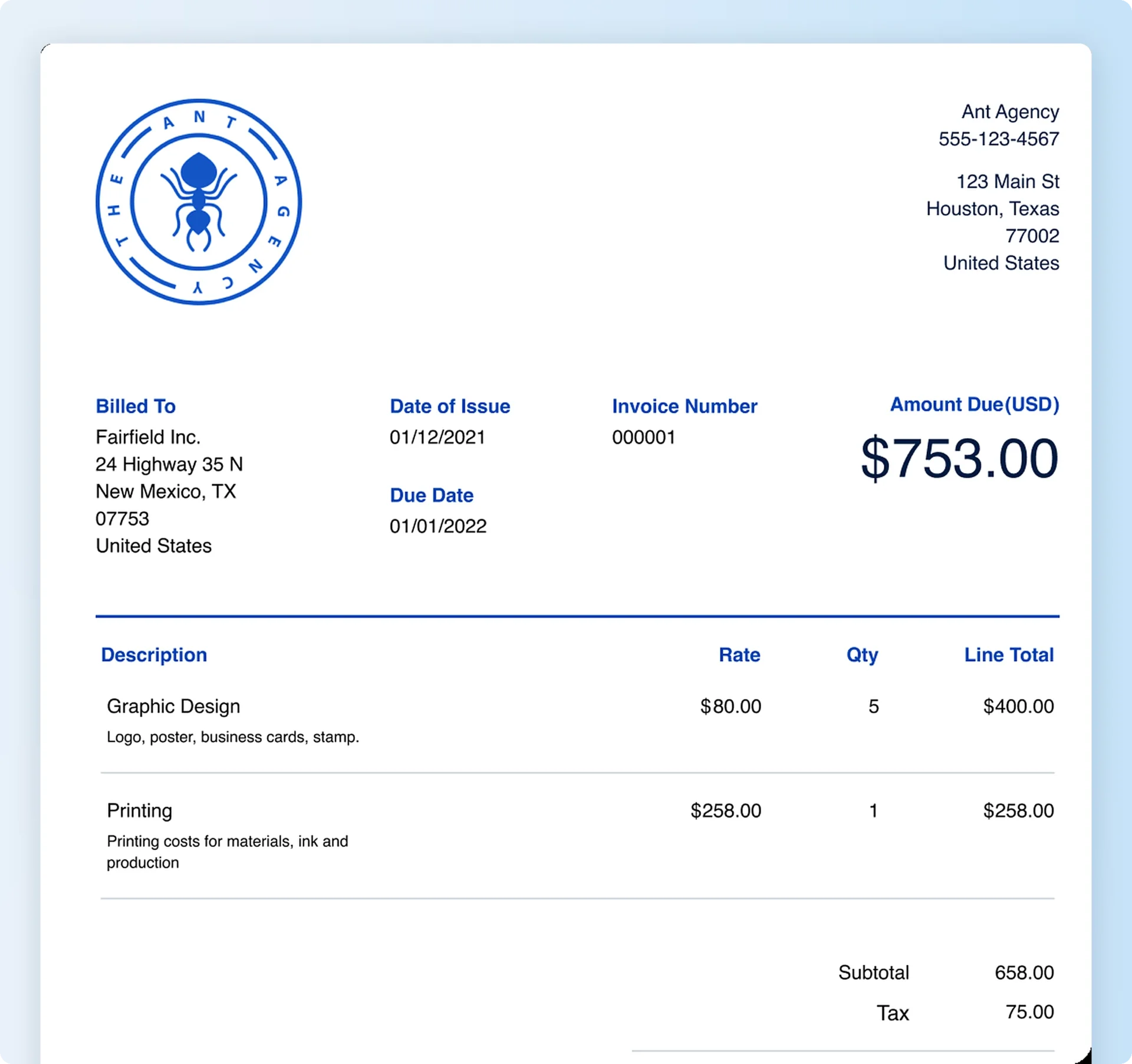
For service teams comparing the top invoicing software for small business, FreshBooks turns recorded project hours into customer invoices. Teams can also request deposits and schedule recurring invoices for ongoing client work. This reduces manual work when calculating charges based on time spent delivering services. FreshBooks Lite restricts the number of billable clients, so businesses managing larger customer lists need a higher subscription.
Key features
- Time tracking: Add recorded work hours to customer invoices.
- Recurring billing: Schedule repeat invoices.
- Deposit requests: Collect advance payments for projects.
- Expense tracking: Record expenses associated with client work.
Pricing
FreshBooks Lite costs $23/month and supports five billable clients. FreshBooks Plus costs $43/month and supports 50 billable clients. A 30-day free trial is available.
Pros
- Time-based billing: Recorded hours connect with invoice preparation.
- Deposits: Businesses can request advance payments for projects.
Cons
- No permanent free plan: Continued use requires a paid subscription.
- Client limits: Lite and Plus restrict the number of billable clients.
Our assessment
FreshBooks suits buyers seeking the best invoicing software for small business when customer invoices need to reflect recorded project hours. The client restrictions on lower-tier plans require attention as the customer list expands.
4. QuickBooks Online
Best for: Businesses that need invoices connected to financial records.
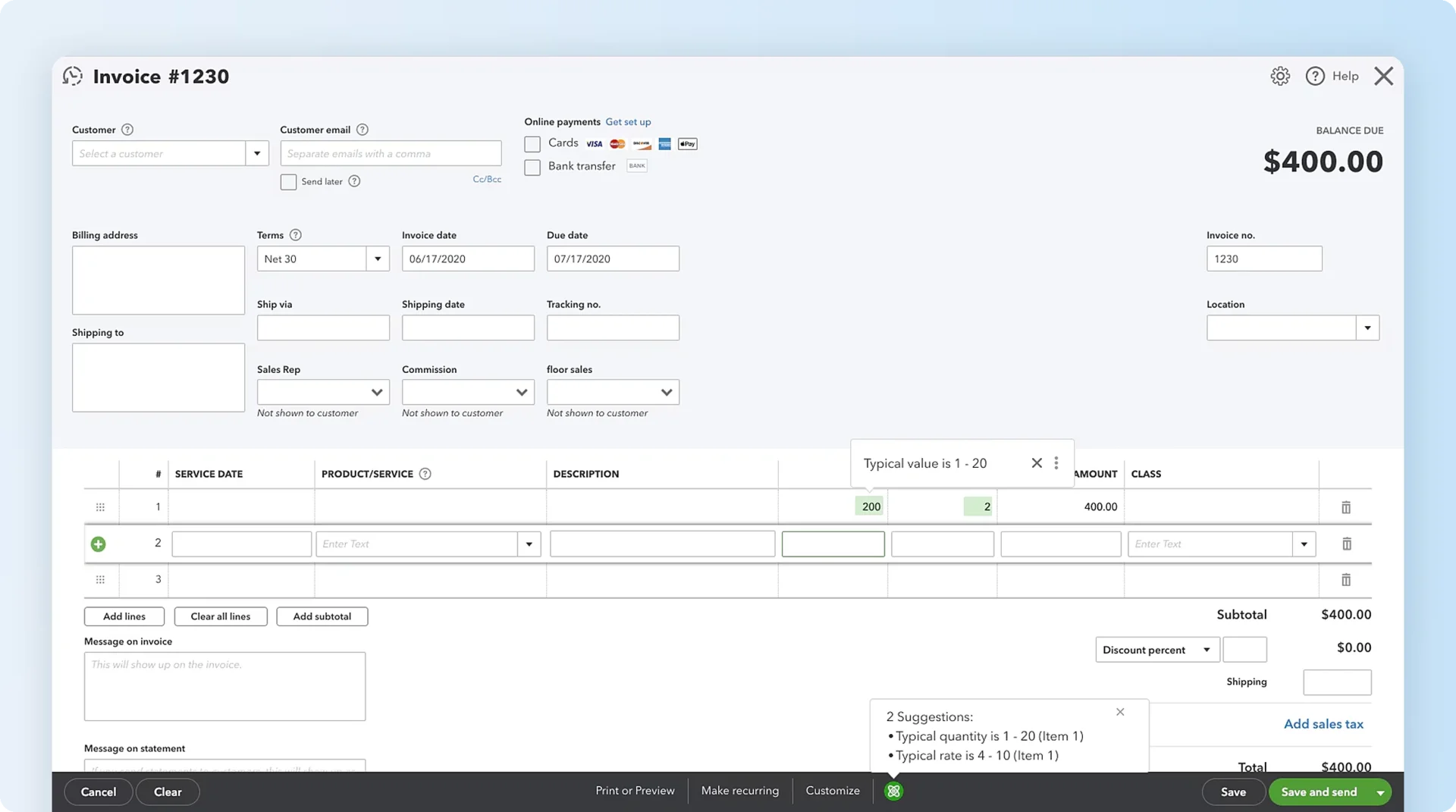
QuickBooks Online provides small business invoice software connected to bookkeeping, expense tracking, and accounting reports. Businesses can prepare estimates, convert approved estimates into invoices, and record incoming payments within the same system. This keeps invoice activity connected with financial records in the accounting system, supporting reconciliation and reporting. QuickBooks Free supports basic invoicing, while paid plans provide wider accounting capabilities.
Key features
- Estimate conversion: Turn approved estimates into invoices.
- Payment tracking: Record paid and outstanding invoices.
- Bank connections: Synchronize eligible bank transactions.
- Financial reporting: Review invoicing within accounting reports.
Pricing
QuickBooks Free costs $0 and normally permits two invoices per month. Qualifying businesses that enable QuickBooks Payments receive unlimited invoicing. QuickBooks Online Simple Start provides additional accounting functionality through a paid subscription.
Pros
- Accounting connection: Invoice activity remains within financial records.
- Estimate conversion: Teams can reuse accepted quote details.
Cons
- Free-plan limit: QuickBooks Free normally allows two monthly invoices.
- Broader subscription: Businesses needing only invoicing pay for additional accounting features.
Our assessment
Businesses that want invoicing and accounting in one system should include QuickBooks Online when comparing the best invoicing software for small business. Invoice activity stays connected to financial records; invoice-only teams should compare its subscription with dedicated billing tools.
5. Square Invoices — best for retail and POS billing
Best for: Retailers and service businesses already using Square for payments.
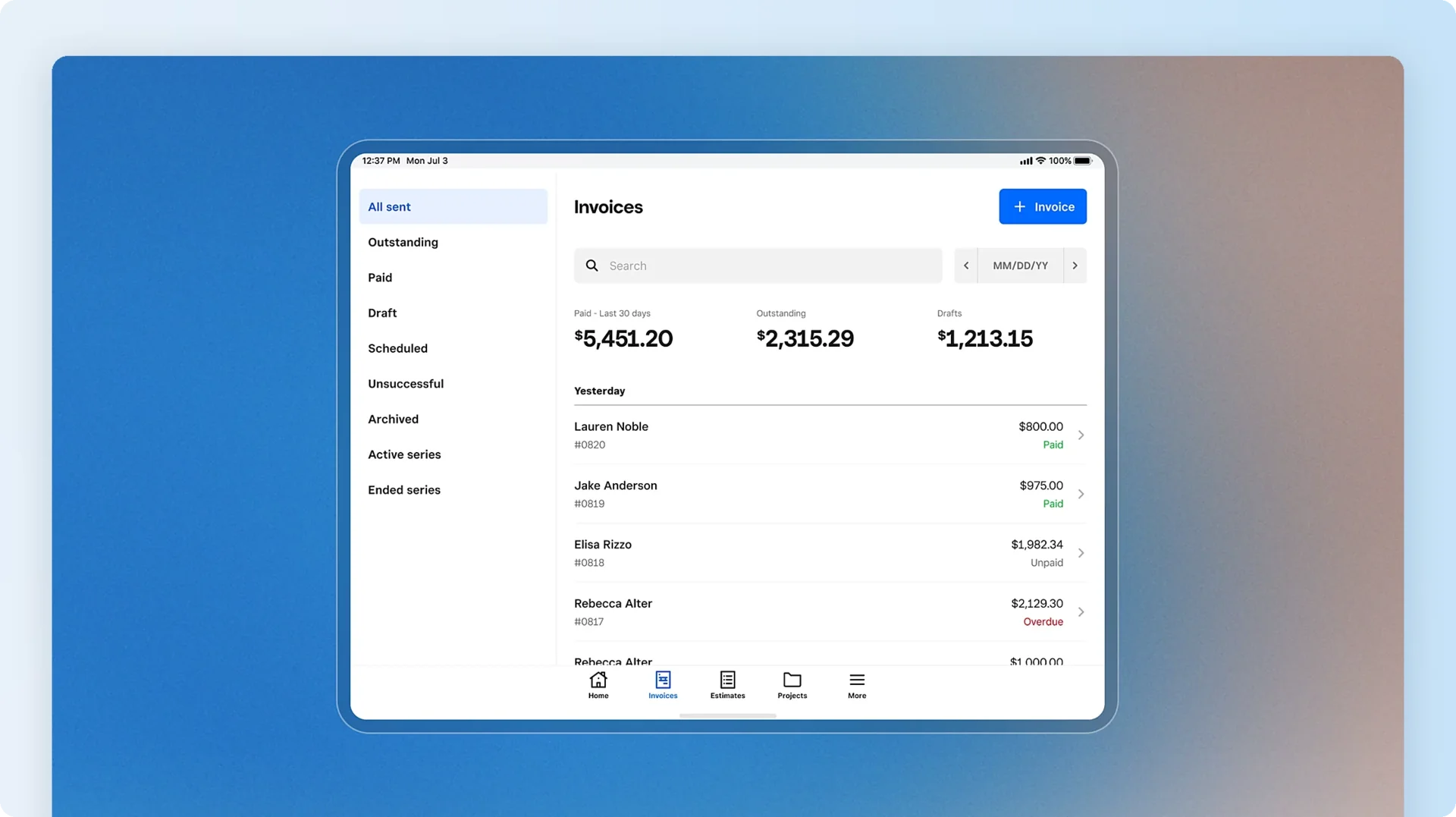
Square Invoices belongs in a comparison of the top invoicing software for small business when retailers already collect payments through Square. Businesses using Square Point of Sale can issue invoices, convert estimates, and track payments alongside their sales records. This removes the need to operate a separate payment provider for invoice collection. Square Free has no monthly software charge, but online invoice payments, including credit card payments, still incur processing fees.
Key features
- POS connection: Track invoice payments with Square sales.
- Recurring invoices: Schedule repeat customer billing.
- Estimates: Convert estimates into invoices.
- Payment tracking: Monitor outstanding invoice balances.
Pricing
For retailers comparing the best invoicing software for small business, Square Free has no monthly software fee; standard online invoice card payments cost 3.3% + 30¢. Square Plus costs $49 per location/month and offers a standard online invoice card rate of 2.9% + 30¢.
Pros
- Connected payments: Square merchants manage invoices alongside sales.
- Free subscription: Square Free has no monthly software charge.
Cons
- Transaction fees: Eligible online payments incur processing charges.
- Location charges: Square Plus subscriptions apply per location.
Our assessment
Square Invoices suits retailers and service providers already taking payments through Square. For businesses comparing the best invoicing software for small business, the relevant cost is the payment-processing rate: Square Free charges 3.3% plus 30¢ for standard online invoice card payments, while Square Plus charges 2.9% plus 30¢.
6. Wave
Best for: Freelancers and small businesses that need unlimited invoice creation.
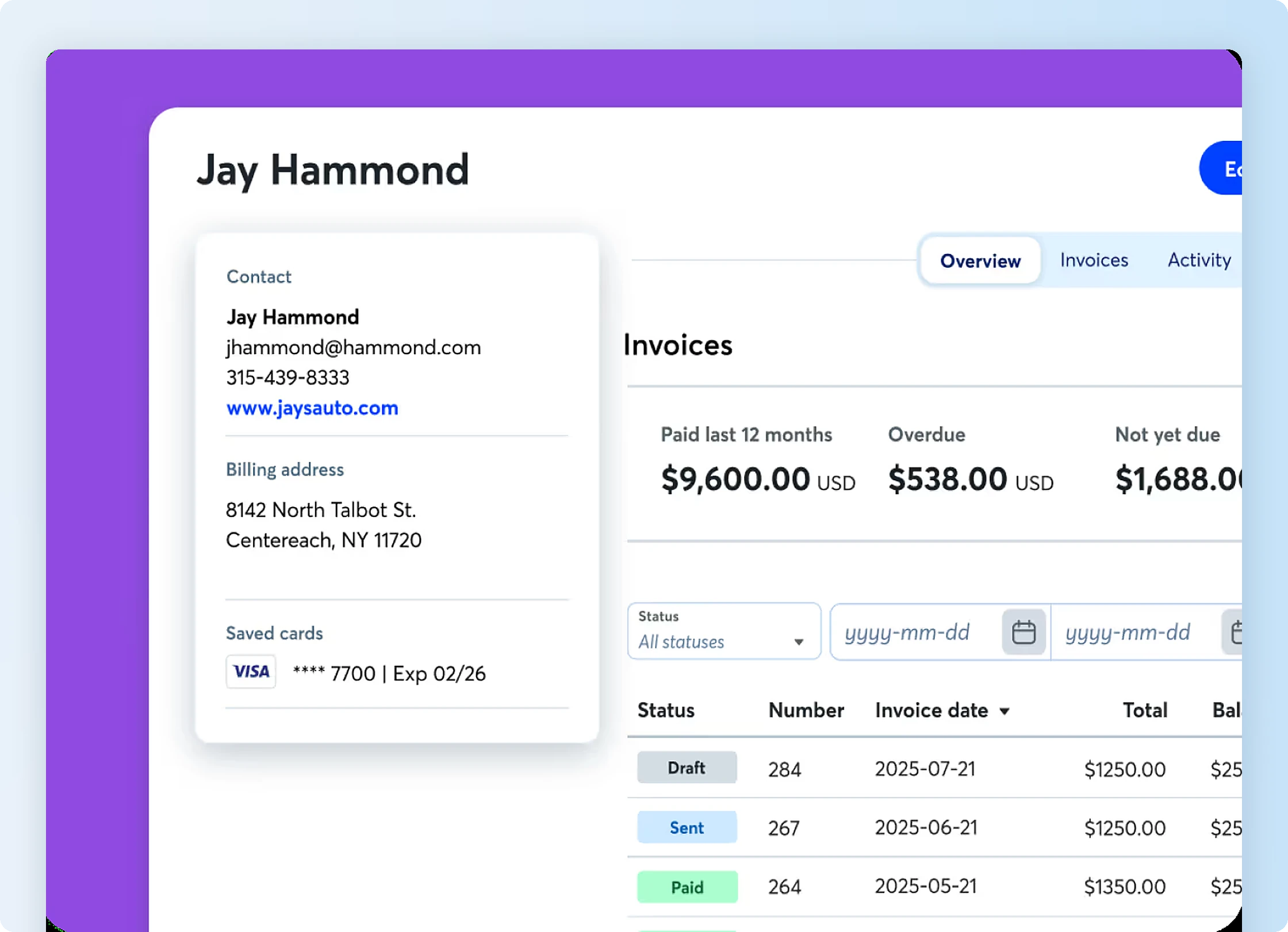
Wave combines invoice creation with basic bookkeeping, allowing businesses to manage customer billing and financial records within one application. Wave Starter supports unlimited invoices without a subscription fee, which removes the invoice-count restrictions found in several free products. Businesses also have access to online payment collection, while Wave Pro provides additional banking and automation features.
Key features
- Unlimited invoices: Create invoices without a volume cap.
- Basic bookkeeping: Track billing alongside financial records.
- Online payments: Collect supported card payments and bank transfers.
- Automated reminders: Available with Wave Pro or eligible payment configurations.
Pricing
Wave Starter costs $0 and supports unlimited invoicing. Wave Pro costs $19/month and adds automatic bank transaction imports and other administrative features. Payment-processing fees apply separately.
Pros
- No invoice cap: Wave Starter supports unlimited invoice creation.
- Bookkeeping: Basic financial records remain connected to billing.
Cons
- Payment fees: Online transactions incur processing charges.
- Paid automation: Several administrative features require Wave Pro.
Our assessment
For teams seeking the best invoicing software for small business without a monthly subscription, Wave Starter combines unlimited invoice creation with basic bookkeeping. Businesses relying on automated bank imports or payment reminders need to review the relevant plan conditions.
7. Xero
Best for: Businesses managing customer invoices alongside wider accounting requirements.
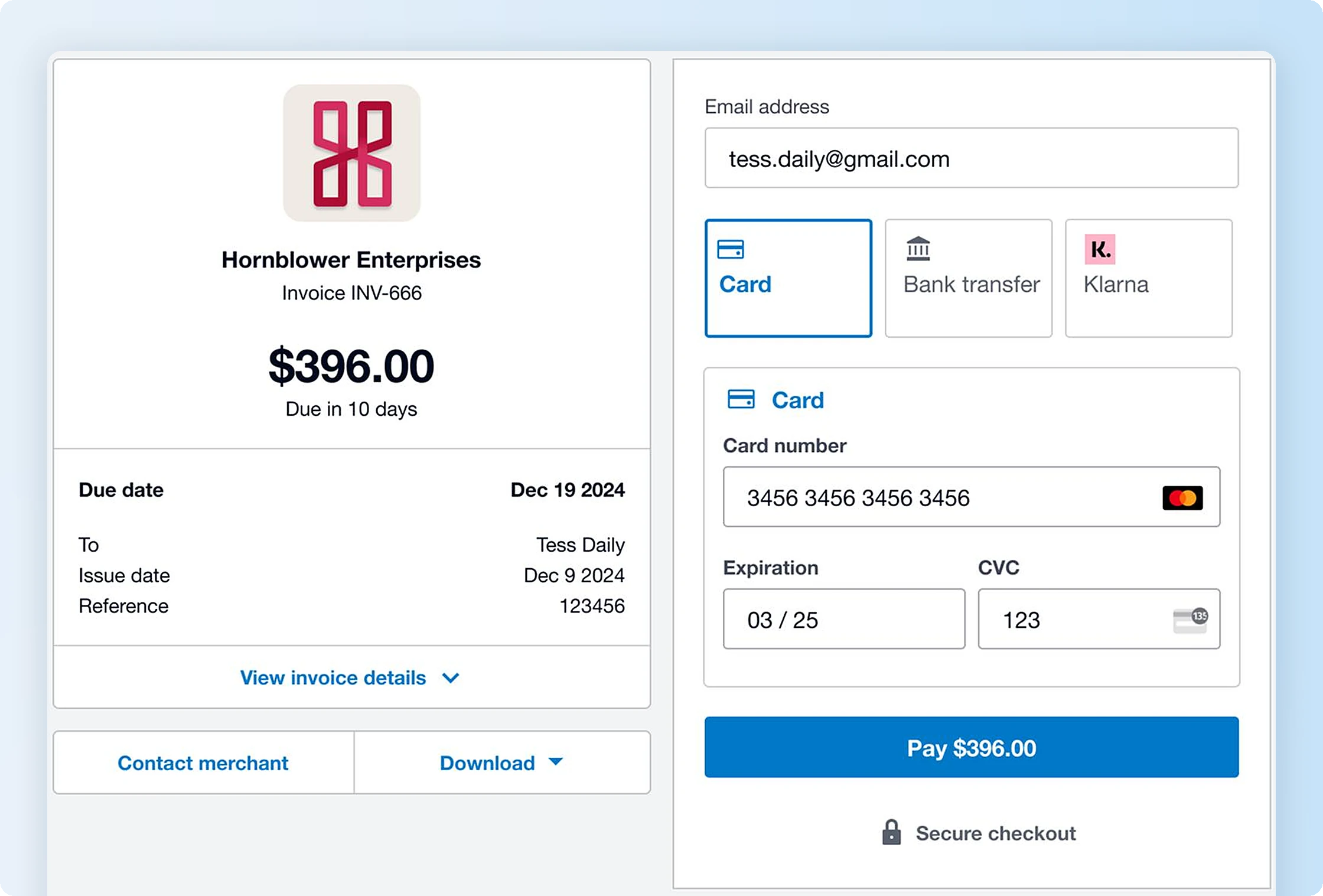
Xero connects invoicing with bank reconciliation, expense records, and financial reporting. Businesses can track customer payments within their accounting records instead of transferring invoice details between applications. Xero also supports recurring invoices, while higher plans offer advanced features such as additional reporting and multi-currency capabilities. The Early plan has invoice and bill limits, making the subscription choice important for businesses with frequent financial transactions.
Key features
- Recurring invoices: Schedule repeat customer billing.
- Bank reconciliation: Match payments with bank records.
- Financial reporting: Review invoices alongside accounting activity.
- Multi-currency accounting: Available through Xero Established.
Pricing
Xero Early costs $27/month and supports 20 invoices and five bills. Xero Growing costs $59/month and removes those restrictions. Xero Established costs $97/month and includes multi-currency accounting.
Pros
- Accounting records: Invoices and payments remain in one system.
- Bank reconciliation: Finance teams can match payments against transactions.
Cons
- Entry-level limits: Xero Early restricts invoice and bill volumes.
- Paid upgrades: Multi-currency accounting requires Established.
Our assessment
Xero offers small business invoice software within a wider accounting process, keeping invoices and financial records connected. Businesses that only need basic invoice creation receive limited value from its additional financial-management functionality.
8. Invoice Ninja
Best for: Freelancers who need branded invoices and customer payment access.
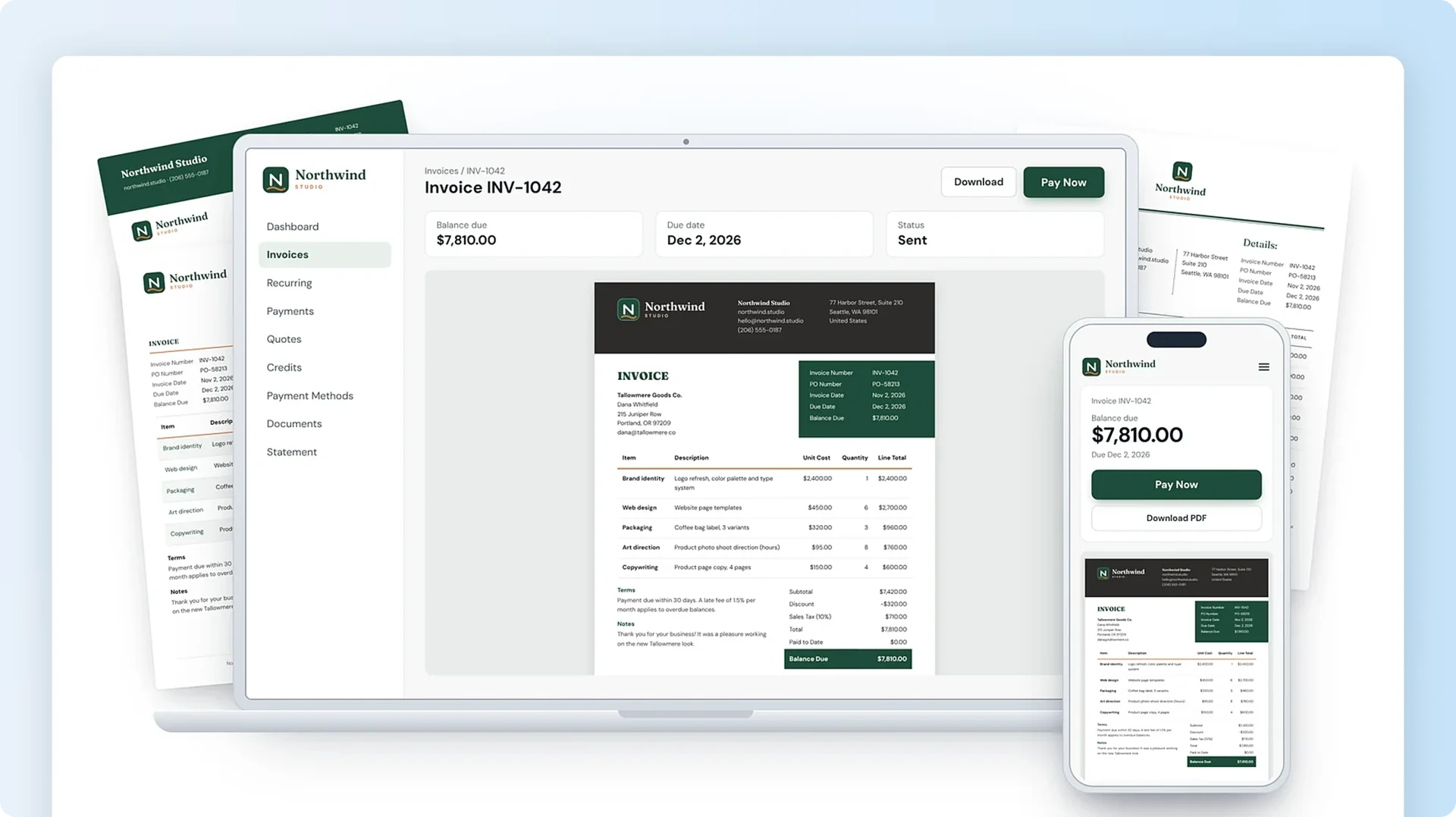
Invoice Ninja provides customizable invoices, recurring billing, and a client portal for viewing payment information. Freelancers can adjust invoice designs, track billable time, and connect payment gateways without adopting a full accounting platform. The Free plan allows unlimited invoices for five clients, while Ninja Pro removes the client limit and adds more customization options.
Key features
- Custom invoice templates: Adjust invoice designs and branding, including brand colors.
- Recurring billing: Schedule repeat invoices.
- Client portal: Give customers access to invoices and payments.
- Project tracking: Record billable hours for customer work.
Pricing
For freelancers comparing the best invoicing software for small business, Invoice Ninja Free supports five clients and unlimited invoices at no subscription cost. Ninja Pro costs $14/month and adds unlimited clients, automatic payment reminders, and additional customization.
Pros
- Custom designs: Businesses can personalize invoice appearance.
- Client access: Customers can review invoices through a portal.
Cons
- Client cap: Invoice Ninja Free supports five clients.
- Paid capabilities: Automated reminders and API access require Ninja Pro.
Our assessment
For freelancers comparing small business invoice software, Invoice Ninja offers invoice customization and client payment access without requiring a full accounting platform. Ninja Pro becomes relevant when client limits or automation requirements restrict the Free plan.
9. Stripe Invoicing
Best for: Online businesses collecting payments from customers across different markets.
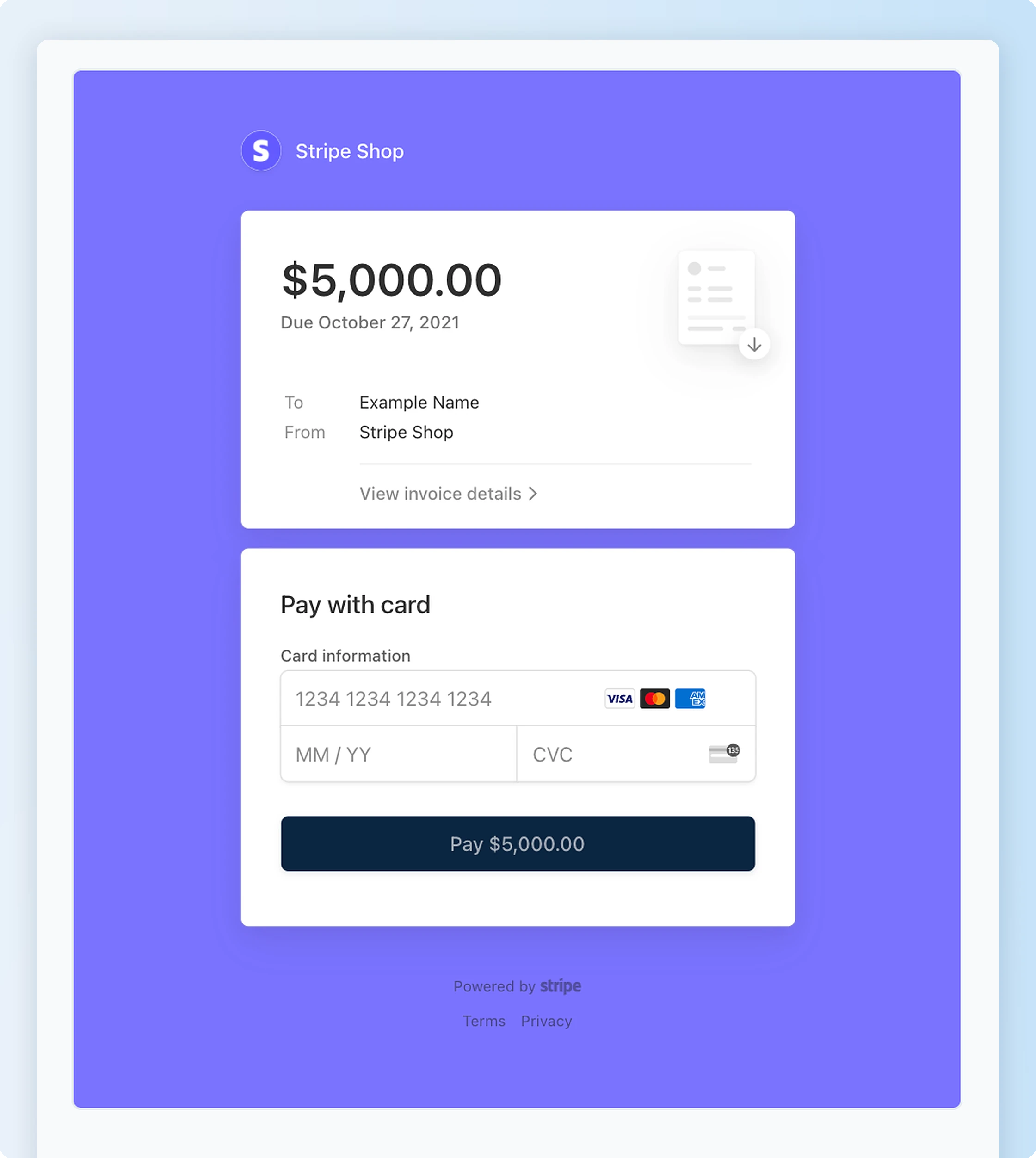
For online merchants comparing the best invoicing software for small business, Stripe Invoicing provides hosted pages where customers review invoice charges and pay through supported methods. The platform also offers payment reminders and reconciliation features. Stripe's international payment infrastructure supports businesses serving international clients, although available methods and transaction charges vary by location. The service charges an invoicing fee on paid invoices, with payment-processing fees calculated separately.
Key features
- Hosted invoices: Provide a payment page for customers.
- International payments: Accept supported methods across markets.
- Payment reminders: Follow up on outstanding invoices.
- Reconciliation: Match supported payments with invoice records.
Pricing
Stripe Invoicing Starter charges 0.4% per paid one-time invoice. Stripe Invoicing Plus charges 0.5% per paid one-time invoice and includes quotes. Stripe Payments processing fees apply separately.
Pros
- Hosted payment pages: Customers can pay through an invoice link.
- International support: Businesses can collect payments across supported markets.
Cons
- Separate fees: Invoicing and payment processing have distinct charges.
- Accounting requirements: Full bookkeeping needs another application.
Our assessment
Stripe Invoicing addresses online payment collection, including cross-border transactions. Businesses processing high-value invoices need to calculate the combined invoicing and payment fees.
10. Harvest
Best for: Consultants and agencies billing customers for recorded project hours.
For agencies evaluating the top invoicing software for small business, Harvest converts recorded project hours into customer invoices. Employees can log time against projects, while managers can review billable activity before preparing an invoice. Harvest also supports expense tracking and accounting integrations, keeping work records connected to customer charges. Its main functionality centers on tracked time, making the platform less relevant to businesses that charge only fixed prices.

Key features
- Time tracking: Record hours against customer projects.
- Invoice creation: Generate invoices from tracked work.
- Expense tracking: Record reimbursable project costs.
- Accounting integrations: Connect with supported financial tools.
Pricing
For agencies comparing the best invoicing software for small business, Harvest Free includes one user and two projects at no subscription cost. Harvest Teams starts at $9 per seat/month, billed annually, and includes additional team reporting and integration capabilities.
Pros
- Tracked billing: Project hours feed into invoices.
- Work records: Managers can review billable activity before charging customers.
Cons
- Project cap: Harvest Free supports two projects.
- Seat-based costs: Paid subscriptions increase with team size.
Our assessment
Harvest suits businesses that invoice for recorded project hours. Among the best invoicing software for small business options, Harvest is particularly relevant to agencies and consultants that connect time tracking with customer billing. Businesses charging fixed project fees gain less from the time-tracking features.
11. PayPal Invoicing
Best for: Businesses already receiving payments through PayPal.
For existing PayPal merchants comparing the best invoicing software for small business, PayPal Invoicing lets them send bills through their payment accounts. Customers can pay through supported payment methods, while businesses can monitor outstanding invoices and send reminders. Basic invoice creation doesn't require a separate monthly software subscription, but transaction charges apply when customers pay. Businesses processing larger invoices need to review those fees before using PayPal as their primary collection method.
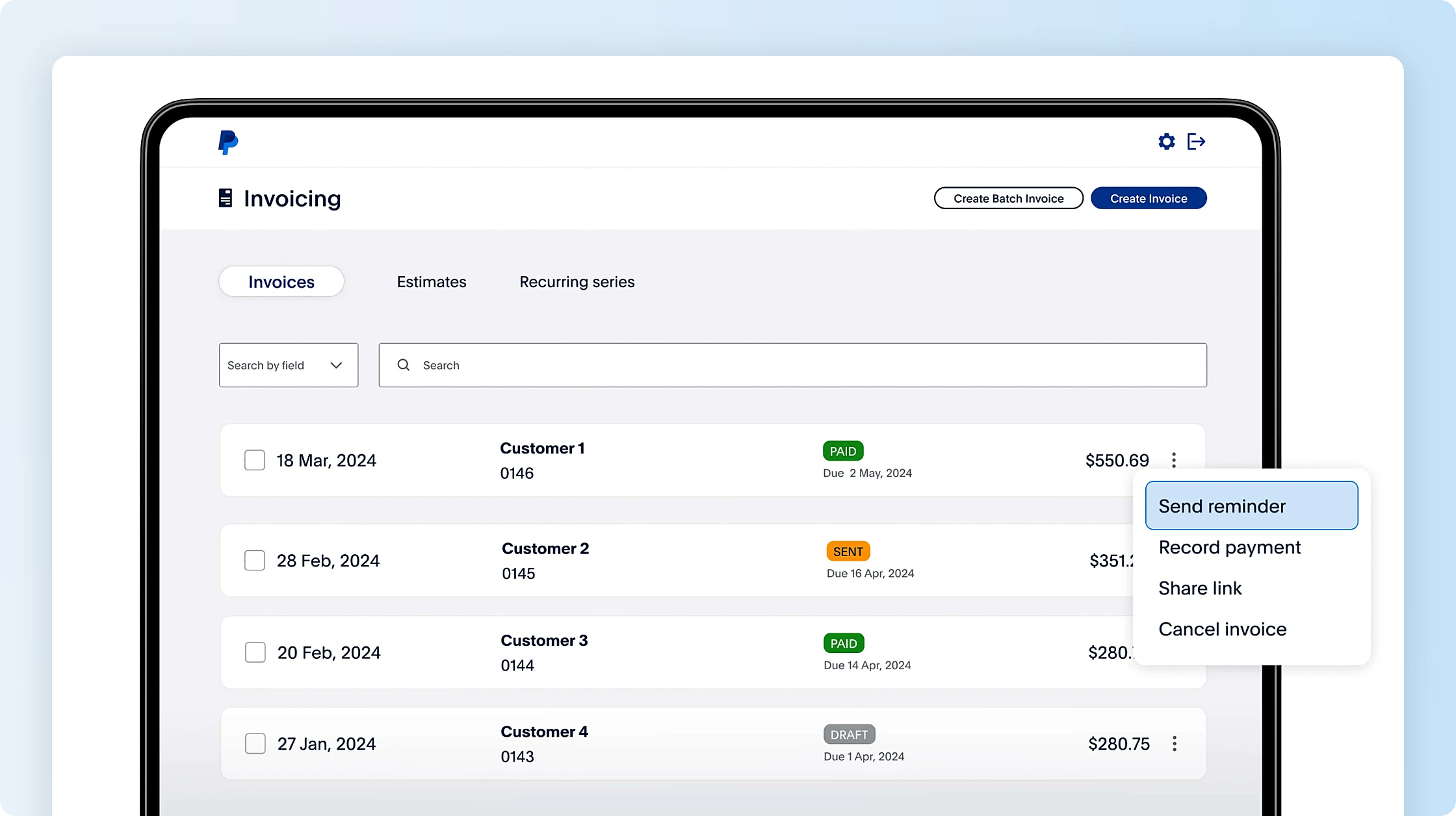
Key features
- Invoice creation: Prepare invoices from a PayPal account.
- Online payments: Collect through supported payment methods.
- Invoice tracking: Monitor unpaid and completed invoices.
- Reminders: Follow up on outstanding payments.
Pricing
PayPal Invoicing has no separate fee for basic invoice creation. US PayPal and Venmo invoice payments cost 3.49% + 49¢, while eligible card and Apple Pay payments cost 2.99% + 49¢.
Pros
- No basic subscription: Invoice creation doesn't require monthly software fees.
- Existing account: PayPal merchants can issue invoices within their payment service.
Cons
- Processing fees: Paid invoices incur transaction charges.
- Limited accounting: Full financial reporting requires separate software.
Our assessment
PayPal Invoicing provides basic invoice creation for businesses already using PayPal. Businesses with high-value payments need to compare processing costs with other providers.
12. Paymo
Best for: Agencies managing project work and customer billing together.
Agencies seeking the best invoicing software for small business often need project tasks and billable hours connected to invoices; Paymo keeps those functions together. Employees can record hours against customer tasks, while managers can review the work before issuing invoices. Paymo Plus also includes project profitability reporting and recurring invoices. The Free and Solo plans have client and project limits, making the higher plan more relevant to agencies managing several active projects.
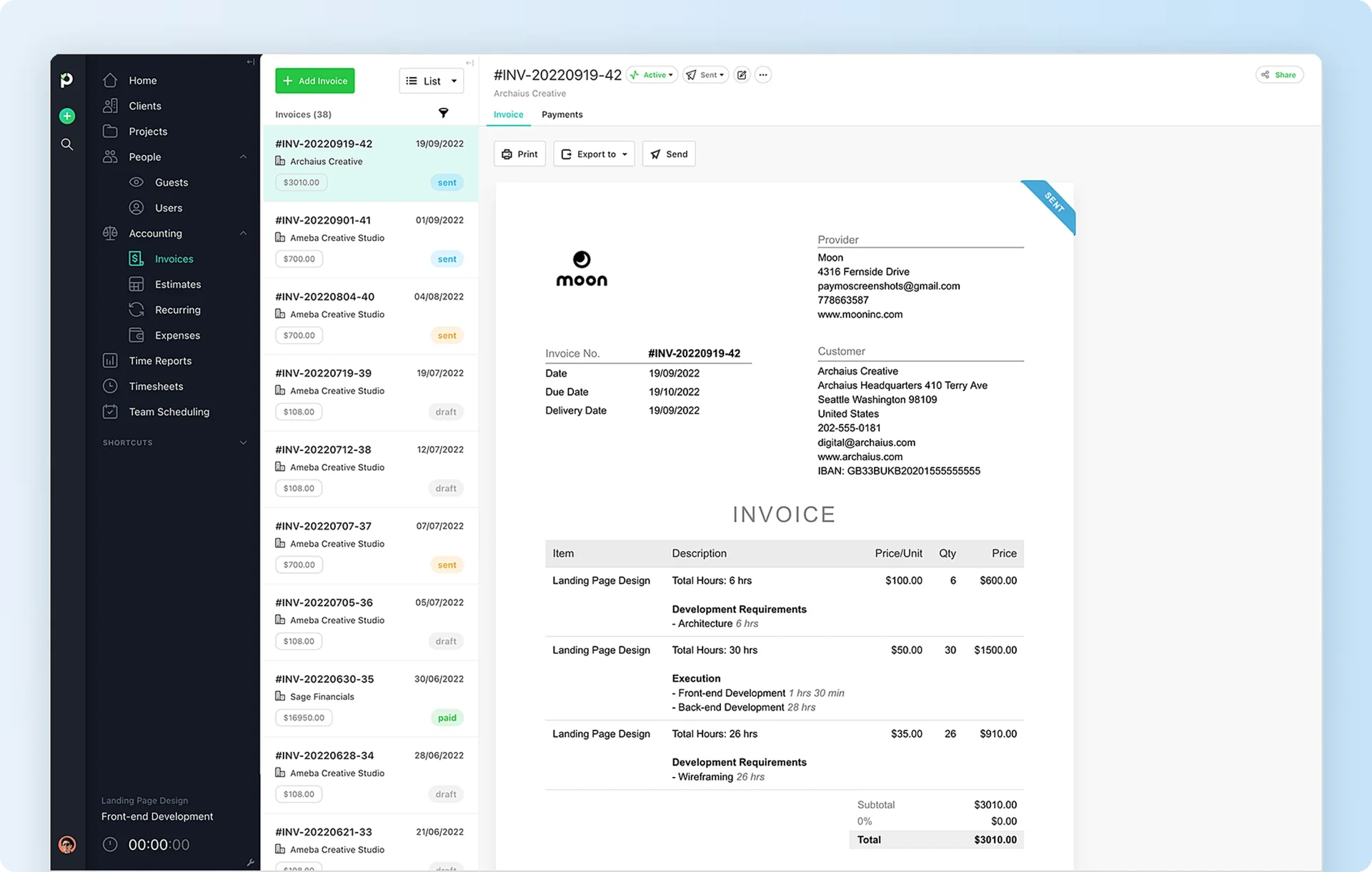
Key features
- Project invoicing: Prepare invoices from recorded project activity.
- Time tracking: Track billable customer work.
- Recurring invoices: Available through Paymo Plus.
- Project profitability: Included in Paymo Plus.
Pricing
Paymo Free costs $0 and supports one user, one client, and two projects. Paymo Solo costs $9.90/month at the standard monthly rate, while Paymo Plus costs $15.90 per user/month and includes recurring invoices and profitability reporting.
Pros
- Project records: Teams can use tracked work for invoicing.
- Profitability reporting: Plus connects project costs with revenue.
Cons
- Free-plan restrictions: Paymo Free supports one client and two projects.
- Paid features: Recurring invoices and profitability reporting require Plus.
Our assessment
Paymo connects project activity with customer billing for agencies managing ongoing assignments. Businesses requiring only basic invoices can avoid its broader project-management features.
13. HubSpot
Best for: Sales teams that create invoices using existing customer records.
HubSpot connects invoicing with contacts, deals, and quotes in its customer relationship management (CRM) system. Businesses can convert published quotes into invoices without entering customer information again, keeping the billing document associated with the relevant customer record. HubSpot also supports payment collection through eligible providers. Teams using HubSpot as small business invoice software also have the Signeasy HubSpot integration for agreement signing, subject to its plan and add-on requirements.
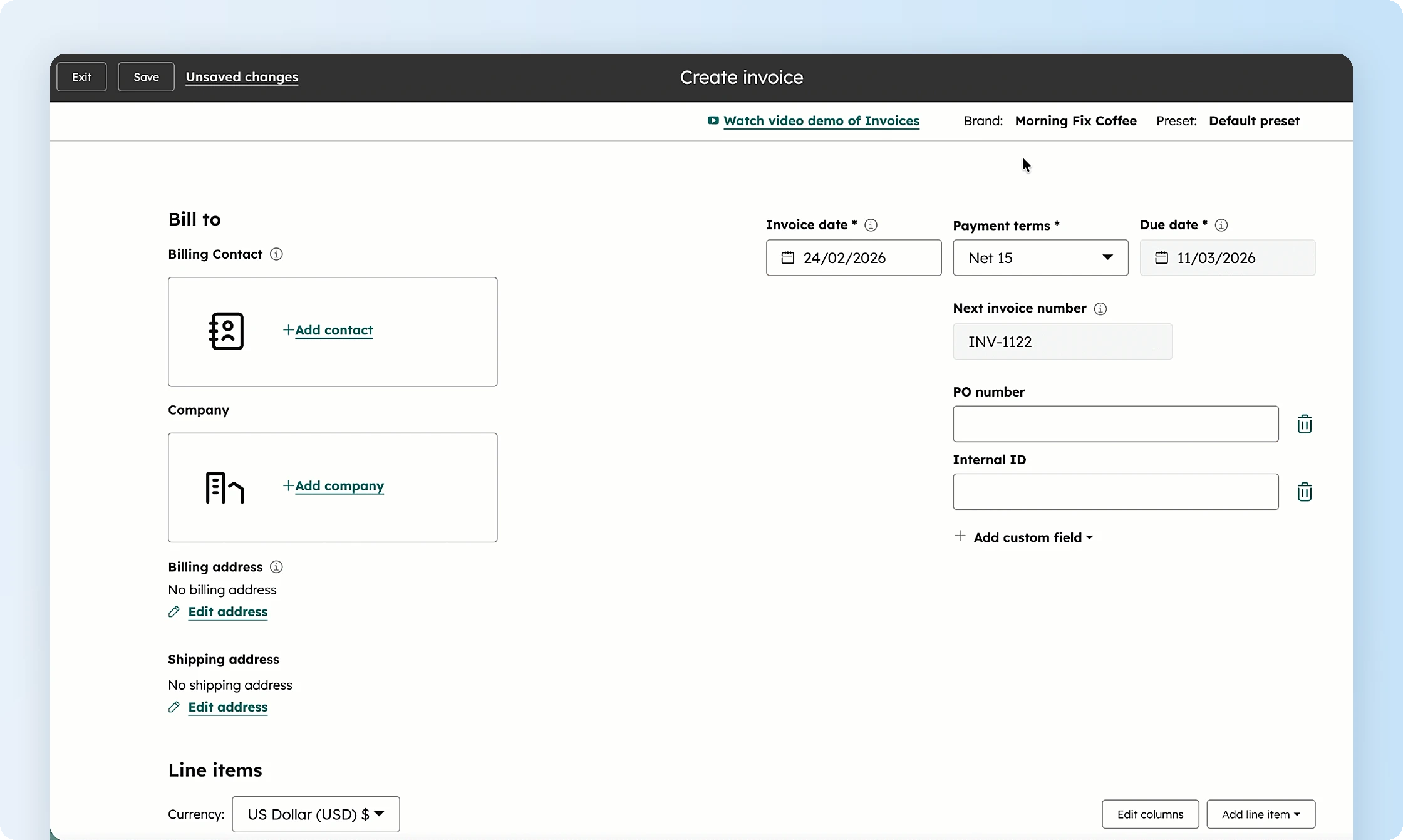
Key features
- CRM-linked invoices: Create bills from customer records.
- Quote conversion: Turn published quotes into invoices.
- Payment tracking: Record and monitor customer payments.
- Payment integrations: Collect payments through eligible services.
Pricing
HubSpot includes basic invoicing in its free tools. Advanced workflows require applicable paid HubSpot subscriptions, while online payment processing carries separate charges.
Pros
- CRM connection: Invoices stay associated with customer records.
- Quote conversion: Teams can reuse information from published quotes.
Cons
- Limited accounting: HubSpot doesn't replace bookkeeping software.
- Paid requirements: Advanced automation and payment services can add costs.
Our assessment
HubSpot is relevant to buyers comparing the best invoicing software for small business when sales teams create invoices from existing CRM contacts and deals. Finance teams requiring full accounting capabilities need another system.
How much does invoicing software cost for small businesses?
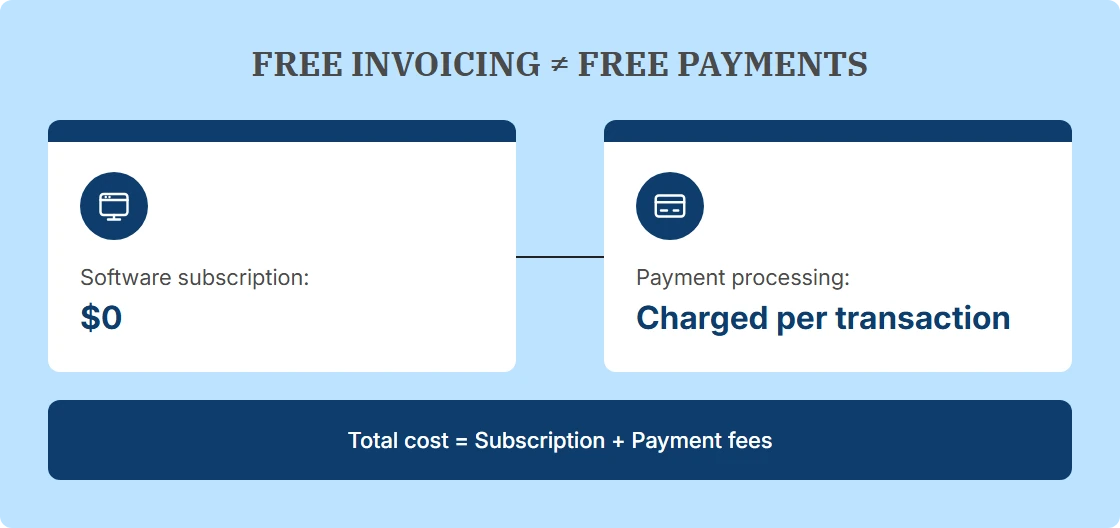
The best invoicing software for small business ranges from free subscriptions to paid plans and transaction-based billing. The total expense includes the subscription, payment-processing fees, and any upgrades needed for additional users or billing volume.
Wave Starter, for example, has no monthly subscription fee and supports unlimited invoices. Standard eligible US Visa, Mastercard, and Discover payments cost 2.9% + 60¢, making the processing fee on a $1,000 transaction $29.60. Businesses accepting frequent online payments need to calculate those costs before selecting a free plan.
Invoice limits create another reason to upgrade or switch software. Zoho Invoice allows 500 invoices annually in the US, while Invoice Ninja Free supports only five clients. Comparing these restrictions against normal billing activity gives businesses a more useful cost estimate than looking at the subscription price alone.
How to choose the right invoicing software for your business
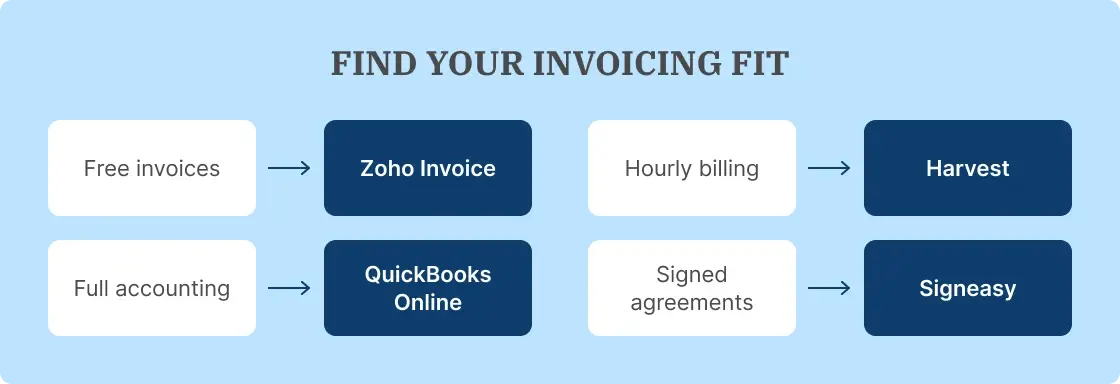
Choose the best invoicing software for small business by identifying the billing tasks your team performs most often. Businesses charging for recorded hours need time tracking connected to invoices, while retailers using Square benefit from keeping billing within their existing payment system. Companies maintaining detailed financial records need small business invoice software that connects with their accounting software.
After identifying the main requirement, compare ease of use, invoice limits, payment-processing fees, and plan restrictions. These details determine whether the software can handle the business's normal workload without an upgrade. When signed quotes or agreements form part of the billing process, Signeasy can manage document approvals alongside the invoicing platform.
How Signeasy complements the best invoicing software for small business
Signeasy fits into the invoicing process when employees need approved service terms before creating a bill. Finance teams prepare the charges in their billing software, while Signeasy collects signatures on the agreement that establishes those terms.
After the agreement is signed, Signeasy contract tracking helps employees locate completed documents and check their status. Businesses requiring advanced searchable repositories and contract intelligence have a separate Signeasy Intelligent Contract Management offering.
For repeat agreements, the Signeasy Google Sheets integration populates saved templates from spreadsheet data and sends signature requests. Teams using other Google applications also have access to Signeasy's Google Workspace integration, keeping agreement preparation and signing connected to familiar documents. Once the documents are signed, teams can access the completed records when reviewing billing terms. Businesses managing larger contract volumes can use Signeasy Intelligent Contract Management for advanced repository and search capabilities, available through a separate offering.