

An electronic signature plan looks affordable when one person sends contracts. Once Sales, HR, and Operations need their own seats, templates, and approval steps, document signing gets more expensive. The best electronic signature software should fit your document signing process, from preparing and sending contracts to tracking and storing them.
This guide compares 13 best electronic signature software tools across pricing, sending limits, integrations, security, support, and day-to-day use.
13 best electronic signature software tools at a glance
For teams comparing document signing software across different use cases, this table shows the recommended plans, pricing, trial access, and buyer fit of 13 of the best electronic signature software options.
How we evaluated and compared eSignature platforms
We compared the best electronic signature software by following a contract from preparation to completion: adding fields, reusing templates, routing approvals, sending reminders, and tracking signatures. We then checked official pricing, sending allowances, integrations, authentication, and support for each of these eSignature tools. Customer reviews supplied user feedback about specific experiences, which we kept separate from verified product features.
The 13 best electronic signature software tools
The best electronic signature software options here all support legally binding signatures. These electronic signature tools differ in how contracts are prepared, sent, tracked, connected to other systems, and priced as sending volume increases.
1. Signeasy
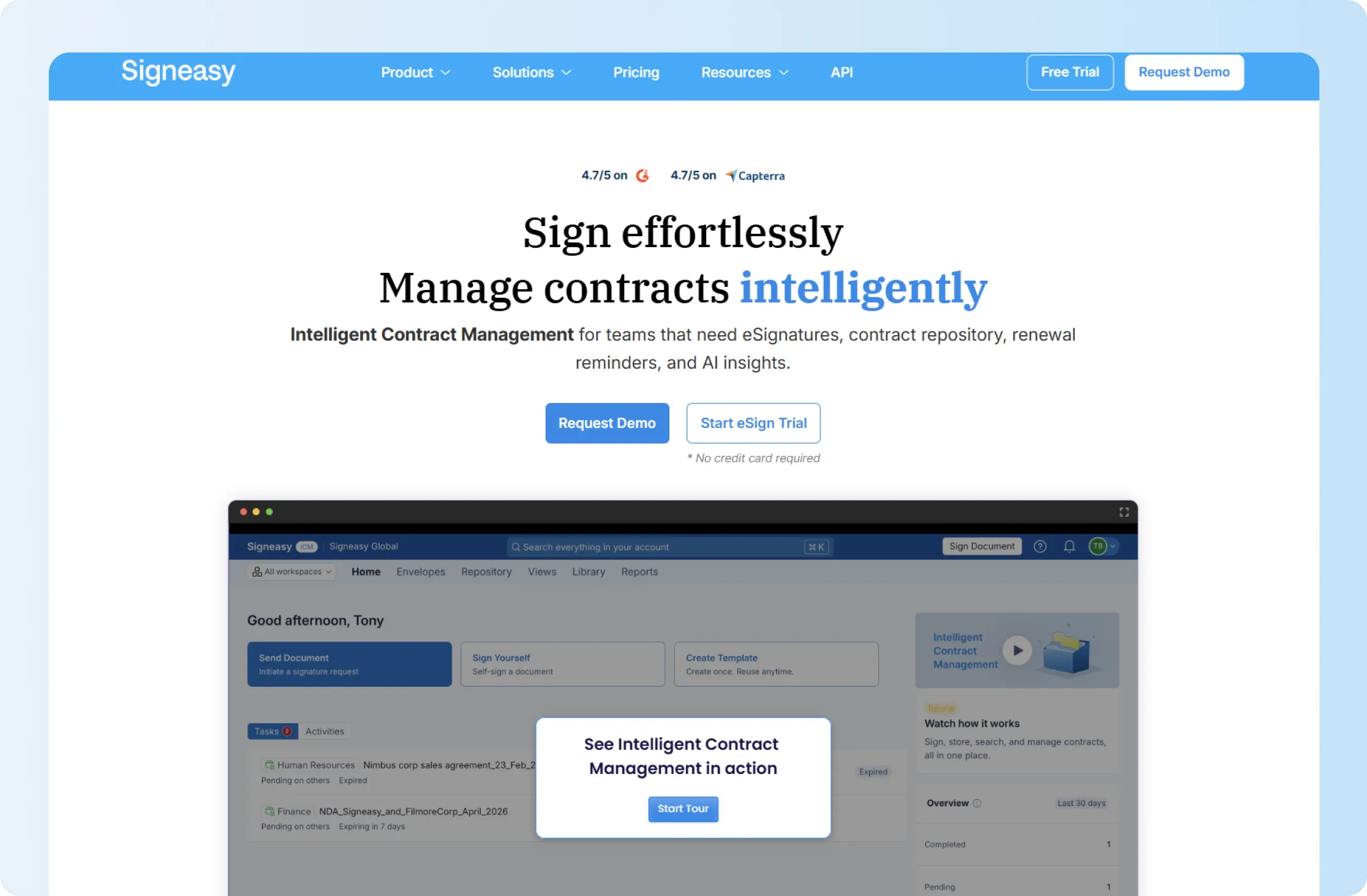
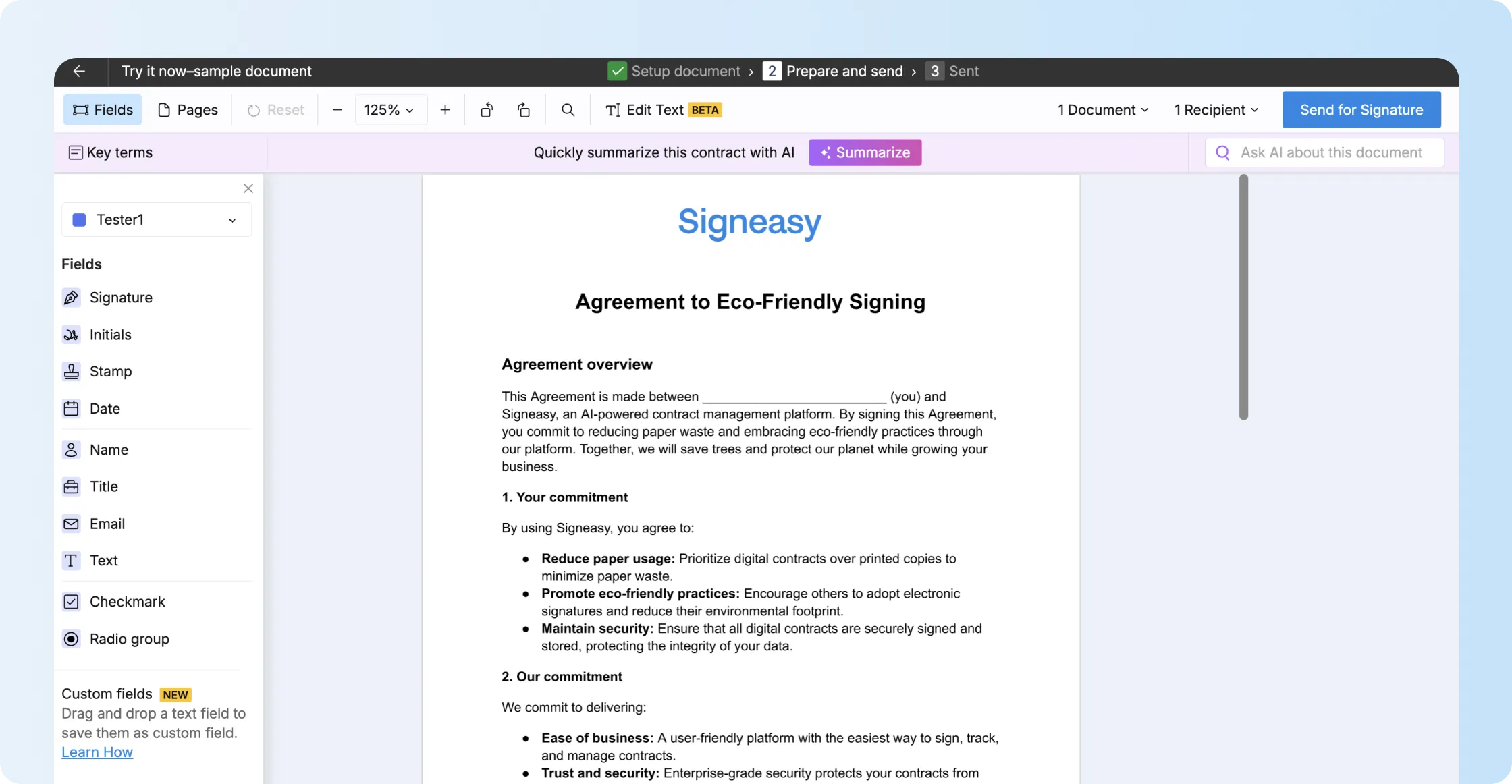
Signeasy handles the contract-signing work growing business teams repeat every day. Sales and HR teams reuse templates, add signature fields, set signing order, send reminders, and track completed contracts. Business Pro also supports internal approval workflows, so Finance or Operations can review a contract before it reaches the signer.
That makes Signeasy the best electronic signature software for growing businesses that need repeat signing workflows, unlimited regular sends on Business plans, and team controls. A searchable contract repository, renewal tracking, and shared workspaces belong to Signeasy's separate intelligent contract management offering.
If you're shortlisting signing tools for a growing team, we'll show how Signeasy handles repeat templates, approvals, and completion tracking with a real contract.
Category: Business eSignature
Key features
- Reusable templates: Business supports 5 templates and Business Pro supports unlimited templates, reducing the setup work on contracts a team sends repeatedly.
- Signing order, approvals, and reminders: Business supports signing order and reminders. Business Pro adds internal approval workflows, so a contract goes through review before it's sent for signature.
- Unlimited document sending: Business and Business Pro include unlimited regular document sending.
- Team management: Business Pro adds roles and permissions, team-usage reporting, signer attachments, and recipient 2FA.
- Business integrations: Signeasy connects with SharePoint, Outlook, Microsoft Teams, HubSpot, and Google Workspace tools. Integration access and additional charges depend on the plan.
Business costs USD 20/seat/month with annual billing, while Business Pro costs USD 30. You can test these workflows during Signeasy's 14-day trial without entering payment details, then compare your experience with customer feedback in our Signeasy reviews.
Limitations
Business Pro is required for approval workflows, roles and permissions, usage reporting, recipient 2FA, and SharePoint. SMS, Bulk Send, SSO, HIPAA support, and FDA 21 CFR Part 11 requirements also involve add-ons or custom packaging, so teams that need these should include them in the quote before comparing total cost.
That trade-off is most relevant to regulated or very high-volume teams. A growing business sending ordinary sales, HR, procurement, or vendor contracts can stay much closer to Signeasy's self-serve Business tiers.
2. Docusign
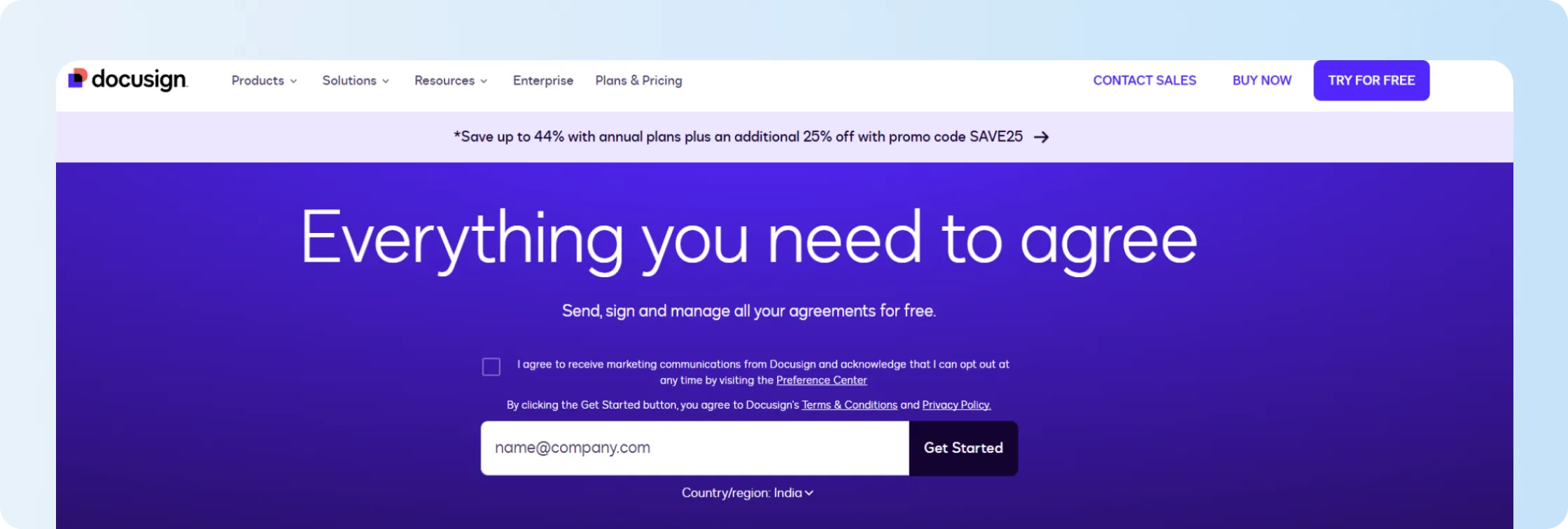
Docusign earns a place among the best electronic signature software options through its brand recognition and extensive integration ecosystem. Docusign Business Pro adds web forms, payment collection during signing, conditional fields, and Bulk Send. Those capabilities suit teams that collect customer information or payments during the signing process.
That wider feature set comes with a sending allowance that needs to be part of the price comparison. Business Pro costs $40/user/month with annual billing prepaid, or $45 on an annual commitment billed monthly. Both arrangements include 100 envelopes per user per year. Docusign bills envelopes beyond the plan allowance separately.
Key features
- Reusable and shared templates for repeat contracts
- Web forms for collecting information before signature
- Payments within the signing process
- Conditional and calculated fields
- Bulk Send on Business Pro
Limitations
For a team that sends frequently, the 100-envelope annual allowance can become more important than the monthly subscription price. PowerForm sends also count toward applicable allowances, so teams using forms at volume should model those sends before settling on Business Pro.
Docusign sells agreement-management products beyond eSignature, with separate pricing and capabilities. Our Signeasy vs Docusign comparison focuses on eSignature subscriptions, including seat costs, annual envelope allowances, and signing features.
3. Adobe Acrobat
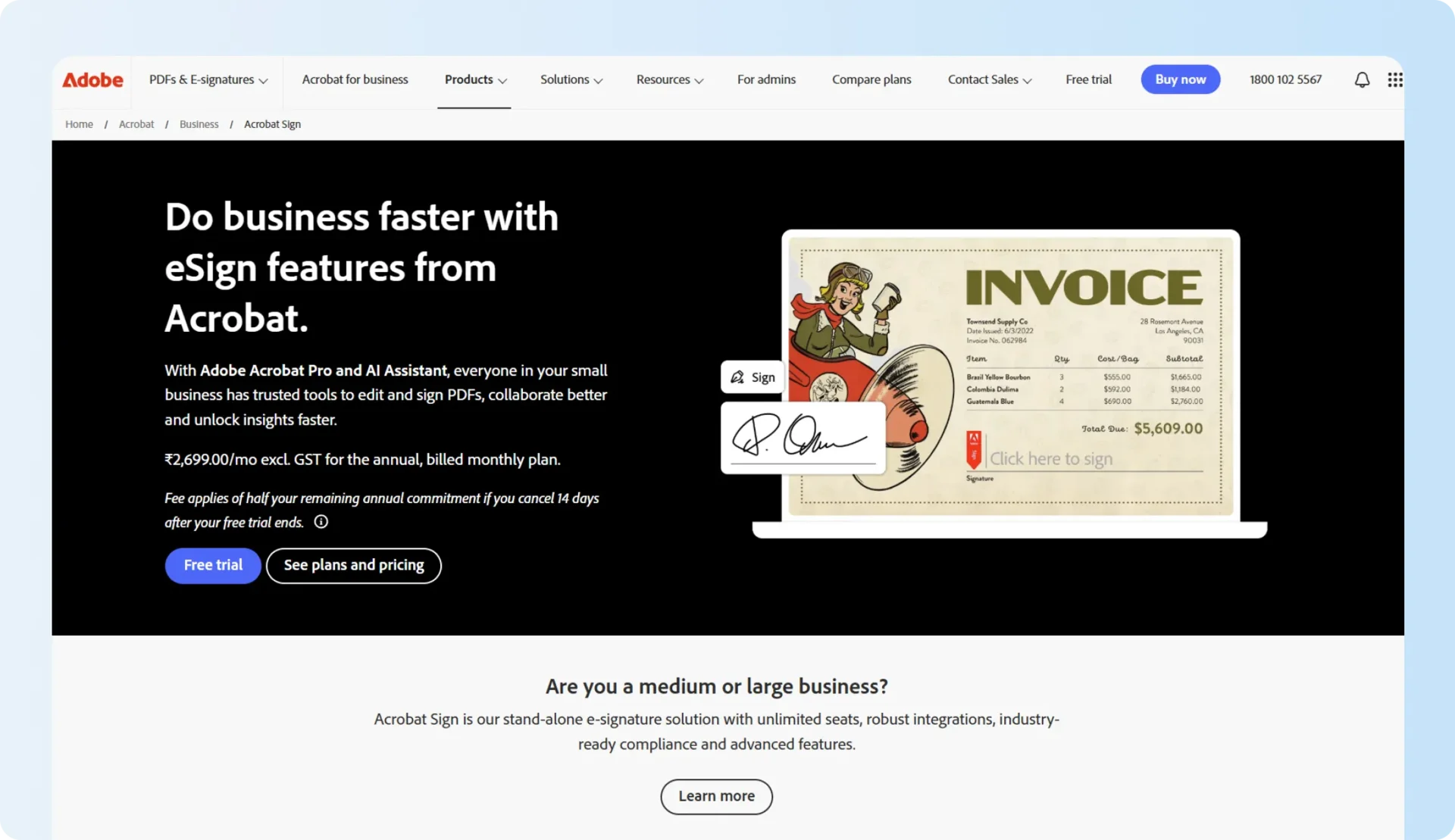
Adobe Acrobat belongs on a best electronic signature software shortlist when PDF editing happens before signing. Teams creating branded documents in Creative Cloud apps are already working within the Adobe ecosystem. They can export those files as PDFs, then edit, redact, and send them for signature using Acrobat Pro for teams without opening a different tool for signing.
Acrobat Pro for teams pricing is USD 23.99/license/month on an annual commitment billed monthly and offers a free trial for up to 10 licenses.
Key features
- PDF editing, conversion, organization, and redaction
- Electronic signature collection and response tracking
- Web forms
- Admin controls for team licenses
- Desktop, browser, and mobile access
Limitations
Adobe's wider PDF toolset is useful when a team actively needs it. If contracts are already prepared in Word, a CRM, or another document system, part of that subscription is paying for PDF work that sits outside the signing workflow.
4. PandaDoc
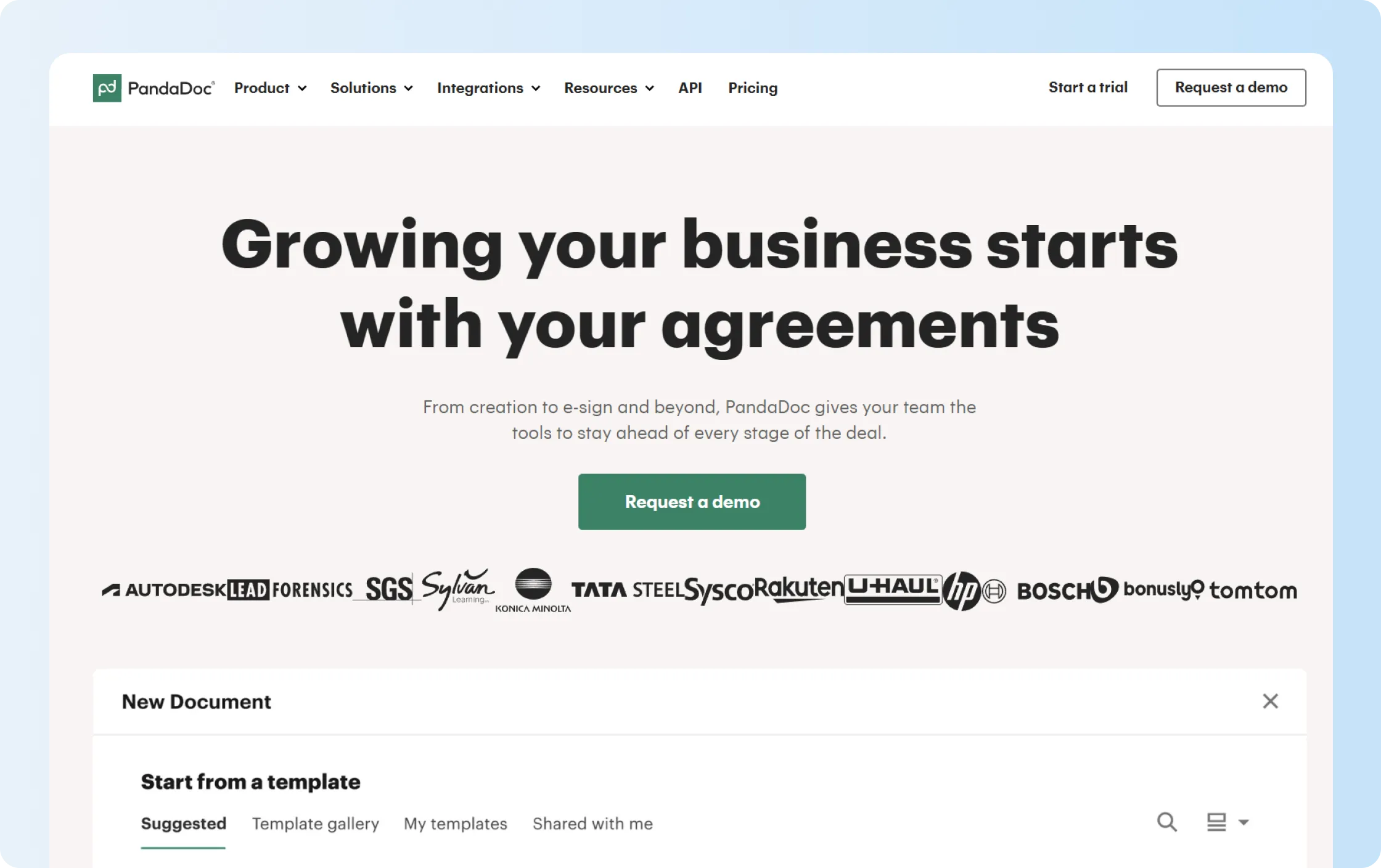
PandaDoc's document editor helps sales teams build proposals, pricing tables, and quotes before collecting signatures. Reusable templates and a content library help teams prepare recurring sales documents, while custom branding keeps them consistent. Sales reps can then track recipient activity and collect signatures in the same platform.
That makes PandaDoc one of the best electronic signature software options for proposal-heavy sales teams. Business costs USD 49/user/month with annual billing, and the current 14-day trial opens access to Business features so teams can test the broader workflow before paying.
Key features
- Drag-and-drop proposal and contract editor
- Quotes and pricing content
- CRM integrations on Business
- Approval workflows
- Deal rooms, web forms, and Bulk Send
Limitations
The same breadth that helps a proposal team adds cost and setup for a business that already prepares contracts elsewhere. CRM integrations, approvals, custom branding, and several sales-document features sit on Business, while SSO, CPQ, and advanced automation are available through Enterprise. Some Business capabilities are also marked as usage-based or paid add-ons.
PandaDoc's proposal and quoting features suit sales teams creating documents inside the platform. Teams mainly sending prepared contracts should compare those capabilities with a signing-first product. Our Signeasy vs PandaDoc comparison covers the pricing and workflow differences.
5. Dropbox Sign
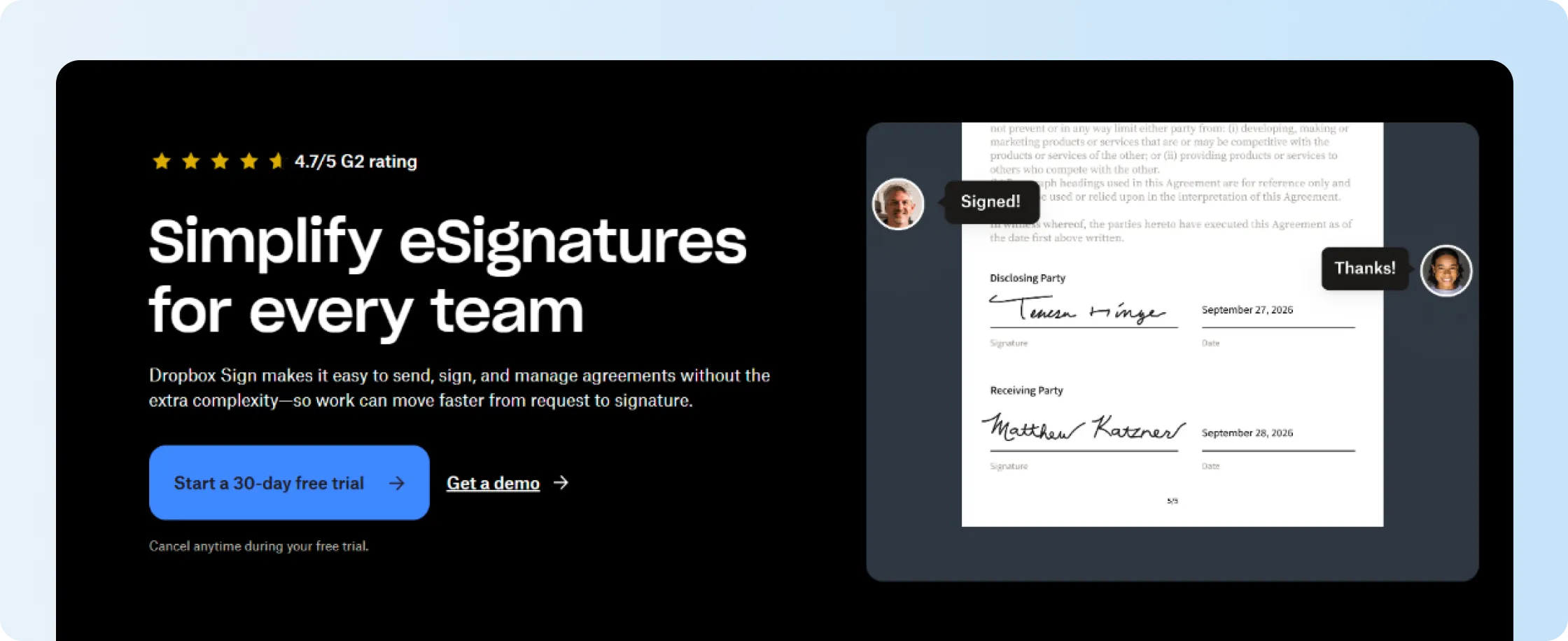
Dropbox Sign keeps electronic signatures close to the Dropbox environment, which is useful when contracts already live there. Standard adds team functionality while paid plans include unlimited regular signature requests, and the current 30-day trial gives buyers time to run their own signing workflow before subscribing.
That familiar Dropbox connection is why it remains on a best electronic signature software shortlist. The trade-off becomes more visible for Microsoft-heavy teams.
Key features
- Unlimited signature requests on paid web plans
- Reusable templates
- Signing order and reminders
- Cloud storage integrations for Dropbox and other supported storage services
- Team administration
Limitations
Dropbox discontinued the native Dropbox Sign for SharePoint integration beginning March 16, 2026. Its own help center now points affected teams toward a custom API integration or another service provider.
Teams whose contracts begin and end in SharePoint now need another way to send documents for signature. Signeasy's native SharePoint integration lets users send files, check signing status, and archive completed contracts within SharePoint. Our Signeasy vs Dropbox Sign comparison explains the difference for Microsoft-heavy teams.
Do your contracts start in SharePoint? We'll demonstrate how Signeasy Business Pro sends requests, tracks signatures, and returns signed files to the library.
Category: Business eSignature
6. Zoho Sign
Zoho Sign fits teams already working in the Zoho ecosystem. Sales contracts stay connected to Zoho CRM, HR paperwork moves through Zoho People, and completed files remain accessible through WorkDrive. Businesses using those applications already have a reason to keep signing within the same product family.
Enterprise costs USD 22/user/month with annual billing. New accounts get a 14-day Enterprise trial without a credit card, which is useful because that tier exposes buyers to the broader feature set before they settle on a plan.
Key features
- Approval and manager workflows
- Bulk Send and SignForms on Enterprise
- Advanced and Qualified Electronic Signatures
- Zoho application integrations
- APIs and webhooks
Limitations
The Standard plan includes 25 envelopes per user per month. SMS delivery and several authentication and automated workflows consume Zoho Sign credits, adding usage costs beyond the subscription.
Zoho Sign works especially well alongside other Zoho applications. Teams outside that ecosystem should compare integration access and credit-consuming workflows with other Zoho Sign alternatives before purchasing Enterprise.
7. SignNow
At $15/user/month with annual billing, SignNow Business Premium offers competitive pricing for teams needing Bulk Send, signing links, payment requests, and kiosk mode. A seven-day trial is available without a credit card, giving teams time to try these features with their own documents.
For teams comparing the best electronic signature software primarily on regular sending and repeat templates, that gives SignNow a practical place on the shortlist.
Key features
- Reusable templates
- Bulk Send on Business Premium
- Signing links
- Payment requests
- Kiosk mode
- iOS and Android apps
Limitations
SignNow's subscription price should be checked alongside the terms for high-volume sending. A mortgage broker described using reusable templates to send documents faster, then reported that their account's newer billing arrangement included 100 invites before charging $1 for each additional invite. That's one customer's experience, so confirm the current allowance and additional charges for your own subscription.
The review shows why sending volume needs its own cost calculation. Our Signeasy vs SignNow comparison covers pricing, templates, and signing workflows.
8. Xodo Sign
Xodo Sign combines eSignature with PDF preparation without going as far into document creation as PandaDoc. Professional costs USD 16/user/month with annual billing and adds unlimited templates, PDF editing, custom branding, in-person signing, and a set number of Bulk Send and SMS credits.
That places Xodo among the best electronic signature software options for smaller teams that regularly work with PDFs and want those tasks to stay together.
Key features
- Unlimited templates on Professional
- Advanced PDF editing
- In-person signing
- Custom branding
- Bulk Send and SMS credits
- Separate API capabilities
Limitations
Professional includes 10 Bulk Send credits and 10 SMS credits per user, so those workflows do not become unlimited simply because the plan moves above Basic. API production usage also carries its own limits and overage model.
Teams embedding signatures should compare API costs separately from Xodo Sign's Professional web-app subscription. Our Xodo Sign pricing guide explains those plan differences.
9. Foxit eSign
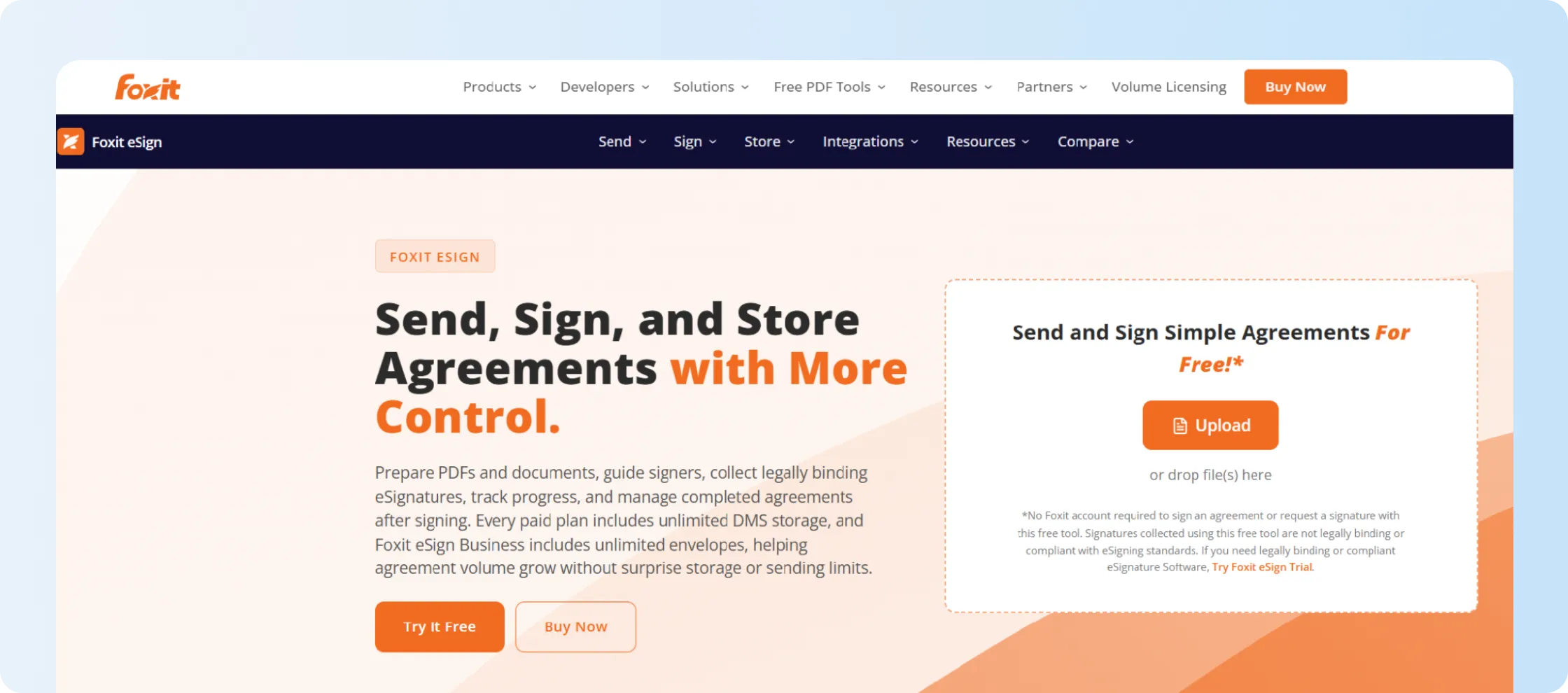
Foxit eSign works well when contracts already pass through Foxit PDF tools. eSign Business removes the envelope and template ceilings found on Essentials and adds custom branding, signable web forms, integrations, advanced authentication, user management, and bulk sending.
For a PDF-heavy team, keeping preparation and signature close together can save a handoff. The commercial commitment is the more important trade-off.
Key features
- Unlimited envelopes on Business
- Unlimited templates on Business
- Bulk sending and signing
- Signable web forms
- Advanced authentication
- Connections with Microsoft Teams, Dynamics, and other tools
Limitations
eSign Business has a five-license minimum. Essentials works for one user, but it drops to 250 envelopes per year and 10 reusable templates. Foxit's current pricing page also shows several connectors and services as paid options.
A team with one or two senders still needs to purchase five licenses to access the eSign Business feature set.
Already have a PDF editor and need signing handled separately? We'll show how your team can send finished contracts and follow up on pending signatures.
10. BoldSign
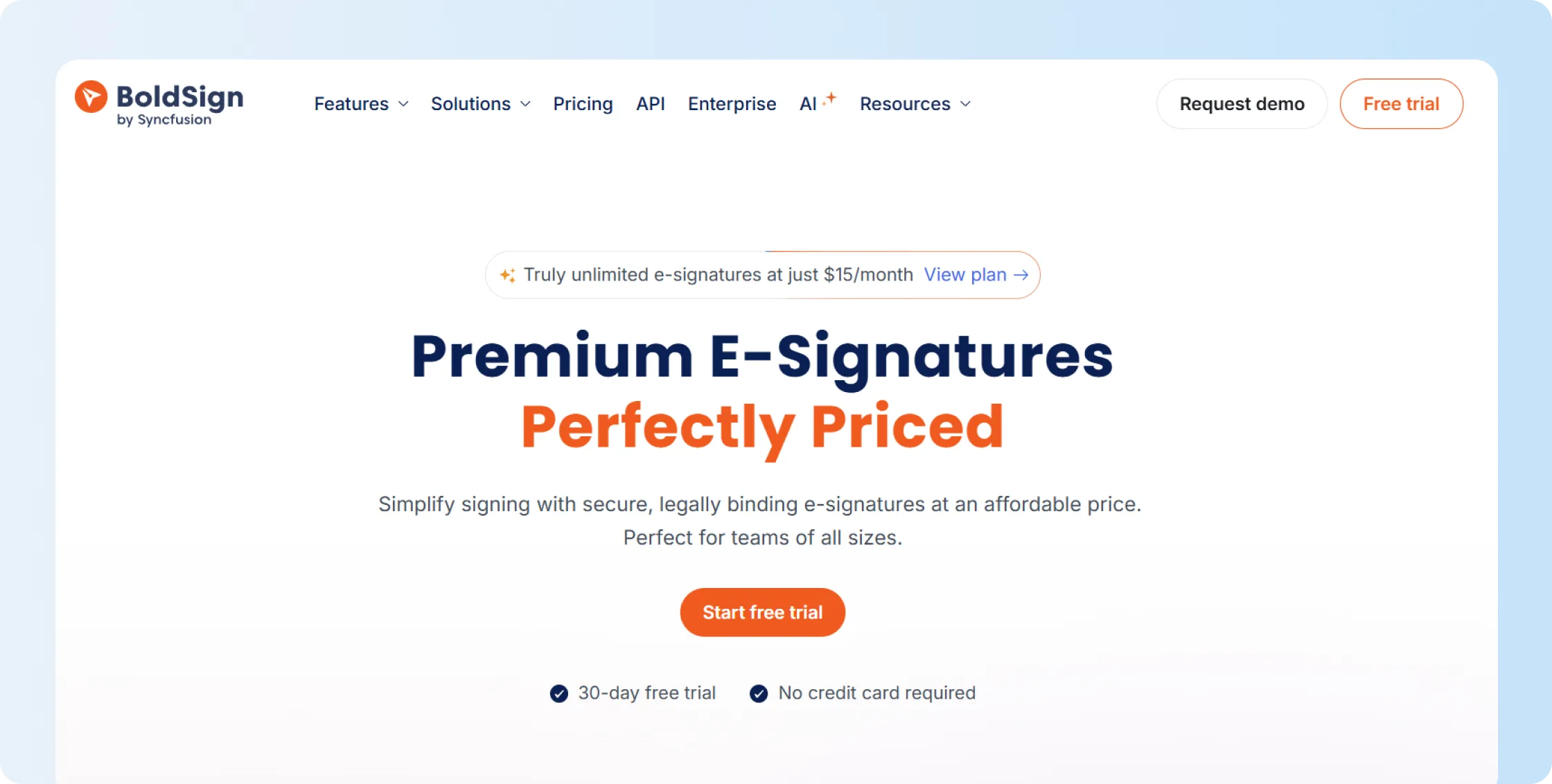
BoldSign gives frequent senders an alternative to envelope-capped subscriptions. Its Business plan is USD 15/user/month on annual pricing and includes unlimited envelopes and unlimited templates. Premium takes a different route, pooling 250 envelopes a month across unlimited users.
That combination puts BoldSign on a best electronic signature software shortlist when regular volume or developer workflows drive the decision.
Key features
- Unlimited envelopes on Business
- Unlimited templates
- Team administration
- Authentication options
- Separate API and embedded-signing products
Limitations
Higher-assurance signing can bring separate usage charges. Qualified Electronic Signatures, for example, are currently listed at USD 3 per signature as an add-on. Premium also charges USD 0.50 for envelopes beyond its included 250 per month.
So BoldSign's unlimited Business plan and its shared-volume Premium plan need to be evaluated as different pricing models, not treated as a simple upgrade path.
11. SignWell
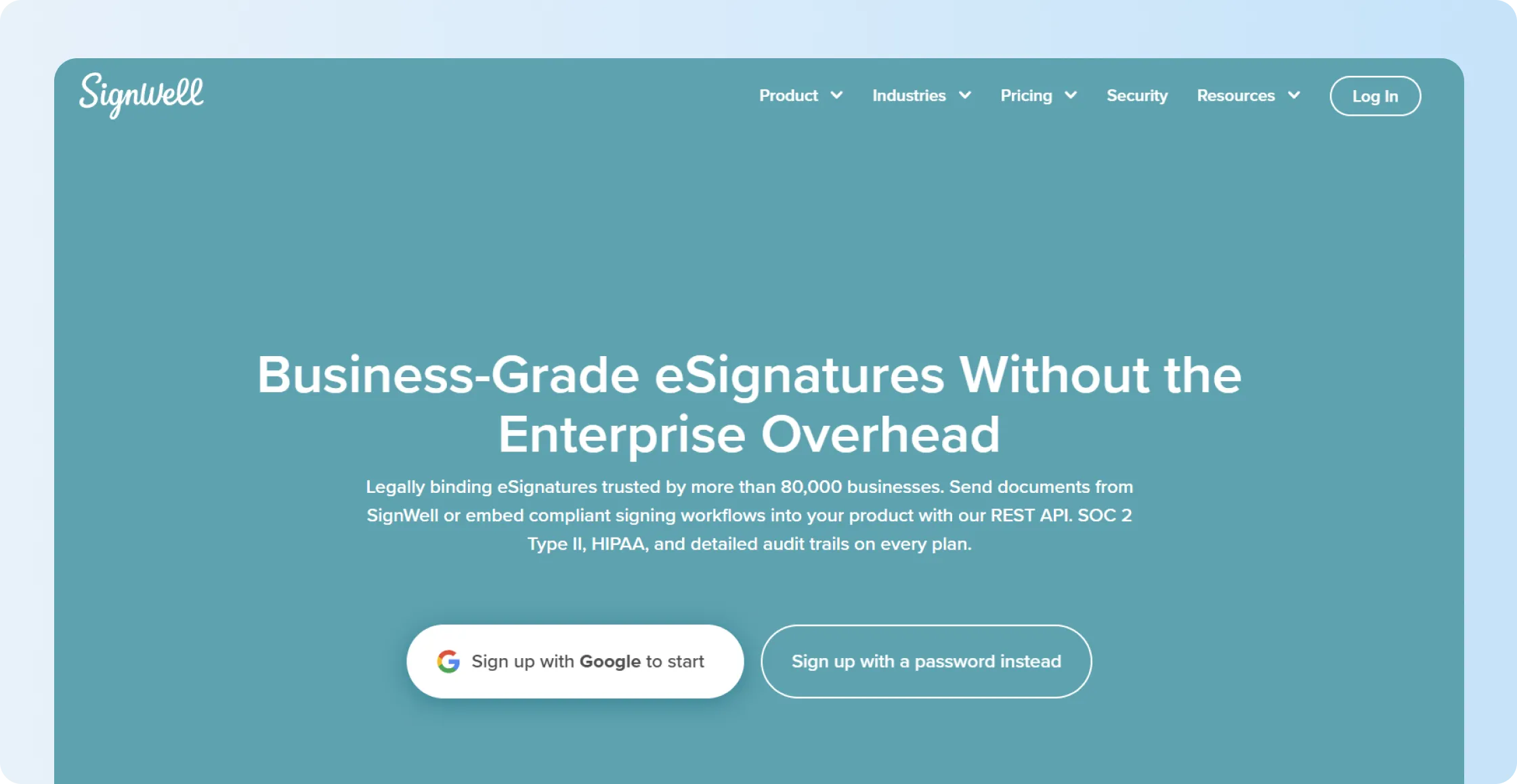
SignWell suits small businesses with a few employees sending contracts. Business costs $30/month with annual billing for three senders and includes unlimited regular signing requests, templates, conditional fields, branding, and API access.
That sender-based approach can work well for a small team where only a few people initiate contracts.
Key features
- Unlimited signing requests on paid plans
- Unlimited templates on Business
- Three included senders
- Bulk Send and signing links
- Conditional fields
- API access
Limitations
SignWell's free plan includes core features such as audit trails and one template, but limits one sender to three documents per month. Business includes three senders, with extra senders charged separately. Basic API access is available, although production API usage follows its own limits and pay-as-you-go model.
A three-person sending team stays within the included Business seats, while additional departments increase the cost. Our SignWell review explains its sender-based pricing and API allowances.
12. Jotform Sign
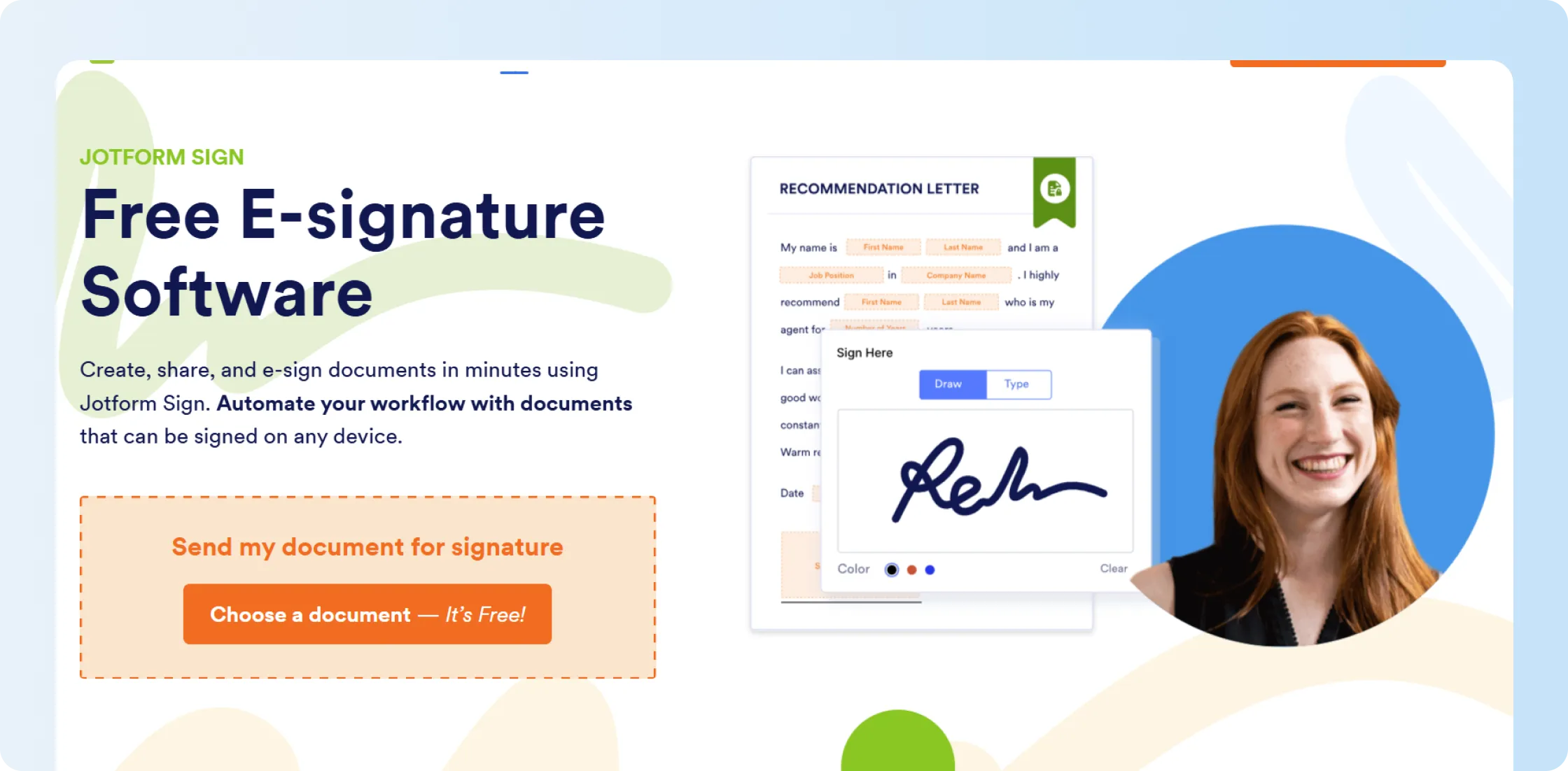
Jotform Sign connects online document signing with the forms customers already complete for applications, registrations, and onboarding. It works well when a business collects information before requesting a signature, with approvals or payment submissions forming part of the same process.
Silver costs USD 39/month with annual billing and allows 250 signed documents each month.
Key features
- Signable documents
- Form-driven data collection
- Approval flows
- Payment submissions
- Document tracking
Limitations
The self-serve tiers remain one-user plans and carry monthly signed-document allowances. Starter includes 10 signed documents, Bronze 100, Silver 250, and Gold 1,000.
A team with several internal senders therefore moves into a different buying conversation even if its document volume fits one of the self-serve tiers. Businesses mainly sending prepared contracts have less need for the surrounding form platform. Our Jotform review covers its form, user, and signed-document allowances.
13. OneSpan Sign
OneSpan Sign belongs on a best electronic signature software shortlist when signer identity, evidence, and regulated signing carry more weight than a lightweight send-and-sign experience. OneSpan pricing includes Professional plan at USD 22 per user per month and includes 1,000 transactions per user per year. Larger deployments can use transaction- or capacity-based Enterprise pricing.
Key features
- Electronic and digital signatures
- Reusable templates
- Audit evidence
- Authentication methods
- Enterprise API and embedded signing options
Limitations
OneSpan Professional includes 1,000 transactions per user annually. Teams expecting higher volumes or requiring additional deployment controls need to check Enterprise pricing and the authentication options available in their quoted package.
Its learning curve is worth evaluating. An enterprise user sending reports for signature liked the technical support but found routine tasks and error details difficult to work through, with documentation adding to the effort. Teams whose employees manage signing every day should test these tasks before committing. Our OneSpan Sign review provides more context on usability, pricing, and support.
How to choose the best electronic signature software
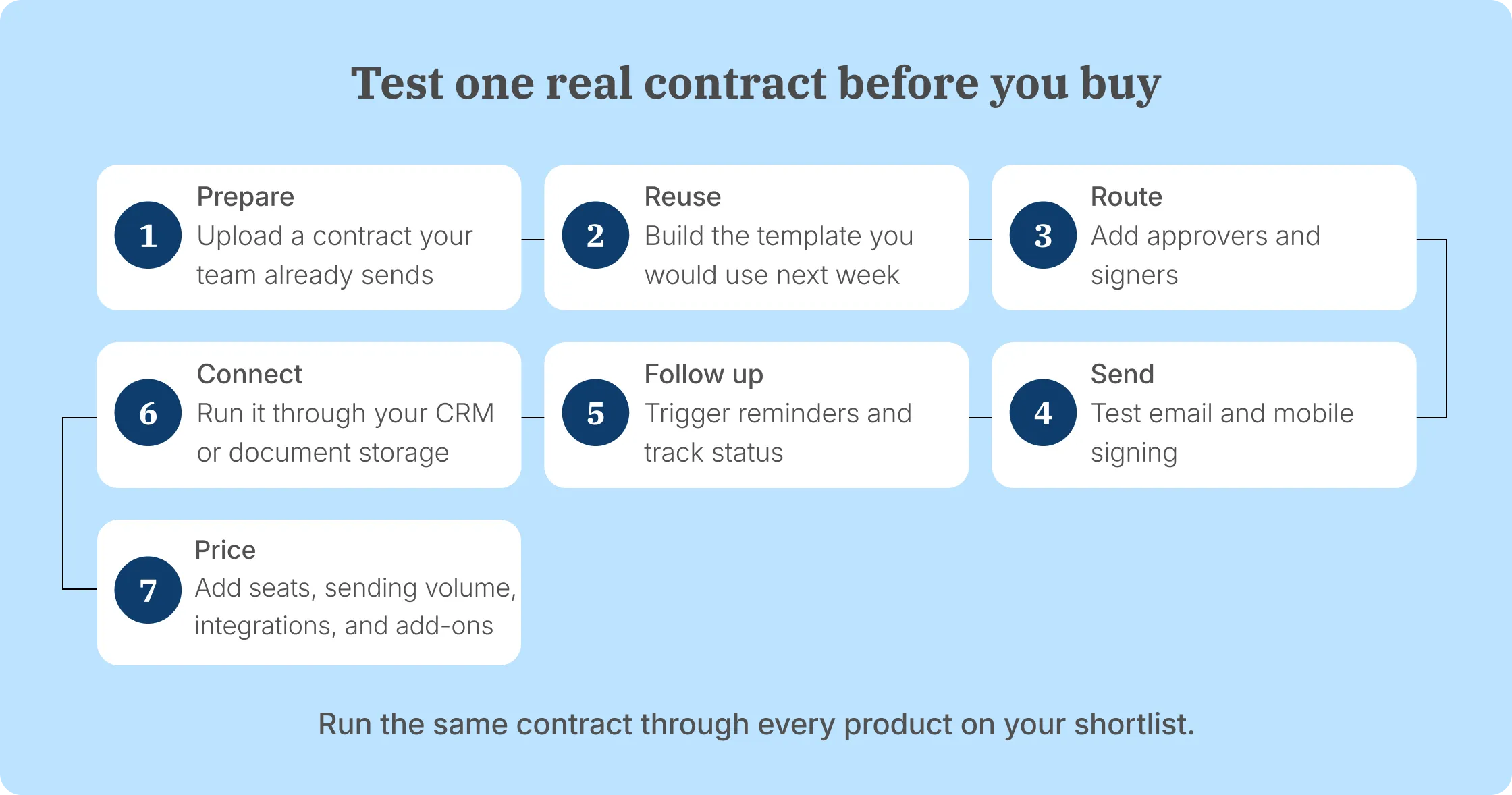
To find the best electronic signature software for your team, follow one real contract from preparation to completion. That exposes the differences a feature table can hide: who creates the document, who sends it, how people sign, what systems it moves through, and what happens after completion.
Stage 1: Start with what happens before signing
Look at the document your team is sending before you look at the signature tool.
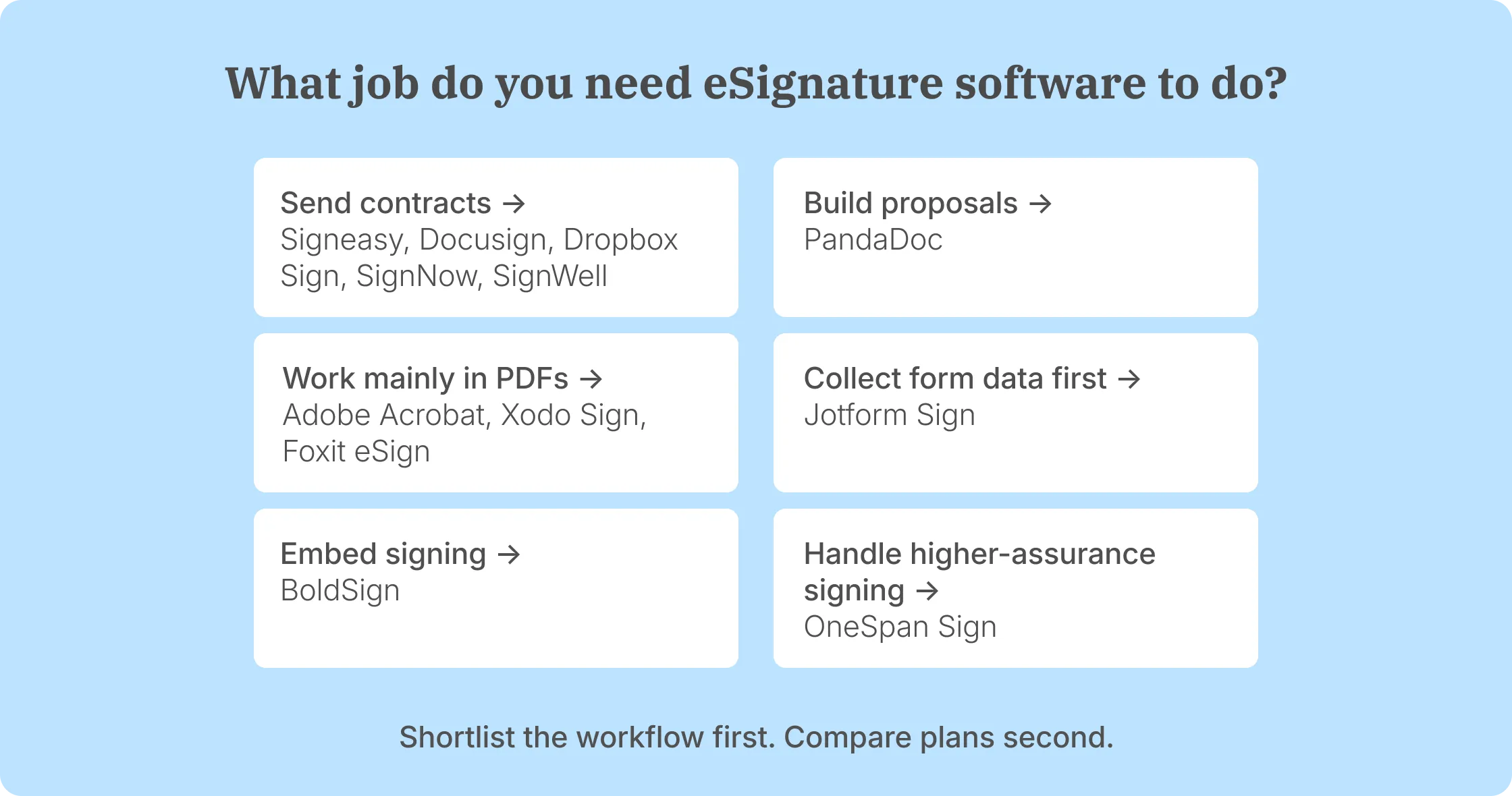
If Sales, HR, Finance, or Operations already create contracts in Word, Google Docs, a CRM, or another system, a signing-first product keeps the process focused. Signeasy, Dropbox Sign, SignNow, and SignWell fall naturally into that group.
A proposal built from pricing tables and reusable sales content asks more of the software, which is where PandaDoc becomes relevant. PDFs that need regular editing pull Adobe, Xodo, or Foxit higher on the shortlist. Form-heavy intake leads to Jotform Sign.
This removes products your team would otherwise be paying to underuse.
Stage 2: Work out who sends documents and how often
The monthly subscription is only useful once you know your team size, how many people send contracts, and how many requests they create.
Docusign Business Pro, for example, costs $40/user/month with annual billing prepaid and includes 100 envelopes per user per year. Signeasy Business Pro costs USD 30/seat/month annually and includes unlimited regular document sending.
The sending models differ more as volume rises. Docusign Business Pro includes 100 envelopes per user per year, with additional envelopes purchased separately. Signeasy Business Pro includes unlimited regular sends. Also compare template allowances, Bulk Send, and how the vendor counts requests involving several recipients.
Sending volume deserves as much attention as seat pricing when comparing the best electronic signature software for your team.
Want to compare these costs for your own team? We'll walk you through Signeasy's plans, document sending, templates, and integrations.
Stage 3: Test the signer experience
To evaluate ease of use, compare the interface from both sides of the signing experience. A clean interface should make signature fields obvious to recipients and pending requests easy for senders to find.
Use the free trial to send one real contract through the full process. Add the same fields your team normally uses, set several signers if relevant, open the request on a phone to test the mobile experience, trigger a reminder, and see how quickly the sender can tell who still needs to act.
Free trials give you enough time to do that: Signeasy offers 14 days, Docusign and Dropbox Sign 30 days, PandaDoc and Zoho Sign 14 days, and SignNow 7 days.
Do the test with your own contract. A sample NDA will not expose the field-placement, approval, recipient, or integration issues your actual workflow creates.
Stage 4: Match authentication and security to the contract
A standard sales contract and a regulated healthcare record do not need the same identity checks.
Map the controls your documents require: detailed audit trails, account 2FA, recipient verification, SSO, SMS authentication, government ID checks, digital certificates, QES, HIPAA-related controls, or 21 CFR Part 11 support.
Then check where each feature sits commercially. Zoho Sign uses credits for several authentication and automated workflows, while BoldSign prices QES separately. Signeasy moves SSO, HIPAA, and 21 CFR Part 11 requirements into custom packaging.
The useful comparison is the security your contracts require—not the longest compliance list on a vendor page.
Stage 5: Check the systems the signing tool needs to work with
A CRM, SharePoint, or Google Drive logo tells you an integration exists. It does not tell you what the user can do inside it.
Follow the contract through that connection. Can a user initiate a signature request there? Can they use the fields or templates they need? Is status available without switching tabs? Where does the completed contract go?
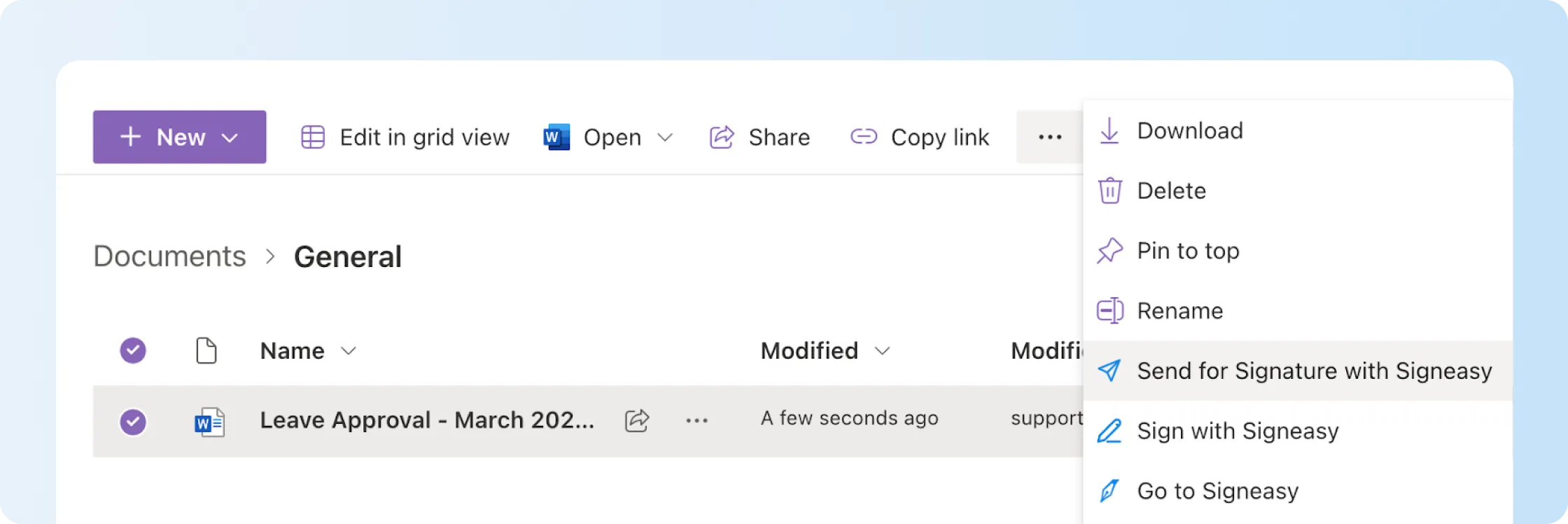
This is especially important for Microsoft teams after Dropbox Sign ended its native SharePoint integration. Signeasy's SharePoint add-in lets users send to one or several recipients, track the request inside SharePoint, and archive the completed contract back into the library.
Stage 6: Decide what happens after signing
Signing completes the immediate transaction. Document management continues after signing: teams need to store contracts, find their terms, and track renewal dates.
Once signed files spread across inboxes, shared drives, CRM records, and departmental folders, finding a renewal date or old commercial term takes longer. That is when post-signature capabilities become useful.
Signeasy handles sending and signing through its eSignature plans. Businesses needing searchable contract repositories, shared workspaces, and renewal tracking can evaluate Signeasy's separate intelligent contract management plans.
A business that only needs secure completed PDFs does not need that depth yet. The useful question is whether the storage arrangement that works today will still work when several departments are sending contracts.
Unsure whether your team needs eSignature or a separate contract repository? We'll walk through the Signeasy products and the work each handles.
Stage 7: Compare API workflows separately
Embedded signing is a different buying decision from giving employees an eSignature account.
If customers sign inside your product or portal, compare sandbox access, embedded sending, embedded signing, templates, webhooks, authentication, production volume, overages, logs, SDKs, and implementation support.
Dropbox Sign, for example, sells its API through separate request-based plans, while Xodo Sign also separates sandbox and production API allowances from regular team use.
A tool can be the best electronic signature software for your internal team without being the best API for your product, so price those workflows independently.
Hidden cost factors to consider before choosing eSignature software
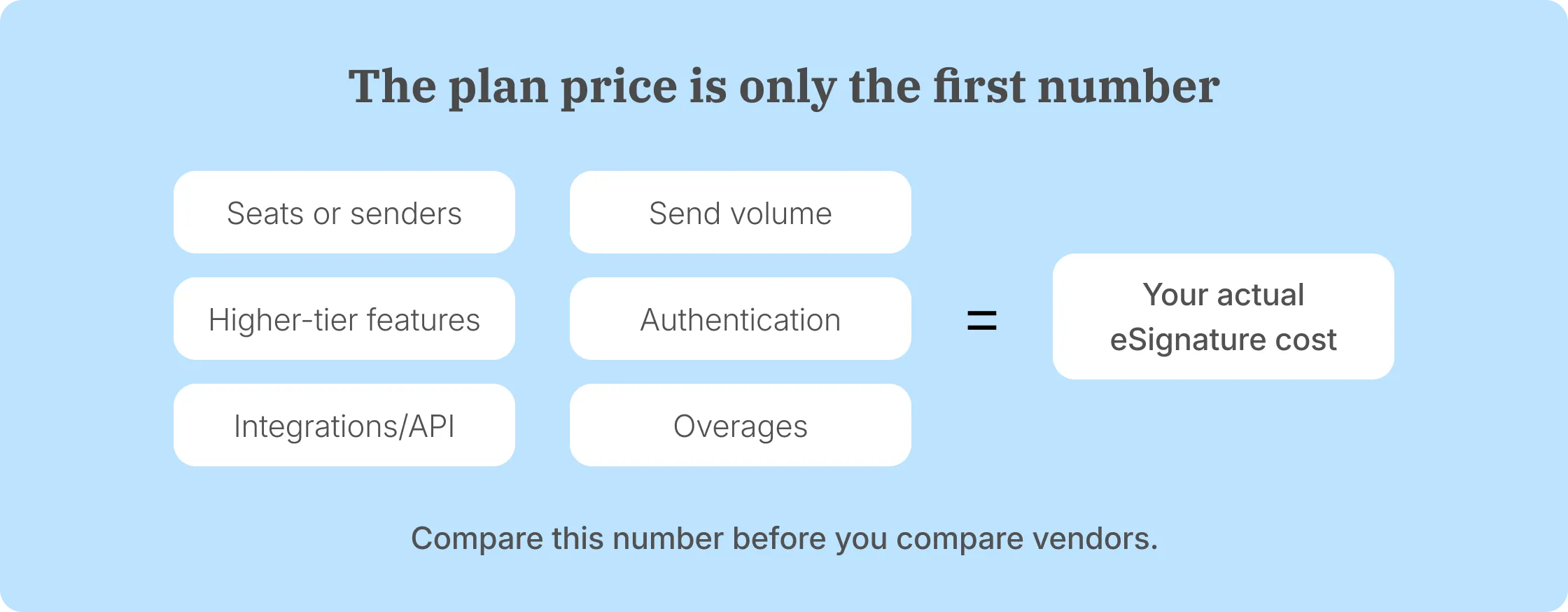
Even the best electronic signature software has costs beyond the advertised subscription price. Paid senders, document allowances, authentication, integrations, APIs, and overage charges affect what a team spends over a year.
Number of paid users or senders
The person signing a contract is not always the person you pay for. The bill is usually driven by employees who send or manage requests.
SignWell makes the distinction obvious: Business includes three senders and charges for additional senders. Signeasy charges per paid seat on Business and Business Pro. Both include unlimited regular document sending, while external recipients sign without purchasing an account.
If HR, Sales, Finance, and Operations all send contracts, count those users before comparing annual pricing.
Document or envelope limits
Two similarly priced products can include very different amounts of sending.
- Signeasy: Personal sends 5 contracts/month; Business and Business Pro include unlimited regular document sends.
- Docusign: Standard and Business Pro annual plans include 100 envelopes/user/year. Additional usage is billed separately.
- Zoho Sign: Standard includes 25 envelopes/user/month; higher plans open up broader regular sending, while credit-consuming actions remain separate.
- Jotform Sign: self-serve tiers run from 10 signed documents/month on Starter to 1,000 on Gold.
- OneSpan Sign: Professional includes 1,000 transactions/user/year.
Put your own annual volume beside those figures. That quickly exposes a plan that will require an upgrade or overage spend.
Features available on higher plans
A feature is only useful if the plan you are pricing includes it.
Signeasy reserves approval workflows, roles and permissions, usage reporting, and SharePoint for Business Pro. PandaDoc moves CRM integrations and approval workflows into Business, while SignNow adds Bulk Send, payment requests, and kiosk mode on Business Premium.
Write down the five features your team will actually use, then price the lowest plan containing all five. That gives you a more realistic best electronic signature software comparison than entry pricing.
Want to see how Signeasy handles the features your team needs? Bring a contract you already send, and we'll demonstrate the workflow.
Authentication and identity-verification charges
Higher-assurance signer verification frequently introduces another usage charge.
BoldSign currently lists QES at USD 3/signature as an add-on. Zoho Sign uses credits for SMS delivery and several identity or certificate-based workflows. Signeasy moves more specialized compliance and security requirements into Build Your Plan.
For regulated contracts, estimate how many transactions actually need the stronger method. Applying it to every document can distort the annual cost.
API and integration costs
API access and integrations are not automatically included because the vendor offers them somewhere in its product line.
Dropbox Sign API has separate request-based pricing. Xodo Sign separates production API usage from its ordinary eSignature plans. Zoho Sign uses credits in several automated or API-driven workflows.
Check each must-have system individually. That applies to CRM integrations as much as API calls.
Overages and custom pricing
The final cost moves again when a team exceeds its normal allowance or needs a custom deployment.
Docusign charges pay-as-you-go rates for additional envelopes after the plan allowance. BoldSign Premium charges USD 0.50 for envelopes above its 250 monthly pool. OneSpan Enterprise pricing changes with transaction volume or capacity.
If your sending pattern has seasonal spikes, calculate a busy month too. An annual average can hide the period when overage charges actually appear.
Why Signeasy is the best eSignature platform for growing businesses
Signeasy is the best electronic signature software for growing businesses that need several people to send contracts, want to reuse the same workflows, and do not want normal sending volume to force repeated plan calculations.
The workflow starts with the jobs those teams perform most often. Business users can reuse templates, set the signing order, send reminders, and track completion. Business Pro adds internal approvals before a contract reaches the signer, roles and permissions, usage reporting, signer attachments, recipient 2FA, and deeper business integrations.
Signeasy pricing reflects those needs. Business costs $20 per seat per month with annual billing, while Business Pro costs $30. Both include unlimited regular document sending. Business includes five reusable templates, while Business Pro adds unlimited templates, team controls, and approval workflows.
Signeasy also connects signing to the systems business teams already work in. Its current eSignature integrations include Microsoft and Google tools as well as CRM workflows, and SharePoint users can send, track, and archive signed contracts inside their existing document environment.
When several departments start signing contracts, finding completed documents and tracking renewal dates becomes another job. Signeasy offers a separate intelligent contract management product with searchable repositories, renewal reminders, and shared workspaces for teams that need those capabilities.
Switching from another provider also involves moving templates and existing signing workflows. We offer white-glove migration assistance and a competitor contract buyout program for businesses moving to Signeasy. Talk to our team about your current subscription, migration requirements, and applicable buyout terms.
For growing teams whose main job is still getting contracts reviewed, sent, signed, and easy to find afterward, that balance is where Signeasy fits.