


In 2026, the best digital signature provider should do more than make signing documents easier. It should support the level of verification your documents require, from signer authentication and audit trails to certificate-based digital signatures and tamper-evident verification. Once those requirements are clear, you can compare how different digital signature providers handle templates, signing workflows, integrations, pricing, and plan limits. This guide compares 12 digital signature solutions and shows where each digital signature software option fits across verification, signing workflow, pricing, integrations, and plan limits.
The top 12 digital signature providers at a glance
We compared the providers around the questions that affect a buying decision: how the signing workflow works, what security and verification options are available, what the plans cost, and where integrations or usage limits come in.
Here’s where each provider fits before we look at the details:
- Signeasy – Best for growing and mid-sized business teams that want straightforward eSignature with templates, reminders, integrations, and team support.
- Zoho Sign – Best for businesses using Zoho that want eSignature, digital certificates, and connected Zoho workflows.
- Dropbox Sign – Best for individuals and teams already working with Dropbox.
- Adobe Acrobat – Best for PDF-heavy teams that want document preparation and eSignature in the same environment.
- SIGNiX – Best for businesses that need PKI-based digital signatures, tamper evidence, and stronger signer authentication.
- PandaDoc – Best for sales teams creating proposals, quotes, and customer documents before signature.
- airSlate SignNow – Best for cost-conscious teams that need eSignature and additional workflow controls.
- Docusign – Best for larger teams that want established eSignature workflows and a broad integration ecosystem.
- BoldSign – Best for small businesses and developers looking for lower-cost eSignature and API options.
- OneSpan Sign – Best for regulated organizations that need stronger authentication and identity assurance.
- SignWell – Best for small teams that want straightforward eSignature with predictable sending costs.
- Jotform Sign – Best for businesses combining forms, approvals, data collection, and electronic signatures.
What is a digital signature?
A digital signature uses public-key cryptography to verify the origin of electronic documents and detect changes made after signing. The signer’s private key creates the signature, while the matching public key lets the recipient confirm that the signature is valid and that the document has not been altered.
A digital certificate can then connect that signing credential to an identified person or organization. The legal validity of a signed document still depends on the applicable law, signing process, and evidence required for that transaction.
The main benefit is document integrity. If someone changes the signed file afterward, cryptographic verification can show that the document no longer matches the version that was signed.
The process behind the certificates, cryptographic keys, and verification is covered step by step in our guide to creating a digital signature.
Are digital signatures and eSignatures the same?
No. A digital signature is a type of electronic signature that uses public-key cryptography and digital certificates to provide stronger evidence of document integrity and, depending on the workflow, signer identity. An eSignature is the broader category and can use several methods to capture a person’s intent to sign.
The table below shows the difference:
Need a closer look at where the two methods differ? Our electronic signature vs. digital signature comparison breaks down verification, security, use cases, and signing methods.
Not sure which level of signing and verification your documents need?
Key considerations when choosing a digital signature provider
A good digital signature provider should match the level of assurance your documents require. Everyday business agreements commonly use eSignature with an audit trail, while regulated or higher-risk workflows rely on stronger identity checks or certificate-based digital signatures. From there, compare the signing workflow, pricing, integrations, support, and security controls each provider offers.
- Security and compliance: Check encryption, signer authentication, tamper evidence, audit trails, and data protection. In the United States, the ESIGN Act and UETA govern electronic signatures, while the eIDAS Regulation provides the EU framework for electronic identification and trust services. Sensitive documents can also require stronger identity verification or regulatory compliance controls such as HIPAA or 21 CFR Part 11. Not every provider supports the same signature level, so establish this requirement before comparing plans.
- Ease of use: An intuitive interface should make the signing experience clear for both senders and recipients. Check whether team members can upload a document, place signature fields, send it, and complete it across browsers and mobile devices without unnecessary steps. A smoother user experience is especially useful for occasional signers.
- Features: Compare the essential features your workflow uses regularly, including reusable templates, reminders, signing order, bulk sending, approvals, signer authentication, digital certificates, and document tracking. Teams sending at high volume should also check bulk-send limits and usage charges.
- Pricing and scalability: Look beyond the advertised starting price. User minimums, sender requirements, envelope or document limits, API usage, authentication charges, and add-ons can all change the total cost.
- Integrations: Check whether the platform works with the applications already involved in your document workflow. Common requirements include Microsoft 365, Microsoft Word, SharePoint, Google Workspace, Google Drive, HubSpot, Salesforce, and cloud storage. Check each provider's exact native integrations before choosing a plan.
- Customer support: Compare onboarding, documentation, migration help, available support channels, and response coverage. Support becomes more relevant when several people send documents or the signing process affects customer-facing and time-sensitive work. Customer feedback can also help you spot recurring issues with onboarding, support responsiveness, or the signing experience.
Have security, integration, or signing-volume requirements to account for?
12 best digital signature providers teams can try in 2026
If you’re comparing the best digital signature tools in 2026, use the same 6 criteria: signing workflow, verification and security, pricing, integrations, customer support, and plan restrictions.
Prices below use public USD rates with annual billing where available. Custom plans, add-ons, and higher usage can change the final cost.
1. Signeasy
G2 rating: 4.7/5
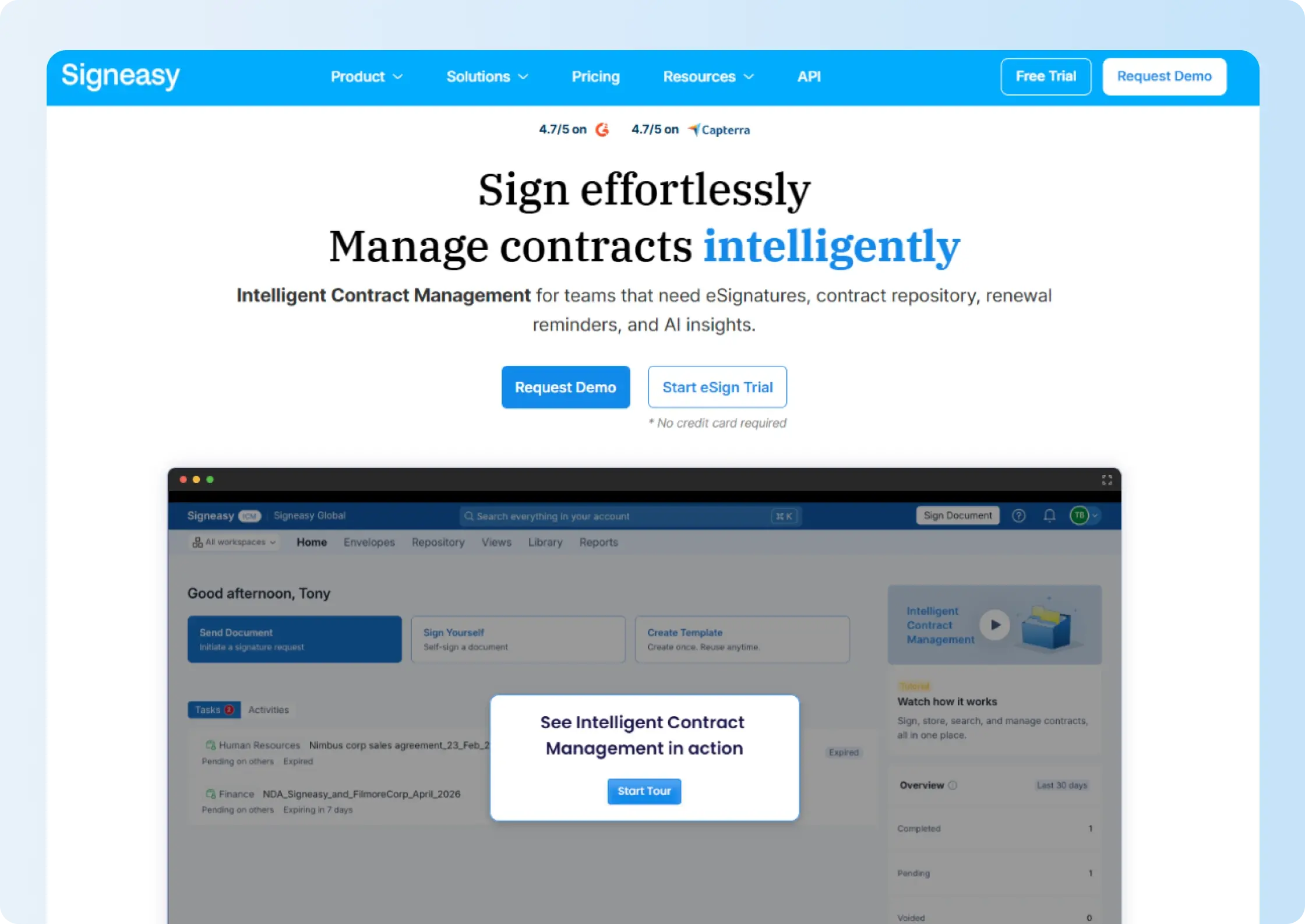
Signeasy is an eSignature software platform for growing and mid-sized businesses. In this comparison, its main fit is the eSignature workflow: preparing, sending, tracking, and managing business agreements across teams.
For digital-signature requirements, Signeasy also offers PKI-based Trust Seal protection through Business Plus. The seal uses the PAdES-BLT standard and becomes invalid if the completed PDF is modified afterward.
Best for
Growing SMB and mid-market teams that need straightforward eSignature, reusable templates, reminders, business integrations, and responsive support.
Key features
- eSignature and templates: Prepare documents, set signing order, collect signatures, reuse templates, and track progress.
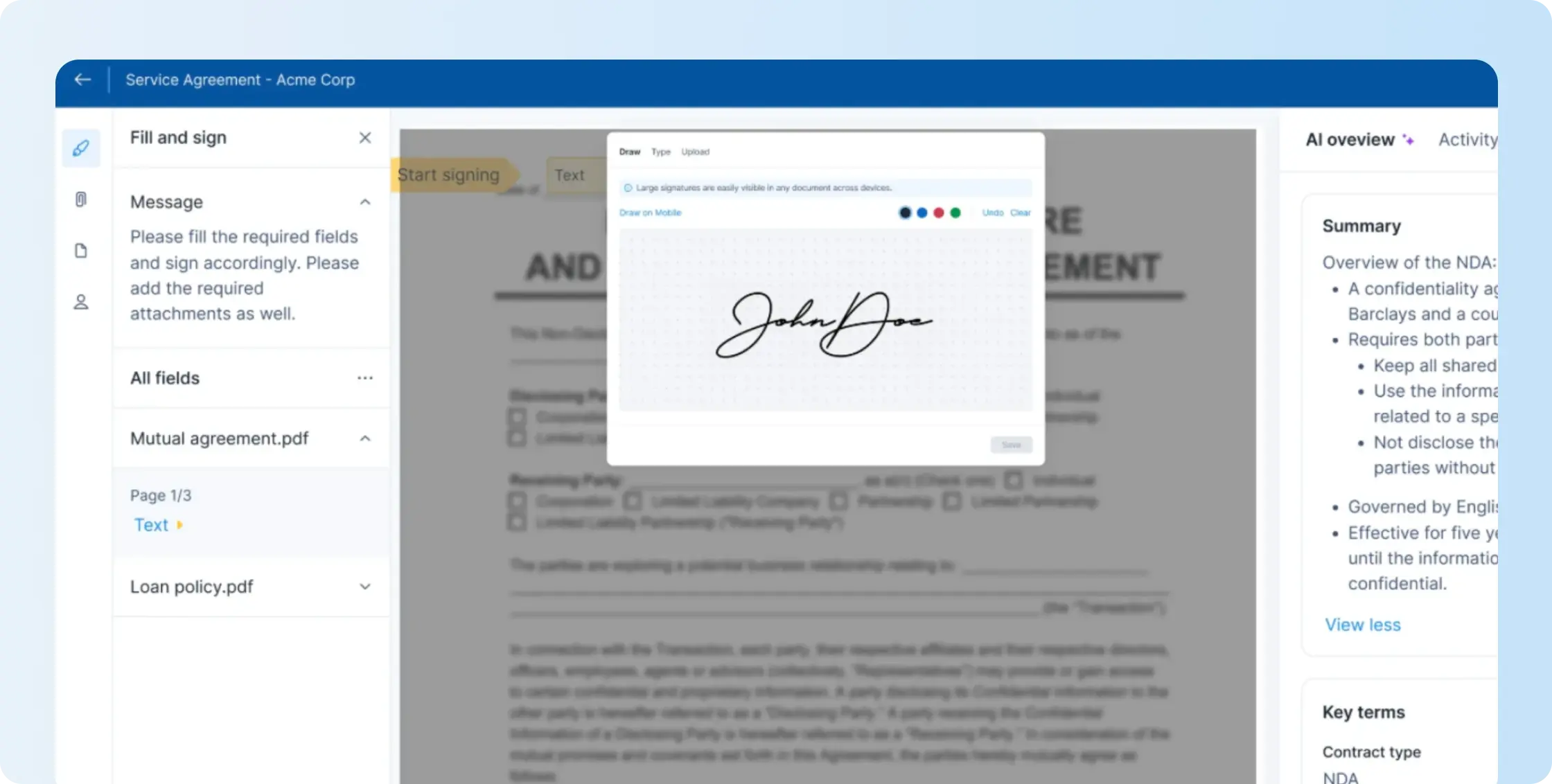
- Reminders and approvals: Reduce manual follow-up with automated reminders and route documents through approval workflows on Business Pro.
- Business integrations: Connect signing with relevant Google and Microsoft tools, with SharePoint and HubSpot available on Business Pro.
- Team administration: Manage team access through an admin dashboard, with roles, permissions, and usage reporting on Business Pro.
- Document integrity: Use audit trails and, where required, PKI-based Trust Seal protection through Business Plus.
- Support: Get 24/7 email support on Business and 24/7 priority support on Business Pro.
Pricing
Signeasy Personal costs $10 per month with annual billing and includes 5 contracts sent for signature each month. Business costs $20 per user per month and includes unlimited document sends, shared templates, reminders, an admin dashboard, two-factor authentication, and 24/7 email support.
Business Pro costs $30 per user per month and adds roles and permissions, usage reporting, signer document requests, signer 2FA, SharePoint and HubSpot integrations, approval workflows, and priority support. Signeasy offers a 14-day free trial.
Pros
- Transparent self-serve pricing across Personal, Business, and Business Pro
- Unlimited document sends on Business and Business Pro
- 24/7 email support on Business and priority support on Business Pro
Cons
- 5 monthly signature requests on Personal
- Business Pro requirement for roles, usage reports, approval workflows, and signer 2FA
- Business Plus requirement for the PKI-based Trust Seal
2. Zoho Sign
G2 rating: 4.4/5
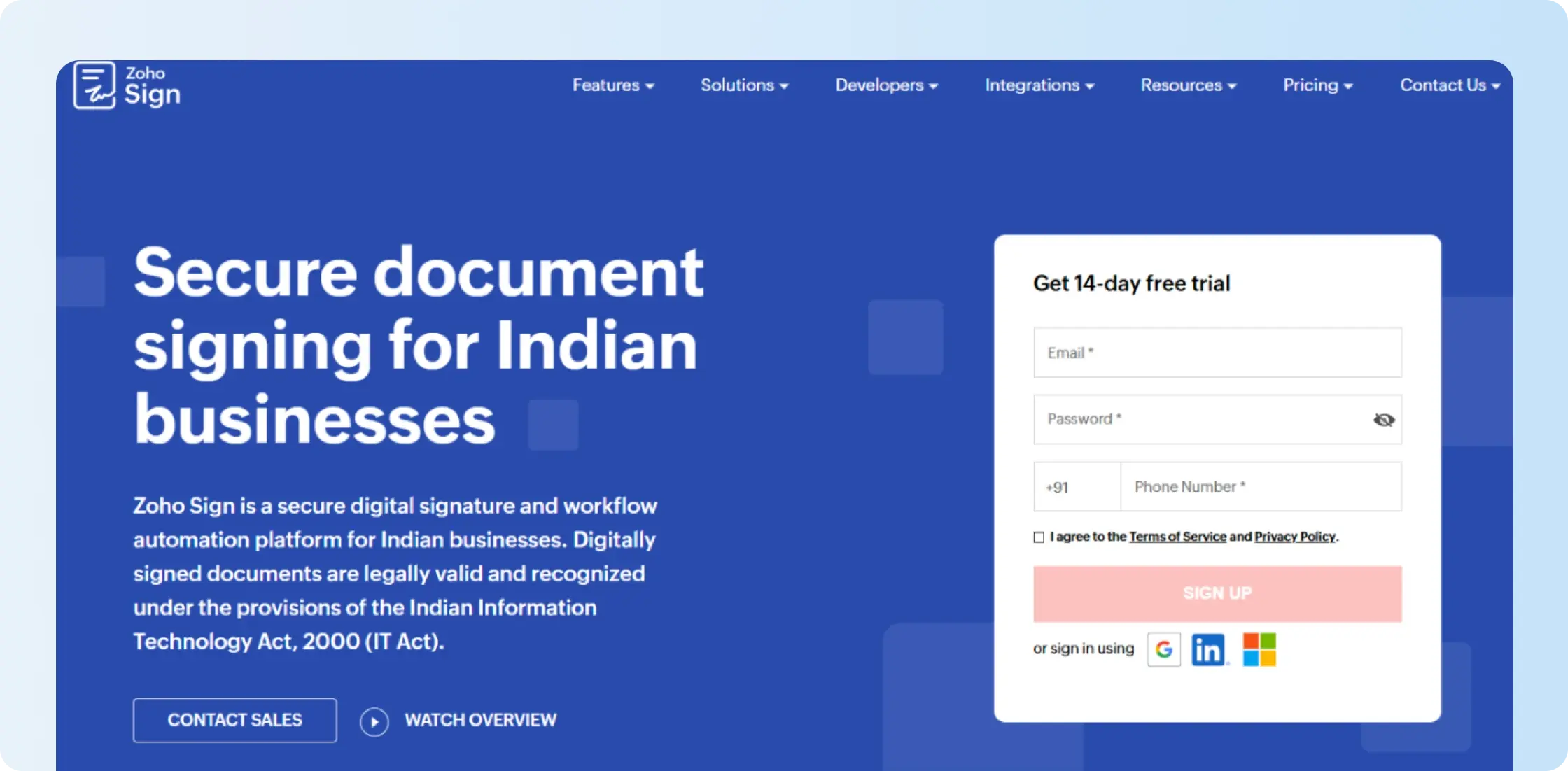
Zoho Sign fits businesses already using Zoho because signing can stay close to tools such as Zoho CRM, Zoho People, and WorkDrive. It also supports certificate-based digital-signature workflows alongside standard eSignature.
Standard adds external digital certificates and Advanced Electronic Signatures, Professional removes the regular web-app envelope cap, and Enterprise adds Qualified Electronic Signatures, bulk send, SignForms, and APIs.
Best for
Small and midsize businesses already using Zoho that want eSignature, digital certificates, and connected Zoho workflows.
Key features
- eSignature and digital-signature workflows
- Zoho-issued and external digital certificates
- Advanced Electronic Signatures on Standard and above
- Qualified Electronic Signatures on Enterprise
- Audit trails and approval workflows
- Zoho and third-party integrations
Pricing
Zoho Sign has a permanent free plan for one user with 5 envelopes per month. Standard costs $10/user/month with annual billing and includes 25 envelopes per user per month. Professional costs $16/user/month with unlimited regular envelopes, while Enterprise costs $22/user/month and adds higher-tier signing and administration features.
Some automations, third-party integrations, SMS, QES, APIs, and other services consume Zoho Sign credits in addition to the subscription.
Pros
- Permanent free plan with 5 envelopes per month
- Certificate-based signing options across paid tiers
- Unlimited regular envelope sending on Professional and Enterprise
Cons
- 25-envelope monthly limit per user on Standard
- Additional credit usage for several automations, integrations, and authentication methods
- Enterprise requirement and credit usage for Qualified Electronic Signatures
Teams expecting regular credit-based actions can use our Zoho Sign pricing guide to calculate how plans, envelopes, and usage credits fit together.
3. Dropbox Sign (formerly HelloSign)
G2 rating: 4.7/5
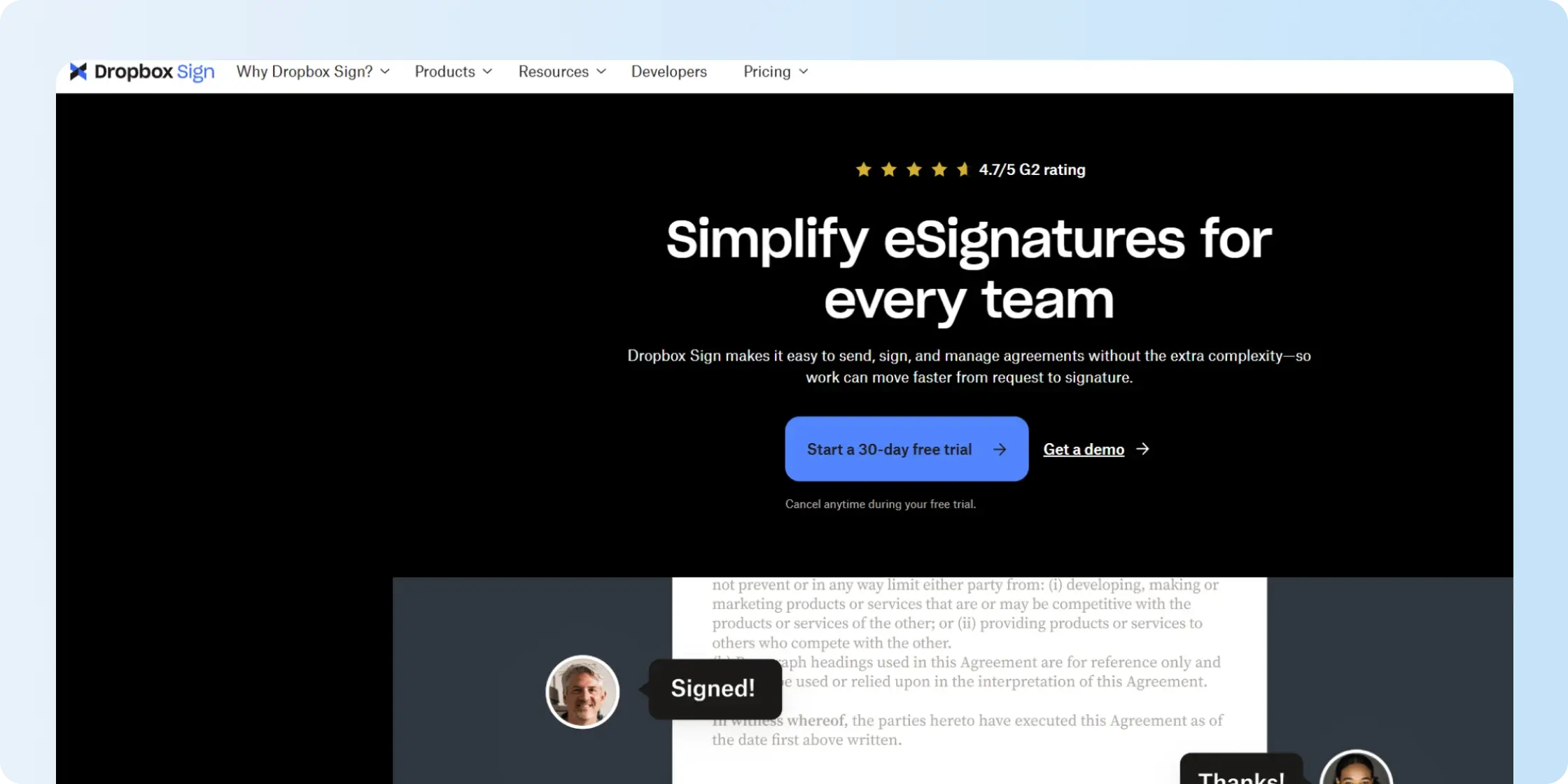
Dropbox Sign, formerly HelloSign, focuses on straightforward online signing and fits naturally into teams already storing files in Dropbox. The free plan covers 3 signature requests each month, while paid web plans remove the regular signature-request limit.
Teams that need shared administration move beyond the individual Essentials plan to Standard or Premium.
Best for
Individuals and small teams already using Dropbox that want straightforward signing alongside familiar file storage.
Key features
- eSignature
- Reusable templates
- Audit trails
- Automated reminders
- Cloud-storage integrations
- Team controls on higher plans
Pricing
Dropbox Sign Essentials has a regular annual rate of $15/month, while Standard is $25/user/month at its regular annual rate. Dropbox currently shows first-year promotional rates of $10.05/month equivalent for Essentials and $17.50/user/month equivalent for Standard. Premium uses custom pricing.
Dropbox Sign also offers a free plan with 3 requests every 30 days and a 30-day free trial.
Pros
- Unlimited signature requests on paid web plans
- 3 monthly signature requests on the permanent free plan
- 30-day paid-feature trial
Teams moving beyond Dropbox can also compare Dropbox Sign with Signeasy across templates, integrations, team controls, and signing workflows.
Cons
- Individual-sender setup on Essentials
- Per-user pricing on Standard
- Higher-plan requirement for broader team administration
The Dropbox Sign pricing guide goes deeper into its sender setup, plan costs, template limits, and current pricing.
4. Adobe Acrobat Sign
G2 rating: 4.4/5
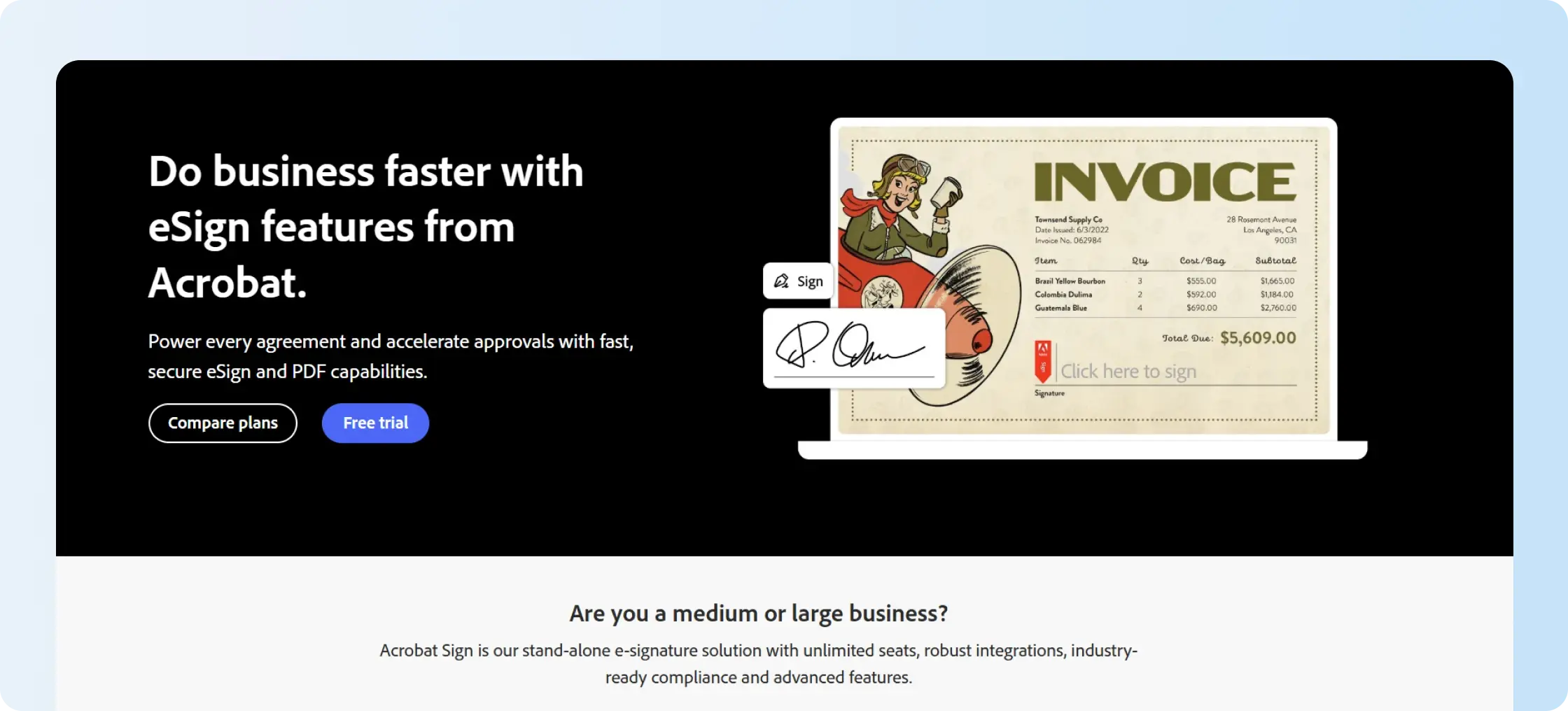
Adobe Acrobat fits teams already working in the Adobe ecosystem that want PDF preparation, document management, and eSignature in the same environment. Acrobat Standard and Pro cover PDF work alongside signature collection, while Acrobat Sign Solutions is a separate enterprise offering.
The public Standard and Pro plan rates are not enterprise Acrobat Sign pricing, so compare them separately from Acrobat Sign Solutions quotes.
Best for
Teams that already rely heavily on Adobe for PDF creation, editing, and signing.
Key features
- PDF editing and conversion
- eSignature collection
- Audit trails
- Forms and status tracking
- Bulk eSignature requests on Acrobat Pro
- Separate Acrobat Sign Solutions for enterprise requirements
Pricing
Acrobat Standard for teams costs $16.99 per license per month on an annual commitment. Acrobat Pro for teams costs $23.99 per license per month. Eligible team plans offer a 14-day free trial.
Enterprise Acrobat Sign Solutions are priced separately through Adobe sales.
Our Adobe Sign pricing guide breaks down those product and pricing differences in more detail.
Pros
- PDF editing and eSignature in the same product environment
- Existing Adobe workflow for PDF-heavy teams
- Bulk eSignature capabilities on Acrobat Pro
Cons
- Custom pricing for enterprise Acrobat Sign Solutions
- Different signing scope between Acrobat team plans and Acrobat Sign Solutions
- Annual commitment on the public team pricing
Teams that already prepare documents outside Adobe can also compare Adobe Sign with Signeasy across the signing workflow, integrations, and team requirements.
5. SIGNiX
G2 rating: 4/5
SIGNiX focuses on PKI-based digital signatures rather than basic electronic signatures. Each signature can include cryptographic evidence and digital-certificate information inside the signed PDF, allowing the document and signature to be independently verified after signing.
Best for
Businesses that need tamper-evident, independently verifiable digital signatures with stronger signer authentication and detailed audit evidence.
Key features
- PKI digital signatures
- Digital certificates embedded in signed PDFs
- Tamper-evident document protection
- Multiple signer authentication methods
- TotalAudit audit trail
- Unlimited reusable templates
- Mobile signing
- API integration on Enterprise
Pricing
SIGNiX Standard costs $180 per user per year. The plan includes PKI digital signatures, unlimited templates, multiple authentication methods, and TotalAudit. Enterprise uses custom pricing and adds capabilities such as API integration, white labeling, and custom features.
Pros
- PKI-based digital signatures rather than standard eSignature alone
- Signatures can be independently verified outside the SIGNiX platform
- Detailed audit evidence and tamper protection
- Multiple authentication options for higher-assurance workflows
Cons
- Standard pricing includes a minimum transaction commitment in addition to the user license
- API integration requires Enterprise
- More security depth than routine business eSignature workflows need
6. PandaDoc
G2 rating: 4.7/5
PandaDoc combines eSignature with document creation for proposals, quotes, contracts, and other sales documents. It fits best when signing is one part of a broader sales-document workflow.
The plan trade-off appears above Starter: CRM integrations, approval workflows, deal rooms, web forms, and other sales features sit on Business.
Best for
Sales and revenue teams that create proposals, quotes, and customer agreements before sending them for signature.
Key features
- eSignature
- Document editor
- Reusable templates
- Real-time tracking
- CRM integrations on Business
- Approval workflows on Business
Pricing
PandaDoc Free includes 60 document sends per year, up to 2 recipients per document, and 5 templates. Starter costs $19/user/month with annual billing and includes unlimited document sends. Business costs $49/user/month and adds CRM integrations, approval workflows, deal rooms, and other sales features.
Pros
- 60 free document sends per year
- Unlimited document sends on Starter
- CRM integrations and approval workflows on Business
Cons
- 60-send, 2-recipient, and 5-template limits on Free
- No third-party integrations on Free
- Business requirement for CRM integrations and approval workflows
Teams that already create proposals elsewhere can compare PandaDoc and Signeasy to see how the products differ once the document reaches the signing stage.
7. airSlate SignNow
G2 rating: 4.6/5
airSlate SignNow starts at $8/user/month with annual billing and keeps its entry tier focused on core eSignature. Business Premium adds bulk send, kiosk mode, payment requests, and quick invite links, while the Enterprise tier adds conditional fields, formula fields, and stronger signer authentication.
Advanced Electronic Signatures and Qualified Electronic Signatures are available through Site License rather than the regular Business tiers.
Best for
Small businesses and operations teams that want lower-cost eSignature with higher-tier workflow controls available when needed.
Key features
- eSignature and templates
- Audit trails and mobile apps
- Bulk send on Business Premium
- Payment requests and kiosk mode on Business Premium
- Conditional fields on Enterprise
- AES and QES through Site License
Pricing
Business costs $8/user/month when billed annually, Business Premium costs $15, and Enterprise costs $30. SignNow offers a 7-day free trial without requiring a credit card.
Its current plan information also states that standard paid plans include 100 signature invites per user per year, so teams with higher volume should confirm the usage terms before choosing a tier.
Pros
- $8/user/month Business starting price with annual billing
- Templates, audit trails, and mobile apps on Business
- Bulk send, payments, and kiosk mode on Business Premium
Cons
- 100 signature invites per user per year on standard paid plans
- Business Premium requirement for bulk send, payments, and kiosk mode
- Enterprise or Site License requirement for several stronger workflow and signature controls
The Signeasy vs. SignNow comparison shows how those invite limits, higher-tier controls, and signing workflows compare for a growing team.
8. Docusign
G2 rating: 4.5/5
Docusign covers eSignature from individual sending through larger business workflows. Standard adds shareable templates, real-time commenting, and branding, while Business Pro adds web forms, payments, richer fields, and bulk sending.
The subscription price is only part of the comparison because the self-serve plans also have envelope allowances.
Best for
Larger teams that need established eSignature workflows, a broad integration ecosystem, and higher-plan workflow controls.
Key features
- eSignature
- Reusable templates
- Audit trails
- Shared team controls on Standard
- Web forms and payments on Business Pro
- Broad integration ecosystem
Pricing
The Docusign Personal plan costs $11/month on an annual commitment billed monthly and includes 5 envelopes each month. Standard costs $30/user/month, while Business Pro costs $45/user/month on the same billing structure. Standard and Business Pro include 100 envelopes per user per year.
Pros
- Shareable templates, comments, and branding on Standard
- Web forms, payments, and Bulk Send on Business Pro
- Broad business integration ecosystem
Cons
- 5-envelope monthly allowance on Personal
- 100-envelope annual allowance per user on Standard and Business Pro
- Additional envelope capacity to confirm for higher-volume teams
The Signeasy vs. Docusign comparison puts those envelope allowances alongside templates, pricing, support, integrations, and team workflows.
9. BoldSign
G2 rating: 4.7/5
BoldSign offers a permanent free tier, low-cost per-user plans, and a different account-level model for teams with many users. Growth includes a monthly envelope limit, Business offers unlimited envelopes, and Premium includes unlimited users sharing a monthly account allowance.
Higher-assurance options such as QES, ID verification, and SMS authentication are separate add-ons on relevant plans.
Best for
Cost-conscious teams and developers that want eSignature, signer authentication, and API options without starting on a high-priced plan.
Key features
- Audit trails
- Signer authentication
- Templates and reminders
- Team management
- API options
- QES as a paid add-on
Pricing
BoldSign Essential is free with 25 envelopes per month. Growth starts at $5/user/month with annual billing and includes 50 envelopes per month per user and 10 templates. Business starts at $15/user/month and includes unlimited envelopes and templates.
Premium costs $99/month and includes unlimited users sharing 250 envelopes each month. A 30-day free trial is also available.
Pros
- 25 free envelopes per month on Essential
- $5/user/month Growth starting price
- Unlimited envelopes and templates on Business
Cons
- 50-envelope monthly limit and 10-template limit on Growth
- 250 shared monthly envelopes on Premium
- Paid add-ons for QES, ID verification, and SMS authentication
10. OneSpan Sign
G2 rating: 4.7/5
OneSpan Sign focuses more heavily on authentication, identity verification, and regulated signing. Professional covers user-initiated signing through the web application, while Enterprise is designed for integrated and embedded signing.
That makes OneSpan more relevant when identity assurance and integration into existing business systems are central requirements.
Best for
Regulated organizations that need stronger identity checks, secure signing, and signing embedded into existing business systems.
Key features
- Digital signatures
- Audit trails
- Signer authentication
- Identity verification
- Embedded signing
- Reusable templates
Pricing
OneSpan Sign Professional costs $22/user/month when billed annually and includes up to 1,000 transactions per user each year. Enterprise pricing depends on transaction and integration requirements.
Pros
- 1,000 annual transactions per user on Professional
- Multiple authentication and identity-verification options
- Embedded and integrated signing on Enterprise
Cons
- 1,000-transaction annual limit per named user on Professional
- Enterprise requirement for integrated business-system workflows
- Custom Enterprise pricing based on transaction requirements
Our OneSpan pricing guide goes deeper into its Professional and Enterprise pricing, transaction allowances, authentication, and API requirements.
11. SignWell
G2 rating: 4.8/5
SignWell focuses on straightforward eSignature with a clear move from one sender to a small team. Free supports low-volume testing, while Light removes the document cap for a single sender.
Business includes 3 senders and unlimited templates, which makes the plan change mainly about team access and template requirements.
Best for
Small businesses and solo professionals that need straightforward recurring eSignature with predictable pricing.
Key features
- Reusable templates
- Bulk send
- Signing links
- Audit trails and tamper evidence
- Automated reminders
- API access
Pricing
SignWell Free includes 3 documents per month and 1 template. Light costs $10/month with annual billing, includes unlimited documents, and provides 5 templates for 1 sender.
Business costs $30/month annually and includes 3 senders, unlimited documents, and unlimited templates.
Pros
- Unlimited documents on Light
- Unlimited documents and templates on Business
- API access across published plans
Cons
- 3-document monthly limit and 1-template limit on Free
- 1-sender and 5-template limits on Light
- Higher plan or additional sender cost for multi-sender teams
Our SignWell review looks more closely at those sender limits, templates, API access, and pricing for growing teams.
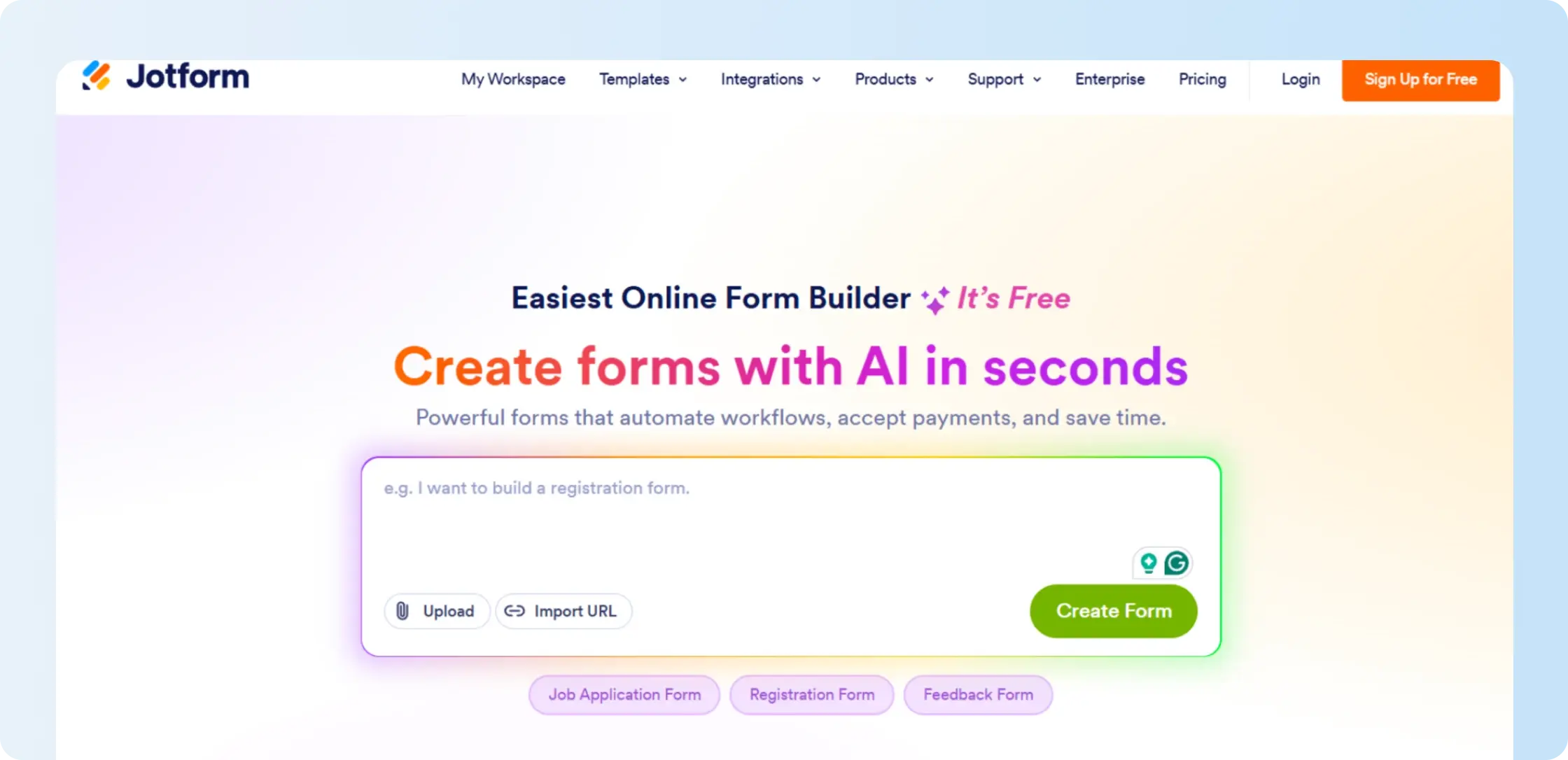
12. Jotform Sign
G2 rating: 4.7/5
Jotform Sign combines electronic signatures with forms, approvals, payments, and document collection. It is most relevant when a business needs to collect structured information before or alongside the signature.
Starter through Gold remain individual 1-user plans with increasing signed-document limits, while multiuser administration moves to Enterprise.
Best for
Businesses that rely on forms, approval flows, data collection, payments, and electronic signatures in the same workflow.
Key features
- Signable documents
- Form integration
- Approval flows
- Payment collection
- Document tracking
- Enterprise team administration
Pricing
Jotform Sign Starter is free and includes 10 signed documents per month. Bronze costs $34/month with annual billing and includes 100 signed documents, Silver costs $39 with 250, and Gold costs $99 with 1,000.
Enterprise uses custom pricing and adds multiuser administration and unlimited signed documents.
Pros
- 10 signed documents per month at no cost on Starter
- Forms, approvals, payments, and eSignature in one workflow
- Multiuser support and unlimited signed documents on Enterprise
Cons
- 1-user limit on Starter, Bronze, Silver, and Gold
- Signed-document limits until Enterprise
- HIPAA-enabled features only on Gold and Enterprise
The full Jotform review covers its document limits, single-user plans, Enterprise requirements, and form-first workflow in more detail.
Shortlist getting smaller? See how Signeasy would handle the workflow you’re comparing.
How to select the best digital signature provider for your requirements?
The best digital signature provider depends on what you are signing, how much assurance the document requires, how often your team sends agreements, and what needs to happen around the signing process.
Start with these 4 questions.
1. What level of signer verification and document integrity do you need?
Start with the level of assurance your documents require. Everyday business documents commonly use eSignature, email verification, and an audit trail. Higher-risk or regulated documents can require stronger identity verification, certificate-based digital signatures, Advanced Electronic Signatures, or Qualified Electronic Signatures.
Also check how the provider protects the document after signing. Digital signatures use cryptographic verification to show whether a signed document has been changed or tampered with, which can be important when document integrity needs to be independently verified.
A lower price or easier interface does not help if the provider cannot support the identity verification and tamper protection your documents require.
2. How often does your team send documents?
Check your sending volume next. Some digital signature solutions charge per user, while others price by contract, envelope, transaction, sender, or signature invite.
A low starting rate becomes less attractive when the plan includes a small sending allowance. Unlimited sending, on the other hand, adds little value when a team sends only a handful of documents.
Compare current volume, sender requirements, included allowances, and overage charges together.
3. What does your team need before and during signing?
Look at the work around the signature itself. Teams that repeatedly send the same agreements can use templates, reminders, signing order, and approvals to reduce repetitive setup and follow-up.
Sales teams creating proposals can put more weight on document creation and CRM integrations. Operations teams sending standard agreements can care more about reusable templates and predictable sending. Regulated teams can put authentication and audit evidence first.
4. What happens to the contract after it is signed?
Check what your team needs from completed agreements. If signed files are kept only for reference, basic document storage can be enough.
If people regularly need to find agreements, check terms, monitor dates, or control access, post-signature contract-management capabilities become more useful. Keep that requirement secondary to the core signing and verification decision in a digital-signature comparison.
Once you’ve answered those 4 questions, narrow the shortlist around the workflow your team needs to support:
Know the workflow you need? Map it to the right Signeasy setup with our team.
Why is Signeasy one of the leading digital signature providers?
Signeasy fits growing business teams that want straightforward eSignature with additional administration, security, and support controls available when required. Its Business plans remove the 5-send limit on Personal, while Business Pro adds team permissions, usage reporting, signer authentication, approval workflows, and additional integrations.
For teams that specifically need tamper verification, Signeasy’s PKI-based Trust Seal is available through Business Plus and uses the PAdES-BLT standard.
- Straightforward signing: Use reusable templates, signing order, reminders, and tracking for repeat document workflows.
- Transparent pricing: Compare Personal, Business, and Business Pro rates before choosing a plan.
- Business integrations: Connect signing with relevant Google and Microsoft tools, with SharePoint and HubSpot available on Business Pro.
- Admin and security controls: Add roles, permissions, usage reporting, signer 2FA, and approval workflows through Business Pro.
- Document integrity: Add PKI-based Trust Seal protection through Business Plus when tamper verification is required.
- Support: Get 24/7 email support on Business and priority support on Business Pro.
How does Signeasy support business eSignature and document integrity?
The right digital signature provider depends on the verification level your documents require and the way your team handles signing. Signeasy fits growing teams that want straightforward eSignature, reusable templates, reminders, integrations, and team support, with additional signer controls available on Business Pro.
For higher-assurance document integrity, Business Plus adds the PKI-based Trust Seal. Teams that specifically require Advanced Electronic Signatures, Qualified Electronic Signatures, or another jurisdiction-specific standard should confirm that requirement separately before choosing any provider.