


If you're comparing Juro alternatives, chances are you've already hit one of its limits: pricing that gets expensive fast as you scale, a learning curve that's tough on non-legal teams, or a feature set built primarily for legal ops rather than finance, sales, or procurement.
Picking contract software looks simple at first. Then you add more contracts and people, and it gets messy fast. Your contract management software should make it easier to find, sign, and track agreements, not add another tool your team avoids.
Some platforms only offer basic eSignature features. Advanced platforms like Signeasy also include Intelligent Contract Management (ICM), helping teams sign, store, find, understand, and track contracts in one place.
This guide breaks down 15 Juro alternatives to help you evaluate:
- Pricing and how costs scale as your team grows
- eSignature, contract management, and AI capabilities
- Ease of use across legal and business teams
- Integrations and how well each tool fits with your existing contract workflows
- Where Signeasy fits for teams that need contract management without buying into a full CLM platform
Quick overview of the top 15 Juro alternatives
Why do teams look for Juro alternatives?
You may start comparing Juro alternatives when the software no longer fits the way your team works.
Juro can be a good fit for legal-led contract workflows. But you would want something different if usability, advanced document controls, template flexibility, or pricing become concerns.
Here are some of the reasons buyers compare Juro competitors.
User-friendliness is limited
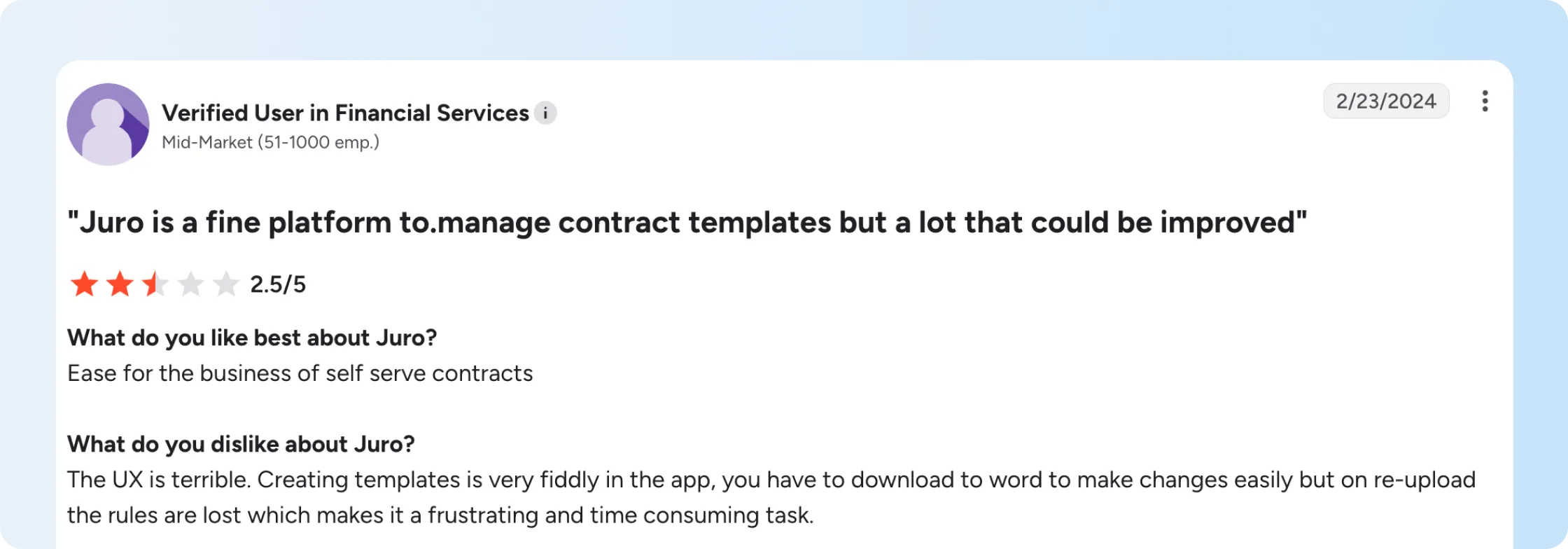
Some G2 reviewers call out usability issues around editing and redlining.
There's a real problem when multiple people need to review a contract. Your team shouldn’t have to loop in extra support just to make routine edits or move a contract forward.
Lack of advanced features
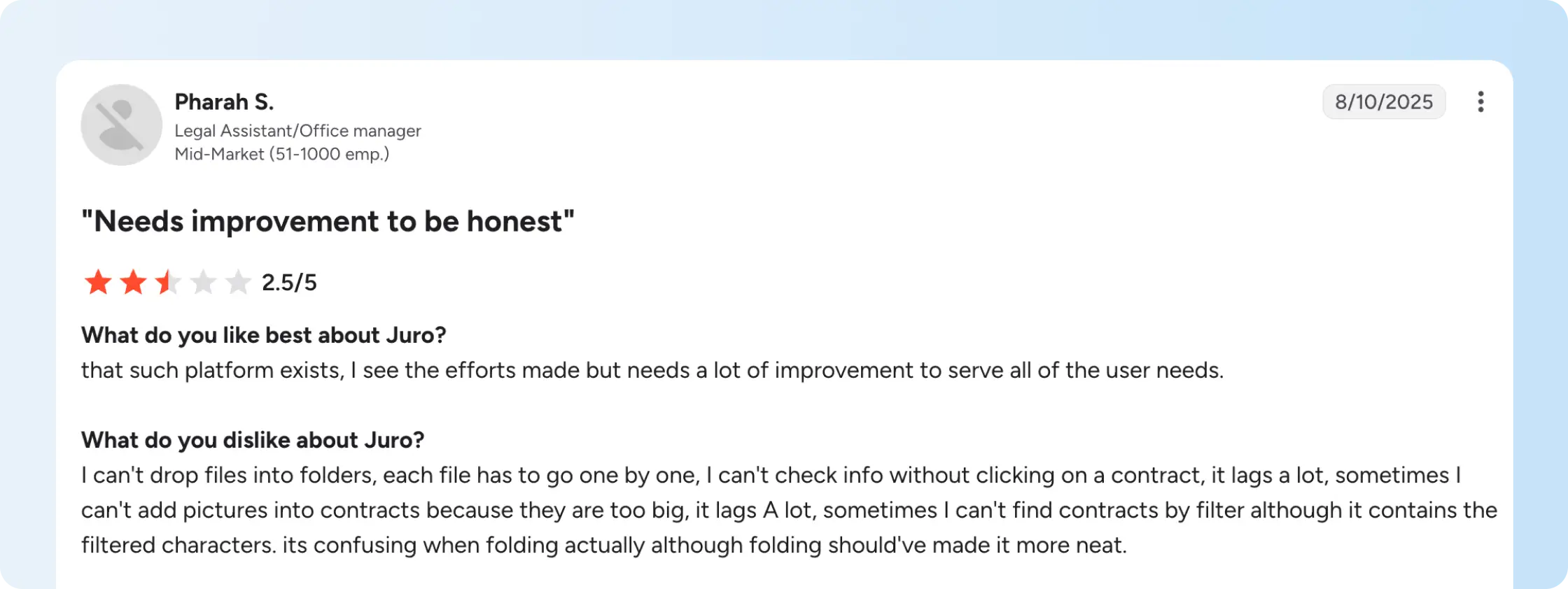
Other reviews point to gaps in areas such as document editing, formatting, folders, and filtering.
If your team handles complex contracts on a regular basis, these details add up fast. Basic document controls can create more manual work when reviewers need to make frequent changes or find specific records.
Pricing details are unclear
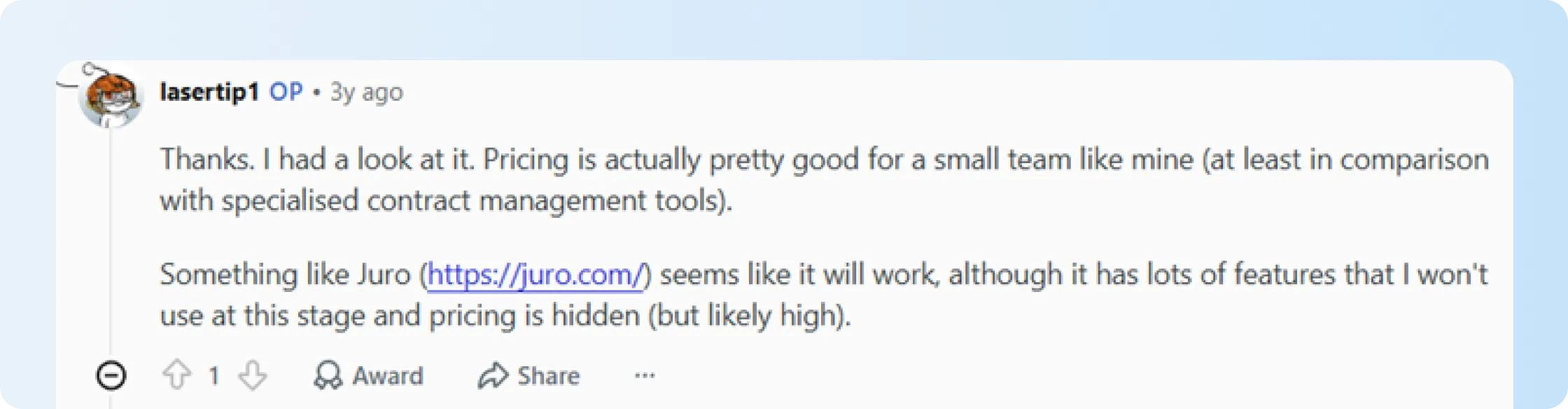
Juro uses custom pricing, so you’ll need to book a call with sales just to understand what it will cost you.
This makes it harder to compare options up front. Reddit threads back this up. Juro's pricing transparency (or lack of it) is a recurring theme in how buyers talk about when evaluating Juro.
Template and clause management challenges
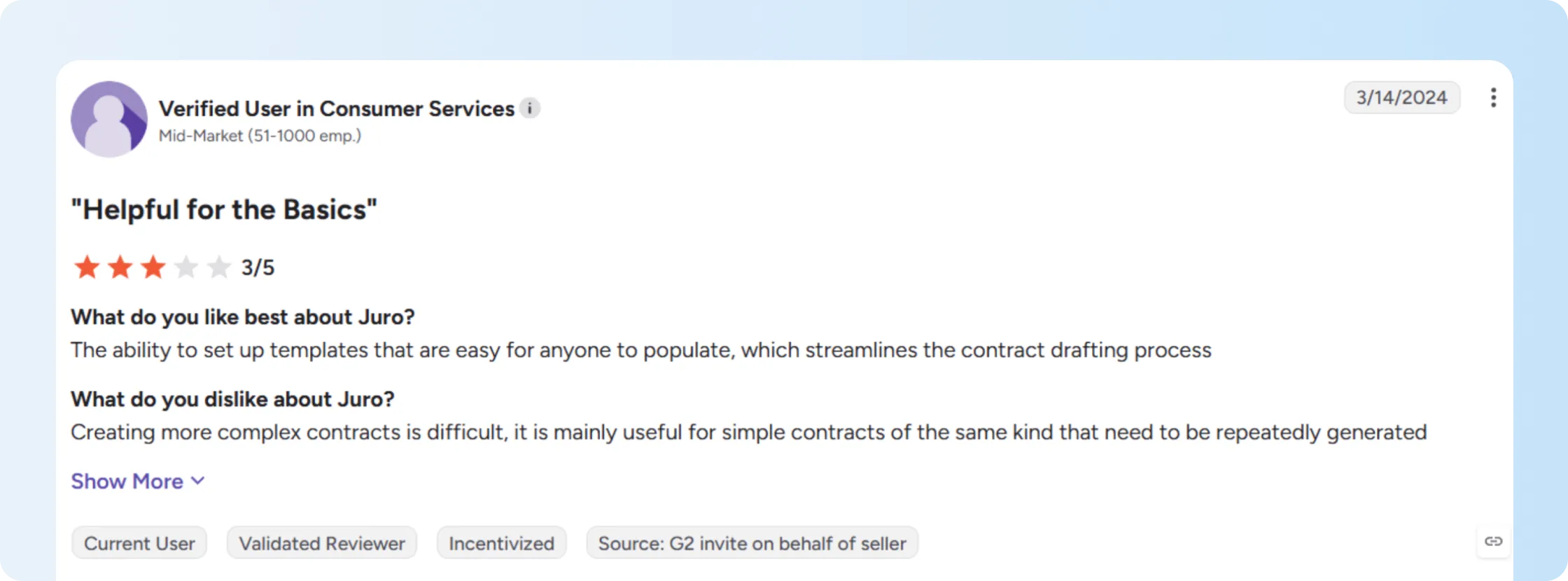
G2 reviewers say Juro works well for simpler, repeatable templates but can become harder to use for more complex contracts.
If you're managing many different contract types, take a close look at how easy it is to update templates and reuse approved language across them.
How should teams choose the best Juro alternatives?
Start with the part of your contract process that’s causing problems.
If drafting, redlining, approvals, and negotiation are slowing you down, a full CLM platform may make sense.
If most problems start after signing, look for a different set of features. A searchable repository, renewal alerts, AI summaries, and fast access to signed contracts may matter more than advanced drafting tools.
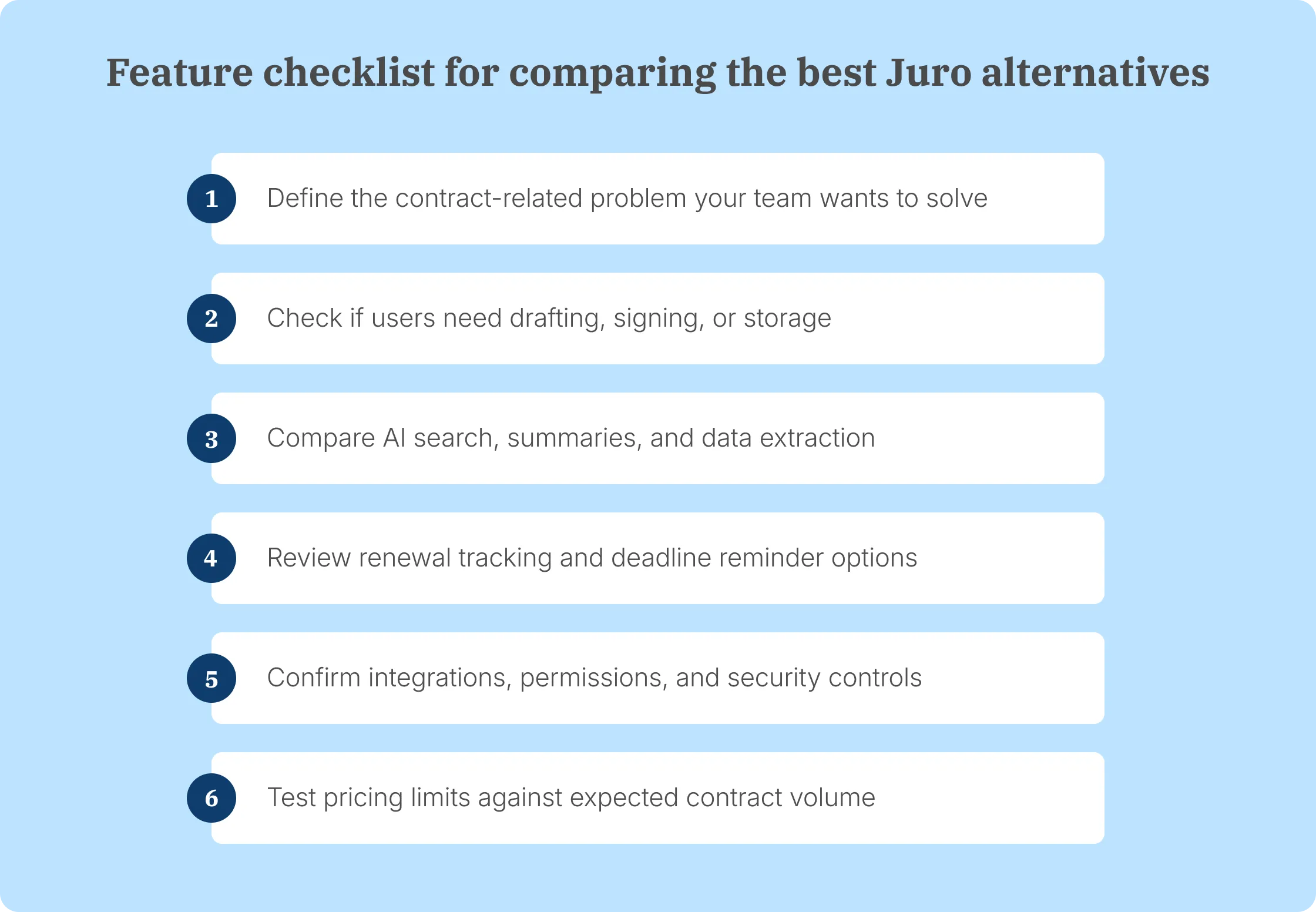
Ask these questions before you shortlist Juro alternatives:
- Do we need full CLM, or post-signature contract management?
- Which part of our current contract process slows teams down most?
- Will users find drafting, review, and negotiation workflows easy to follow?
- Can signed and uploaded contracts live in one searchable repository?
- Does the tool support template updates and clause search without extra work?
- Can AI summarize contracts and extract useful contract data accurately?
- Does the platform track renewals, expiry dates, and key terms?
- Are pricing plans, contract volumes, user limits, and add-ons clear?
- Does the tool connect with the systems our team already uses?
- Can the setup still work if contract volume grows next year?
Don’t evaluate software with a perfect demo contract.
Use the same templates, approval steps, integrations, and search tasks your team handles today. You’ll get a much clearer picture of whether the software fits your workflow.
What are the top 15 Juro alternatives?
The right Juro alternative for you depends on the contract problem you need to solve. Some platforms focus on eSignatures or sales documents, while others are built for contract repositories or full CLM.
Let’s look at where each of the 15 top alternatives fit and what you should know before choosing one.
1. Signeasy
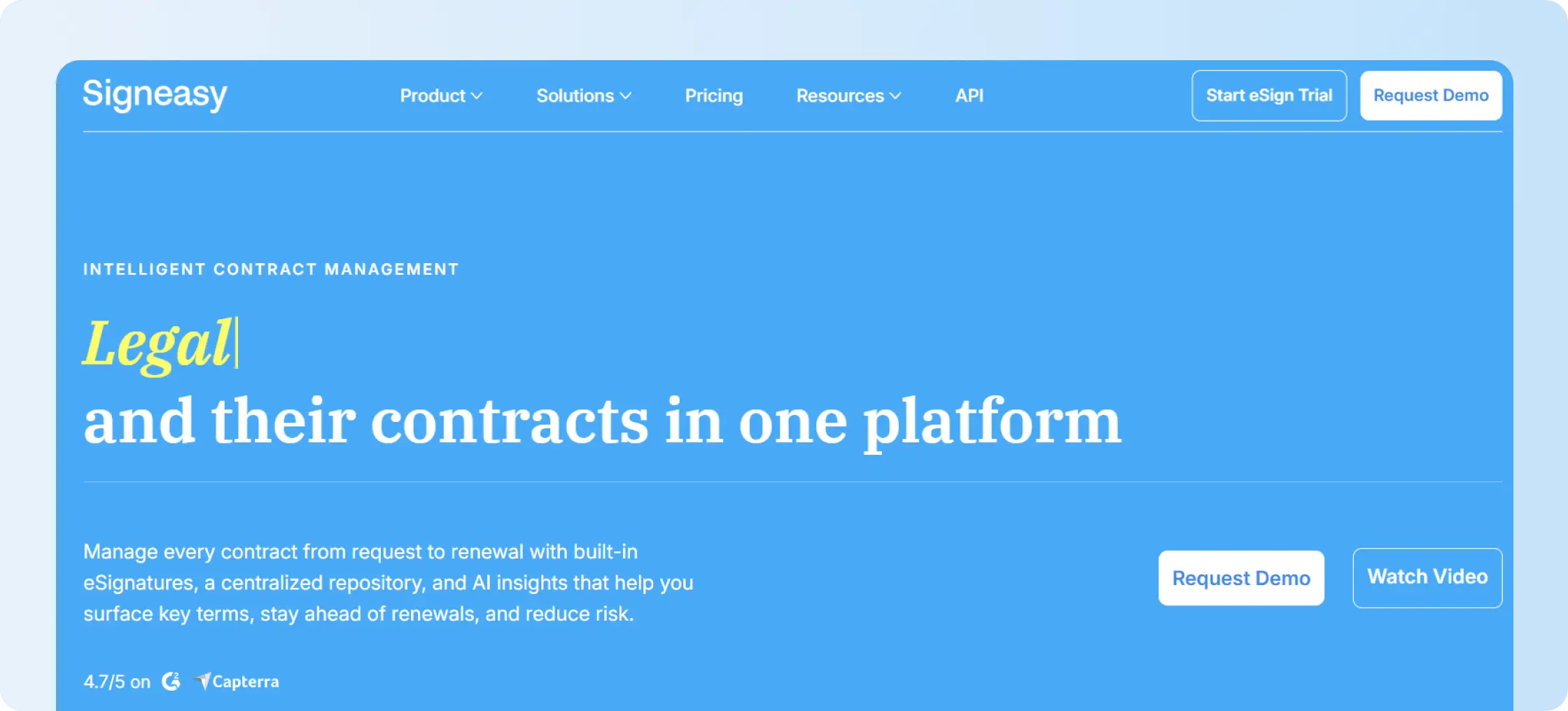
Signeasy is an eSignature and Intelligent Contract Management (ICM) platform. It’s built for business teams that want contract management without taking on a heavyweight enterprise CLM system.
More than 48,000 businesses use Signeasy across functions such as operations, finance, HR, sales, IT, and legal.
You can send contracts for signature and manage the signed records in the same platform. Signeasy also gives you eSignature and approval workflows, a searchable repository, AI-powered contract insights, renewal tracking, and controlled team access.
What are the key features of Signeasy?
- eSignature, templates, and approval routing: Signeasy’s eSignature feature lets you reuse templates, set signing order, send reminders, and maintain audit trails. You don’t have to rebuild the same contracts or chase people for sigantures every time.
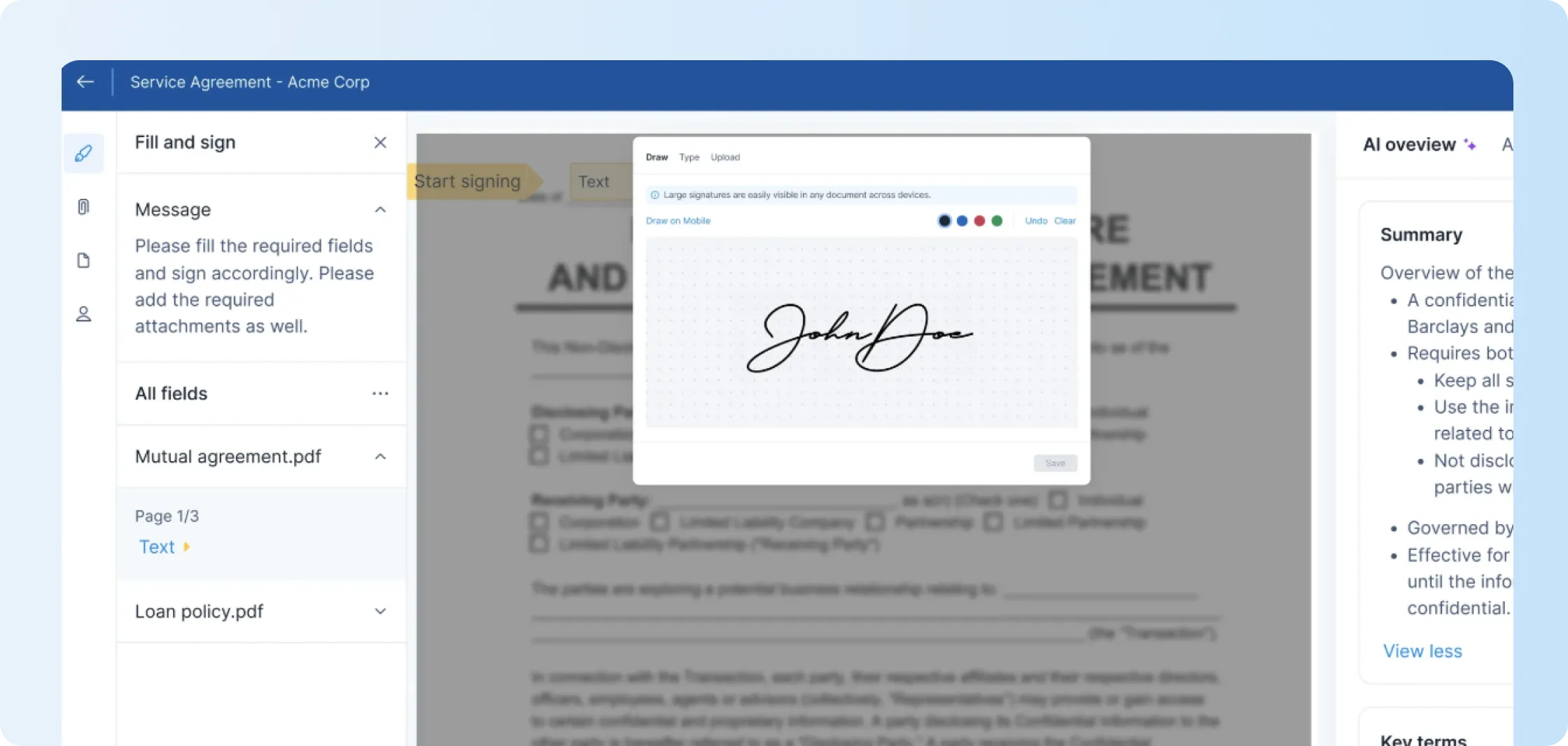
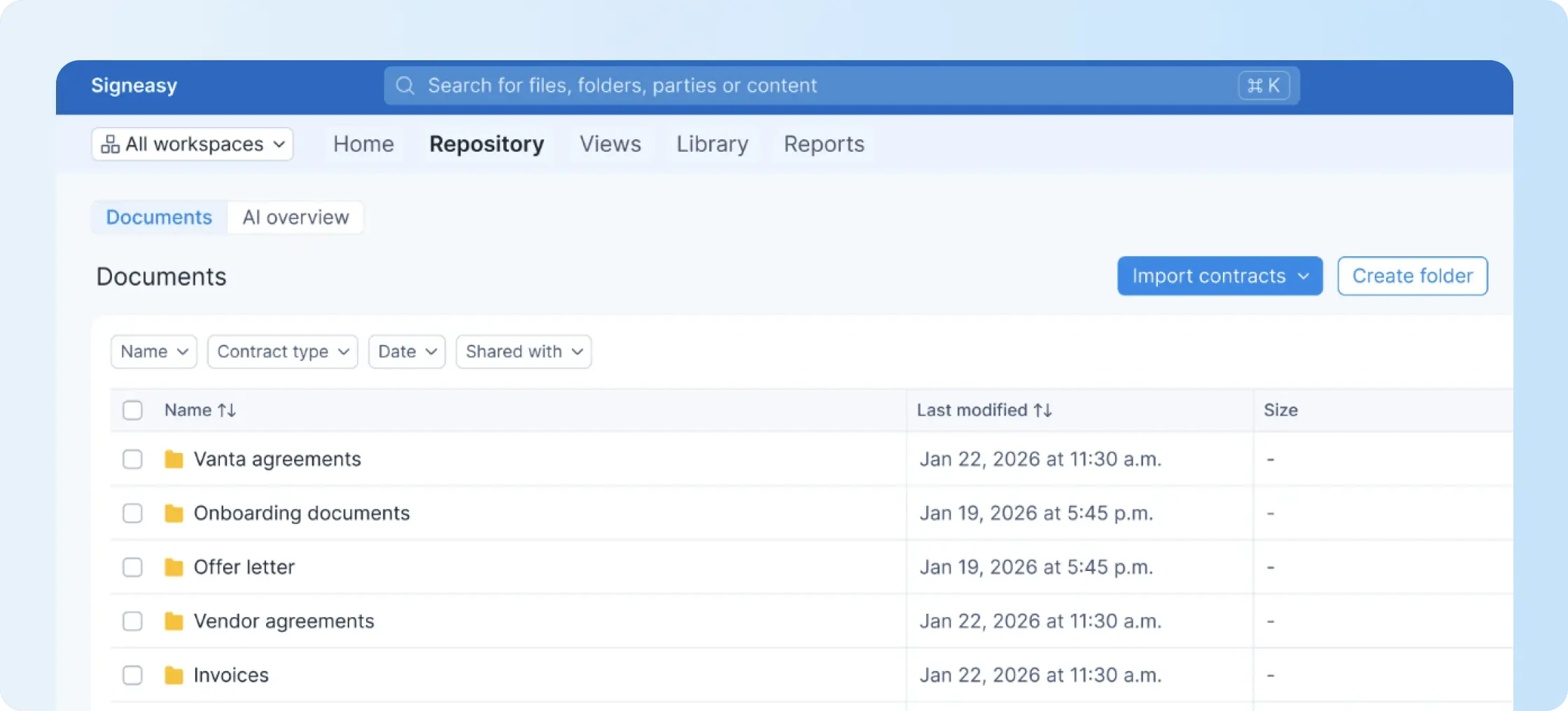
- Centralized contract repository: Store signed and uploaded contracts in one searchable contract repository. Folders, tags, filters, and access controls make final records easier to find.
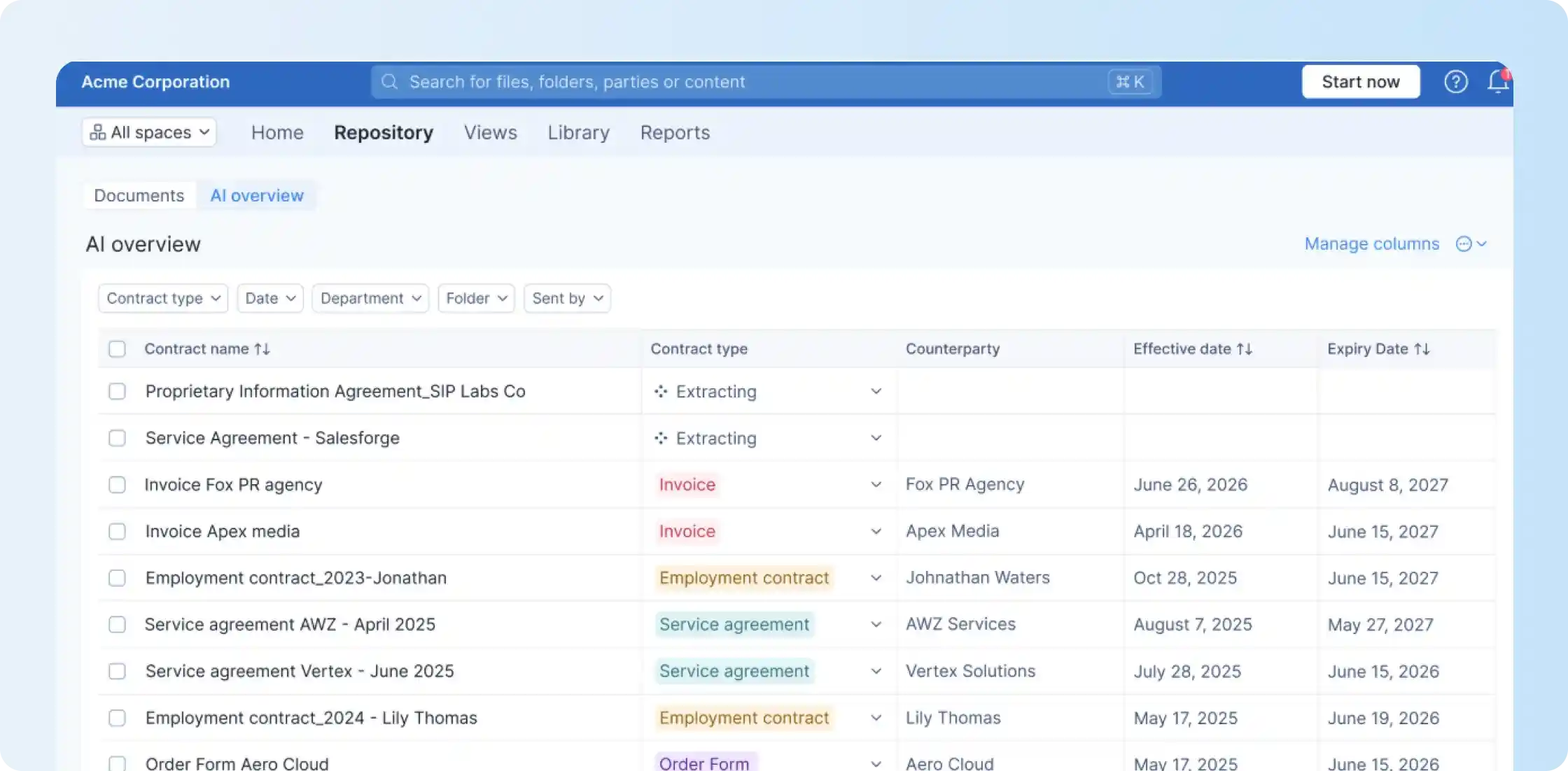
- AI summaries and key-term extraction: Signeasy AI insights surface dates, parties, obligations, renewal terms, and important clauses. You can review key information without reading every contract from beginning to end.
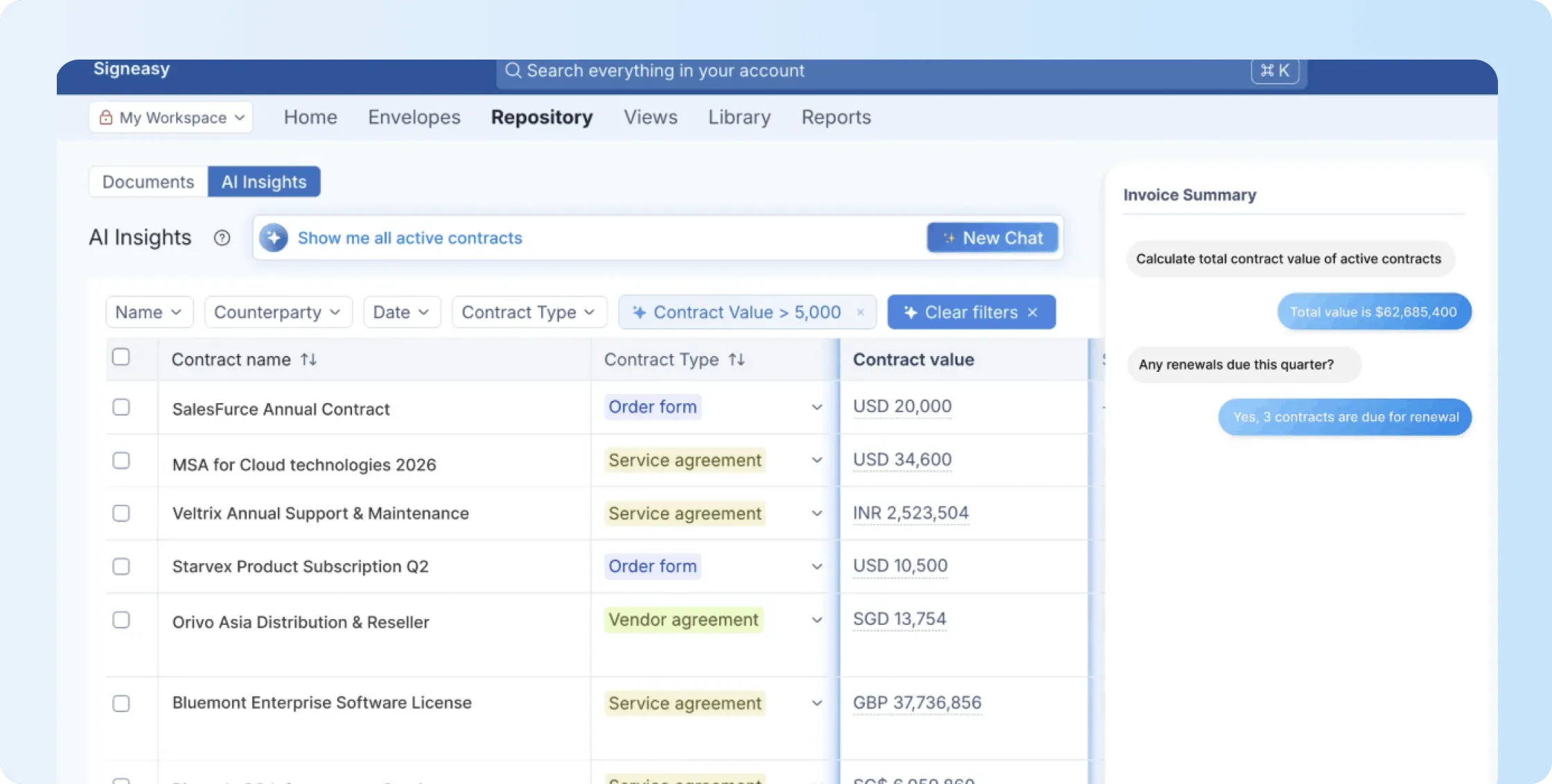
- Conversational AI search: Ask questions about stored contracts using natural language with Signeasy conversational AI. You can look for contract values, renewal dates, obligations, and other terms without searching file by file.
- Renewal Tracker: Track renewal and expiration dates and receive alerts before important deadlines. Signeasy Renewal Tracker makes it easier for you to act before a contract automatically renews or expires.
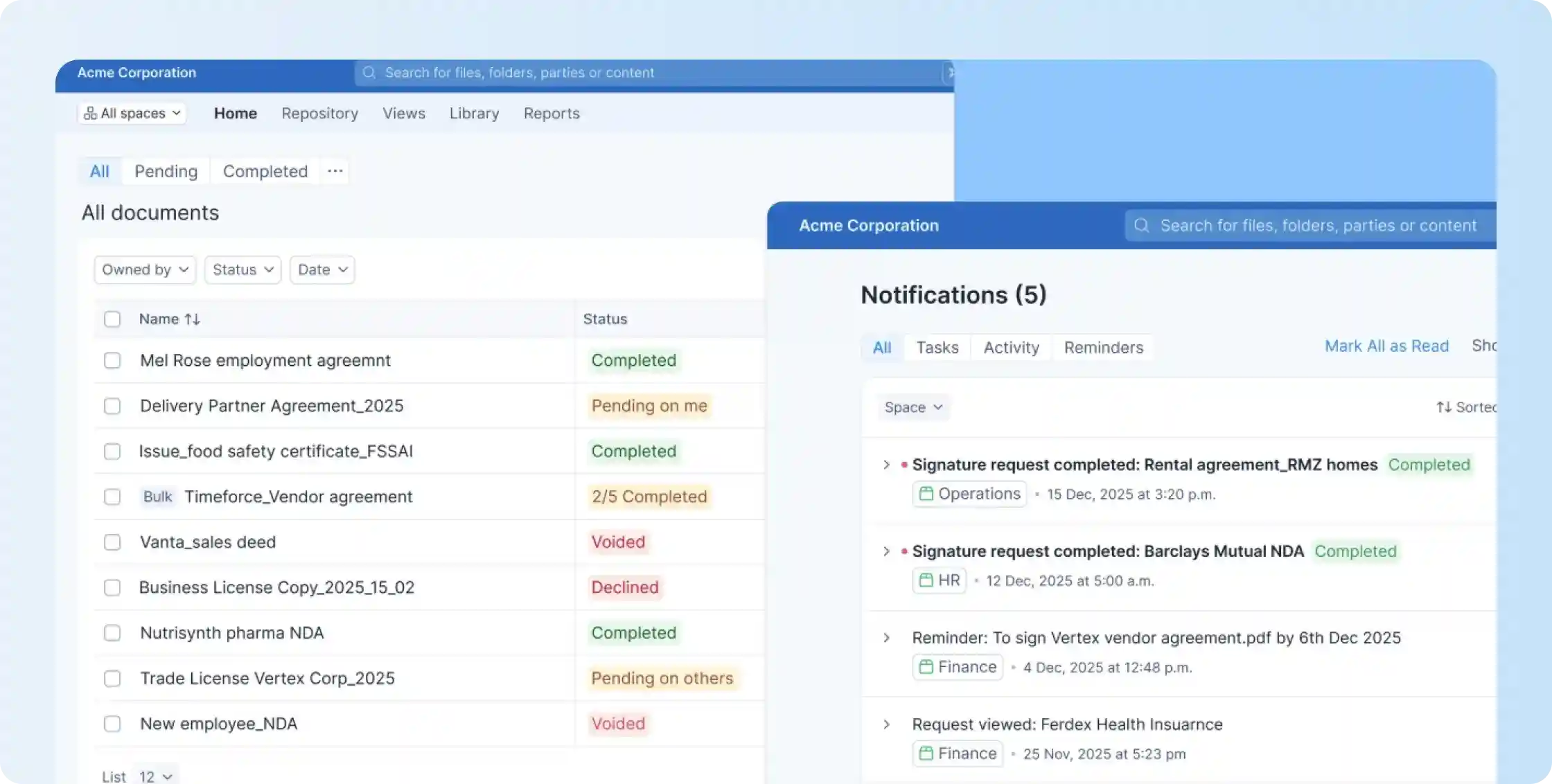
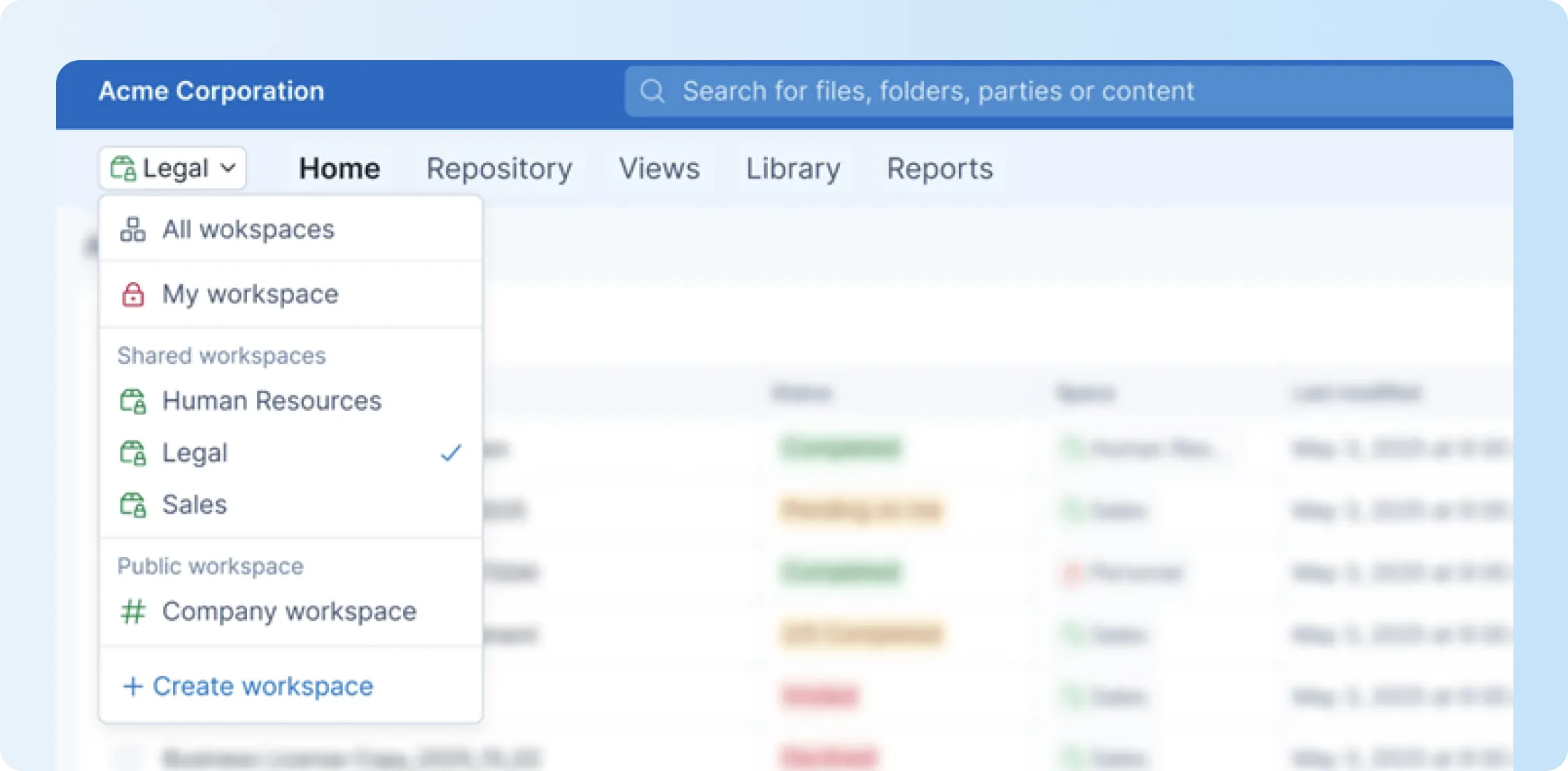
- Team Spaces: Organize contracts by team and control who can access them. Finance, HR, sales, or legal can see what they need without exposing every contract across the company
How much does Signeasy cost?
Signeasy pricing depends on whether your team needs eSignature only or Intelligent Contract Management. For this Juro alternatives comparison, Signeasy ICM pricing is the relevant benchmark:
- ICM Core: $45/user/month, 3-seat minimum.
- ICM Pro: $60/user/month, 3-seat minimum.
- Build Your Plan: for high-volume or regulated teams that need tailored security, compliance, and pricing.
If you need only the eSignatures, Business plans start at $20 per user per month, and Business Pro costs $30 per user per month. Custom Build Your Plan options are available for teams with 5+ seats or higher document volumes. For more information, you can contact the sales team at Signeasy.
Who is Signeasy best for?
Signeasy is a good choice for growing mid-market businesses that need eSignatures and contract management.
It can work across operations, finance, HR, sales, IT, and legal. It’s especially useful when several business teams need easier access to signed contracts, renewal dates, and important contract information.
What do customers say about Signeasy?
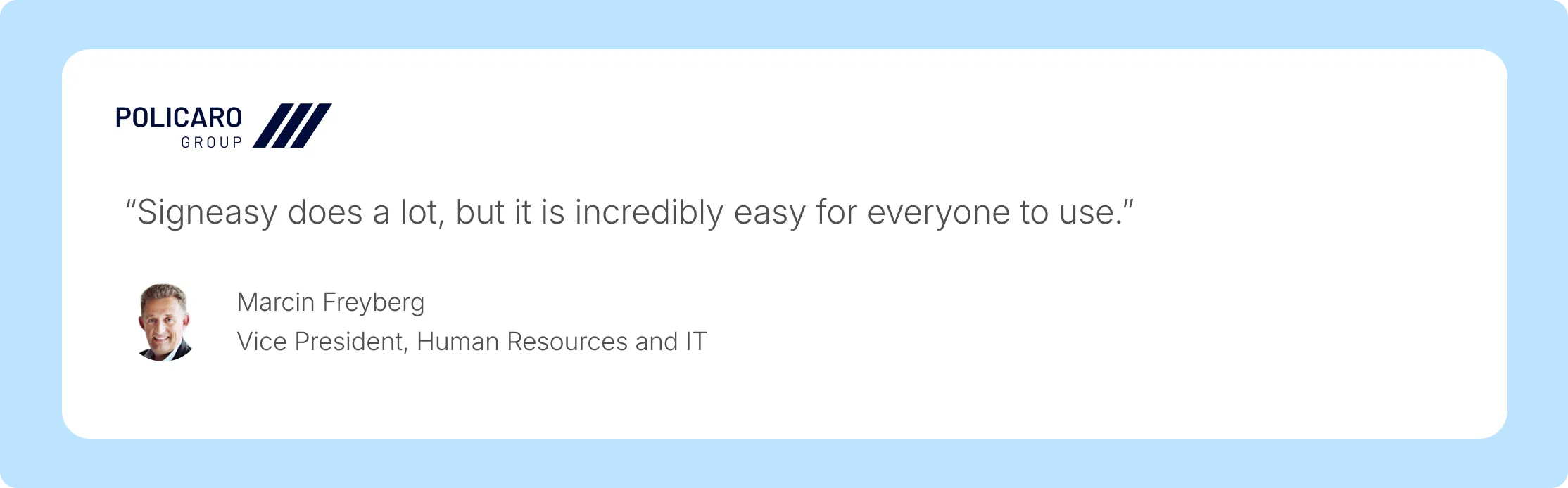
Signeasy customers often mention ease of use, straightforward navigation, mobile signing, and responsive support.
Customer stories also show how teams use templates, reminders, shared workspaces, and contract visibility to reduce repetitive admin work.
For example, Policaro Group moved from manual filing and follow-ups to standardized contract workflows across seven dealerships. After adopting Signeasy, contract processing became five times faster. The team also saved up to 70 administrative hours each month.
2. PandaDoc
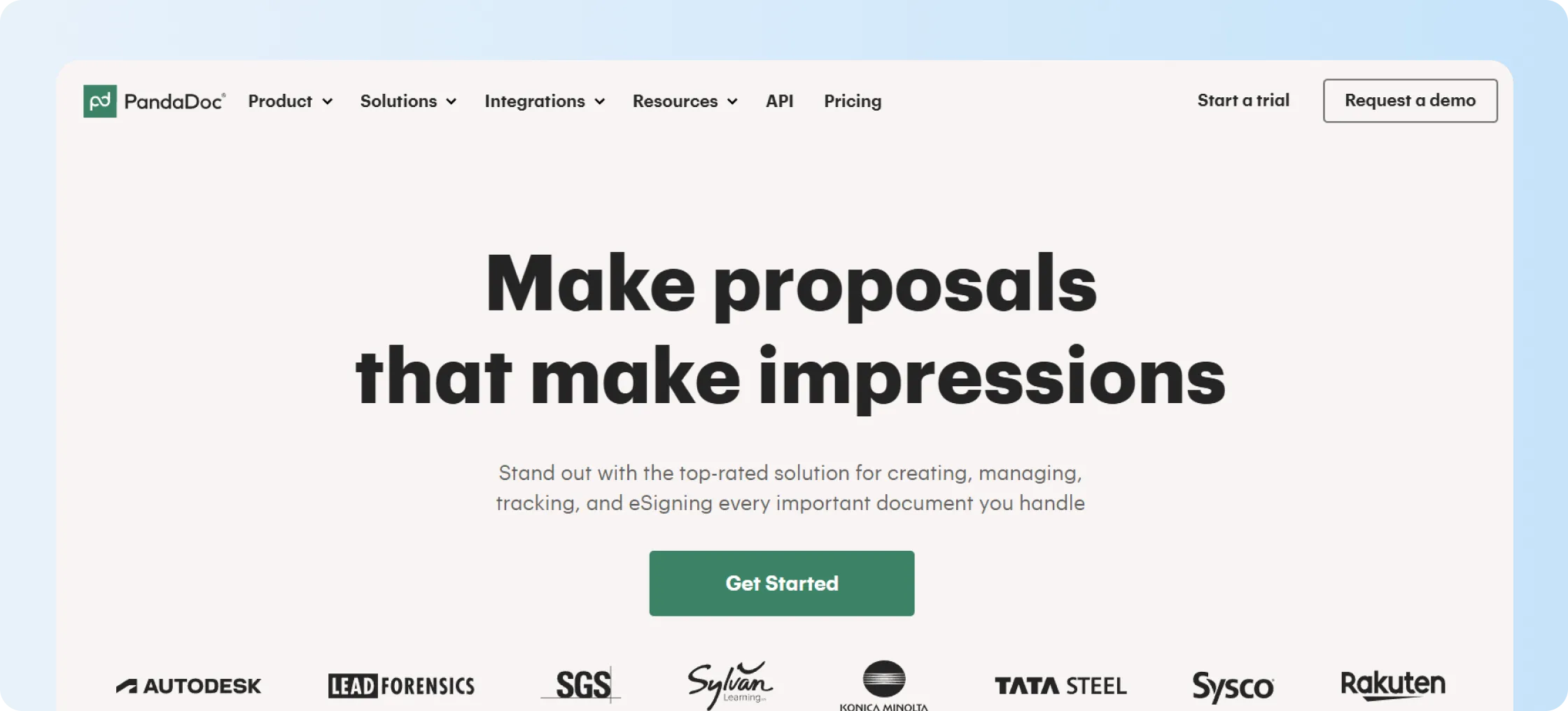
PandaDoc focuses heavily on sales documents such as proposals and quotes. It combines document creation, Configure, Price, Quote (CPQ), eSignatures, payments, and analytics.
If your main goal is helping sales teams create and send customer documents, PandaDoc can be a strong fit. Post-signature contract management isn’t its primary focus.
What are the key features of PandaDoc?
- Drag-and-drop editor builds proposals from reusable content blocks.
- CPQ features support catalogs and dynamic pricing tables.
- Payment collection works inside signed documents.
- Analytics show opens and section-level engagement.
How much does PandaDoc cost?
PandaDoc offers a free eSign option and paid plans for broader document workflows:
- Free eSign: $0
- Starter: $19 per seat per month, billed annually
- Business: $49 per seat per month, billed annually
- Enterprise: Custom quote
- Document-based pricing: Custom quote
What are the pros and cons of PandaDoc?
PandaDoc works well when your team often creates proposals, quotes, and sales documents. If you’re comparing PandaDoc and Signeasy for eSignatures and contract management, see our PandaDoc alternatives guide for a closer comparison.
3. Docusign
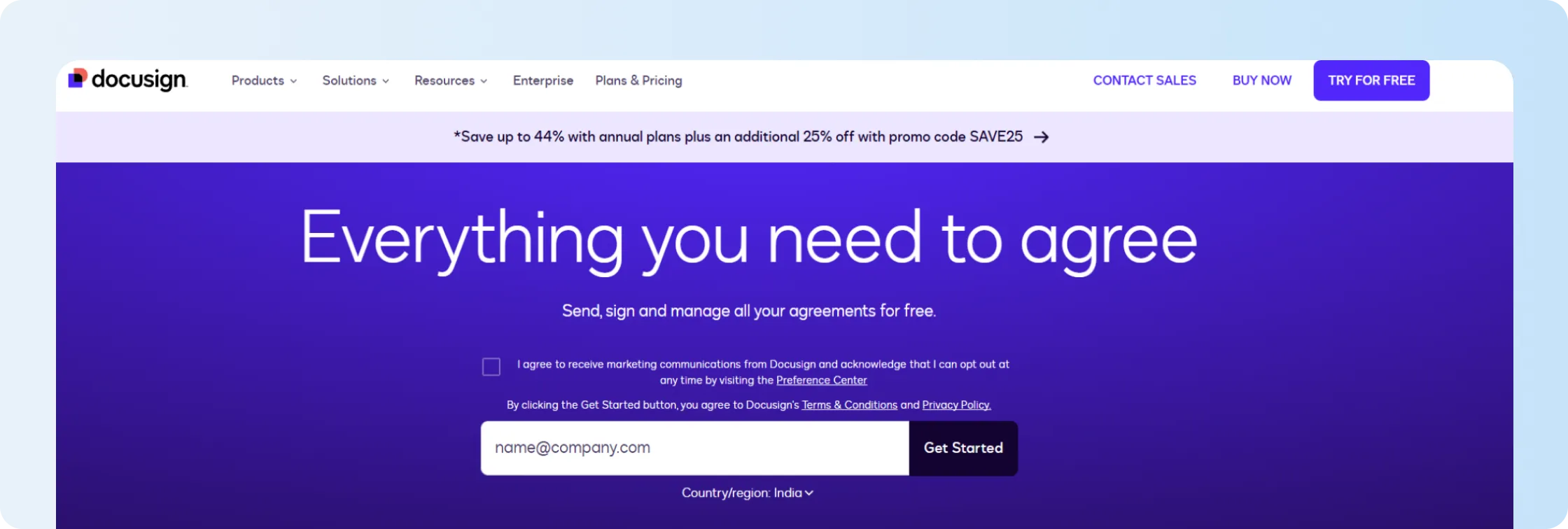
Docusign is an eSignature and contract workflow platform. It offers eSignature, Intelligent Agreement Management (IAM), and Contract Lifecycle Management (CLM) products.
Docusign can suit larger organizations that already use Docusign and need signing, identity tools, workflow automation, and enterprise controls.
What are the key features of Docusign?
- eSignature workflows with templates, reminders, and audit trails.
- Docusign Contract Lifecycle Management (CLM) supports drafting, routing, and workflow automation.
- IAM adds a smart repository and AI-assisted agreement management.
- APIs and identity tools support larger digital workflows.
How much does Docusign cost?
Docusign offers the following plans for its users:
- IAM + eSignature Starter: $45 per user per month
- IAM + eSignature Standard: $50 per user per month
- IAM + eSignature Professional: $80 per user per month
- IAM + eSignature Enterprise: Custom quote
Essential eSignature plans are also available from $11 per month with annual billing.
What are the pros and cons of Docusign?
Docusign works well for teams already using its signing and IAM products, especially when identity, workflow, and enterprise controls are important.
For a deeper comparison with Signeasy, see our Docusign alternatives guide.
SignNow vs DocuSign is another comparison to consider when evaluating eSignature and contract workflow needs.
4. Adobe Acrobat Sign
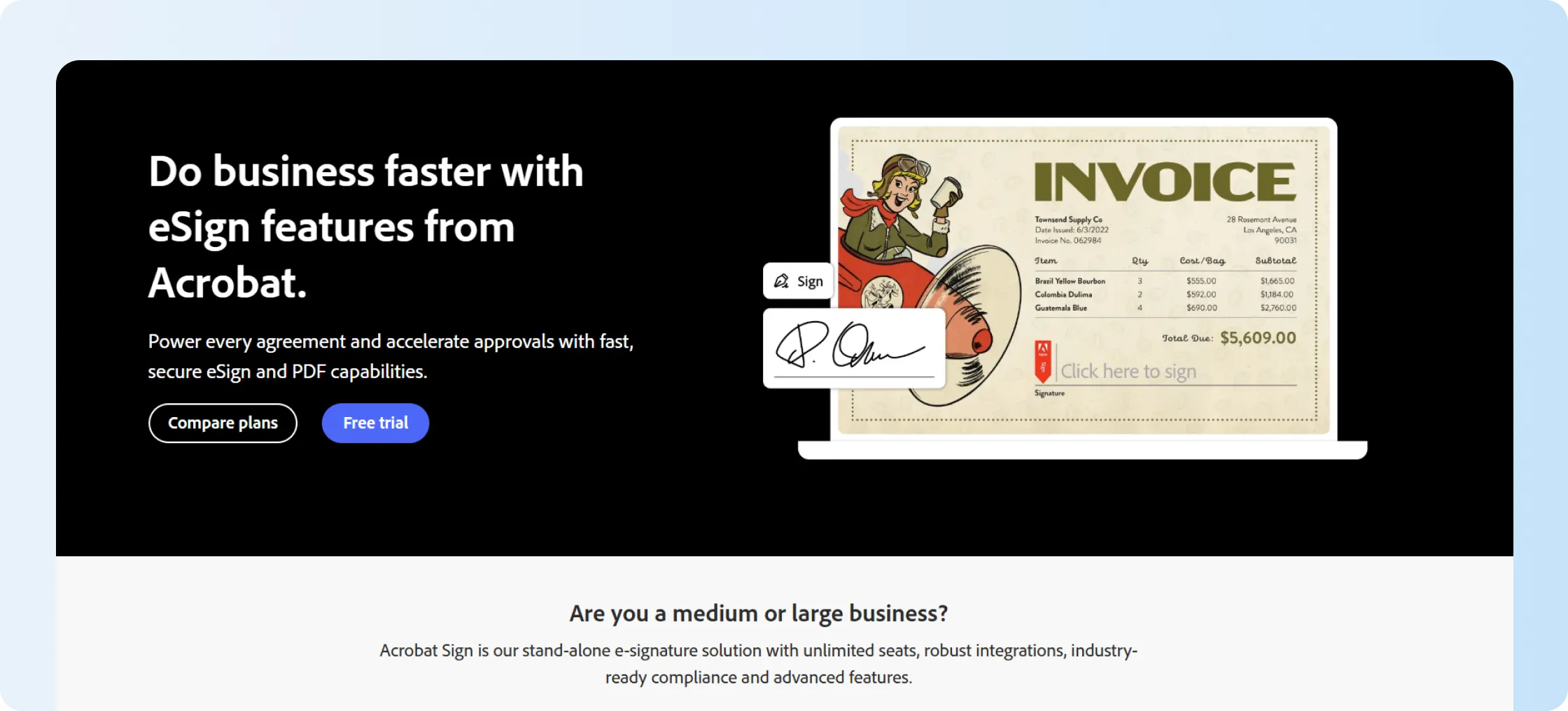
Adobe Acrobat Sign works well if most of your document workflow revolves around PDFs.It connects closely with Adobe Acrobat, so you can combine PDF editing, forms, sharing, and signing.
If you need deeper repository functionality, renewal tracking, or CLM workflows, you may need a broader contract management platform.
What are the key features of Adobe Acrobat Sign?
- eSignature workflows inside Acrobat and web tools.
- PDF editing, sharing, and storage support.
- Integrations with Microsoft, Box, Google, and business apps.
- Enterprise options support advanced signer authentication.
How much does Adobe Acrobat Sign cost?
Adobe Acrobat Sign business plans are available via Adobe Sign Pricing for Business. The plans start at $16.99 per license per month for Acrobat Standard, $23.99 per license per month for Acrobat Pro, and $ 29.99 per license per month for Acrobat Studio.
What are the pros and cons of Adobe Acrobat Sign?
Adobe Acrobat Sign is a natural choice if PDFs sit at the center of your workflow. See our Adobe Acrobat Sign reviews guide for more on pricing, features, and customer feedback. If you're considering other options, explore our guide to Adobe Sign alternatives to compare contract management platforms based on features, workflows, and pricing.
5. Dropbox Sign
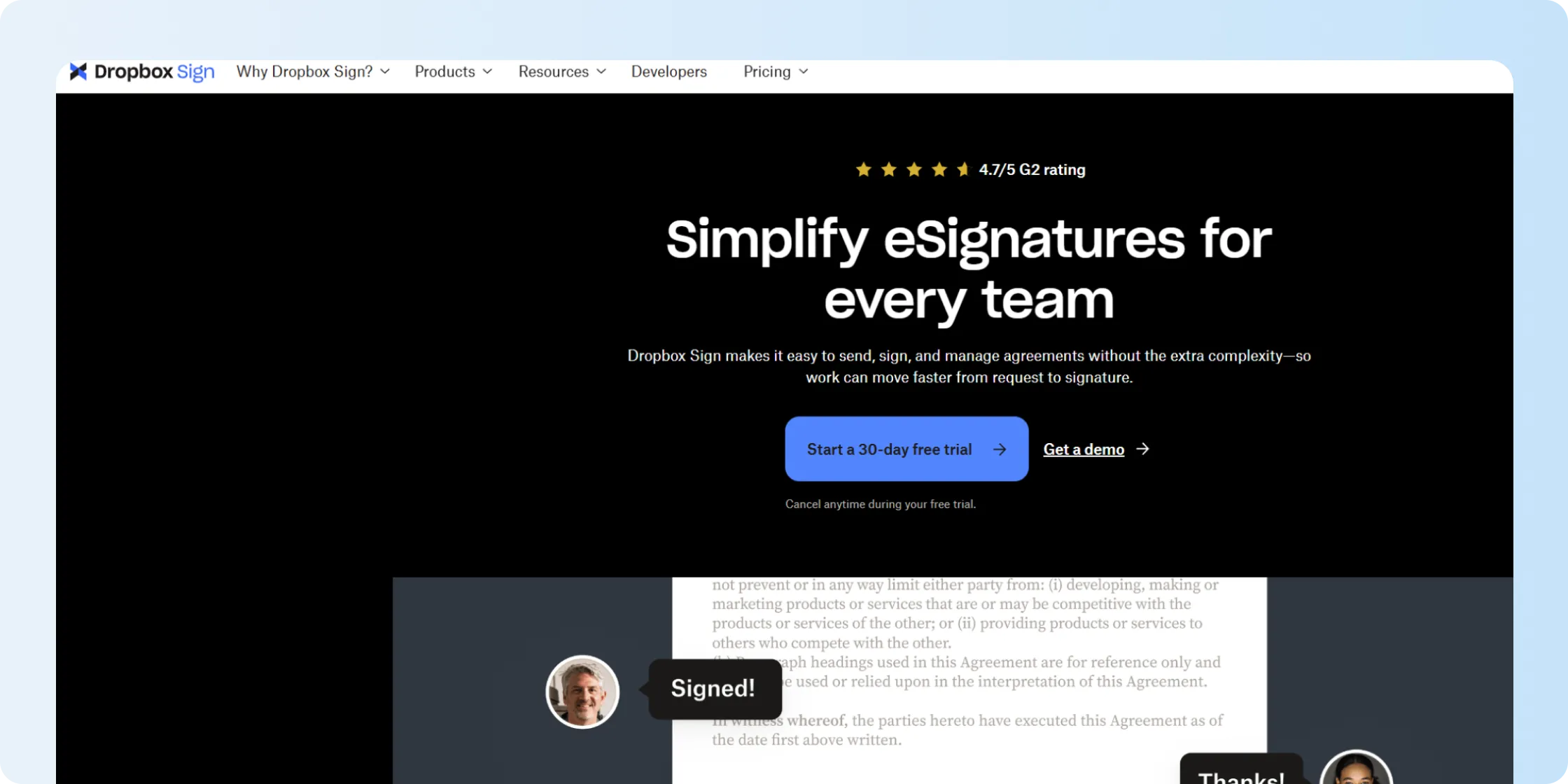
Dropbox Sign is a simple eSignature tool. You can send signature requests, create templates, maintain audit trails, and track documents without setting up a large contract system.
It can fit naturally in the workflow, if your business already stores files in Dropbox. If you need AI contract analytics, renewal management, or deeper lifecycle workflows, you’ll want to compare broader contract platforms.
What are the key features of Dropbox Sign?
- Simple eSignature requests with audit trails.
- Templates and signer fields support repeated documents.
- Dropbox ecosystem helps with file workflows.
- API options support embedded signing experiences.
How much does Dropbox Sign cost?
Dropbox Sign offers the following pricing plans for its users:
- Essentials: $15 per user per month, billed annually
- Standard: $25 per user per month, billed annually
- Premium: Custom quote
What are the pros and cons of Dropbox Sign?
Dropbox Sign is a good option if eSignatures are your main priority.
However, if you are looking for more flexibility, explore our guide on Dropbox Sign alternatives or read our detailed Signeasy vs Dropbox Sign comparison to see which tool offers better templates, signing speed, and contract visibility for your team.
6. SignNow
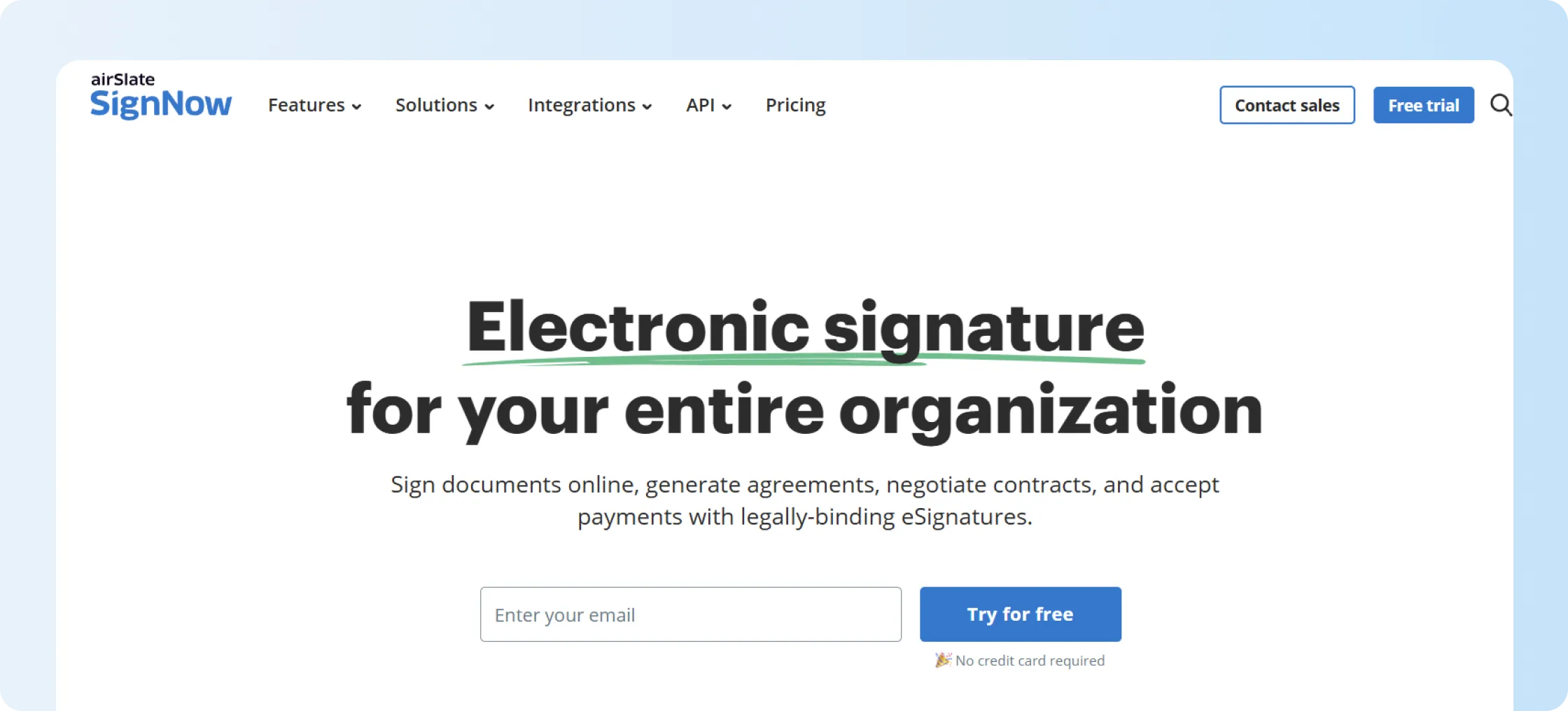
SignNow, part of airSlate, is a signing-first platform with templates, fields, mobile signing, and business integrations.
It can work well if you primarily need eSignatures. Before you choose a plan, check its user limits, signature invite rules, and access to advanced features.
What are the key features of SignNow?
- eSignature workflows with templates and fields.
- Mobile app and storage integrations support distributed teams.
- Salesforce and CRM integrations appear on higher plans.
- Site License supports higher-volume signature usage.
How much does SignNow cost?
SignNow lists the Business plan at $20 per user per month or $8 annually; the Business Premium plan at $30 per user per month or $15 annually; the Enterprise plan at $50 per user per month or $30 annually; and Site License at $1.50 per signature invite. All plans come with free unlimited users. You can also explore Signnow alternatives to compare contract management platforms based on features, workflows, and pricing.add after this line
What are the pros and cons of SignNow?
SignNow can be ideal for teams that need affordable eSignature workflows and business integrations. Our Adobe Sign vs. SignNow vs. Signeasy guide compares the three platforms in more detail.
7. Contractbook
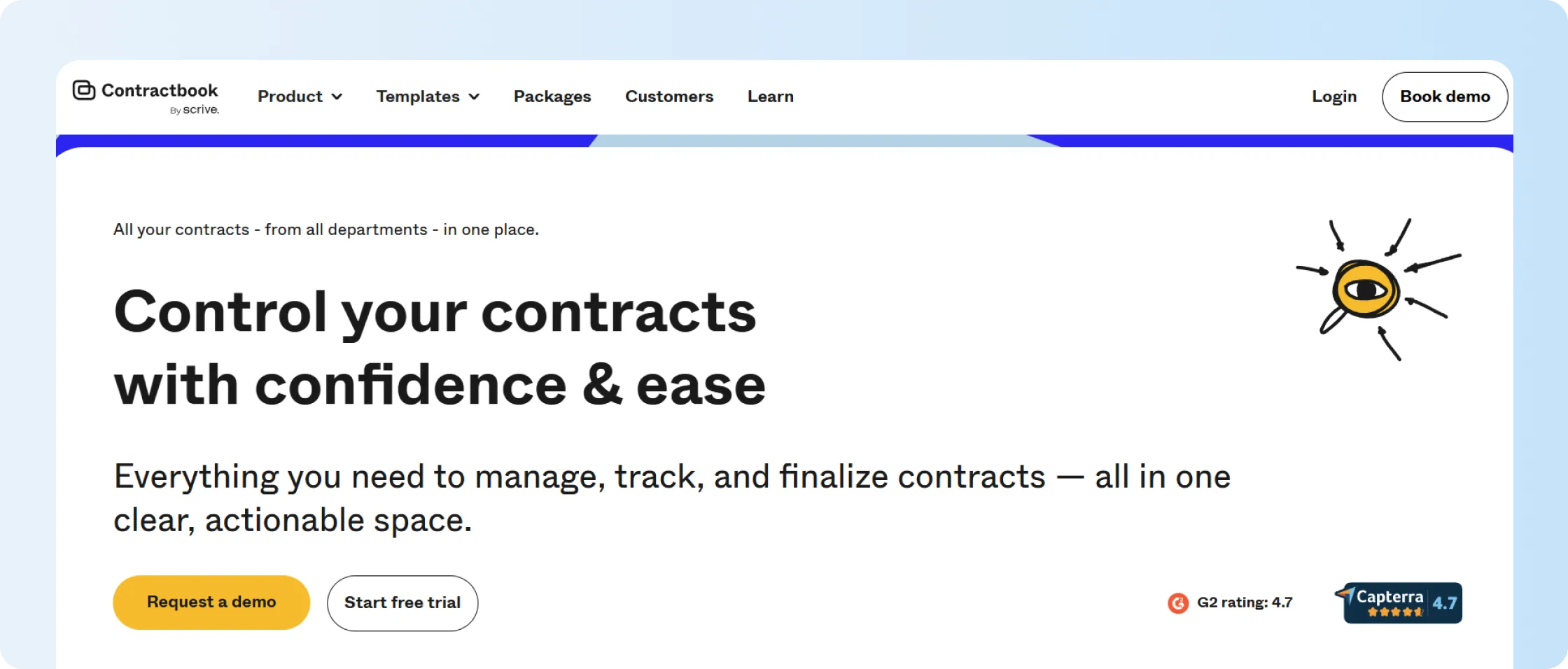
Contractbook combines contract templates, signing, automation, and contract data into a single platform.
It can make sense if you create similar contracts repeatedly and want to automate more of that process. Before choosing a package, check its limits for users, templates, signed contracts, integrations, and automation.
What are the key features of Contractbook?
- Template-based contract creation supports dynamic fields and repeatable document workflows.
- Contract automation helps teams route contracts through predefined steps and approvals.
- AI Import helps extract data from uploaded contracts.
- Integrations include tools such as Salesforce, HubSpot, Slack, Zapier, and Google Drive, depending on plan and setup.
How much does Contractbook cost?
Contractbook lists Essential, Centralize, and Accelerate packages, but it doesn’t publish the price of each plan.
You’ll need to request a quote. You can also try Contractbook free for 14 days before choosing a paid package.
What are the pros and cons of Contractbook?
Contractbook is worth considering if templates and automation are more important than a simple repository-first experience for you.
See our Contractbook review for a closer look at pricing, limits, and product fit.
8. ContractSafe
ContractSafe takes a repository-first approach to contract management. If your biggest problem is finding signed contracts and keeping up with important dates, its focus may make sense.
ContractSafe offers storage, search, reminders, and AI-powered contract chat without centering the product on drafting-heavy legal workflows
What are the key features of ContractSafe?
- Contract repository features help teams store, organize, and search signed contracts.
- AI-powered contract chat helps users ask questions across stored contract records.
- Reminders help teams track renewal dates, expiry dates, and other deadlines.
- Metadata and search features support faster access to contract information.
How much does ContractSafe cost?
ContractSafe offers unlimited users across all its pricing plans, which may help teams avoid seat-based cost increases.
- Organize: Starting at $450 per month
- Finalize: Starting at $660 per month
- Maximize: Starting at $815 per month
What are the pros and cons of ContractSafe?
ContractSafe is a strong option if storage, search, and reminders are your main priorities. If you are comparing similar tools, this ContractSafe alternatives guide shows other options worth reviewing.
9. Ironclad
Ironclad is designed for larger legal teams with complex CLM requirements.
It supports contract intake, workflow design, approvals, negotiation, repository management, and AI-assisted review. If you’re a smaller team, consider whether you need that depth before taking on the setup and training involved.
What are the key features of Ironclad?
- Build intake forms, routing rules, and approvals with Workflow Designer.
- Manage drafting, review, negotiation, approval, signing, and storage.
- Use AI to review clauses and extract contract data.
- Track records, versions, approvals, and contract status in a central repository.
How much does Ironclad cost?
Ironclad doesn’t publish standard pricing.
You choose the products you need, such as CLM, AI, or eSignature, and request a quote. Pricing can depend on integrations, implementation scope, and support requirements.
What are the pros and cons of Ironclad?
Ironclad is best suited to legal teams that need deeper drafting, negotiation, and approval workflows.
See our Ironclad alternatives guide if you’re comparing enterprise CLM with simpler contract management platforms.
10. SpotDraft
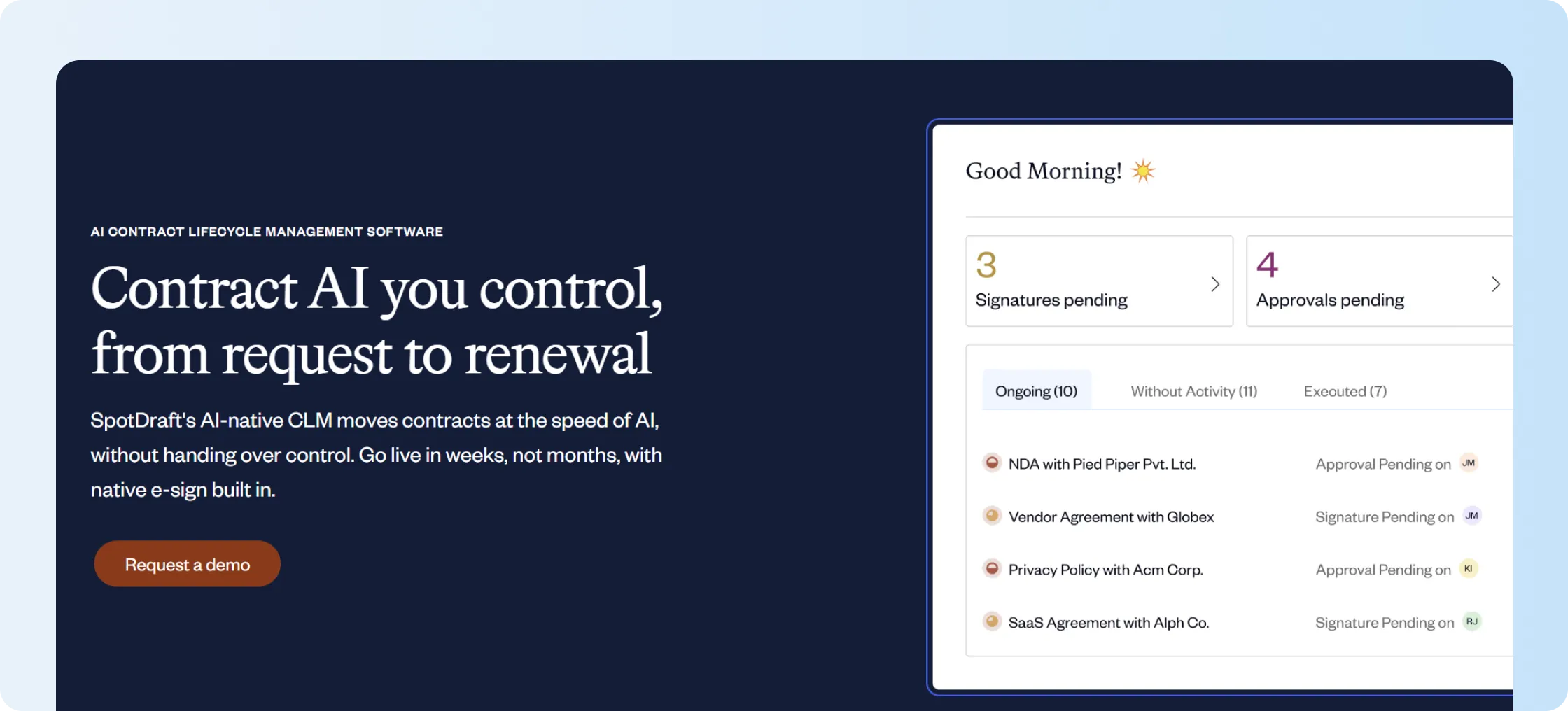
SpotDraft is built for in-house legal teams that want to manage contract requests from intake through renewal.
It brings drafting, review, approvals, eSignatures, and repository management together. Contract metadata remains searchable after the contract is completed.
What are the key features of SpotDraft?
- Contract intake helps teams collect requests and route contracts to the right reviewers.
- Drafting and review workflows support contract creation, negotiation, and approval routing.
- The repository centralizes contracts, metadata, and supporting records for search.
- AI helps extract contract metadata and support faster contract review.
How much does SpotDraft cost?
SpotDraft uses custom pricing.
You’ll need to request a quote based on factors such as team size, repository requirements, AI features, workflows, and expected contract volume.
What are the pros and cons of SpotDraft?
SpotDraft is a good fit if your legal team needs structured contract intake, review, approvals, and repository management in one place.
It works best when legal workflows and contract metadata are more important than simple post-signature management.
11. LinkSquares
LinkSquares is an AI-powered CLM platform built primarily for legal teams.
It supports drafting, routing, review, storage, search, and contract analysis. It can make sense if your legal operations team manages a large contract portfolio and needs structured contract intelligence.
What are the key features of LinkSquares?
- Extract and analyze information across stored contracts with AI.
- Route drafts to the right reviewers and approvers.
- Use repository and analytics tools to improve contract visibility.
- Connect with applications such as Salesforce and Docusign.
How much does LinkSquares cost?
LinkSquares uses custom pricing.
You’ll need to schedule a pricing call. Factors may include your company size, team structure, current processes, and growth plans.
What are the pros and cons of LinkSquares?
LinkSquares works well if your legal team needs AI-powered contract intelligence, analytics, and structured CLM workflows.
It is better suited to larger legal operations teams that manage complex contract portfolios and need deeper visibility across contract data. However, growing teams looking for faster implementation, simpler workflows, or transparent pricing often explore top LinkSquares alternatives.
12. Concord
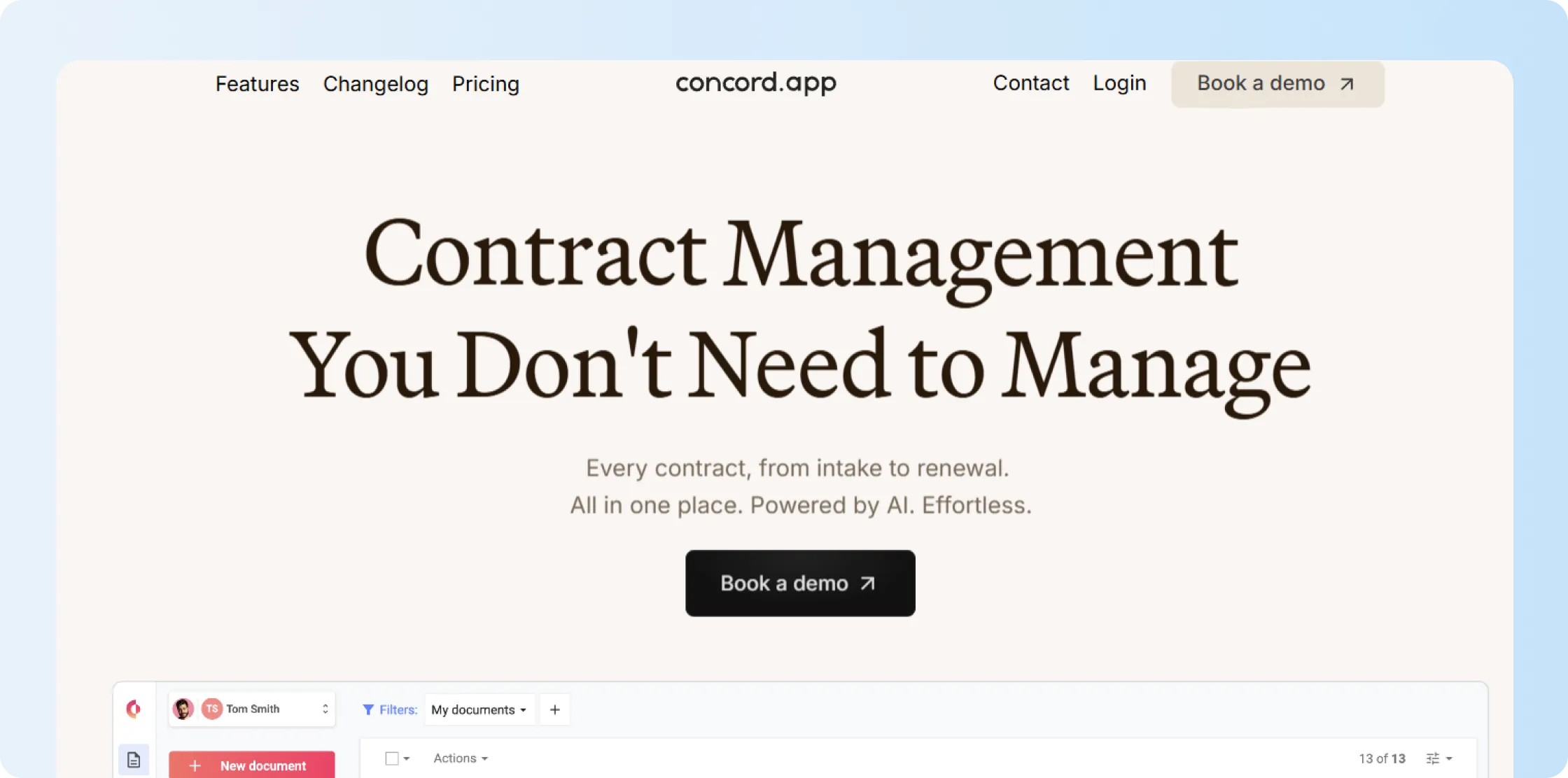
Concord combines drafting, collaboration, eSignatures, storage, and workflow tracking.
It can suit you if you want a structured contract process but don’t want to move into a large enterprise CLM implementation.
What are the key features of Concord?
- Draft, upload, sign, and manage contracts in one place.
- Let reviewers comment and edit during collaboration.
- Store and search contract records after signing.
- Track approvals, tasks, and contract status.
How much does Concord cost?
Concord publishes three annual plans and charges separate monthly fees for adding more users to the account.
- Essentials: $499/month; includes 5 users; additional users cost $49/month
- Business: $899/month; includes 5 users; additional users cost $69/month
- Enterprise: $1,299/month; includes 5 users; and additional users cost $89/month
What are the pros and cons of Concord?
Concord can work if you want drafting, collaboration, signing, and storage on a single contract platform.
See our Concord alternatives guide for more on features, pricing, and product fit.
13. Agiloft
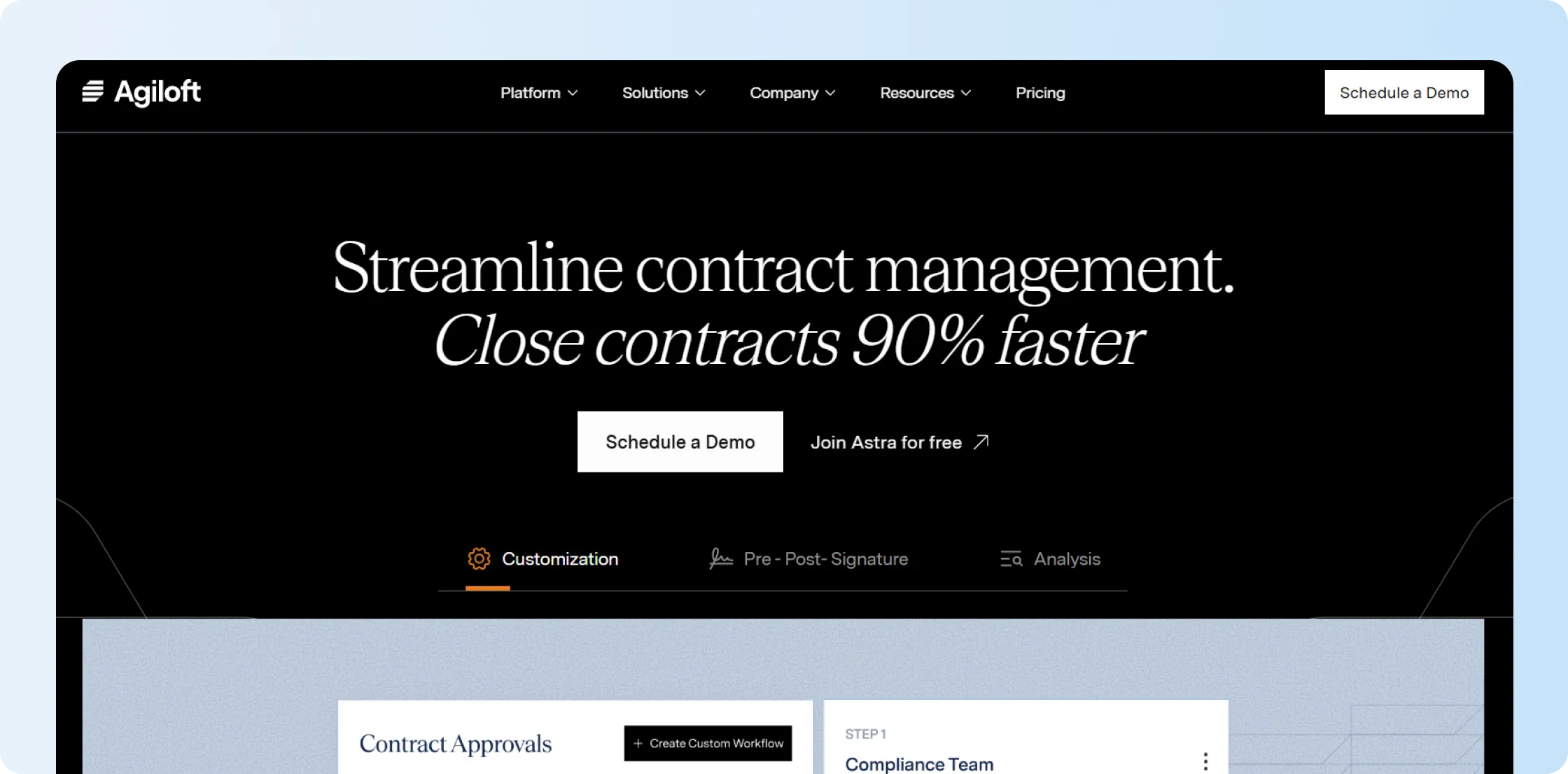
Agiloft is an enterprise CLM platform built for highly configurable contract processes.
It’s better suited to larger organizations that need governance, analytics, AI, reporting, and configurable workflows. You’ll also need the internal resources to manage a more customizable system.
What are the key features of Agiloft?
- Manage contract processes across the lifecycle with data-first CLM.
- Use Agiloft Astra for AI-assisted contract review and analysis.
- Automate approvals, renewals, obligations, and governance processes.
- Configure workflows around complex enterprise requirements.
How much does Agiloft cost?
Agiloft doesn’t publish standard pricing. You’ll need to book a demo and request a quote based on your requirements.
What are the pros and cons of Agiloft?
Agiloft is a good fit if your organization needs configurable CLM workflows, governance, AI, and contract analytics.
It works best for larger teams that can support a more involved setup and want to tailor contract processes to complex business requirements.
14. Icertis

Icertis focuses on enterprise contract intelligence for large organizations.
It supports governance, analytics, obligations, AI, and integrations across major enterprise systems. It makes the most sense if you manage a complex global contract portfolio and have mature implementation resources.
What are the key features of Icertis?
- Connect contract information with wider business outcomes.
- Analyze large contract portfolios across teams.
- Link contract obligations to follow-up actions and performance.
- Integrate with systems such as SAP, Microsoft, and Salesforce.
How much does Icertis cost?
Icertis doesn’t publish standard self-service pricing.
You’ll need to request a quote based on your AI requirements, integrations, implementation scope, and support needs.
What are the pros and cons of Icertis?
Icertis is designed for complex enterprise contract environments.
If costing is part of your evaluation, see our Icertis pricing guide before contacting sales.
15. ContractWorks
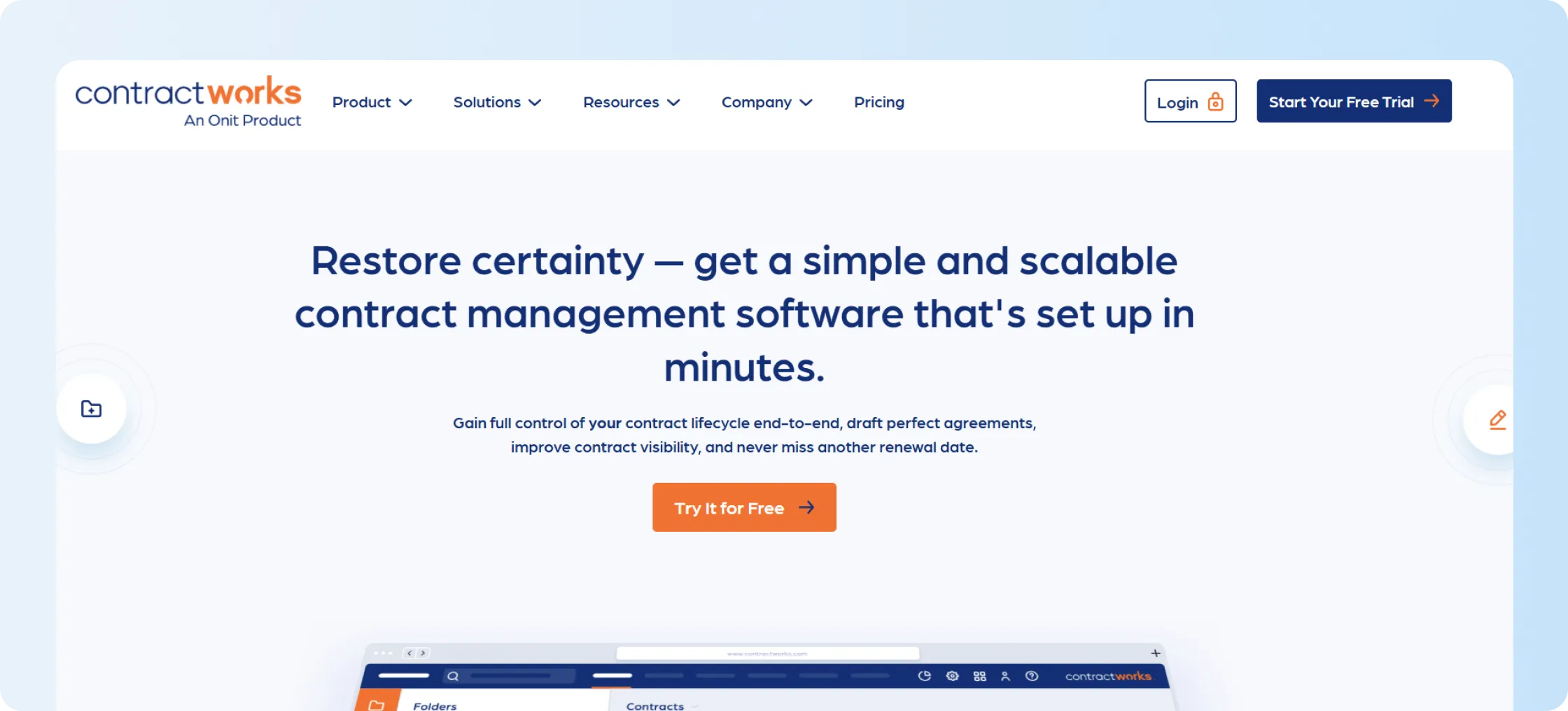
ContractWorks focuses on what happens after a contract is signed.
You can store contracts, search records, set alerts, run reports, and control access. It can be a good fit if you don’t need detailed drafting, negotiation, or approval workflows.
What are the key features of ContractWorks?
- Store and search signed contracts in a central repository.
- Track renewals, expiration dates, and other deadlines with alerts.
- Use reporting and analytics for contract visibility.
- Control access to sensitive records with user permissions.
How much does ContractWorks cost?
ContractWorks offers Standard, Professional, and Premium plans with unlimited users.
Its official pricing page doesn’t currently display plan prices. The trial page states that pricing starts at $700 per month.
What are the pros and cons of ContractWorks?
ContractWorks works well if you mainly need a secure place to store signed contracts, search records, track deadlines, and run reports.
It is better suited to post-signature management than to drafting-heavy or approval-heavy contract workflows.

Which Juro alternative should different teams choose?
Every team has different contract management requirements, so the ideal tool should fit the function it is used for most often.
Some teams need faster contract creation. Others need better visibility after signing. The table below shows which Juro alternatives may fit different functional needs.
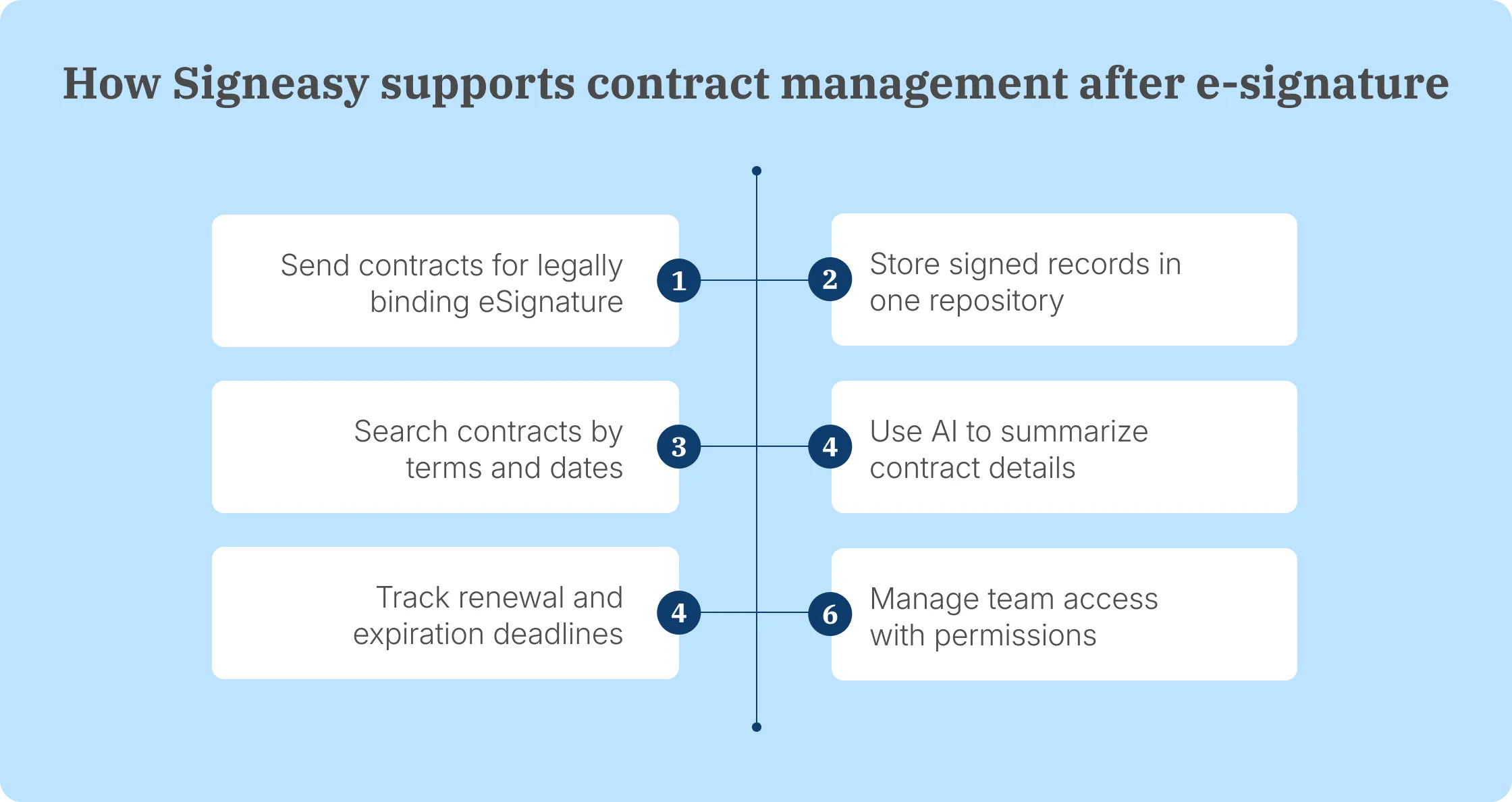
Signeasy stands out for teams that sit between basic eSignature workflows and full CLM. It gives your team one place to sign, store, search for, track, and review contracts.
This keeps the experience practical for business teams that need contract visibility without a complex rollout.
If your signed contracts are still scattered across shared drives, see our contract repository software guide to know how repository, search, eSignature, approval workflows, and renewal tracking can work together.
When is Signeasy a better Juro alternative?
Signeasy can be the better Juro alternative if your biggest challenges arise either during or after contract signing.
You can send contracts for signature, keep signed records in one place, find key information with AI, track renewal dates, and control team access. With Signeasy, you don’t need to roll out a full legal-led CLM platform to get those capabilities.
Choose Signeasy if you mainly want signed contracts to be easier to find, understand, and manage.
The repository helps you locate the right record. AI summaries and key-term extraction make important details easier to review. Renewal reminders help you act before deadlines pass.
You can also control who sees each contract, making it easier to share information without giving everyone access to sensitive records. Signeasy helps you close the gap between signing a contract and properly managing it afterward.
Book a demo to see how Signeasy helps your team sign, store, search, and track contracts in one place.